
Product Overview
The Vivitar VIV-HSC-3-BLK Hard Shell Carrying Case is designed to provide robust protection for your digital camera and essential accessories. Its durable construction ensures your equipment remains safe during transport and storage. This case is ideal for photographers seeking a compact yet secure solution for their gear.
Key Features
- Durable Hard-shell Construction: Offers superior protection against impacts and external elements.
- Neck Strap: Provides convenient and secure carrying options.
- Holds Digital Camera & Accessories: Spacious enough to accommodate your camera and small essentials.
- Lifetime Warranty: Ensures long-term reliability and customer satisfaction.
- Compact Design: Optimized for portability without compromising protection.
Setup and Assembly
Before using your Vivitar Hard Shell Camera Case, follow these simple steps to prepare it for your equipment.
Attaching the Neck Strap
- Locate the small metal loops on the side of the camera case.
- Attach the metal clips of the provided neck strap to these loops. Ensure both clips are securely fastened.
- Adjust the strap length to your preference for comfortable carrying.
Internal Organization
The case features internal padding and elastic straps to secure your camera. Some models may include removable dividers for customized organization.
- Camera Compartment: Place your digital camera securely within the main padded section. Use the elastic strap to hold it firmly in place.
- Accessory Pockets: Utilize the mesh pocket on the lid for smaller items like memory cards, spare batteries, or charging cables.
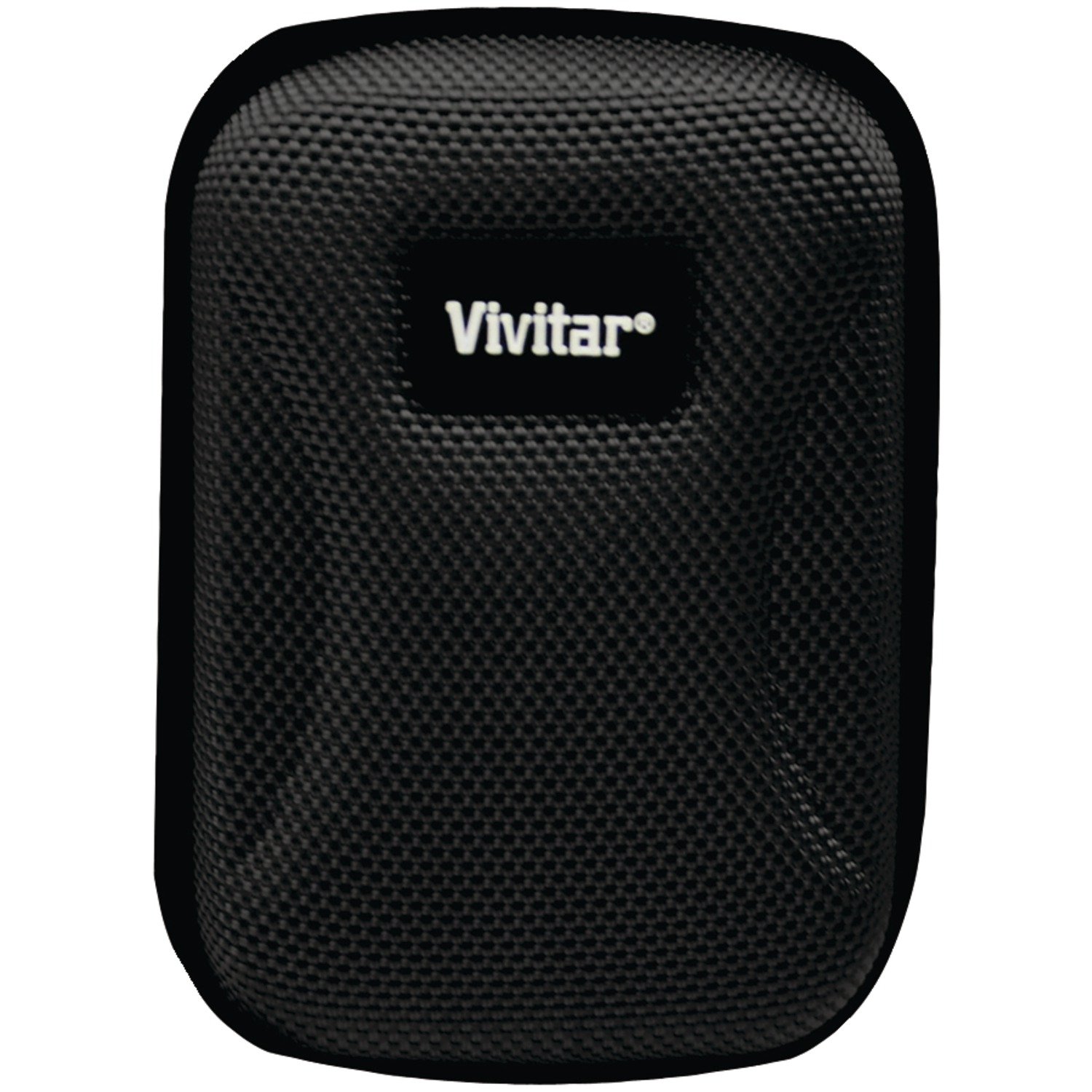
Image: The Vivitar VIV-HSC-3-BLK Hard Shell Camera Case, showcasing its compact design and durable exterior.
Operating Instructions
Proper use of your camera case will ensure the longevity and safety of your equipment.
Inserting Your Camera and Accessories
- Open the case fully using the zipper.
- Carefully place your digital camera into the main compartment. Ensure it fits snugly.
- Secure the camera with the internal elastic strap to prevent movement.
- Place small accessories such as extra batteries, memory cards, or charging cables into the mesh pocket.
Securing the Case
- Once all items are placed, gently close the lid.
- Zip the case completely shut, ensuring no fabric is caught in the zipper.
- For added security, use the neck strap for hands-free carrying.
Video: Demonstration of placing a digital camera and accessories into a hard shell case, highlighting internal organization and secure closure.
Video: Overview of a digital camera case, showing its compartments and how to store a camera and small items like memory cards and charging cables.
Maintenance and Care
To maintain the condition and protective qualities of your Vivitar camera case, follow these care guidelines.
Cleaning Instructions
- Exterior: Wipe the hard shell exterior with a soft, damp cloth. For stubborn dirt, a mild soap solution can be used, followed by wiping with a clean, damp cloth. Avoid harsh chemicals or abrasive cleaners.
- Interior: Gently vacuum or use a lint roller to remove dust and debris from the padded interior. Spot clean any stains with a damp cloth and mild soap, then air dry completely.
Storage
Store the case in a cool, dry place away from direct sunlight and extreme temperatures when not in use. Ensure the case is completely dry before storing to prevent mold or mildew.
Troubleshooting
Here are solutions to common issues you might encounter with your camera case.
| Issue | Possible Cause | Solution |
|---|---|---|
| Zipper stuck or difficult to move | Fabric caught in zipper, dirt/debris, or lack of lubrication. | Carefully pull fabric away. Clean zipper teeth. Apply a small amount of zipper lubricant (e.g., wax or silicone spray). |
| Camera/accessories do not fit | Items are too large for the case dimensions. | Ensure your camera and accessories match the case's internal dimensions. Remove any unnecessary items. |
| Case appears dirty or stained | Accumulation of dust, dirt, or spills. | Refer to the 'Cleaning Instructions' in the Maintenance and Care section. |
Product Specifications
| Specification | Detail |
|---|---|
| Model Number | VIV-HSC-3-BLK |
| Product Dimensions | 7 x 4.25 x 1.4 inches |
| Item Weight | 1.6 ounces |
| Material | Hard Shell Construction |
| Color | Black |
| Included Accessories | Neck Strap |
Warranty and Support
Vivitar stands behind the quality of its products.
Lifetime Warranty
This Vivitar Hard Shell Camera Case is backed by a Lifetime Warranty. For warranty claims or support, please contact Vivitar customer service. Keep your proof of purchase for all warranty inquiries.
Customer Support
For further assistance, technical support, or to inquire about replacement parts, please visit the official Vivitar website or contact their customer service department directly.