
Introduction
This manual provides detailed instructions for the installation, operation, and maintenance of your Leviton SSJ7-40 1-Gang 1-Receptacle Stainless Steel Midway Size Wallplate. Designed for durability and a clean aesthetic, this wallplate is suitable for various residential and commercial applications, covering a single 1.406-inch diameter locking/straight blade type receptacle.
The SSJ7-40 features a brushed stainless steel finish, offering a non-magnetic and robust solution for your electrical installations. It is UL and CSA approved, ensuring compliance with safety standards.
Safety Information
WARNING: To avoid fire, shock, or death, always turn off power at the circuit breaker or fuse box before wiring or servicing. This product must be installed in accordance with national and local electrical codes.
- Ensure power is disconnected before installation.
- If you are unsure about any part of these instructions, consult a qualified electrician.
- Do not use this wallplate for applications other than its intended purpose.
- Inspect the wallplate for any damage before installation. Do not install damaged products.
Package Contents
- Leviton SSJ7-40 1-Gang 1-Receptacle Stainless Steel Wallplate
- Mounting Screws (typically two, matching the wallplate finish)
Setup and Installation
Follow these steps to properly install your Leviton SSJ7-40 wallplate:
- Turn Off Power: Locate the circuit breaker or fuse that controls the power to the receptacle where the wallplate will be installed. Turn off the power completely. Verify power is off using a voltage tester.
- Remove Old Wallplate (if applicable): Carefully unscrew and remove the existing wallplate.
-
Prepare the Wallplate: The Leviton SSJ7-40 wallplate may come with a protective blue film to prevent scratches during shipping and installation. Gently peel off this film from the front surface of the wallplate before mounting.

Image: Leviton SSJ7-40 wallplate showing the blue protective film that needs to be removed before installation.

Image: A hand gently peeling off the blue protective film from the corner of the stainless steel wallplate.
-
Position the Wallplate: Align the new Leviton SSJ7-40 wallplate over the receptacle, ensuring the opening perfectly matches the device.
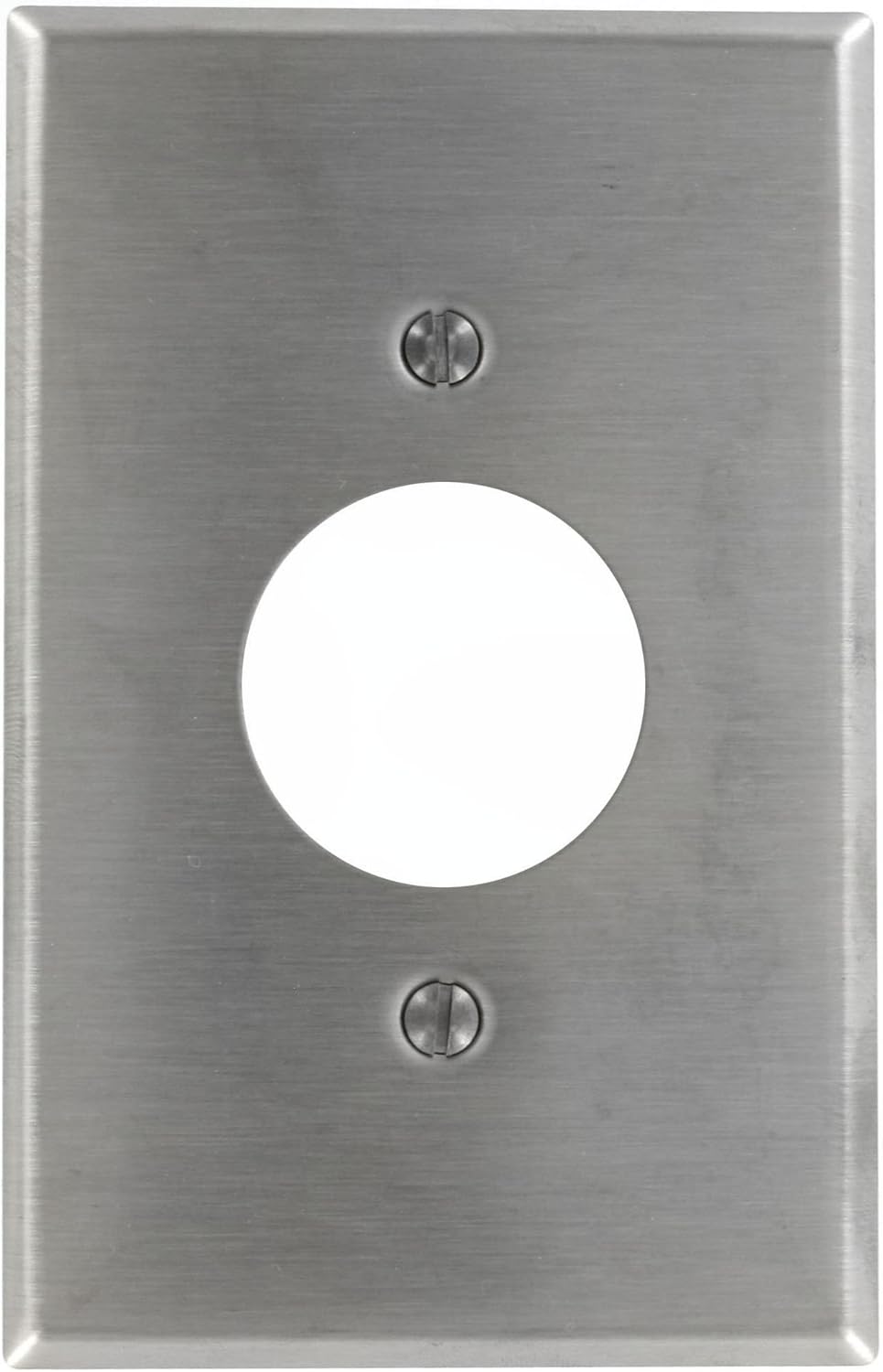
Image: The Leviton SSJ7-40 wallplate, ready for installation over a single receptacle.
- Secure the Wallplate: Insert the provided mounting screws into the designated holes on the wallplate and carefully tighten them with a screwdriver. Do not overtighten, as this can damage the wallplate or the receptacle.
- Restore Power: Once the wallplate is securely installed, turn the power back on at the circuit breaker or fuse box.
Operating Instructions
The Leviton SSJ7-40 wallplate functions as a protective and aesthetic cover for a single 1.406-inch diameter locking/straight blade type receptacle. Once installed, it requires no further operation. Its purpose is to safely enclose the electrical wiring and provide a finished appearance.
Maintenance
To maintain the appearance and integrity of your stainless steel wallplate:
- Cleaning: Wipe the surface with a soft, damp cloth. For stubborn marks, a mild soap solution can be used. Avoid abrasive cleaners, scouring pads, or harsh chemicals, as these can scratch or damage the brushed stainless steel finish.
- Inspection: Periodically check the wallplate for any signs of damage, loosening, or discoloration. If any issues are found, ensure power is off before inspecting further or replacing.
Troubleshooting
| Problem | Possible Cause | Solution |
|---|---|---|
| Wallplate does not fit flush. | Receptacle not properly seated in the electrical box, or mounting screws are overtightened/uneven. | Ensure power is off. Loosen receptacle mounting screws, adjust receptacle position, then re-tighten. Re-install wallplate, ensuring screws are tightened evenly but not excessively. |
| Scratches or marks on the wallplate. | Protective film not removed, or abrasive cleaning materials used. | If protective film is still present, carefully peel it off. For existing scratches, consider replacement for aesthetic reasons. Use only soft cloths and mild cleaners for maintenance. |
| Wallplate appears loose. | Mounting screws are loose. | Ensure power is off. Gently tighten the mounting screws until the wallplate is secure. Do not overtighten. |
Specifications
| Model Number | SSJ7-40 |
| Configuration | 1-Gang, 1-Receptacle (1.406-inch diameter hole) |
| Material | 302 Stainless Steel |
| Finish Type | Brushed Stainless Steel |
| Color | Non-Magnetic Stainless Steel |
| Designated Size | Midway |
| Dimensions (Product) | 6.63 x 4.13 x 0.25 inches (approximate) |
| Item Weight | 2.11 ounces |
| Approvals | UL, CSA |
| Installation Type | Screw-In |
Warranty Information
This Leviton product is covered by a manufacturer's warranty. For specific details regarding the warranty period and terms, please refer to the documentation included with your purchase or visit the official Leviton website. Keep your proof of purchase for warranty claims.
Support
For technical assistance, product inquiries, or further support, please contact Leviton customer service. You can find contact information and additional resources on the official Leviton website:
When contacting support, please have your product model number (SSJ7-40) available.


