
1. Product Overview
The Leviton 21254-HW is a 20 Amp, 125 Volt, Industrial Series Extra Heavy Duty Hospital Grade 4-in-1 Receptacle. Designed for demanding environments, this straight blade, grounding receptacle provides four outlets in a single unit, suitable for applications requiring high-abuse tolerance such as healthcare facilities, manufacturing plants, and schools. It features a durable nylon body and face, a 5-20R configuration, and is approved by UL 498, CSA C22.2, and ISO 9001 standards.

Figure 1: Front view of the Leviton 21254-HW 4-in-1 Receptacle, showing the four outlets and 'HOSPITAL GRADE' marking.
2. Safety Information
WARNING: To avoid fire, shock, or death, turn OFF power at the circuit breaker or fuse box and test that power is OFF before wiring. This device must be installed in accordance with all national and local electrical codes. If you are unsure about any part of these instructions, consult a qualified electrician.
- Always disconnect power before working on electrical circuits.
- Use only copper wire for connections.
- Ensure proper grounding to prevent electrical shock.
- Do not exceed the specified voltage and current ratings of the device.
- Keep children away from electrical work.
3. Product Features
- Durable Construction: Interlocking thermoplastic nylon cover and body for enhanced resilience.
- High Performance Contacts: Extra heavy-duty, T-type triple-wipe bronze contacts ensure maximum electrical performance and longevity.
- Versatile Design: Accommodates up to four Fed Spec size straight or angled plugs simultaneously.
- Clear Identification: Easy-to-read voltage and amperage ratings are molded directly onto the face of the receptacle.
- Certifications: UL 498, CSA C22.2, and ISO 9001 approved, ensuring compliance with safety and quality standards.
4. Setup and Installation
Installation of the Leviton 21254-HW receptacle requires basic electrical knowledge. If you are not comfortable performing electrical work, please consult a licensed electrician.
Required Tools:
- Screwdriver (Phillips and/or Flathead)
- Wire Strippers
- Voltage Tester
- Electrical Tape (optional)
Installation Steps:
- Turn Off Power: Locate the circuit breaker or fuse that controls the outlet you are replacing or installing. Turn it OFF. Use a voltage tester to confirm that the power is completely off at the outlet.
- Remove Old Receptacle (if applicable): Unscrew the wall plate and then the mounting screws holding the old receptacle in the electrical box. Carefully pull the old receptacle out of the box.
- Identify Wires: You will typically find three types of wires:
- Black or Red (Hot/Line): Carries power.
- White (Neutral): Completes the circuit.
- Green or Bare Copper (Ground): Safety wire.
- Prepare Wires: If necessary, strip approximately 1/2 inch of insulation from the end of each wire.
- Connect Wires to New Receptacle:
- Connect the Green or Bare Copper (Ground) wire to the Green Ground Screw on the receptacle.
- Connect the White (Neutral) wire to the Silver Screw terminals.
- Connect the Black or Red (Hot/Line) wire to the Brass Screw terminals.
Ensure all connections are tight and secure. The receptacle is designed for 3-wire connections.
- Mount Receptacle: Carefully push the wired receptacle back into the electrical box. Secure it with the mounting screws.
- Install Wall Plate: Attach the decorative wall plate over the receptacle.
- Restore Power: Turn the circuit breaker or fuse back ON.
- Test: Plug a device into each of the four outlets to ensure proper function.

Figure 2: Back view of the Leviton 21254-HW Receptacle, illustrating the screw terminals for wiring connections (Ground, Neutral, Hot).
5. Operating Instructions
The Leviton 21254-HW 4-in-1 Receptacle operates like any standard electrical outlet. Once properly installed and powered, it is ready for use.
- Plug In Devices: Insert the plug of your electrical device into any of the four available outlets. The design allows for multiple plugs, including those with larger adapters, to be used simultaneously.
- Power On Device: Turn on your electrical device as usual.
Important: Do not overload the receptacle or the circuit it is connected to. Ensure the total current draw of all connected devices does not exceed the 20 Amp rating of the receptacle or the circuit breaker.
6. Maintenance
The Leviton 21254-HW receptacle is designed for durability and requires minimal maintenance.
- Cleaning: To clean the receptacle, ensure power is OFF at the circuit breaker. Wipe the surface with a soft, damp cloth. Do not use abrasive cleaners or solvents.
- Periodic Inspection: Periodically inspect the receptacle for any signs of damage, such as cracks, discoloration, or loose connections. If any damage is observed, turn off power and replace the receptacle immediately.
- Tightness of Connections: If you suspect a loose connection, turn off power at the circuit breaker and carefully check the wire terminals for tightness.
7. Troubleshooting
If you encounter issues with your Leviton 21254-HW receptacle, consider the following troubleshooting steps:
No Power at Receptacle:
- Check Circuit Breaker: Verify that the circuit breaker controlling the receptacle is in the ON position. If it has tripped (moved to the OFF or middle position), reset it by pushing it firmly to OFF and then to ON.
- Test Other Outlets: Check if other outlets on the same circuit are working. If not, the issue is likely with the circuit breaker or wiring to the circuit.
- Inspect Wiring: With power OFF at the breaker, carefully remove the wall plate and receptacle. Check that all wires are securely connected to their respective terminals (Hot to Brass, Neutral to Silver, Ground to Green). Ensure no wires are loose or frayed.
- Overload: Ensure the total load of devices plugged into the receptacle does not exceed 20 Amps. Unplug some devices and retest.
Loose Plug Connection:
- The Leviton 21254-HW features heavy-duty contacts designed for secure connections. If a plug feels loose, ensure it is fully inserted. If the issue persists with multiple plugs, the receptacle may be worn and require replacement.
If troubleshooting steps do not resolve the issue, consult a qualified electrician.
8. Specifications
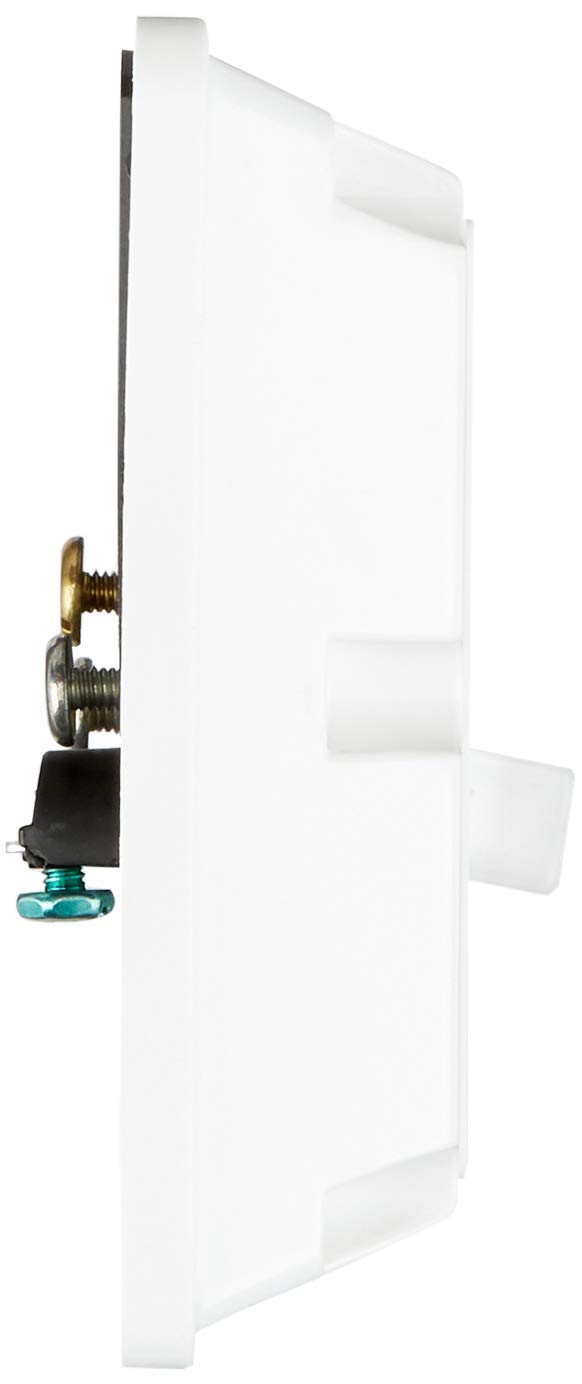
Figure 3: Product dimensions of the Leviton 21254-HW Receptacle.
| Specification | Detail |
|---|---|
| Model Number | 21254-HW |
| Brand | Leviton |
| Current Rating | 20 Amp |
| Voltage Rating | 125 Volt |
| Configuration | 5-20R |
| Number of Wires | 3 |
| Number of Poles | 2 |
| Grounding | Yes |
| Material | Nylon (Body/Face), Steel (Strap) |
| Color | White |
| Product Dimensions | 4.7"L x 4.6"W (Face), 12.75 x 5.13 x 8.5 inches (Packaging) |
| Item Weight | 6.4 ounces |
| Approvals | UL 498, CSA C22.2, ISO 9001 |
9. Warranty and Support
For warranty information and technical support regarding your Leviton 21254-HW receptacle, please refer to the official Leviton website or contact Leviton customer service directly. Warranty terms typically cover defects in materials and workmanship under normal use.
Leviton Customer Service: For assistance, visit the Leviton Store on Amazon or their official corporate website.


