Download PDFFree PDF. The Save button below keeps a bookmark and private notes in your account.
NINESTARS DZT-80-4 Automatic Touchless Motion Sensor Oval Trash Can User Manual
Model: DZT-80-4 | Brand: Ninestars
1. Product Overview
The NINESTARS DZT-80-4 is a 21.1-gallon (80-liter) automatic touchless motion sensor trash can designed for household use. It features a stainless steel body, a motion-activated lid, and a removable liner ring for easy bag changes. This manual provides instructions for proper setup, operation, and maintenance to ensure optimal performance.
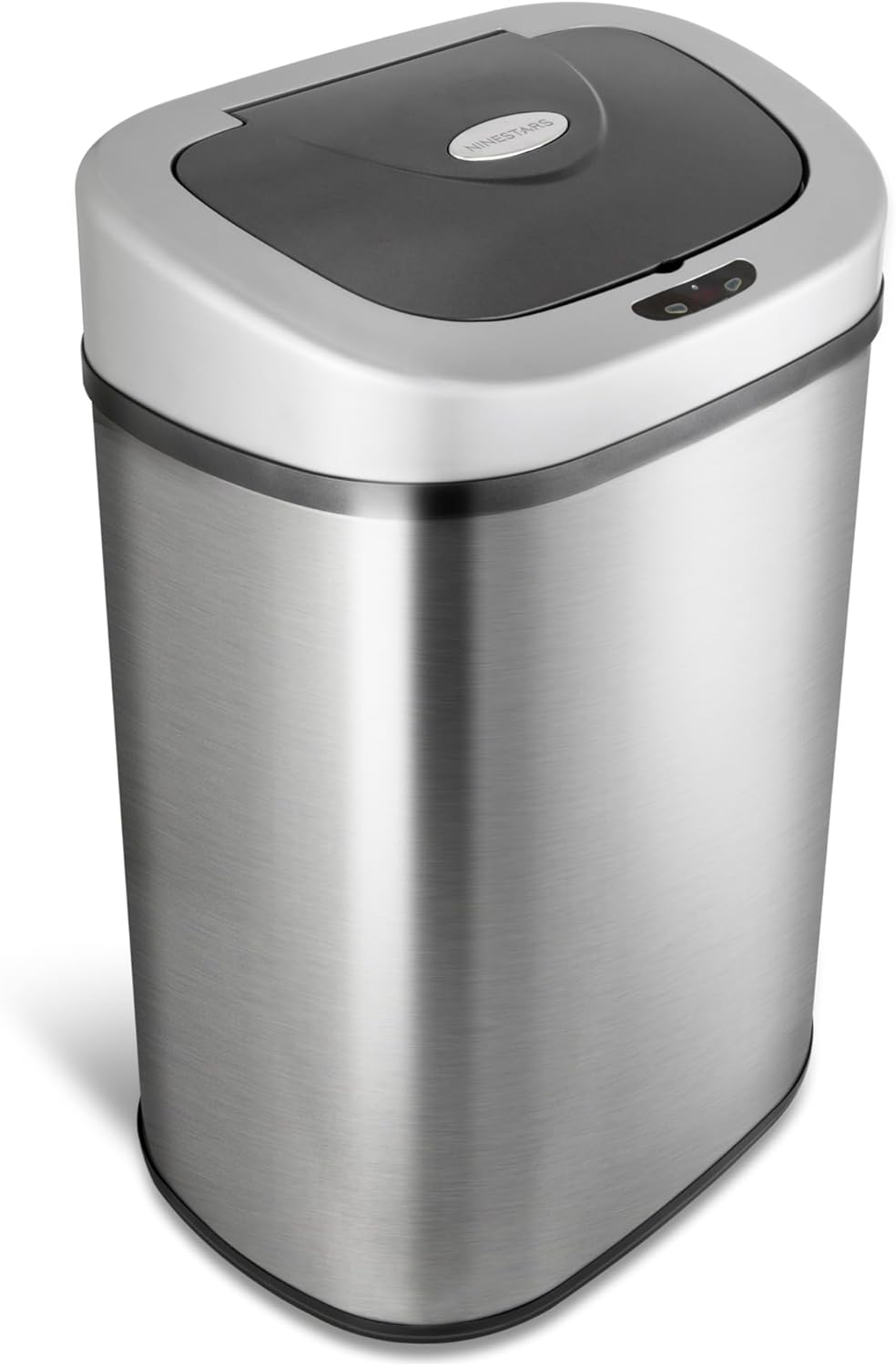
Image 1: Front view of the NINESTARS DZT-80-4 Automatic Touchless Motion Sensor Oval Trash Can.
Key Features:
Touch-Free Operation: Infrared motion sensor for automatic lid opening and closing.
Large Capacity: 21.1 gallons (80 liters) suitable for busy households.
Odor Control: Precision-fit lid helps seal in odors.
Easy Bag Management: Removable liner ring secures trash bags and conceals excess.
Power Efficient: Operates on 3 D-batteries (not included) for up to 9 months.
2. Setup Instructions
Unpack Components: Carefully remove the trash can body, lid, and liner ring from the packaging.
Install Batteries:
Locate the battery compartment on the underside of the lid. Insert 3 D-size batteries (not included) according to the polarity indicators. Close the battery compartment securely.
Video 1: Official Ninestars video demonstrating battery installation and general features. This video shows the battery compartment and how to insert batteries.
Insert Trash Bag:
Place a standard large kitchen trash bag (e.g., 30-gallon or larger) into the trash can body. Position the removable liner ring over the top edge of the trash bag, securing the bag in place. Fold any excess bag material over the liner ring and into the can to hide it.
Image 2: Hands demonstrating how to secure a trash bag with the removable liner ring.
Attach the Lid: Carefully place the lid assembly onto the trash can body, ensuring it sits securely.
3. Operating Instructions
Motion Sensor Mode:
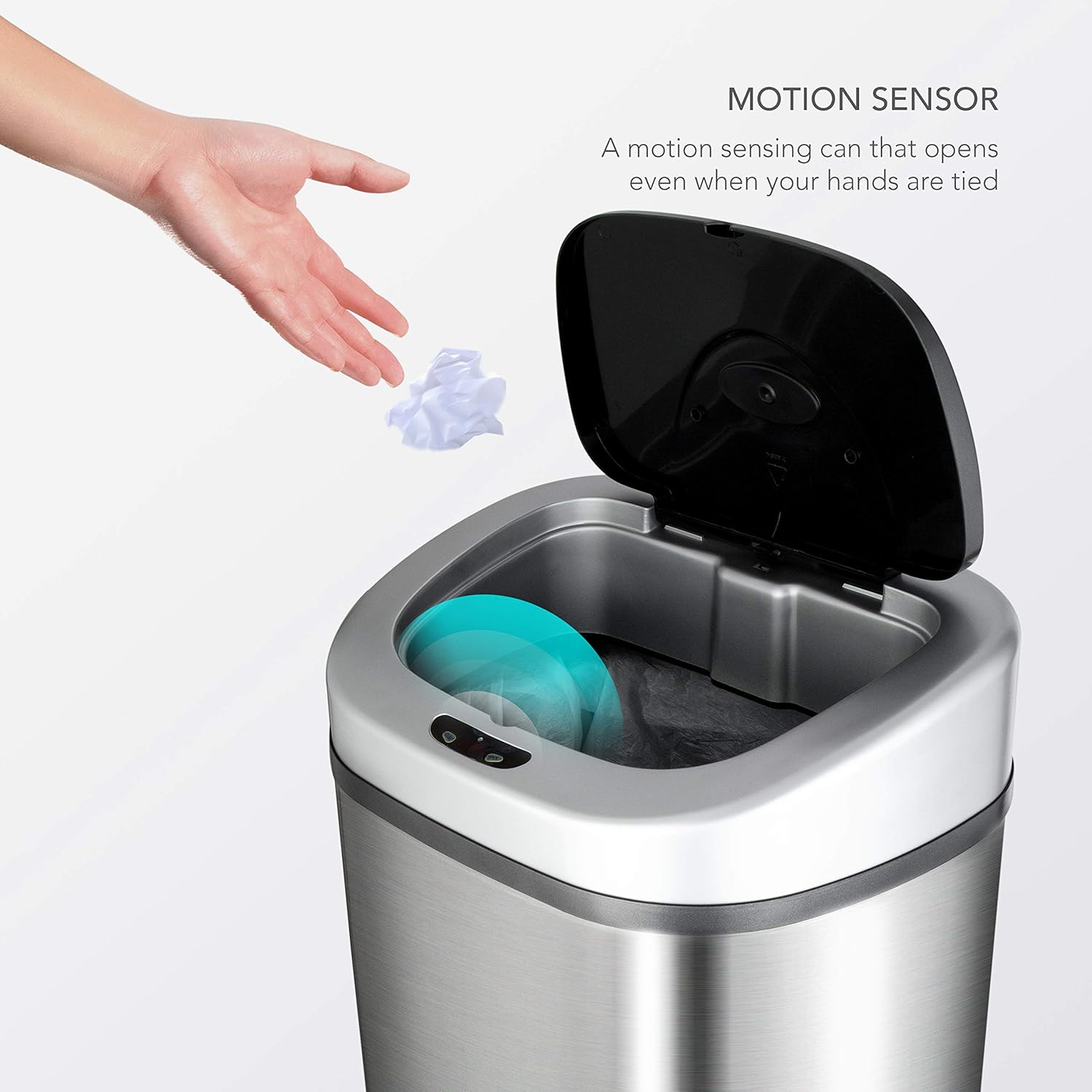
The trash can is equipped with an infrared motion sensor. When an object or hand is detected within 6-10 inches of the sensor, the lid will automatically open. It will remain open for a few seconds and then close automatically once the object is removed from the sensor's range.
Image 3: Illustration of the motion sensor activating the lid when a hand is waved over it.
Manual Mode:
For extended use, such as during cooking or cleaning, you can manually open the lid and keep it open. Press the "OPEN" button on the lid to open it. The lid will remain open until you press the "CLOSE" button. This prevents the lid from repeatedly opening and closing when you are working near the sensor.
4. Maintenance
Cleaning the Exterior: Wipe the stainless steel body with a soft, damp cloth and a mild cleaner. The fingerprint-resistant finish helps maintain its appearance. Avoid abrasive cleaners or scrubbers that could scratch the surface.
Cleaning the Lid: The lid contains electronic components. Do not wash the lid directly with water. Wipe it clean with a damp cloth. Ensure the sensor area is kept clear of debris for optimal performance.
Battery Replacement: When the batteries are low, the sensor light may flash red or the lid may operate slowly or inconsistently. Replace all 3 D-batteries simultaneously with new ones.
Liner Ring Care: The removable liner ring can be washed with soap and water if it becomes dirty. Ensure it is completely dry before re-inserting.
Image 4: Close-up view of the lid, highlighting the motion sensor and manual control buttons.
5. Troubleshooting
Problem
Possible Cause
Solution
Lid does not open automatically.
Batteries are dead or incorrectly installed.
Sensor is dirty or obstructed.
Power switch is off.
Replace batteries with new D-size batteries, ensuring correct polarity.
Clean the sensor window with a soft, dry cloth. Ensure no objects are blocking the sensor.
Check the power switch on the lid and ensure it is in the "ON" position.
Lid opens and closes randomly.
Sensor is too sensitive or in a high-traffic area.
Direct sunlight or strong artificial light interfering with the sensor.
Relocate the trash can to an area with less foot traffic.
Avoid placing the trash can in direct sunlight or under bright lights.
Use the manual "OPEN" and "CLOSE" buttons if continuous opening is problematic.
Lid closes too quickly or slowly.
Low battery power.
Replace all 3 D-size batteries.
Liner ring is flimsy or breaks.
Excessive force during bag changes or material fatigue.
Handle the liner ring with care. Replacements may be available from Ninestars customer service.
6. Specifications
Model: DZT-80-4
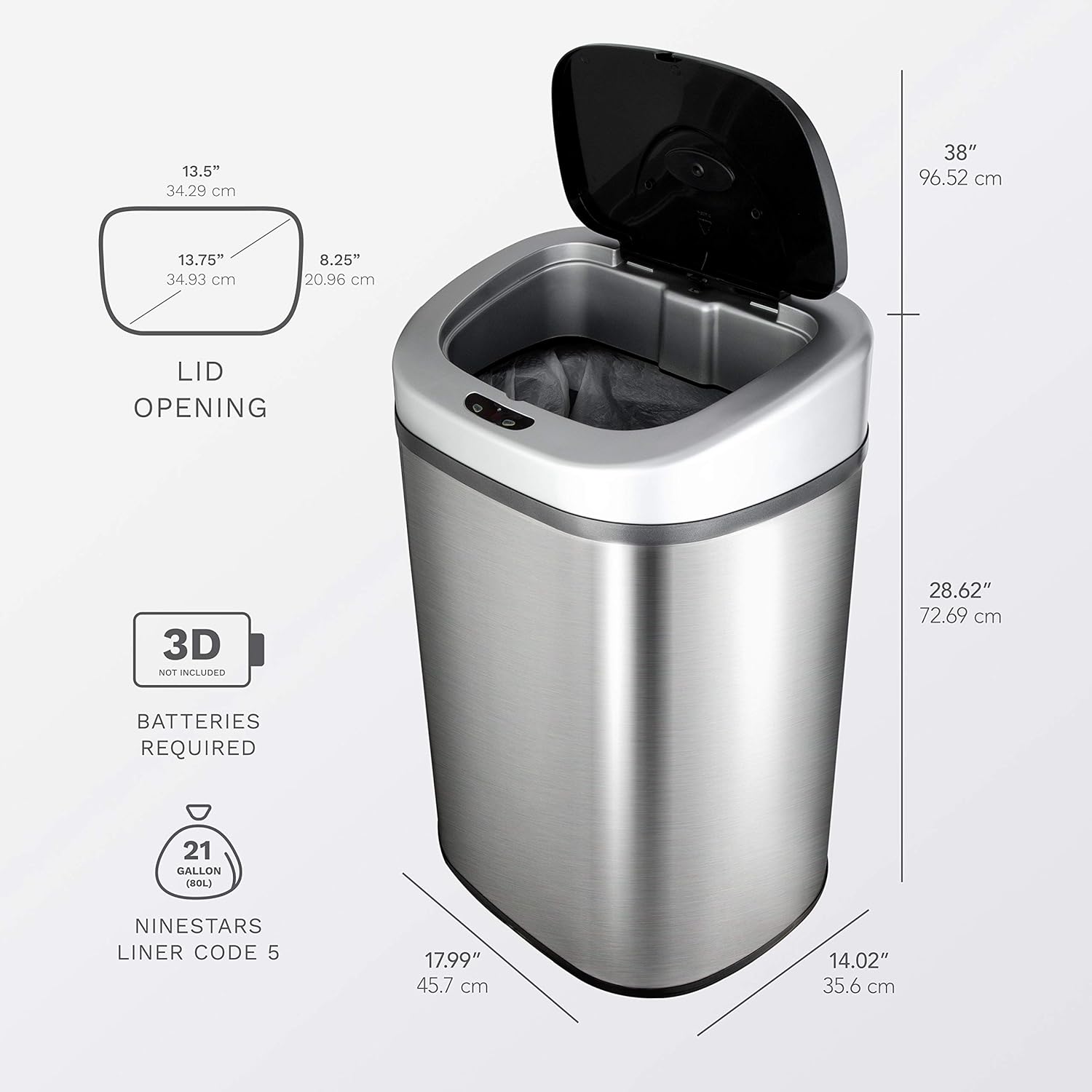
Capacity: 21.1 Gallons (80 Liters)
Dimensions (L x W x H): 17.99" x 14.02" x 28.62"
Weight: 11.1 pounds
Material: Stainless Steel, Plastic
Opening Mechanism: Motion-Sensor
Power: 3 x D-size batteries (not included)
Color: Silver & Black
Special Features: Motion Sensor, Quiet Close, Removable Lid, Water Resistant, Fingerprint Resistant
Image 5: Detailed diagram illustrating the dimensions and battery requirements of the trash can.
7. Warranty and Support
This NINESTARS DZT-80-4 Automatic Touchless Motion Sensor Oval Trash Can comes with a 1-Year Limited Warranty. For warranty claims, technical assistance, or to purchase replacement parts, please contact Ninestars customer support.
Ninestars also offers a two-year support program to assist with product-related inquiries and issues.
Please refer to the official Ninestars website or your purchase documentation for the most current contact information and detailed warranty terms.
Ask about setup, troubleshooting, compatibility, parts, safety, or missing instructions. Manuals+ will review the question and use this page’s manual context to help answer it.