
1. Introduction
Thank you for choosing the Health o meter HDM737DQ-69 Weight Tracking Scale. This manual provides essential information for the safe and effective use of your new scale. Please read it thoroughly before operation and retain it for future reference.
2. Safety Information
- Always place the scale on a hard, flat surface. Using it on carpet or uneven flooring may affect accuracy.
- Do not use the scale on wet or slippery surfaces. Ensure the platform is dry before stepping on it.
- Do not jump on the scale. Step on and off gently.
- This scale is designed for personal use to measure body weight. It is not intended for commercial or medical diagnostic purposes.
- Keep the scale away from extreme temperatures, direct sunlight, and moisture.
- Do not attempt to disassemble or repair the scale yourself. Contact customer support if service is required.
- Keep batteries out of reach of children. Dispose of used batteries properly according to local regulations.
3. Setup
3.1 Unpacking
Carefully remove the scale from its packaging. Inspect the scale for any signs of damage. If damaged, do not use and contact customer support.
3.2 Battery Installation
- Locate the battery compartment on the underside of the scale.
- Open the battery compartment cover.
- Insert the required batteries (typically AAA, refer to the compartment for specific type and quantity) ensuring correct polarity (+ and -).
- Close the battery compartment cover securely.
3.3 Placement
Place the scale on a firm, flat, and level surface. Avoid soft surfaces like carpets, rugs, or uneven tiles, as these can affect measurement accuracy.
3.4 Initial Calibration (Zeroing)
Before first use or if the scale has been moved, perform an initial calibration:
- Gently tap the center of the scale platform with your foot.
- The display will show '0.0' or '0.00' and then turn off. This indicates the scale is calibrated and ready for use.
4. Operating Instructions
4.1 Taking a Weight Measurement
- Ensure the scale is on a hard, flat surface.
- Gently step onto the scale platform with bare feet, standing still and centered.
- The display will illuminate and show your weight. It will flash or hold the reading when stable.
- Step off the scale. The display will hold the weight for a few seconds and then automatically turn off.
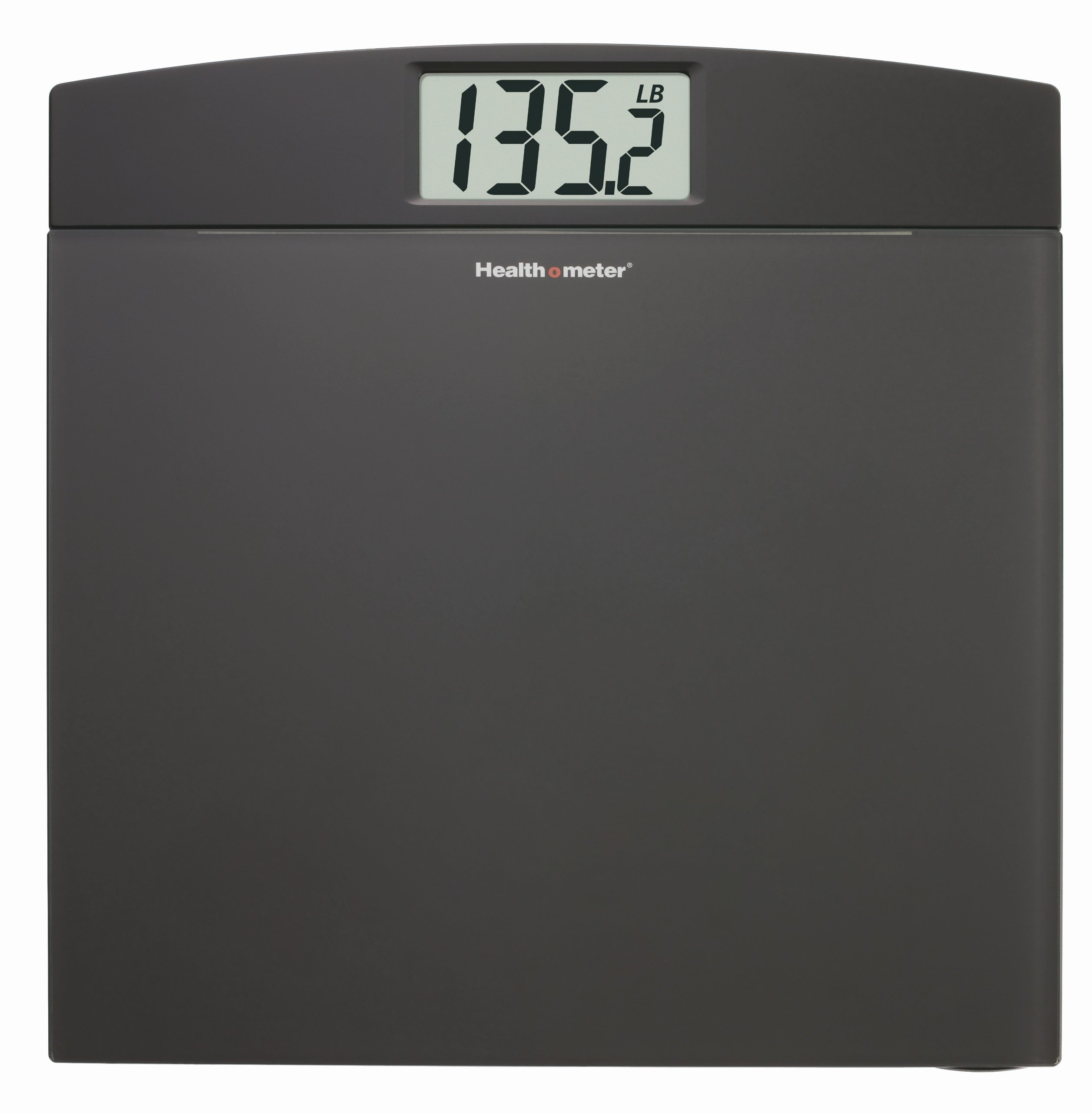
Image 1: Front view of the Health o meter HDM737DQ-69 Weight Tracking Scale. The image shows the sleek, ultra-slim tempered glass platform and the digital LCD display.
4.2 Weight Tracking for 2 Users
This scale supports weight tracking for up to two users, with one memory slot per user. Specific instructions for setting up user profiles and recalling previous measurements are typically found on the scale itself or through specific button presses. Please refer to the labels on your scale for 'User 1' and 'User 2' selection buttons, if available. Generally, you would select your user number before stepping on the scale to store your current weight.
4.3 Changing Weight Units (lbs/kg)
Most scales have a unit conversion button, usually located on the underside of the scale near the battery compartment. Press this button to toggle between pounds (lb) and kilograms (kg).
5. Maintenance
5.1 Cleaning
Wipe the scale surface with a damp cloth and mild detergent. Do not use abrasive cleaners or immerse the scale in water. Dry thoroughly after cleaning.
5.2 Storage
Store the scale in a cool, dry place. Avoid placing heavy objects on the scale when not in use.
5.3 Battery Replacement
When the display shows a 'Lo' or low battery indicator, replace all batteries with new ones of the specified type. Refer to section 3.2 for battery installation instructions.
6. Troubleshooting
| Problem | Possible Cause | Solution |
|---|---|---|
| Scale does not turn on | Dead or incorrectly installed batteries | Replace batteries, ensuring correct polarity. |
| Inaccurate readings | Scale on uneven surface; not calibrated; moved recently | Place on a hard, flat surface. Perform initial calibration (Section 3.4). |
| Display shows 'Lo' | Low battery power | Replace batteries. |
| Display shows 'Err' or 'O-Ld' | Overload or unstable measurement | Step off the scale. Ensure weight is within capacity. Step on gently and stand still. |
7. Specifications
- Model: HDM737DQ-69
- Capacity: Up to 330 lbs (150 kg)
- Increments: 0.2 lb (0.1 kg)
- Display: 1.5-inch LCD
- Platform: Ultra-slim 6mm tempered glass
- Technology: 4 load cell technology for accuracy
- Power: Battery operated (type specified in battery compartment)
- Product Dimensions: Approximately 13.94 x 13.39 x 0.87 inches
- Product Weight: Approximately 4.9 Pounds
8. Warranty and Support
Health o meter products are manufactured to high-quality standards. For specific warranty details, please refer to the warranty card included with your purchase or visit the official Health o meter website. If you encounter any issues or require technical assistance, please contact Health o meter customer support through their official channels.


