
1. Introduction
This manual provides essential information for the safe and effective use of your Gewa KS-20B Keyboard Stand. The KS-20B is a stable and adjustable single-braced stand designed to securely support various keyboard instruments. Constructed from high-quality steel tubing, it offers reliable support and is easily foldable for convenient transport and storage.
2. Safety Information
Please read and understand all safety instructions before using the keyboard stand.
- Ensure the stand is placed on a stable, level surface before use to prevent tipping.
- Do not exceed the maximum load capacity of 25 kg (55 lbs). Overloading can cause instability and damage.
- Verify all adjustment mechanisms are securely tightened before placing a keyboard on the stand.
- Keep fingers clear of moving parts during adjustment to prevent pinching.
- This stand is designed for keyboard instruments. Do not use it for purposes other than its intended use.
3. Setup and Adjustment
The Gewa KS-20B Keyboard Stand comes pre-assembled and requires no complex setup. Its X-frame design allows for quick unfolding and adjustment.
3.1 Unfolding the Stand
Gently pull the two main X-shaped frames apart until the stand is stable and forms an 'X' shape.

Image: The Gewa KS-20B Keyboard Stand shown fully unfolded, illustrating its X-frame structure and stable base.
3.2 Adjusting Height and Width
The stand features an adjustable mechanism at the center of the X-frame to modify both its height and width simultaneously.

Image: A close-up view of the central adjustment mechanism, showing the knob and the interlocking teeth that secure the stand's position.
- Locate the adjustment knob at the center of the stand.
- Loosen the knob by turning it counter-clockwise. This will allow the X-frame to move freely.
- Adjust the stand to your desired height and width. The height can be set between 70 cm and 100 cm (27.5 - 39.4 inches). Note that as the height increases, the width decreases, and vice-versa.
- Once the desired position is achieved, tighten the adjustment knob firmly by turning it clockwise until it is secure. Ensure there is no wobble before placing your instrument.

Image: A top-down perspective of the adjustment knob, highlighting its ergonomic design for easy grip and turning.
3.3 Keyboard Placement
Place your keyboard securely on the top support arms. Ensure the keyboard is centered and stable. The rubber end caps on the support arms provide grip and protect your instrument.
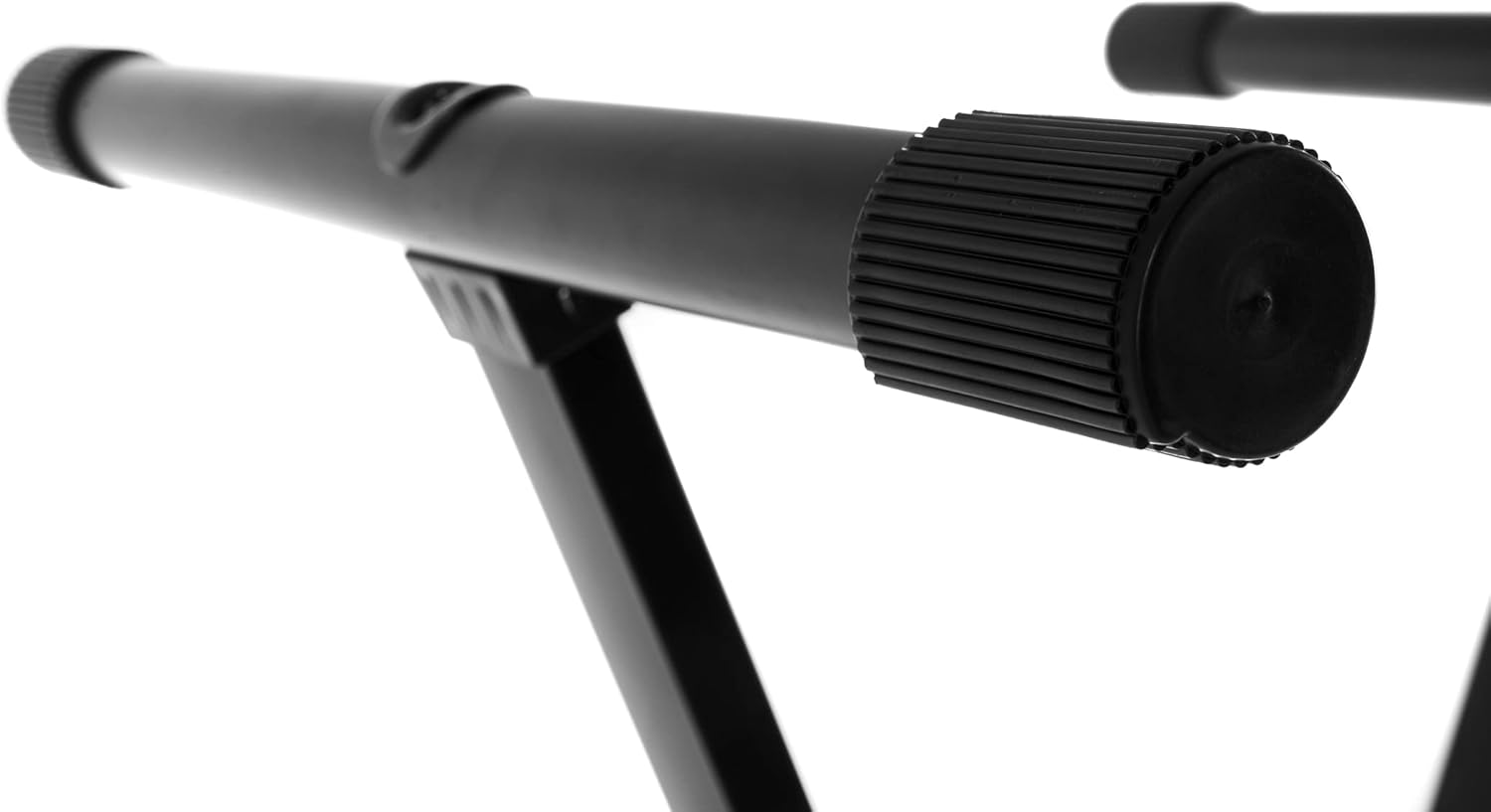
Image: A detailed view of the protective rubber end caps on the stand's support arms, designed to prevent slipping and protect the keyboard.
4. Operating Instructions
Once the stand is set up and adjusted to your preferred ergonomic playing position, it is ready for use.
- Always ensure the stand is stable and the keyboard is securely placed before beginning to play.
- Avoid leaning heavily on the keyboard or stand, as this may compromise stability.
- For transport or storage, loosen the adjustment knob, fold the stand into a compact form, and then re-tighten the knob to keep it securely folded.
5. Maintenance
Regular maintenance will ensure the longevity and optimal performance of your keyboard stand.
- Cleaning: Wipe the stand with a soft, dry cloth to remove dust and dirt. For stubborn marks, a slightly damp cloth can be used, followed by immediate drying. Avoid abrasive cleaners or solvents, which can damage the finish.
- Inspection: Periodically check all bolts, screws, and the central adjustment mechanism for tightness. Re-tighten if necessary to maintain stability.
- Storage: Store the stand in a dry environment to prevent rust, especially if it has been exposed to moisture.
6. Troubleshooting
6.1 Keyboard Slips on Stand
- Check Rubber End Caps: Ensure the rubber end caps on the support arms are clean, intact, and not worn. Replace if damaged.
- Verify Stability: Make sure the stand is fully unfolded and the adjustment knob is securely tightened.
- Weight Distribution: Ensure the keyboard is centered on the support arms to distribute weight evenly.
6.2 Stand Wobbles
- Level Surface: Confirm the stand is placed on a flat, level surface. Uneven surfaces can cause instability.
- Tighten Adjustments: Ensure the central adjustment knob is fully tightened.
- Inspect Joints: Check for any loose connections or damaged components. If damage is found, discontinue use and seek professional advice.
7. Specifications
| Feature | Detail |
|---|---|
| Model | KS-20B |
| Manufacturer Model Number | 900541 |
| Material | Alloy Steel |
| Color | Black |
| Type | Single-braced X-stand |
| Adjustable Height Range | 70 cm - 100 cm (27.5 - 39.4 inches) |
| Depth of Support Arms | 40 cm (15.7 inches) |
| Maximum Load Capacity | 25 kg (55 lbs) |
| Item Weight | 3.3 kg (7.3 lbs) |
| Foldable | Yes |
| Assembly Required | No |
8. Warranty and Support
Information regarding specific warranty terms for the Gewa KS-20B Keyboard Stand is not provided in the product details. For warranty claims or technical support, please contact your retailer or the manufacturer, Gewa, directly.
Manufacturer: GEWA music
Country of Origin: China