
1. Introduction
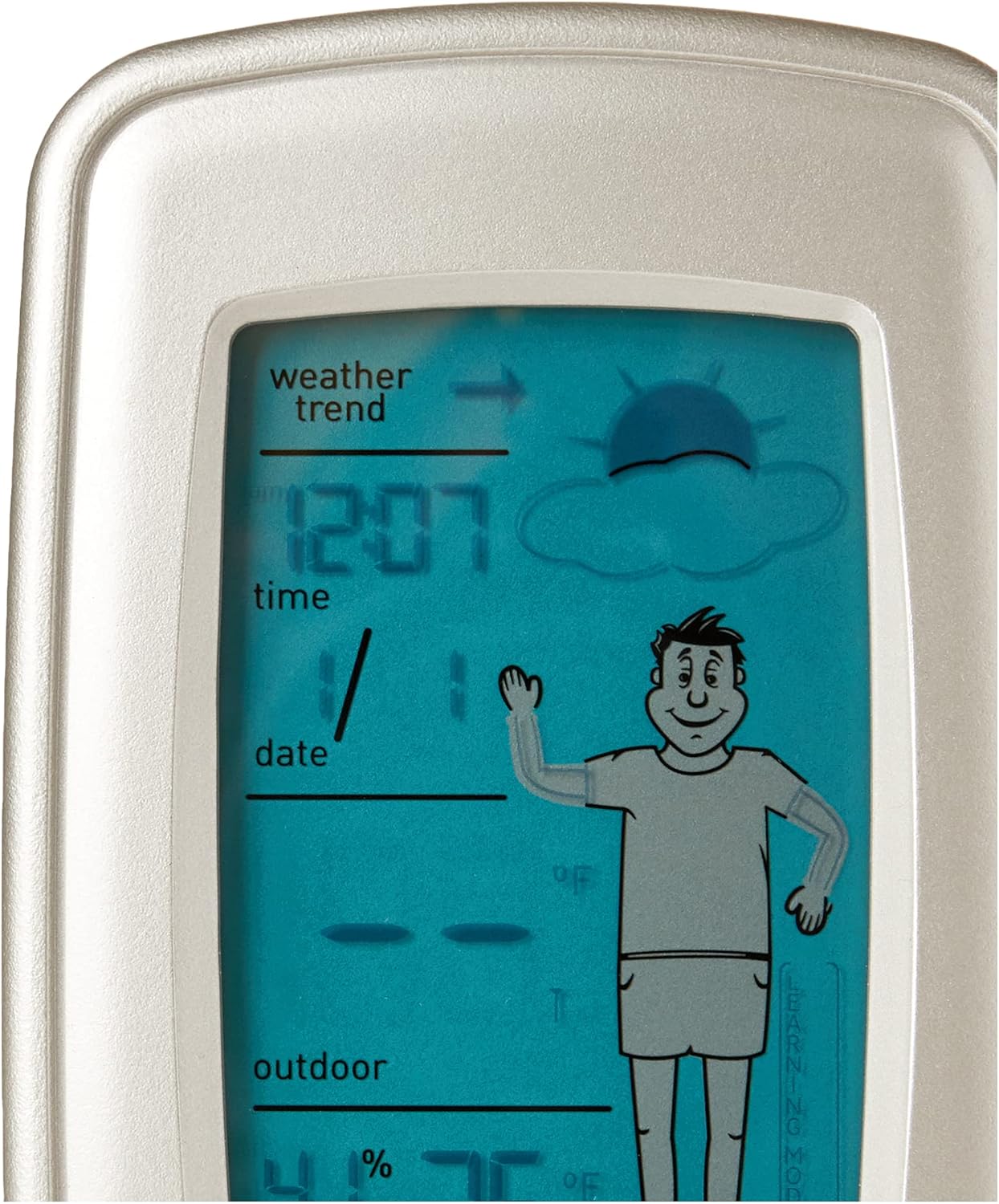
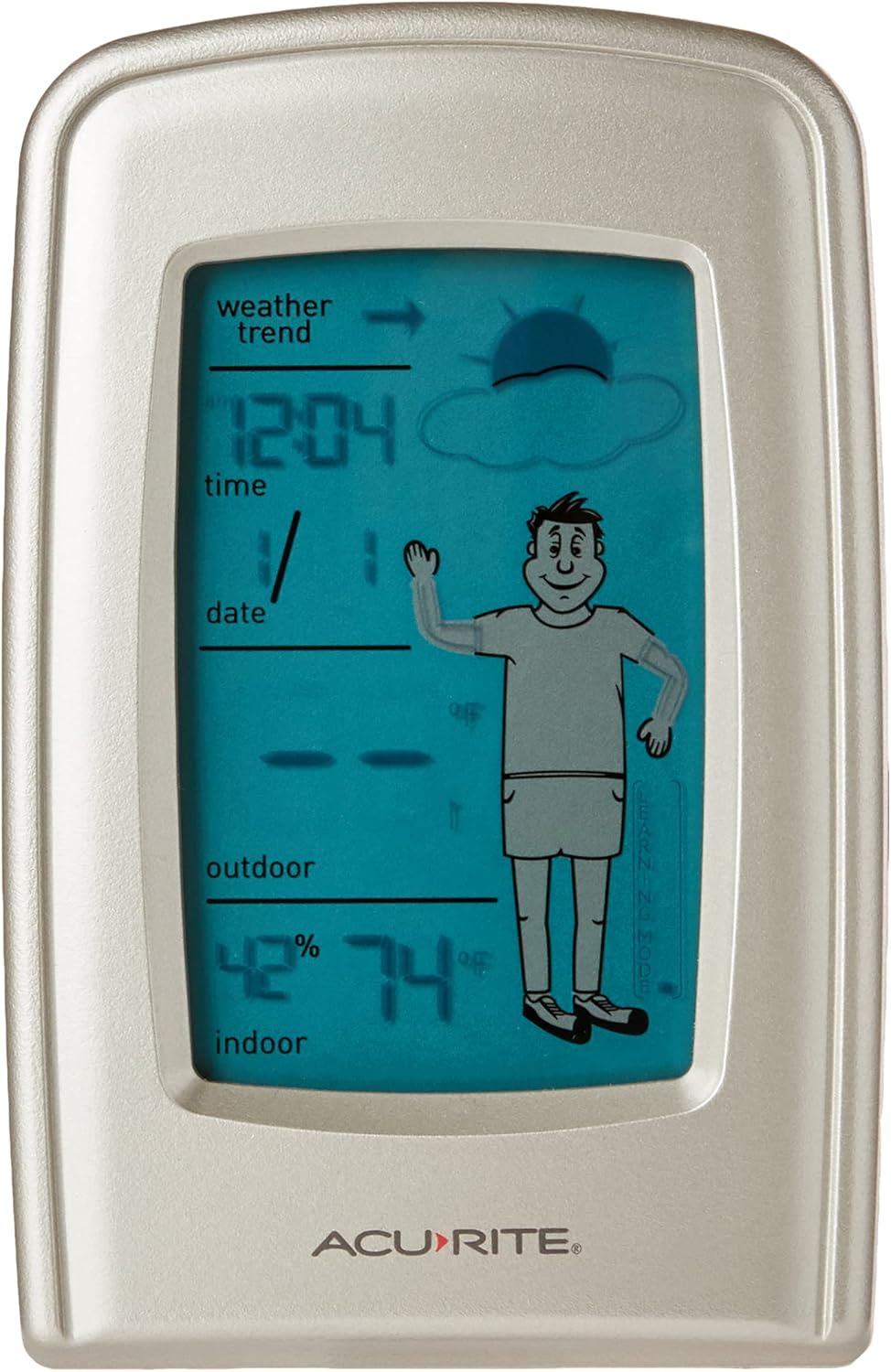
The AcuRite 00827 What-to-Wear Wireless Weather Forecaster provides essential weather information at a glance. It offers 20 clothing recommendations and nine weather-forecasting icons to help you prepare for the day. The attractive blue LCD displays indoor and outdoor temperatures, indoor humidity levels, weather-trend arrows, and the current day, date, and time. The main display unit can be placed on a countertop or desktop, or mounted on a wall using its built-in hang hole. The powerful outdoor wireless sensor has a range of 160 feet and also includes a hang hole for convenient placement.
What's Included:
- Digital Display Unit
- Wireless Outdoor Sensor
- Instruction Manual
Description for Figure 1: This image shows the main digital display unit alongside its accompanying white wireless outdoor sensor. The display unit is silver-colored with a blue LCD screen showing various weather parameters and a 'What-to-Wear' figure. The outdoor sensor is a compact white rectangular device.
2. Setup Instructions
2.1 Battery Installation
For optimal performance, install batteries in the outdoor sensor first, then in the display unit.
- Outdoor Sensor: Remove the battery compartment cover on the back of the wireless outdoor sensor. Insert 2 x AA alkaline batteries (not included) according to the polarity indicators (+/-). Replace the cover.
- Digital Display Unit: Remove the battery compartment cover on the back of the digital display unit. Insert 3 x AA alkaline batteries (not included) according to the polarity indicators (+/-). Replace the cover.

Description for Figure 2: This image displays the back of the white wireless outdoor sensor. It features a battery compartment cover, a small red indicator light, and a hanging hole at the top for mounting.
Description for Figure 3: This image shows the back of the silver-colored digital display unit. It has a large battery compartment cover in the center, along with several control buttons (+, SET, -) and ventilation grilles.
2.2 Sensor Placement
The wireless outdoor sensor is designed for outdoor use but should be placed in a location that is protected from direct sunlight and direct rain to ensure accurate readings and prolong its lifespan. Recommended placement is typically under an eave or a well-shaded location, approximately 6 inches below eaves or placed under a deck railing. The maximum transmission range is 160 feet (50 meters) in open air, not including walls or floors.
2.3 Initial Synchronization
After battery installation, the display unit will automatically search for the outdoor sensor signal. This process may take a few minutes. Once connected, the outdoor temperature and humidity will appear on the display. If the signal is not found, refer to the Troubleshooting section.
Description for Video 1: This video provides a general overview of the AcuRite 00827 What-to-Wear Wireless Weather Forecaster, demonstrating its features and components, including the main display and the outdoor sensor. It highlights the ease of use and the visual elements of the display.
3. Operating the Forecaster
3.1 Display Features
The LCD screen is designed for clear readability and presents various weather and time data:
- Indoor Temperature & Humidity: Current readings for your indoor environment.
- Outdoor Temperature & Humidity: Current readings from the wireless outdoor sensor.
- Weather Forecast Icons: Nine distinct icons predict weather conditions for the next 12-24 hours (e.g., sunny, partly cloudy, cloudy, rain, snow).
- What-to-Wear Recommendations: 20 clothing recommendations are displayed based on the forecasted weather.
- Weather Trend Arrows: Indicate whether temperature and barometric pressure are rising, falling, or steady.
- Time & Date: Automatically set via radio signal for accuracy.

Description for Figure 4: This image shows the main display of the AcuRite 00827. The blue LCD screen clearly presents the time, date, indoor and outdoor temperatures, humidity, weather trend arrows, and a graphical representation of the weather forecast with a figure suggesting appropriate attire.
3.2 Setting Time and Date
The unit typically sets the time and date automatically via a radio signal. If manual adjustment is needed, refer to the full instruction manual for detailed steps using the control buttons on the back of the unit.
4. Maintenance
4.1 Battery Replacement
Replace batteries in both the display unit and outdoor sensor when the low battery indicator appears on the screen. Always replace with fresh alkaline batteries. Ensure correct polarity during installation.
4.2 Cleaning
Clean the display unit and sensor with a soft, damp cloth. Do not use abrasive cleaners or chemicals that may damage the surfaces.
4.3 Optimal Sensor Placement
To maintain accurate readings, ensure the outdoor sensor remains protected from direct sunlight and rain. Periodically check its location to confirm it is still in an ideal spot, away from heat sources or obstructions that could interfere with the wireless signal.
5. Troubleshooting
- No Outdoor Sensor Data: If the display shows dashes for outdoor readings, ensure the outdoor sensor batteries are fresh and correctly installed. Try bringing the sensor closer to the display unit. If still no connection, try resetting both units by removing batteries from both, waiting a few minutes, then reinserting batteries into the sensor first, then the display.
- Inaccurate Temperature/Humidity: Ensure the outdoor sensor is placed in a shaded area, away from direct sunlight, heat sources, or reflective surfaces. Direct exposure can cause artificially high readings.
- Display Not Working: Check if batteries are correctly installed and fresh. If using an optional power adapter (not included with this model), ensure it is properly connected.
- Weather Forecast Inaccurate: The forecaster uses a unique algorithm that analyzes changes in barometric pressure over a 12-24 hour period. It requires 14 days of continuous operation to calibrate for your specific location. Accuracy improves over time.
6. Specifications
| Feature | Detail |
|---|---|
| Model Number | 00827 |
| Brand | AcuRite |
| Display Type | LCD |
| Power Source (Display) | 3 x AA batteries (not included) |
| Power Source (Sensor) | 2 x AA batteries (not included) |
| Outdoor Temperature Range | -40°F to 158°F (-40°C to 70°C) |
| Indoor Temperature Range | 32°F to 122°F (0°C to 50°C) |
| Temperature Accuracy | ±1°C |
| Connectivity Technology | 433 MHz Wireless |
| Wireless Range | 160 feet (50 meters) in open air |
| Product Dimensions | 7.75 x 3 x 9.75 inches |
| Item Weight | 6.1 ounces |
7. Warranty and Support
7.1 Warranty Information
The AcuRite 00827 What-to-Wear Wireless Weather Forecaster comes with a 1-year limited warranty from the date of purchase. This warranty covers defects in material and workmanship. For full details on warranty coverage and limitations, please refer to the official AcuRite website or contact customer support.
7.2 Customer Support
For any questions, technical assistance, or warranty claims, please contact AcuRite Customer Support. Contact information can typically be found on the manufacturer's website or within the product packaging.


