1. Product Overview
Duracell Coppertop AA batteries with POWER BOOST Ingredients are designed to provide dependable power for a wide range of everyday devices. These batteries are suitable for household and office devices such as toys, remote controls, flashlights, calculators, clocks, radios, wireless mice, and keyboards. They are guaranteed to retain power for up to 12 years in storage, ensuring readiness when needed.

Figure 1: Duracell Coppertop AA Batteries, 20-count pack.
2. Key Features
- Power Boost Ingredients: Formulated with Duracell’s patented POWER BOOST Ingredients for lasting performance.
- Long Storage Life: Guaranteed to last 12 years in storage.
- Dependable Power: Ideal for a variety of everyday household and office devices.
- Quality Assurance: Guaranteed against defects in material and workmanship.
- Built in the USA: Manufactured with US and global parts.

Figure 2: Illustration highlighting Power Boost Ingredients in Duracell batteries.
3. Setup and Installation
To install Duracell Coppertop AA batteries into your device, follow these general steps. Always refer to your device's instruction manual for specific battery compartment details.
- Open Packaging: Locate the 'Open Here' tab on the back of the battery packaging. Carefully pull the tab to access the batteries.
- Locate Battery Compartment: Identify the battery compartment on your electronic device. This is typically found on the back or bottom of the device.
- Insert Batteries: Insert the AA batteries into the compartment, ensuring correct polarity (+ and - terminals) as indicated by the markings inside the device. Incorrect insertion can prevent the device from functioning or cause damage.
- Close Compartment: Securely close the battery compartment cover.

Figure 3: Back of Duracell AA battery packaging, indicating where to open.
4. Operating Instructions
Once installed, Duracell Coppertop AA batteries are ready for use. Ensure your device is switched on according to its own operating instructions. If the device does not power on, refer to the Troubleshooting section.
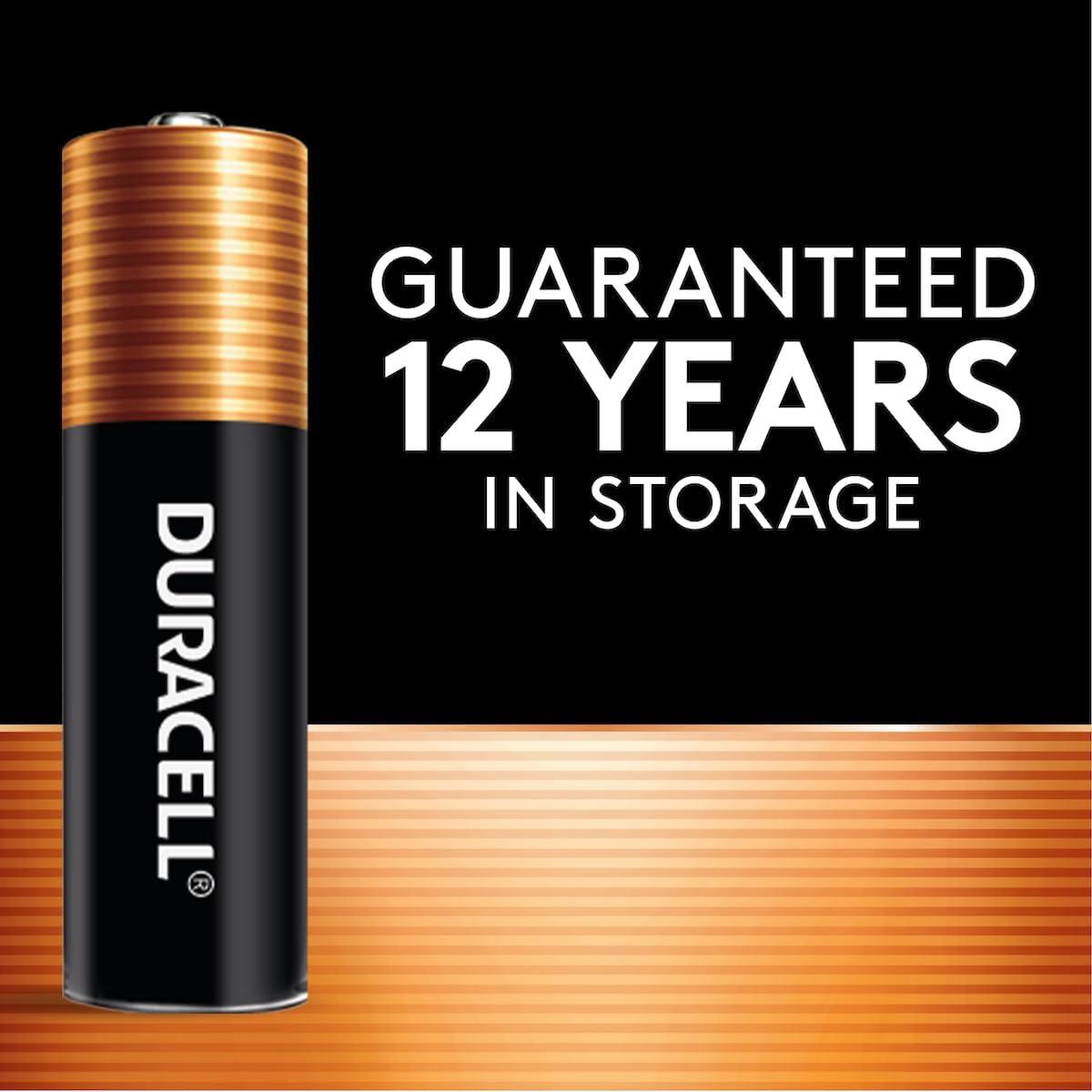
Figure 4: A single Duracell Coppertop AA battery.
5. Maintenance and Storage
Duracell Coppertop AA batteries are designed for long-term reliability. To ensure optimal performance and safety:
- Storage: Store batteries in their original packaging in a cool, dry place until ready for use. These batteries are guaranteed for 12 years in storage.
- Replacement: Replace all used batteries at the same time. Do not mix old and new batteries, or different battery types.
- Disposal: Dispose of used batteries according to local regulations. Do not dispose of in fire.
6. Safety Information
Please observe the following safety precautions to prevent injury or damage:
- Caution: Batteries may explode or leak, and cause burn injury if recharged, disposed of in fire, mixed with a different battery type, inserted backwards, or disassembled.
- Handling: Do not carry batteries loose in your pocket or purse to prevent short-circuiting.
- Label Integrity: Do not remove the battery label.
- Children: Keep batteries out of reach of small children.
7. Troubleshooting
If your device is not functioning correctly with new Duracell Coppertop AA batteries, consider the following:
- Check Polarity: Ensure batteries are inserted with the correct positive (+) and negative (-) orientation.
- Replace All Batteries: If using multiple batteries, replace all of them simultaneously with new ones. Mixing old and new batteries can affect performance.
- Inspect Device: Verify that the device's battery contacts are clean and free from corrosion.
- Device Manual: Consult your device's instruction manual for specific troubleshooting steps related to battery power.
8. Specifications
| Feature | Detail |
|---|---|
| Brand | DURACELL |
| Model Number | MN1500B20 |
| Battery Type | AA Alkaline |
| Battery Cell Composition | Alkaline |
| Battery Capacity | 7800 Milliampere Hour (mAh) |
| Voltage | 1.5 V |
| Storage Guarantee | 12 Years |
| Recommended Uses | TV Remote, Gaming Controller, Camera, Flashlights, Toys |
| Product Dimensions | 6 x 5 x 4 inches; 1 Pound |
9. Warranty and Support
Duracell guarantees these batteries against defects in material and workmanship. If not completely satisfied with this alkaline battery product, call 1-800-551-2355 (9:00 AM-5:00 PM EST). Duracell will repair or replace it at their option. This guarantee is valid for the original purchaser only.