
1. Introduction
This manual provides essential information for the safe and effective use of your ESCHENBACH 1521-22 Portable Thin Lighted Magnifying Glass. This device is designed for convenient magnification with integrated illumination, offering 4x magnification for enhanced readability of small text and details.

Figure 1: Front view of the ESCHENBACH 1521-22 Portable Thin Lighted Magnifying Glass.
2. Setup
2.1 Battery Installation
The ESCHENBACH 1521-22 requires two CR2 batteries. These batteries are typically included with the product. To install or replace batteries:
- Locate the battery compartment on the back side of the magnifier.
- Carefully unscrew the small screw securing the battery compartment lid.
- Open the lid and insert two CR2 batteries, ensuring correct polarity (+/-) as indicated inside the compartment.
- Close the lid and secure it with the screw.
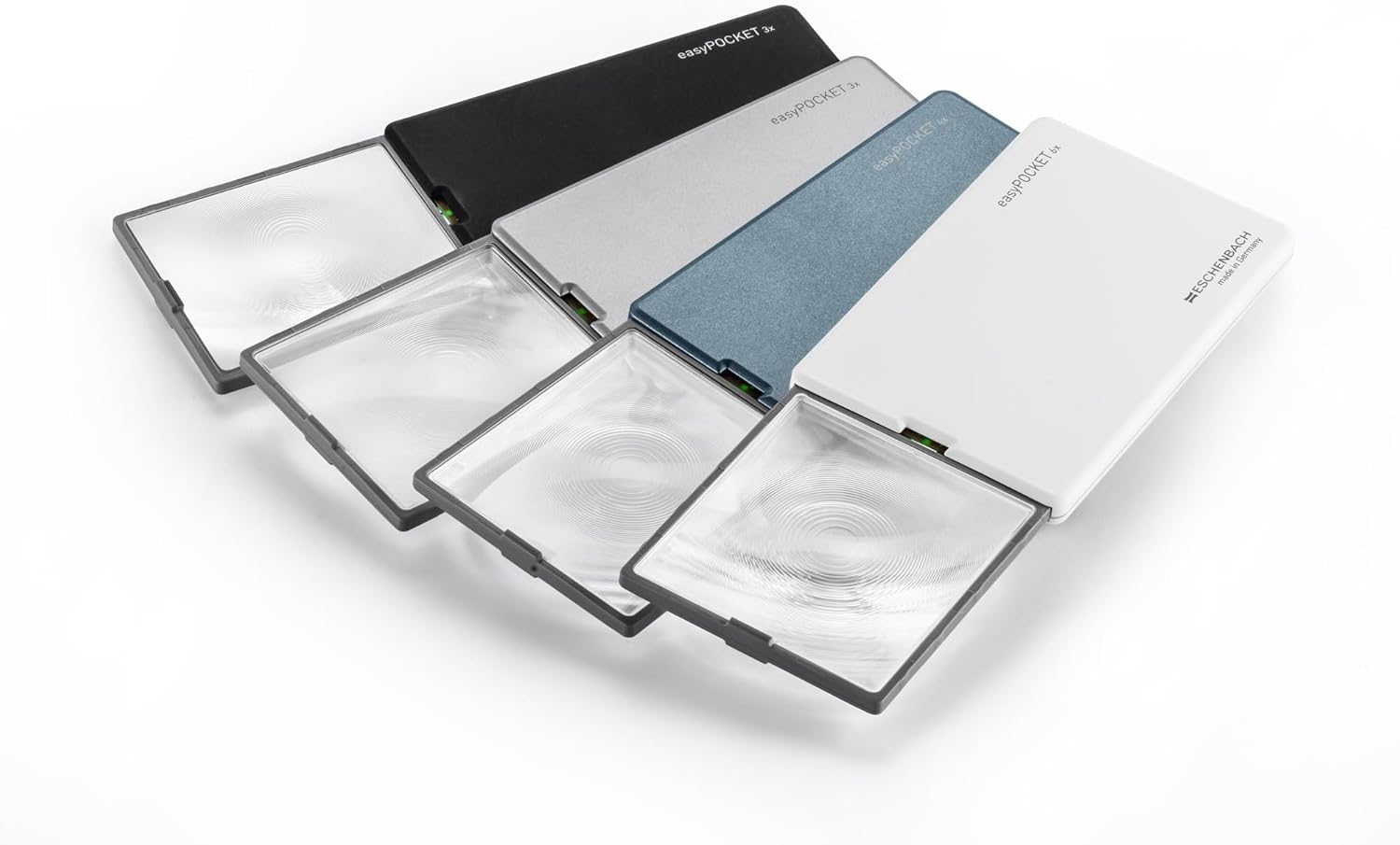
Figure 2: Back view of the magnifier, highlighting the battery compartment.
3. Operating Instructions
The magnifier is designed for ease of use with an automatic LED light activation feature.
- To Activate Magnification and Light: Gently pull the lens out from the housing. The LED light will automatically turn on once the lens is fully extended.
- To Use: Position the extended lens over the text or object you wish to magnify. Adjust the distance between the lens and the object for optimal clarity.
- To Deactivate: Push the lens back into the housing. The LED light will automatically turn off, and the lens will be protected.

Figure 3: Magnifier in use, demonstrating the extended lens and activated LED light.
Video 1: Demonstration of the Easy Magnifier, showing how to use the device and its automatic light feature.
4. Maintenance
Proper care ensures the longevity and performance of your magnifying glass.
- Cleaning the Lens: Use a soft, lint-free cloth (such as a microfiber cleaning cloth) to gently wipe the lens. Avoid abrasive materials or harsh chemicals that could scratch or damage the lens coating.
- Battery Replacement: Replace batteries as described in Section 2.1 when the LED light dims or fails to illuminate.
- Storage: Always retract the lens into the housing when not in use to protect it from scratches and dust. Store the magnifier in a dry, cool place.
5. Troubleshooting
| Problem | Possible Cause | Solution |
|---|---|---|
| LED light does not turn on. | Batteries are depleted or incorrectly installed. Lens is not fully extended. | Check battery polarity and replace if necessary. Ensure the lens is fully pulled out from the housing. |
| Image appears blurry or distorted. | Lens is dirty. Incorrect viewing distance. | Clean the lens with a soft cloth. Adjust the distance between the magnifier and the object until the image is clear. |
6. Specifications
- Magnification: 4x
- Lens Size: 1.8 x 2.0 inches (46 x 50 mm)
- Weight: 1.1 oz (31 g)
- Lens Type: Reflective, Aspherical
- Lens Material: PXM optical resin
- Batteries: 2 CR2 batteries required
- Product Dimensions: 1.81"L x 1.97"W
7. Warranty and Support
For warranty information and customer support, please refer to the documentation included with your purchase or visit the official Eschenbach website. Keep your proof of purchase for any warranty claims.

