
Universal 46200
Universal 46200 Perforated Edge Writing Pad
User Instruction Manual
Introduction
This manual provides essential information regarding the Universal 46200 Perforated Edge Writing Pad. It covers product features, usage guidelines, and specifications to ensure optimal use and longevity of your writing pads. These pads are designed for general note-taking, list-making, and various writing tasks in office, school, or home environments.
Product Features
The Universal 46200 Writing Pad is engineered for convenience and reliability. Key features include:
- Perforated Edge: Each sheet is perforated at the top for clean and easy removal, preventing tearing of the paper when detaching.
- Narrow Rule: The paper features narrow ruling, providing more lines per page for detailed notes.
- Canary Color: The distinctive canary yellow paper is easy on the eyes and provides a traditional look.
- Standard Dimensions: Each pad measures 5 inches by 8 inches, a convenient size for portability and desk use.
- Sheet Count: Each pad contains 50 sheets, offering ample writing space.
- Pack Quantity: This product is supplied as a dozen (12) pads per pack, ensuring a plentiful supply.
- Sturdy Backing: A rigid cardboard backing provides a firm writing surface, even when not on a desk.

Image: A full pack of twelve Universal 46200 Perforated Edge Writing Pads, still sealed in their original packaging. The packaging highlights the 'Universal' brand, '50 Sheets', '5 x 8' size, 'Canary' color, and 'Narrow Rule'.

Image: A single Universal writing pad illustrating its key specifications: 50 sheets per pad, 12 pads per pack, 5" x 8" size, narrow ruled lines, and standard paper weight.
Setup
The Universal 46200 Writing Pads require minimal setup. Simply remove the desired number of pads from the outer packaging. Each pad is ready for immediate use.
Operating Instructions
Using the writing pad is straightforward:
- Writing: Use any standard writing instrument (pen, pencil, marker) on the ruled canary paper. The sturdy backing provides a stable surface.
- Removing Sheets: When a sheet is no longer needed or needs to be filed, gently pull it upwards from the top edge of the pad. The perforation will allow for a clean, tear-free detachment.
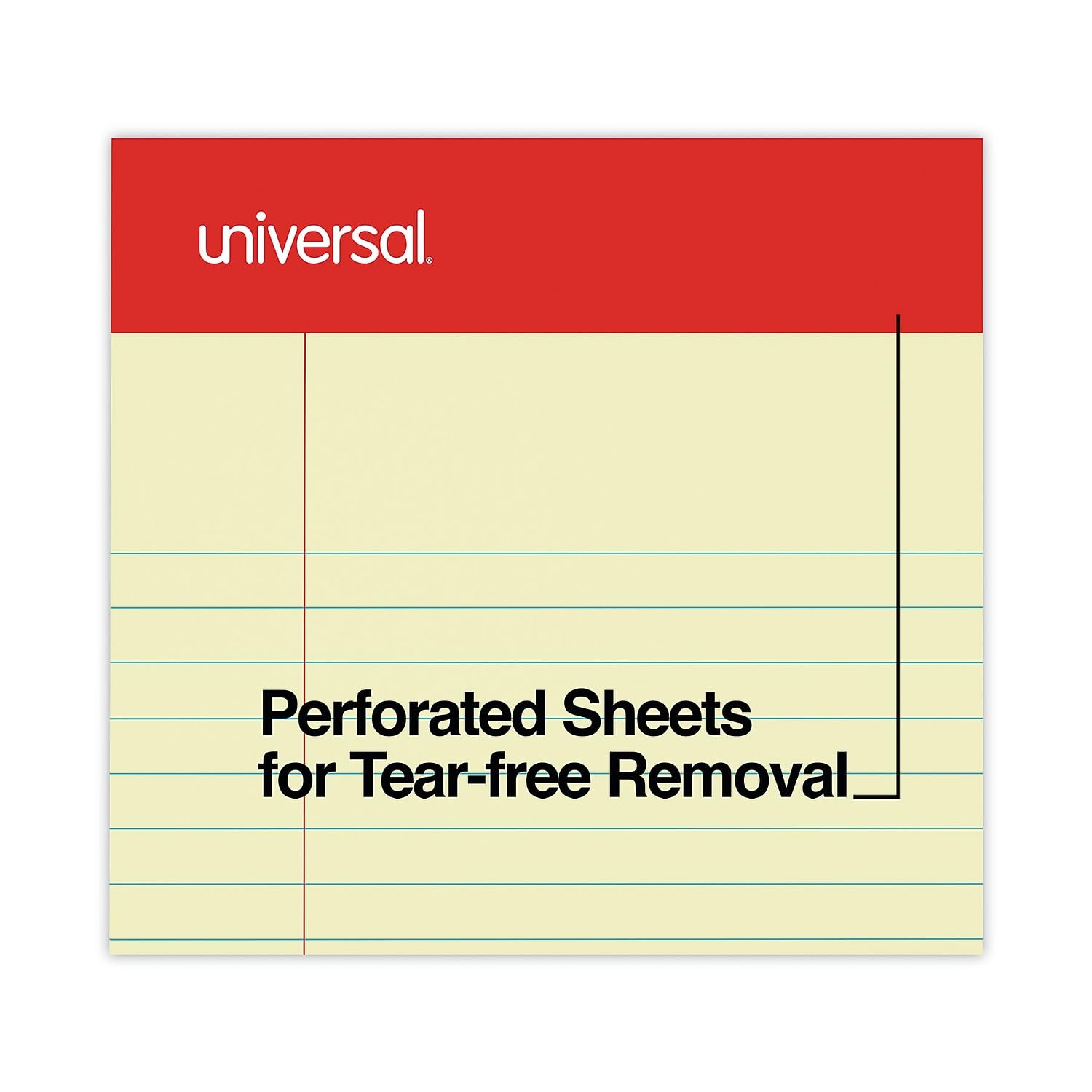
Image: A visual representation of the perforated sheets, highlighting the design for easy and clean tear-free removal of individual pages from the pad.
Maintenance
To ensure the longevity and quality of your writing pads, follow these simple maintenance guidelines:
- Storage: Store pads in a dry environment, away from excessive humidity or direct sunlight, to prevent paper warping, discoloration, or damage.
- Protection: Keep pads in their original packaging or a protective container when not in use to prevent dust accumulation or accidental spills.
- Handling: Avoid bending or creasing the pads unnecessarily to maintain the integrity of the sheets and the sturdy backing.
Troubleshooting
These writing pads are simple in design and typically do not require complex troubleshooting. However, if you encounter any issues:
- Difficulty Tearing Sheets: Ensure you are pulling the sheet upwards from the perforated line. If the perforation is damaged, carefully tear the sheet using a straight edge.
- Ink Bleed-Through: While the paper is of standard weight, very wet inks or heavy markers may bleed through. Test your writing instrument on an inconspicuous area or a scrap sheet if concerned.
- Damaged Pads: If pads arrive damaged, contact your retailer or the manufacturer for assistance.
Specifications
| Attribute | Detail |
|---|---|
| Model Number | 46200 |
| Pad Type | Notepad |
| Sheet Size | 5" x 8" (127 mm x 203 mm) |
| Ruling | Narrow Rule |
| Number of Sheets per Pad | 50 |
| Color | Canary |
| Pack Quantity | 12 Pads (Dozen) |
| Item Weight (per dozen) | 2.29 pounds |
| Dimensions (per dozen) | 8.1 x 5 x 2.4 inches |
| Publisher | UNIVERSAL OFFICE PRODUCTS |
Warranty and Support
For information regarding product warranty, returns, or additional support, please refer to the specific terms provided by your retailer at the time of purchase or visit the official website of UNIVERSAL OFFICE PRODUCTS. Contact details for customer service are typically available on the manufacturer's packaging or website.
Ask a question about this manual
Ask about setup, troubleshooting, compatibility, parts, safety, or missing instructions. Manuals+ will review the question and use this page’s manual context to help answer it.