
1. Product Overview
The Micro Canon Speedlight 155A/188A Foot is a precision-engineered replacement part designed for Canon Speedlight flash units models 155A and 188A. This component ensures a secure and reliable connection between your Speedlight and a camera's hot shoe or other compatible mounting accessories. It is manufactured to meet original equipment manufacturer (OEM) specifications, ensuring proper fit and function.
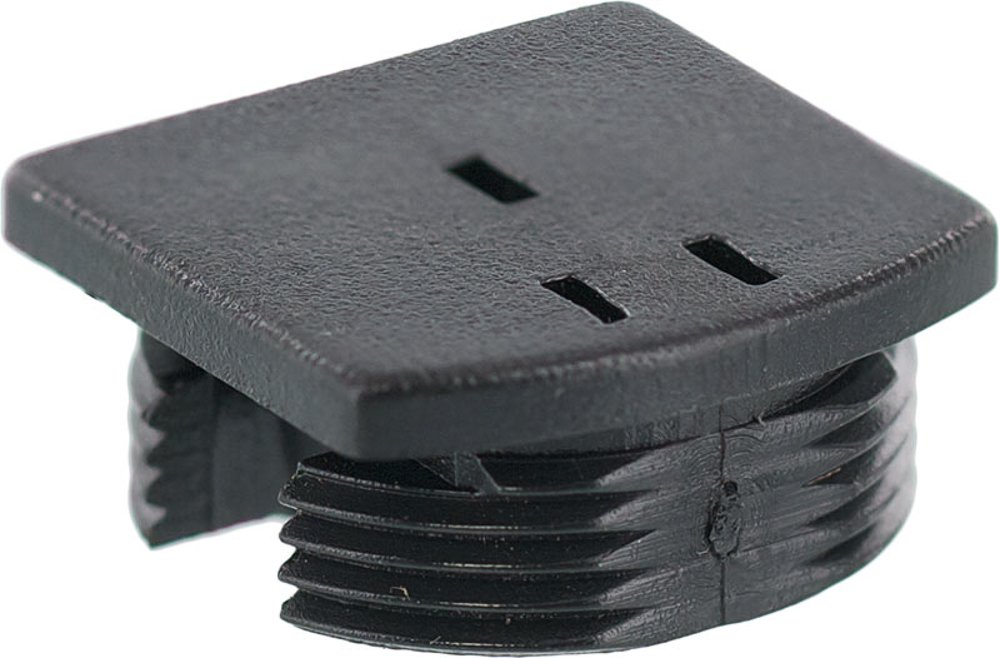
Image 1.1: The Micro Canon Speedlight 155A/188A Foot replacement part. This image displays the base of the Speedlight foot, showing the contact pins and mounting mechanism designed for secure attachment to compatible flash units.
2. Safety Information
Please read and understand the following safety precautions before handling or installing the Speedlight foot:
- Handle with Care: The Speedlight foot contains delicate electronic contacts. Avoid dropping or subjecting it to excessive force.
- Power Off: Always ensure your camera and Speedlight are powered off and disconnected from any power source before attempting installation or removal of the foot.
- Avoid Moisture: Do not expose the Speedlight foot to water or high humidity, as this can damage the electronic components.
- Keep Out of Reach of Children: This product is not a toy and may contain small parts.
3. Package Contents
Verify that your package contains the following item:
- One (1) Micro Canon Speedlight 155A/188A Foot replacement part
4. Setup and Installation
Follow these steps to properly install the replacement Speedlight foot onto your Canon Speedlight 155A or 188A unit:
- Prepare the Speedlight: Ensure your Canon Speedlight 155A or 188A is powered off and any batteries are removed. If the old foot is still attached, carefully remove it according to the Speedlight's original service instructions.
- Align the Foot: Orient the new Micro Speedlight foot with the base of your Speedlight unit. The contact pins on the foot should align with the corresponding receptacles on the Speedlight.
- Secure the Foot: Gently press the new foot into place. Depending on your Speedlight model, there may be small screws or a locking mechanism to secure the foot. Refer to your Speedlight's original manual for specific fastening details. Ensure the foot is firmly seated and does not wobble.
- Test Connection: Once installed, reinsert the batteries into your Speedlight and power it on. Attach the Speedlight to a compatible camera hot shoe or stand. Verify that the Speedlight powers on and communicates correctly with the camera (if applicable).
5. Operating Instructions
The Speedlight foot itself does not have operational controls. Its function is to provide a stable and electrically conductive connection for your Canon Speedlight 155A or 188A flash unit. Once installed, the Speedlight foot enables the flash to:
- Mount securely onto a camera's hot shoe.
- Mount onto a compatible flash stand or bracket.
- Transmit electrical signals between the camera and the Speedlight for flash synchronization and control.
Refer to your Canon Speedlight 155A or 188A's original instruction manual for detailed operating procedures of the flash unit itself.
6. Maintenance
Proper maintenance ensures the longevity and reliable performance of your Speedlight foot:
- Cleaning: Use a soft, dry, lint-free cloth to gently wipe the exterior of the foot. For the electrical contacts, use a clean cotton swab lightly dampened with isopropyl alcohol, then allow to dry completely before use.
- Storage: When not in use, store the Speedlight (with the foot attached) in a clean, dry environment, away from extreme temperatures and direct sunlight.
- Inspection: Periodically inspect the foot for any signs of damage, corrosion on contacts, or loose connections.
7. Troubleshooting
If you encounter issues with your Speedlight foot, consider the following:
| Problem | Possible Cause | Solution |
|---|---|---|
| Speedlight does not power on or fire when mounted. | Poor contact between foot and Speedlight, or between foot and camera hot shoe. | Ensure the foot is securely installed on the Speedlight. Clean the electrical contacts on the foot, Speedlight, and camera hot shoe. Verify Speedlight batteries are charged and correctly inserted. |
| Foot feels loose after installation. | Improper installation or missing fastening screws/clips. | Re-check installation steps. Ensure any securing screws or clips (if applicable to your Speedlight model) are properly engaged. If the issue persists, the foot may be incompatible or defective. |
| Physical damage to the foot. | Impact or improper handling. | The foot is a replacement part and cannot be repaired. Replace with a new unit if damaged. |
8. Specifications
Key specifications for the Micro Canon Speedlight 155A/188A Foot:
| Feature | Detail |
|---|---|
| Brand | Micro |
| Compatible Mountings | Canon Speedlight 155A, Canon Speedlight 188A |
| Mounting Type | Hot Shoe Mount |
| Item Weight | 0.16 ounces |
| Manufacturer | Micro-Tools |
9. Warranty and Support
This Micro replacement part is designed for reliable performance. For specific warranty information, please refer to the documentation provided with your purchase or contact the manufacturer, Micro-Tools, directly. For technical support or further assistance, please reach out to the vendor from whom you purchased this product.