
1. Product Overview
The AcuRite Model 1061 is a 24-inch weathered wall clock designed for both indoor and outdoor use. It features a precise quartz clock movement, an integrated thermometer, and a hygrometer to display current time, temperature, and humidity levels. Its durable, weather-resistant construction ensures reliable performance in various environments.
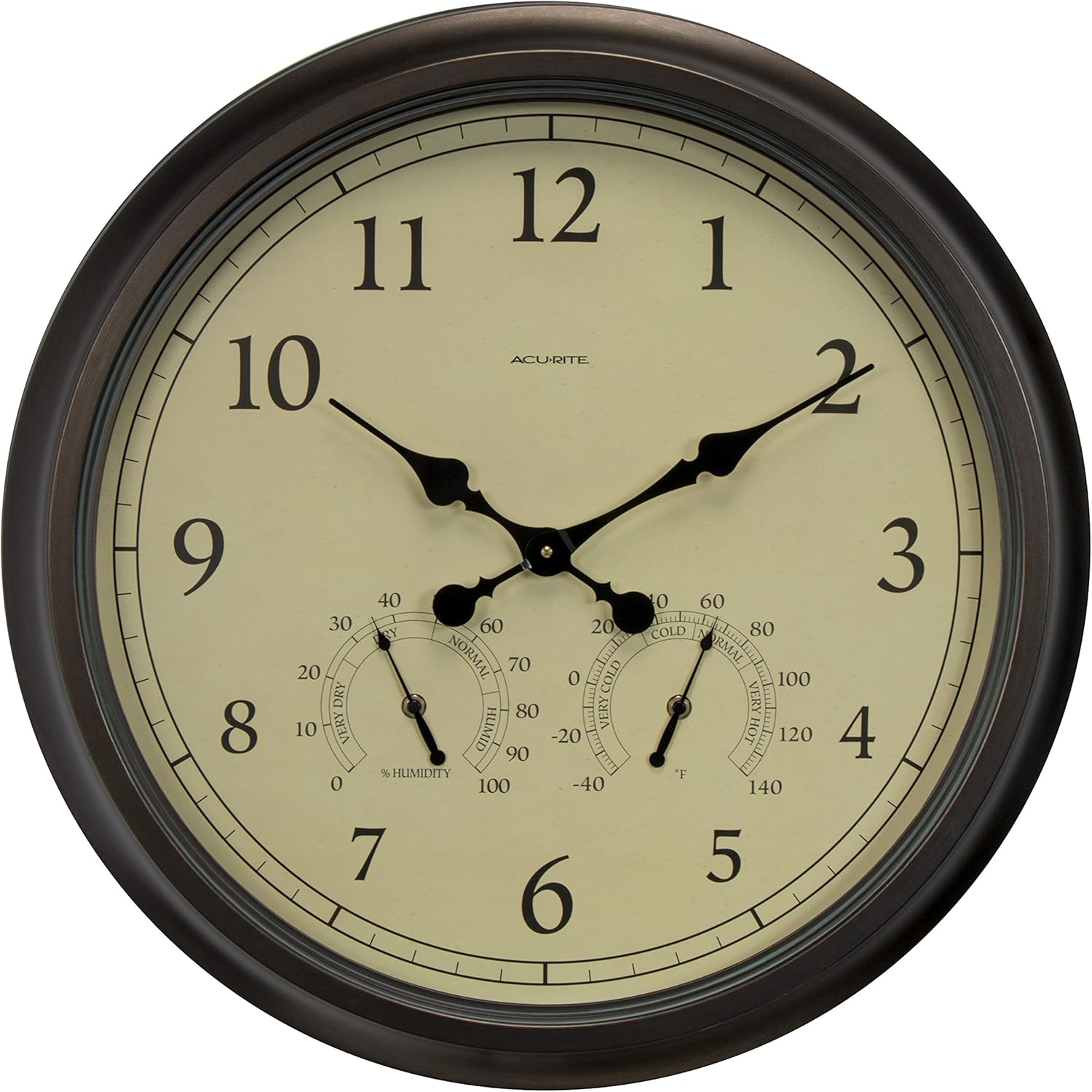
Figure 1: Front view of the AcuRite 24-inch Weathered Wall Clock.
Key Features:
- 24-inch Diameter: Large, easy-to-read display.
- Quartz Clock Movement: Provides accurate timekeeping.
- Integrated Thermometer: Measures temperatures from -40°F to 140°F (-40°C to 60°C).
- Integrated Hygrometer: Measures humidity from 1% to 99% Relative Humidity (RH).
- Durable, Weather-Resistant Construction: Suitable for indoor or outdoor placement.
- Clear Glass Lens: Protects the dial and ensures readability.
2. Setup
2.1 Battery Installation
The clock requires one (1) AA alkaline battery for operation (not included). For optimal performance, especially in low temperatures, lithium batteries may be used.
- Locate the battery compartment on the back of the clock.
- Remove the battery compartment cover.
- Insert one (1) fresh AA battery according to the polarity markings (+ and -).
- Replace the battery compartment cover securely.
2.2 Setting the Time
After installing the battery, set the time using the adjustment wheel located on the back of the clock mechanism.
- Turn the time adjustment wheel in either direction until the clock displays the correct time.
2.3 Mounting
The AcuRite 1061 clock is designed for easy wall mounting.
- Choose a suitable location for mounting. For outdoor use, select an area protected from direct sunlight and extreme weather to ensure accurate temperature and humidity readings and prolong product life.
- Use a screw or nail (not included) appropriate for your wall material.
- Hang the clock using the integrated keyhole hanger on the back.
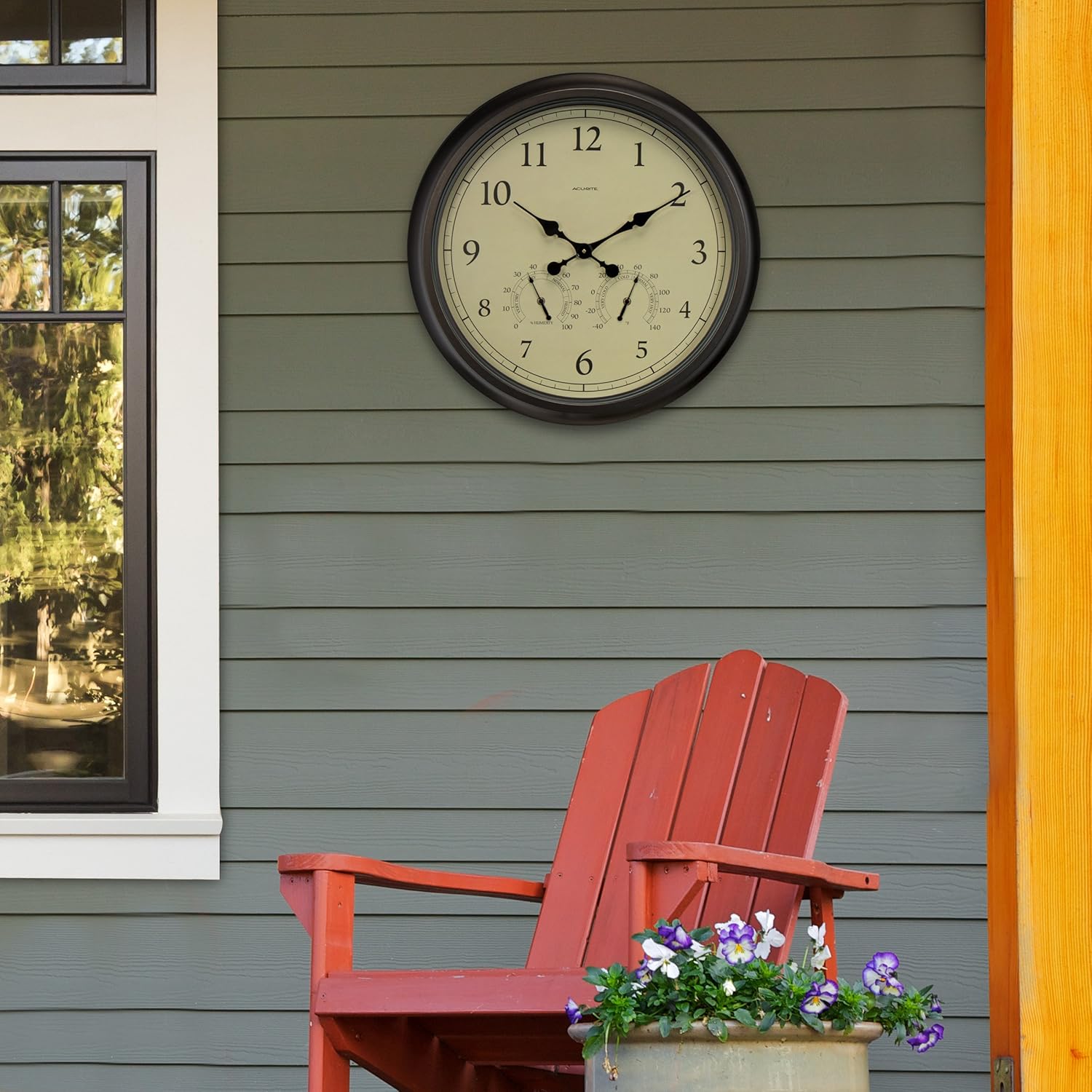
Figure 2: The clock mounted on an outdoor wall, demonstrating its suitability for exterior spaces.
3. Operating Instructions
3.1 Reading the Clock
The clock features a traditional analog display with hour, minute, and second hands for easy time reading.
3.2 Reading the Thermometer
The integrated thermometer displays the ambient temperature in both Fahrenheit and Celsius. The temperature range is from -40°F to 140°F (-40°C to 60°C).
3.3 Reading the Hygrometer
The integrated hygrometer displays the relative humidity as a percentage. The humidity range is from 1% to 99% RH.
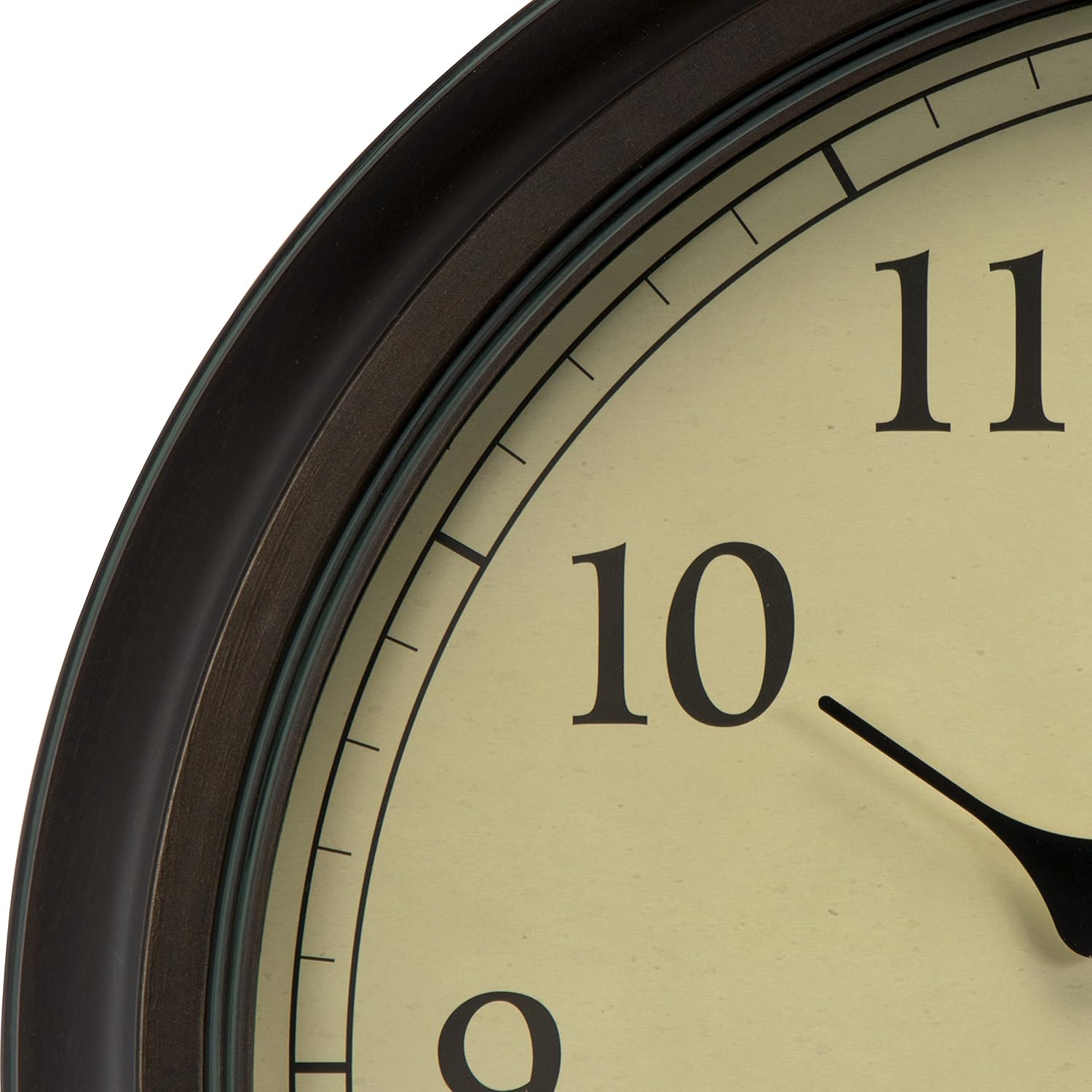
Figure 3: Detailed view of the clock face, highlighting the thermometer and hygrometer dials for environmental monitoring.
3.4 Backlight Operation (If Applicable)
Some AcuRite clocks feature an illuminated dial for enhanced visibility in low-light conditions. If your model includes this feature, it typically offers:
- Automatic Backlight: A light sensor may activate the backlight during nighttime or in dark environments.
- Timer Modes: Options may include a 4-hour timer, an 'Always On' setting for continuous illumination in the dark, or the ability to disable the backlight entirely.
Video 1: This video demonstrates the features of AcuRite Indoor/Outdoor Clocks, including the illuminated dial for visibility in various lighting conditions. It highlights the versatility of the clock for both indoor and outdoor environments.
4. Maintenance
4.1 Cleaning
To clean the clock, wipe it with a soft, damp cloth. Do not use abrasive cleaners or chemicals that may damage the finish or the glass lens.
4.2 Battery Replacement
Replace the AA battery annually or when the clock begins to lose time. Always use fresh, high-quality batteries.
4.3 Weather Resistance
The clock features durable, weather-resistant construction. However, for prolonged life and optimal performance, it is recommended to place the clock in a location protected from direct, harsh weather elements like heavy rain or intense sunlight.
5. Troubleshooting
5.1 Clock Not Keeping Time
- Ensure the battery is inserted correctly with proper polarity.
- Replace the battery with a fresh AA alkaline battery. If operating in cold temperatures, consider using a lithium battery.
- Check if the time adjustment wheel is set correctly.
5.2 Inaccurate Temperature/Humidity Readings
- Ensure the clock is not exposed to direct sunlight, which can artificially inflate temperature readings.
- Allow the clock to acclimate to its environment for at least 20 minutes for accurate readings.
- Verify that the sensors (small dials on the clock face) are not obstructed.
6. Specifications
| Brand | AcuRite |
| Model Number | 1061 |
| Product Dimensions | 24"W x 24"H |
| Item Weight | 9.2 Pounds |
| Color | Brown |
| Display Type | Analog |
| Power Source | Battery Powered (1 AA battery required, not included) |
| Indoor/Outdoor Usage | Indoor, Outdoor |
| Material | Plastic (Frame) |
| Temperature Range | -40°F to 140°F (-40°C to 60°C) |
| Humidity Range | 1% to 99% RH |
7. Warranty and Support
7.1 Warranty Information
This AcuRite product is covered by a 1-year limited warranty on parts from the date of purchase. This warranty covers defects in material and workmanship. It does not cover damage caused by misuse, accident, or unauthorized repairs.
7.2 Customer Support
For technical assistance, troubleshooting, or warranty claims, please contact AcuRite Customer Support. Refer to the official AcuRite website for the most current contact information and support resources.
Online resources may include FAQs, product registration, and additional instructional materials.


