
Introduction
This manual provides essential instructions for the safe and effective use of your Body-Solid GFID225 Multi-Position Adjustable Weight Bench. Please read all instructions carefully before assembly and operation to ensure proper function and user safety. Retain this manual for future reference.
Safety Information
- Consult a physician before starting any exercise program.
- Ensure all parts are securely fastened before each use.
- Do not exceed the maximum weight capacity of 272.15 kg (600 lbs).
- Keep children and pets away from the equipment during use.
- Use the bench on a flat, stable surface.
- Inspect the bench for wear or damage before each workout. Do not use if damaged.
Product Features
The Body-Solid GFID225 is a versatile multi-position adjustable weight bench designed for various strength training exercises. Key features include:
- Adjustable backrest with 7 positions, including flat, incline, and decline.
- Integrated transport wheels for easy mobility.
- Foldable design for convenient storage.
- Durable carbon steel and steel alloy frame construction.
- Thick, comfortable padding for user support.
- Stable base for secure exercise.
- High weight capacity suitable for intense training.
Setup and Assembly
The Body-Solid GFID225 bench arrives largely pre-assembled. Follow these steps to prepare it for use:
- Unpacking: Carefully remove the bench from its packaging. It is recommended to have assistance due to its size and weight (approximately 25 kg).
- Unfolding the Bench:
Locate the red spring-loaded pins on the bench. Pull these pins out to release the locking mechanism. Gently unfold the bench until the backrest and seat are in their operational positions. Ensure the legs are fully extended and locked into place.

Image: The Body-Solid GFID225 bench shown in a partially folded state, highlighting the red locking pins used for folding and unfolding. The bench is black with dark grey padding.
- Stabilizing the Bench: Ensure the bench is placed on a flat, level surface. Verify that all support points are firmly on the ground and the bench does not wobble.
Operating Instructions
The GFID225 bench offers multiple adjustment options for various exercises.
Adjusting the Backrest
The backrest can be adjusted to 7 different positions, including flat, incline, and decline. To adjust:
- Locate the adjustment bar or pin mechanism at the rear of the backrest support.
- Lift the backrest slightly and pull the adjustment pin/bar to disengage it from its current slot.
- Move the backrest to the desired angle (incline, flat, or decline).
- Release the pin/bar, ensuring it securely locks into one of the 7 available slots. Verify the backrest is stable before use.

Image: An illustration of the Body-Solid GFID225 bench demonstrating its various backrest angle adjustments, from a decline position to a steep incline, indicated by a series of ghosted images.
Adjusting the Seat
The seat also offers multiple adjustments to complement the backrest position and provide optimal support during exercises.

Image: The Body-Solid GFID225 bench set in an incline position, ready for use. The seat is also adjusted to provide proper support.
Folding for Storage
To fold the bench for compact storage:
- Ensure the backrest is in its lowest (decline or flat) position.
- Locate and pull the red spring-loaded pins to release the locking mechanisms.
- Carefully fold the bench components inward until they are compact. Ensure all pins re-engage to secure the folded position.
- Use the integrated wheels and handle to move the folded bench.
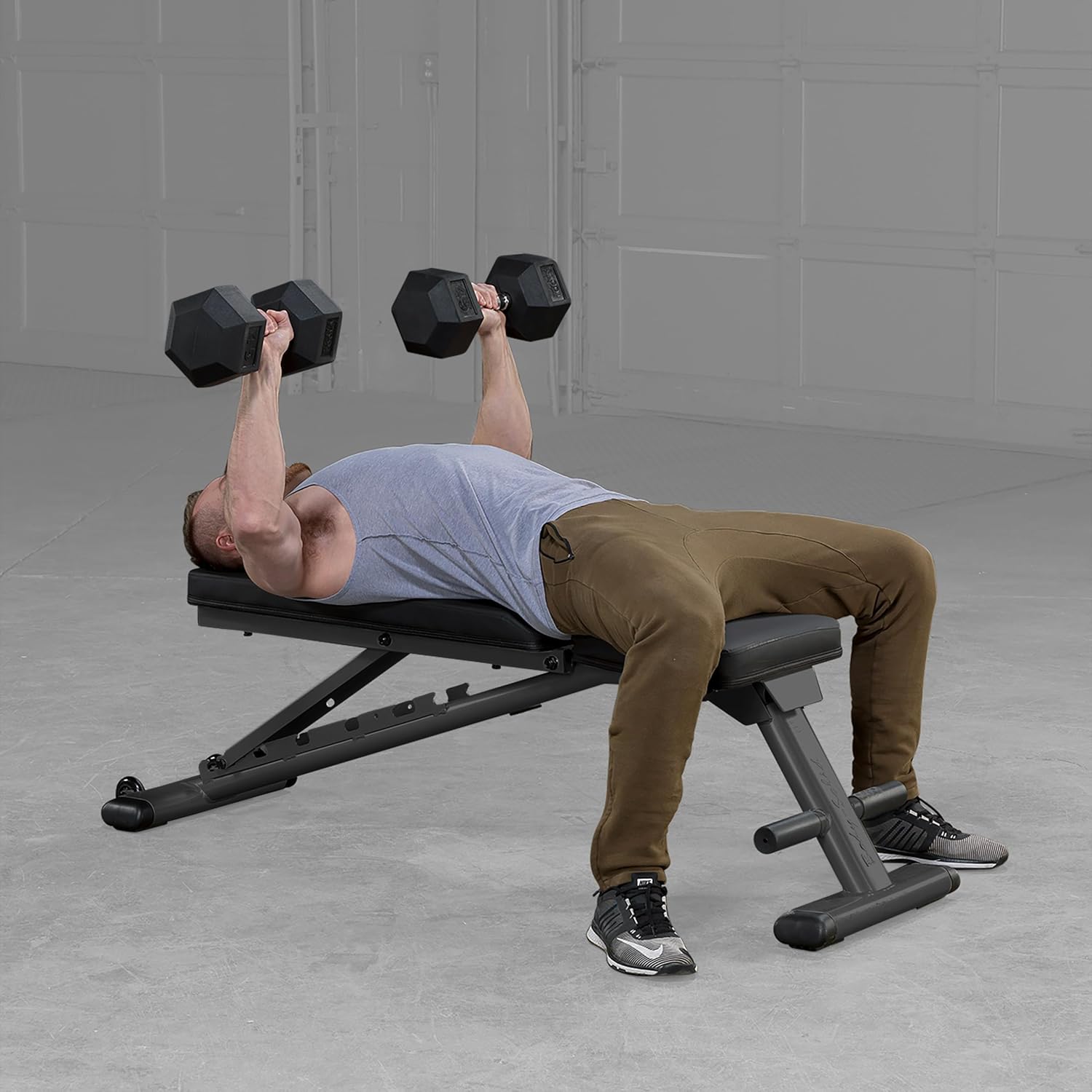
Image: The Body-Solid GFID225 bench shown in its fully folded configuration, demonstrating its compact size for storage. Red locking pins are visible.
Maintenance
- Cleaning: Wipe down the upholstery and frame with a damp cloth after each use to remove sweat and dirt. Use mild soap if necessary, then wipe with clean water and dry thoroughly.
- Inspection: Regularly check all bolts, nuts, and moving parts for tightness and wear. Tighten any loose fasteners.
- Lubrication: Apply a small amount of silicone-based lubricant to pivot points and adjustment mechanisms periodically to ensure smooth operation.
- Storage: Store the bench in a dry, temperate environment away from direct sunlight and extreme temperatures.
Troubleshooting
| Problem | Possible Cause | Solution |
|---|---|---|
| Bench wobbles during use. | Uneven surface; loose fasteners. | Move bench to a flat surface. Check and tighten all bolts and nuts. |
| Adjustment mechanism is stiff. | Lack of lubrication; dirt buildup. | Clean the mechanism and apply silicone lubricant. |
| Squeaking noises. | Loose connections; dry pivot points. | Tighten all fasteners. Lubricate moving parts. |
Specifications
- Model: GFID225
- Brand: Body-Solid
- Material: Carbon Steel, Steel Alloy Frame
- Color: Black
- Assembled Dimensions (L x W x H): 144.8 cm x 40.6 cm x 45.7 cm (57 x 16 x 18 inches)
- Folded Dimensions (L x W x H): Approximately 135 cm x 42 cm x 27 cm (53 x 16.5 x 10.6 inches)
- Product Weight: 25 kg (55 lbs)
- Maximum Weight Capacity: 272.15 kg (600 lbs)
- Backrest Positions: 7 (including flat, incline, and decline)
- Features: Foldable design, integrated transport wheels, thick padding.
Warranty and Support
For warranty information, product support, or to purchase replacement parts, please contact Body-Solid customer service directly. Refer to the official Body-Solid website or your purchase documentation for specific warranty terms and contact details.
Online Resources: www.bodysolid.com


