
1. Introduction
The CDN ProAccurate High Heat Oven Thermometer (Model POT750X) is designed for precise temperature measurement within ovens, supporting various cooking methods including broiling, roasting, and high-temperature baking. This NSF Certified thermometer features a durable laboratory glass lens and a wide temperature range to assist in achieving optimal culinary results.

Image 1: CDN ProAccurate High Heat Oven Thermometer
2. Key Features
- Temperature Range: Measures temperatures from 100°F to 750°F (50°C to 400°C).
- Durable Construction: Made of commercial-grade stainless steel with a laboratory-quality glass lens.
- Easy-to-Read Dial: Features a large 2-1/4-inch dial with a red indicator needle and clear cooking zones (Warm, Bake/Roast, Broil).
- Versatile Placement: Equipped with a wide base for standing and an integrated hook for hanging on oven racks.
- NSF Certified: Meets public health and safety standards.
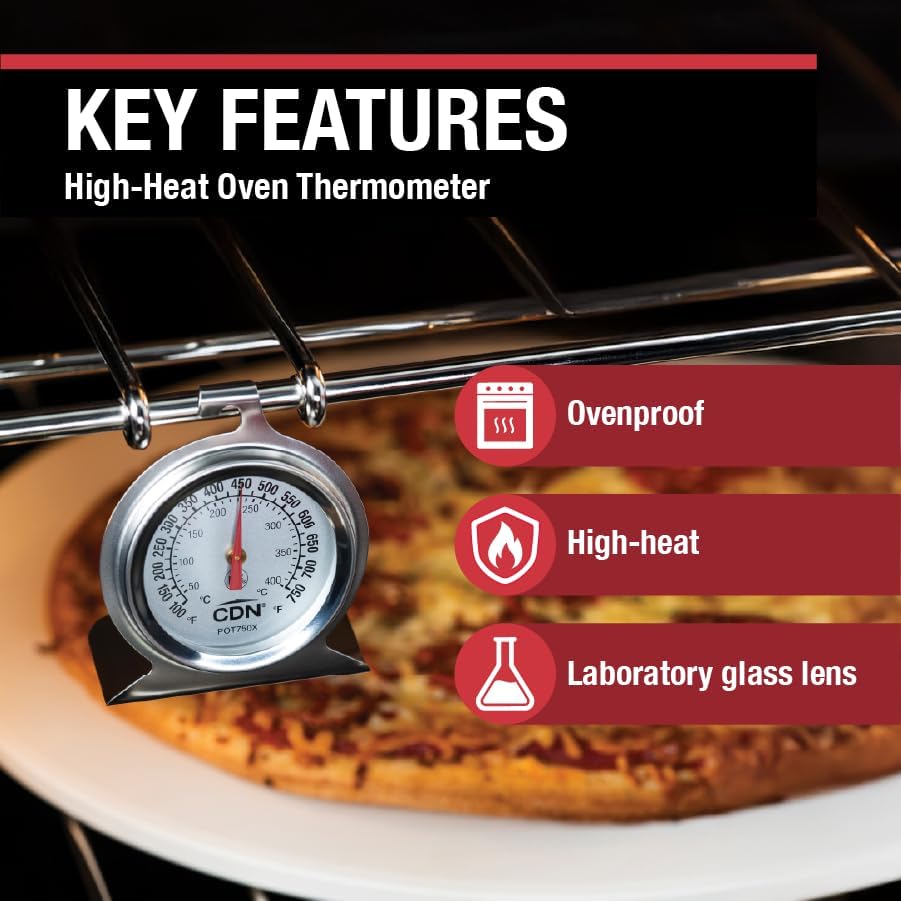
Image 2: Key features highlighting ovenproof, high-heat, and laboratory glass lens.
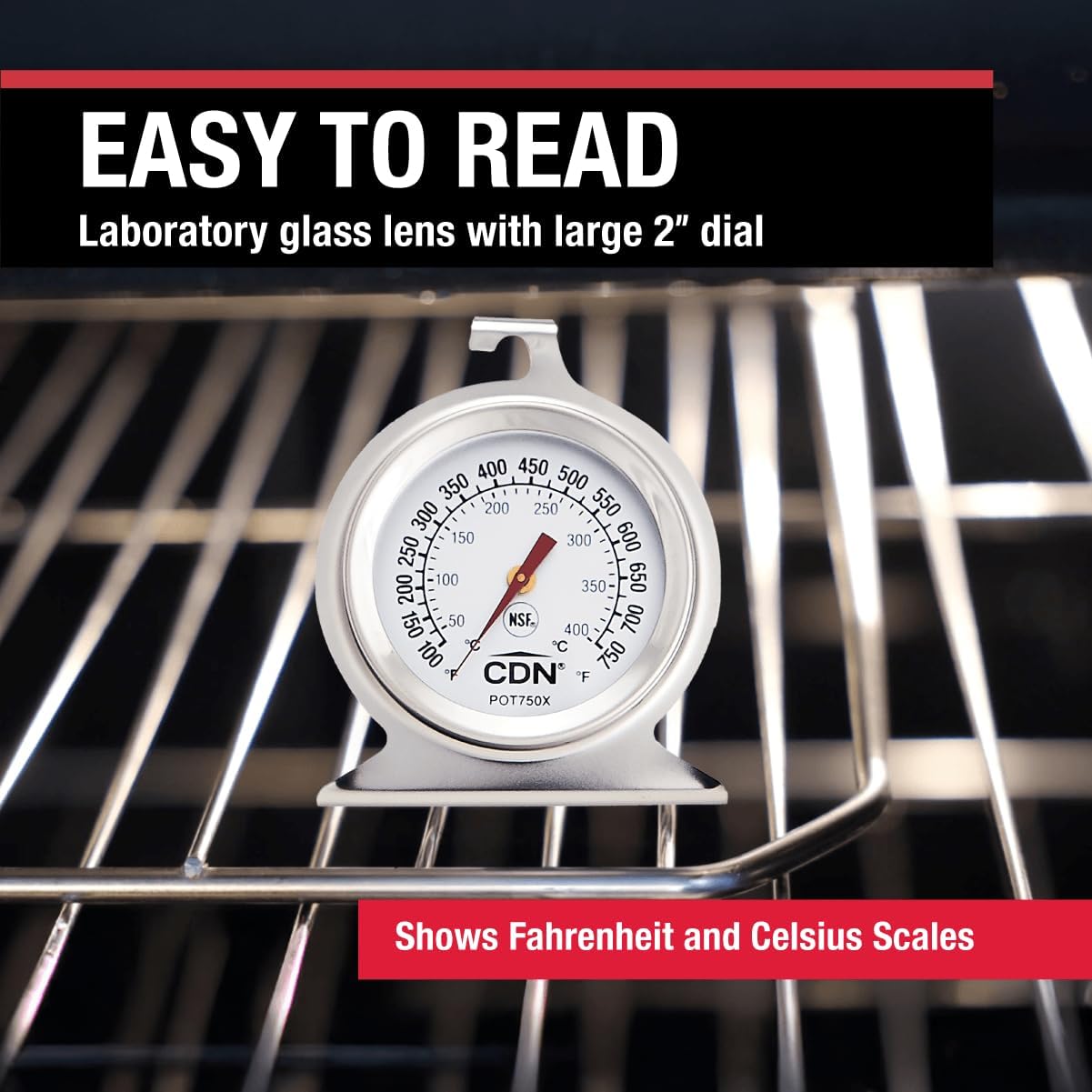
Image 3: Easy-to-read dial with Fahrenheit and Celsius scales.
3. Setup and Placement
The CDN ProAccurate High Heat Oven Thermometer offers flexible placement options to suit your oven and cooking needs.
- Standing: Place the thermometer on any oven rack using its wide, stable base. Ensure it is positioned where it can be easily read through the oven door.
- Hanging: Utilize the integrated hook to hang the thermometer from an oven rack. The hook rotates 360 degrees, allowing you to adjust the viewing angle for optimal readability.
For best results, position the thermometer near the food being cooked, but not directly touching it or any heating elements, to get an accurate reading of the ambient oven temperature.
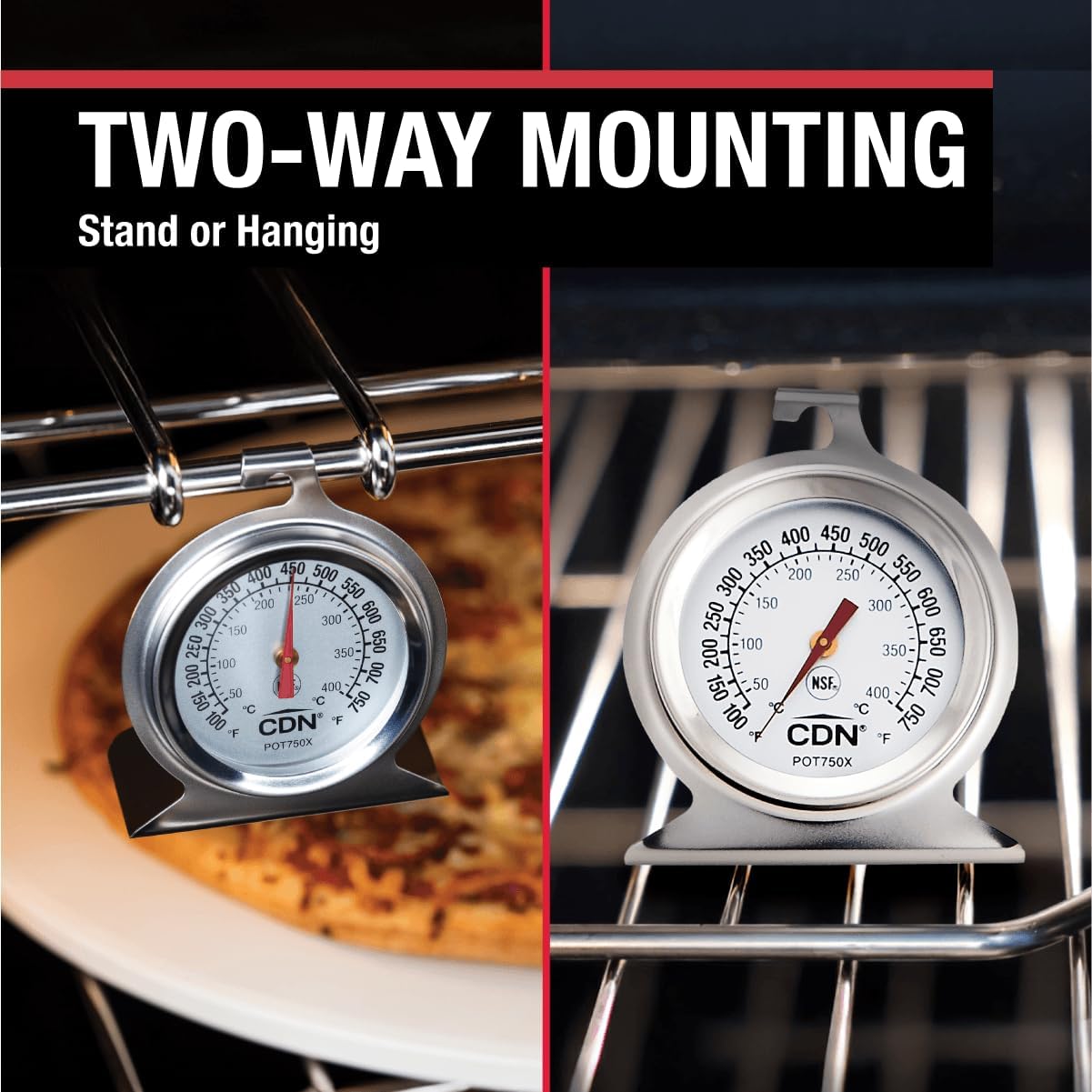
Image 4: Demonstrates the two-way mounting options: standing on a rack or hanging from a rack.
4. Operating Instructions
To use the thermometer, simply place it inside your oven before preheating. Allow the oven to preheat fully and stabilize its temperature before taking a reading. The thermometer's dial will indicate the current internal oven temperature.
- Reading the Dial: The large dial clearly displays temperatures in both Fahrenheit and Celsius. The red indicator needle points to the current temperature.
- Cooking Zones: The dial includes colored zones to guide various cooking processes:
- Warm: Lower temperature range for keeping food warm.
- Bake/Roast: Mid-range temperatures suitable for baking and roasting.
- Broil: Higher temperature range for broiling applications.
Regularly check the thermometer during cooking to ensure your oven maintains the desired temperature, as oven thermostats can sometimes be inaccurate.

Image 5: Oven thermometer in use, showing temperature reading inside an oven.

Image 6: Illustrates the wide range of uses for the thermometer, including smokers, toaster ovens, conventional ovens, pizza ovens, and grills.
Official Product Video: Oven Thermometer Display
Video 1: A demonstration of the oven thermometer's display and functionality.
Official Product Video: Oven Thermometer Z21
Video 2: A brief overview of the oven thermometer, showcasing its design and placement.
5. Maintenance
To ensure the longevity and accuracy of your thermometer, follow these maintenance guidelines:
- Cleaning: Wipe the thermometer with a damp cloth. Do not soak the thermometer in water.
- Storage: Store in a dry place when not in use.
- Inspection: Periodically inspect the thermometer for any signs of damage or wear.
6. Troubleshooting
If you suspect your oven's temperature is inaccurate, the CDN ProAccurate High Heat Oven Thermometer can help identify discrepancies.
- Temperature Discrepancy: If the thermometer consistently reads a different temperature than your oven's display, your oven may require calibration. Consult your oven's user manual for instructions on how to calibrate its thermostat.
- Slow Response: Analog thermometers may take a few minutes to stabilize and display the correct temperature, especially during initial preheating. Allow sufficient time for the reading to settle.
7. Specifications
| Feature | Detail |
|---|---|
| Brand | CDN |
| Model Name | POT750X |
| Temperature Range | 100°F to 750°F (50°C to 400°C) |
| Display Type | Analog |
| Outer Material | Stainless Steel |
| Special Feature | Large Display |
| Item Weight | 1.4 ounces |
| Product Care Instructions | Do Not Soak |
| NSF Certified | Yes |
8. Warranty and Support
For warranty information, technical support, or any product-related inquiries, please refer to the official CDN website or contact their customer service directly. Keep your purchase receipt for warranty claims.