
Lasko 1646
Lasko 16-inch Oscillating Adjustable Pedestal Stand Fan User Manual
Model: 1646 | Brand: Lasko
Introduction
This manual provides essential information for the safe and efficient operation of your Lasko 16-inch Oscillating Adjustable Pedestal Stand Fan. Designed for optimal air circulation, this fan features multiple speeds, oscillation, a timer, and remote control for enhanced comfort in various indoor settings.
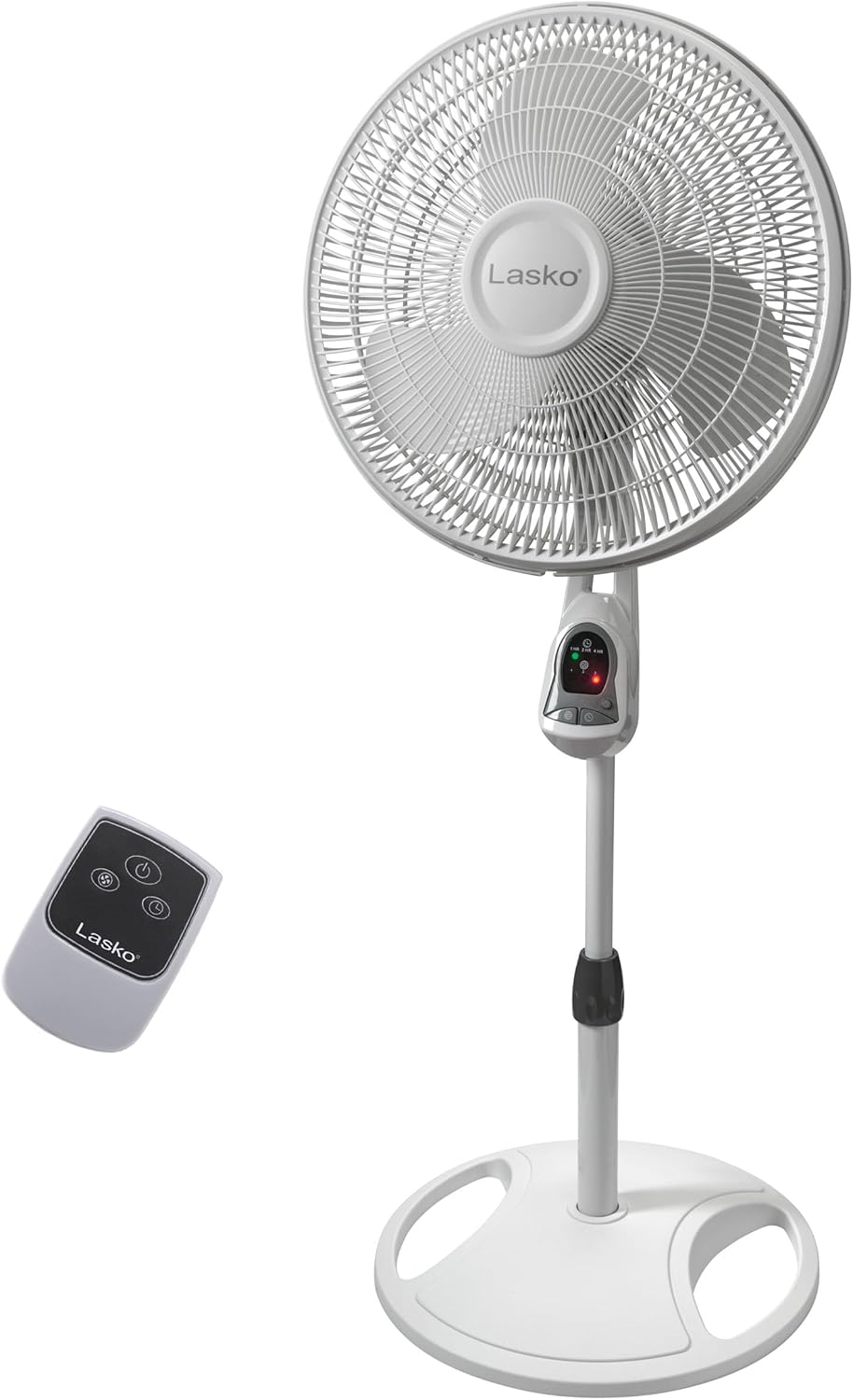
Figure 1: Lasko 16-inch Oscillating Pedestal Stand Fan with Remote Control.
Setup and Assembly
Your Lasko Pedestal Fan is designed for simple, no-tools assembly. The fan consists of approximately 5 main pieces that fit together intuitively.
Assembly Steps:
- Carefully unpack all components from the packaging. Ensure all parts are present, including the fan head, stand pole, base, and remote control.
- Assemble the base and attach the lower section of the stand pole.
- Connect the upper section of the stand pole to the lower section.
- Mount the fan head securely onto the top of the assembled stand pole. Ensure all connections are firm.
- Insert two AAA batteries (not included) into the remote control.
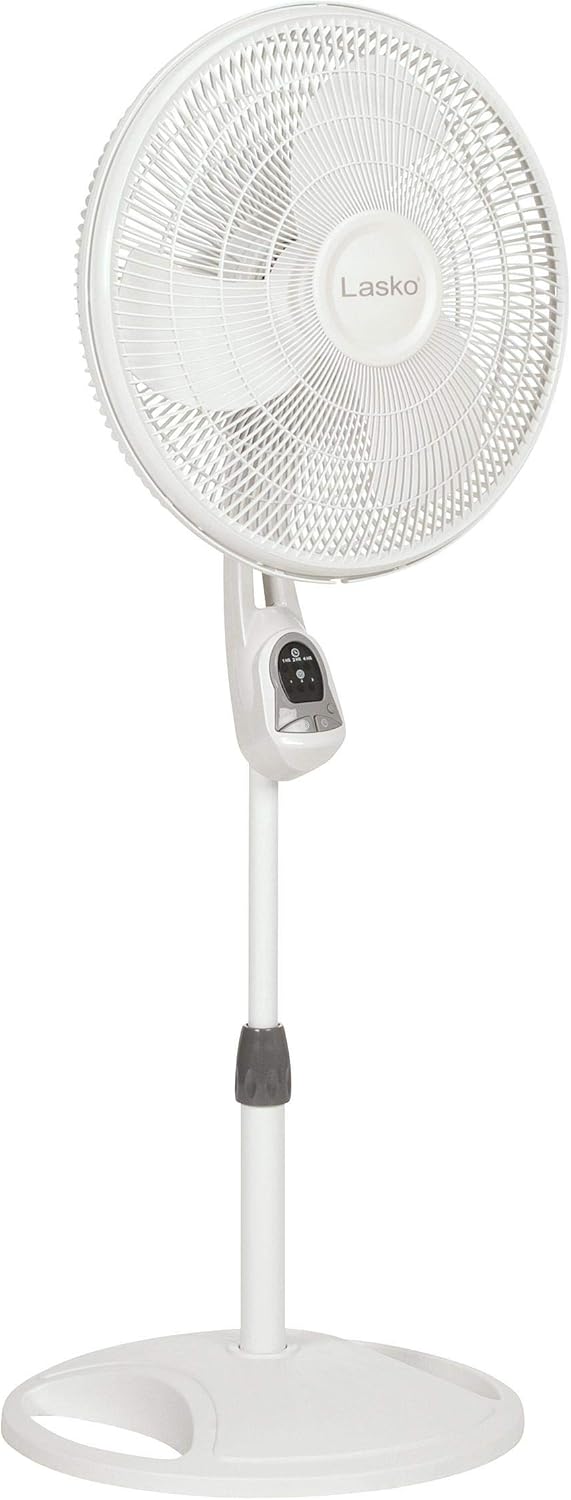
Figure 2: The fan's adjustable height feature, ranging from 32 to 47 inches.
Operating Instructions
The Lasko Pedestal Fan offers convenient electronic controls on the unit and a multi-function remote control for ease of use.
Electronic Controls:
- Power Button: Turns the fan On or Off.
- Speed Settings: Cycle through 3 energy-efficient speeds (1, 2, 3) to adjust airflow intensity.
- Timer Function: Set the auto-off timer for 1, 2, or 4 hours. The fan will automatically turn off after the selected time.
- Oscillation Control: Activate or deactivate the widespread oscillation feature to circulate air throughout the room.
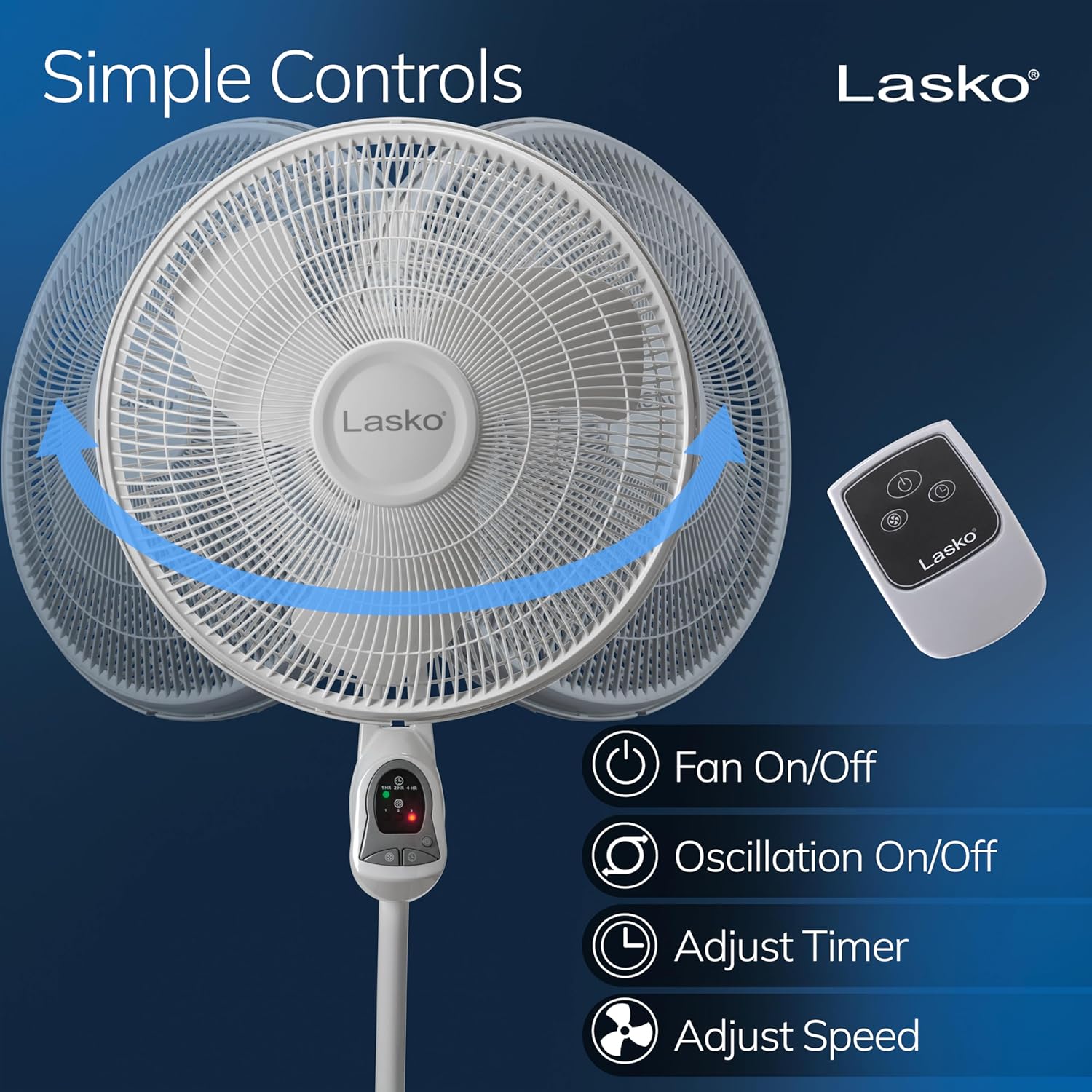
Figure 3: Fan control panel and remote control for easy operation.
Adjusting Airflow Direction:
- Height Adjustment: The fan's height is fully adjustable from 32 to 47 inches. Loosen the collar on the stand pole by turning it counter-clockwise, adjust to the desired height, and then tighten by turning clockwise.
- Tilt-Back Fan Head: The fan head can be tilted to direct airflow precisely where needed. Gently push or pull the fan head to adjust its vertical angle.
- Oscillation: Engage the oscillation feature for widespread air distribution across a larger area.
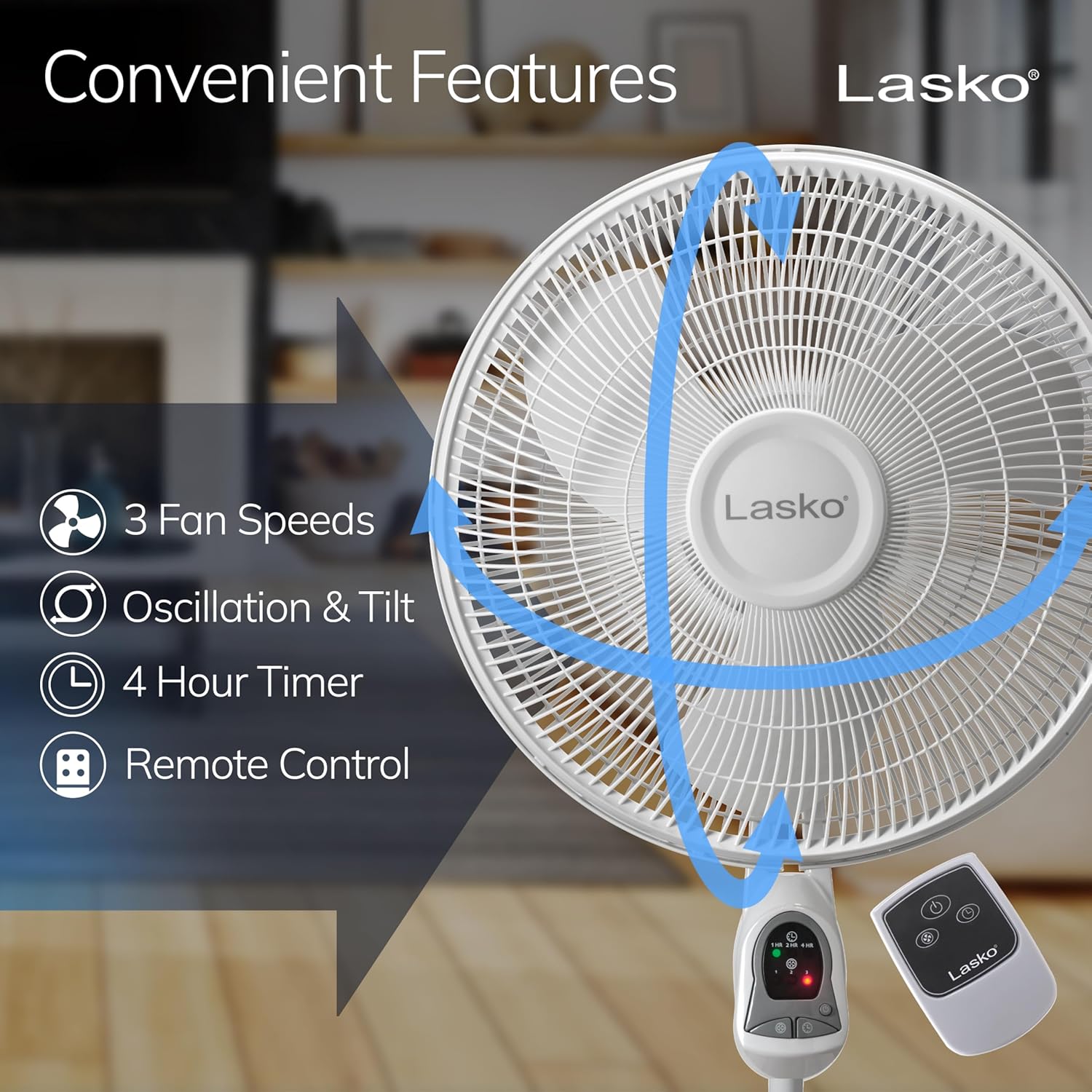
Figure 4: Visual representation of the fan's oscillation and tilt capabilities.
Maintenance
Regular cleaning ensures optimal performance and longevity of your Lasko fan.
- Cleaning: Always unplug the fan before cleaning. Use a soft, dry cloth to wipe down the exterior surfaces.
- Blade Cleaning: Over time, dust and debris may accumulate on the fan blades and grilles. For thorough cleaning, the fan grilles can be disassembled to access the blades. Refer to the assembly instructions in reverse for safe disassembly and reassembly. Ensure all parts are dry before reassembling and operating.
- Do not use abrasive cleaners or immerse the fan in water.
Troubleshooting
If your fan is not operating as expected, please check the following:
- No Power: Ensure the fan is securely plugged into a working electrical outlet. Check if the outlet has power by plugging in another device.
- Lasko Blue Plug: This fan features the Lasko Blue Plug, an important safety feature that cuts off electric current if it detects a potentially hazardous electrical fault. If the fan stops working, unplug it and wait a few minutes before plugging it back in. If the issue persists, contact customer support.
- Remote Control Not Working: Check the batteries in the remote control. Replace with new AAA batteries if necessary. Ensure there are no obstructions between the remote and the fan's sensor.
- Unusual Noise: Ensure all fan components are securely assembled. Dust accumulation on blades can sometimes cause imbalance and noise; refer to the maintenance section for cleaning.
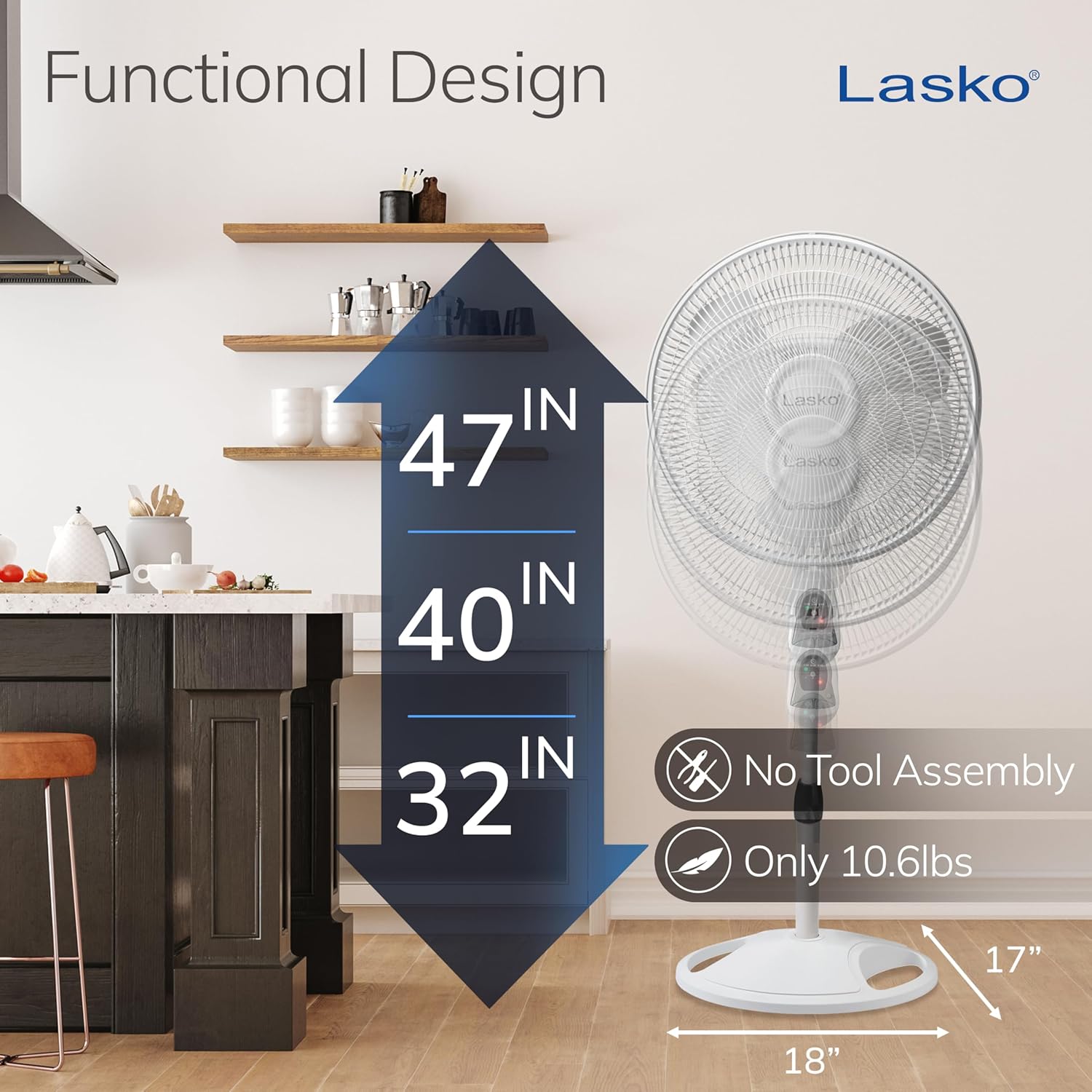
Figure 5: The Lasko Blue Plug for enhanced safety.
Specifications
| Feature | Detail |
|---|---|
| Brand | Lasko |
| Model Name | 1646 |
| Color | White |
| Product Dimensions | 18"D x 17"W x 47"H |
| Item Weight | 8 Pounds |
| Power Source | Corded Electric |
| Wattage | 58 watts |
| Voltage | 120.0 V |
| Number of Blades | 3 |
| Blade Length | 16 Inches |
| Air Flow Capacity | 1140 Cubic Feet Per Minute |
| Control Method | Remote, Push Button |
| Special Features | 3 speeds, Adjustable Height, Auto-off timer, Oscillating, Remote control, Tilt-back fan head |
| Indoor/Outdoor Usage | Indoor |
| Batteries Required | 2 AAA batteries (for remote) |
| Certification | ETL Certified |
Warranty and Support
Your Lasko 16-inch Oscillating Adjustable Pedestal Stand Fan comes with a 1-year limited warranty from the date of purchase. This warranty covers defects in material or workmanship under normal use.
For warranty claims, technical support, or additional information, please contact Lasko customer service. You may also refer to the official User Guide PDF available online for more detailed instructions and support.
Official User Manual (PDF): Download Here
Related documents1646


Ask a question about this manual
Ask about setup, troubleshooting, compatibility, parts, safety, or missing instructions. Manuals+ will review the question and use this page’s manual context to help answer it.