
1. Product Overview
The Silent Knight SD500-PS is an addressable single-action fire pull station designed for indoor use in non-explosive environments. It functions as a normally open initiating point, compatible with Silent Knight Addressable control panels. This device is used to activate a non-coded alarm instantly upon activation.
An on-board status LED is visible from the front of the pull station. This LED flashes approximately every 30 seconds to indicate normal communication with the Fire Alarm Control Panel (FACP).
2. Safety Information
- Installation and maintenance must be performed by qualified personnel only.
- Always disconnect power to the Fire Alarm Control Panel (FACP) before installing, servicing, or removing the pull station.
- Adhere to all local and national electrical codes, as well as the standards set by the National Fire Protection Association (NFPA).
- Do not install this device in hazardous or explosive environments.
- Ensure proper grounding to prevent electrical shock and ensure reliable operation.
- Test the device regularly as per local codes and manufacturer recommendations.
3. Package Contents
Verify that all items are present in the package:
- Silent Knight SD500-PS Addressable Single-Action Pull Station
- Reset Key
- Mounting Screws
- Installation Instructions Manual

Image 3.1: Contents of the Silent Knight SD500-PS package, including the pull station, its box, a reset key, and the installation manual.

Image 3.2: A close-up view of the reset key and mounting screws provided with the SD500-PS pull station, alongside a portion of the installation instructions.
4. Installation (Setup)
Refer to the detailed 'SD500-PS/SD500-PSDA Addressable Fire Pull Station Installation Instruction' manual included in your package for complete wiring diagrams and mounting procedures. Below are general steps:
- Mounting Location: Select a visible and easily accessible location, typically near exits, as required by local fire codes. Ensure the mounting surface is flat and secure.
- Wiring: Connect the pull station to the Fire Alarm Control Panel (FACP) using appropriate fire-rated wiring. The SD500-PS operates as a normally open initiating point. Ensure all connections are secure and comply with wiring diagrams provided in the full installation manual.
- Addressing: Set the unique address for the pull station using the addressing mechanism on the device, as detailed in the installation instructions. Each addressable device on the system must have a unique address.
- Secure Mounting: Mount the pull station securely to the wall or electrical box using the provided screws.
- Power Up and Test: After installation, restore power to the FACP and perform a functional test of the pull station to ensure it communicates correctly with the panel and triggers an alarm. Observe the status LED for normal operation (flashing every 30 seconds).
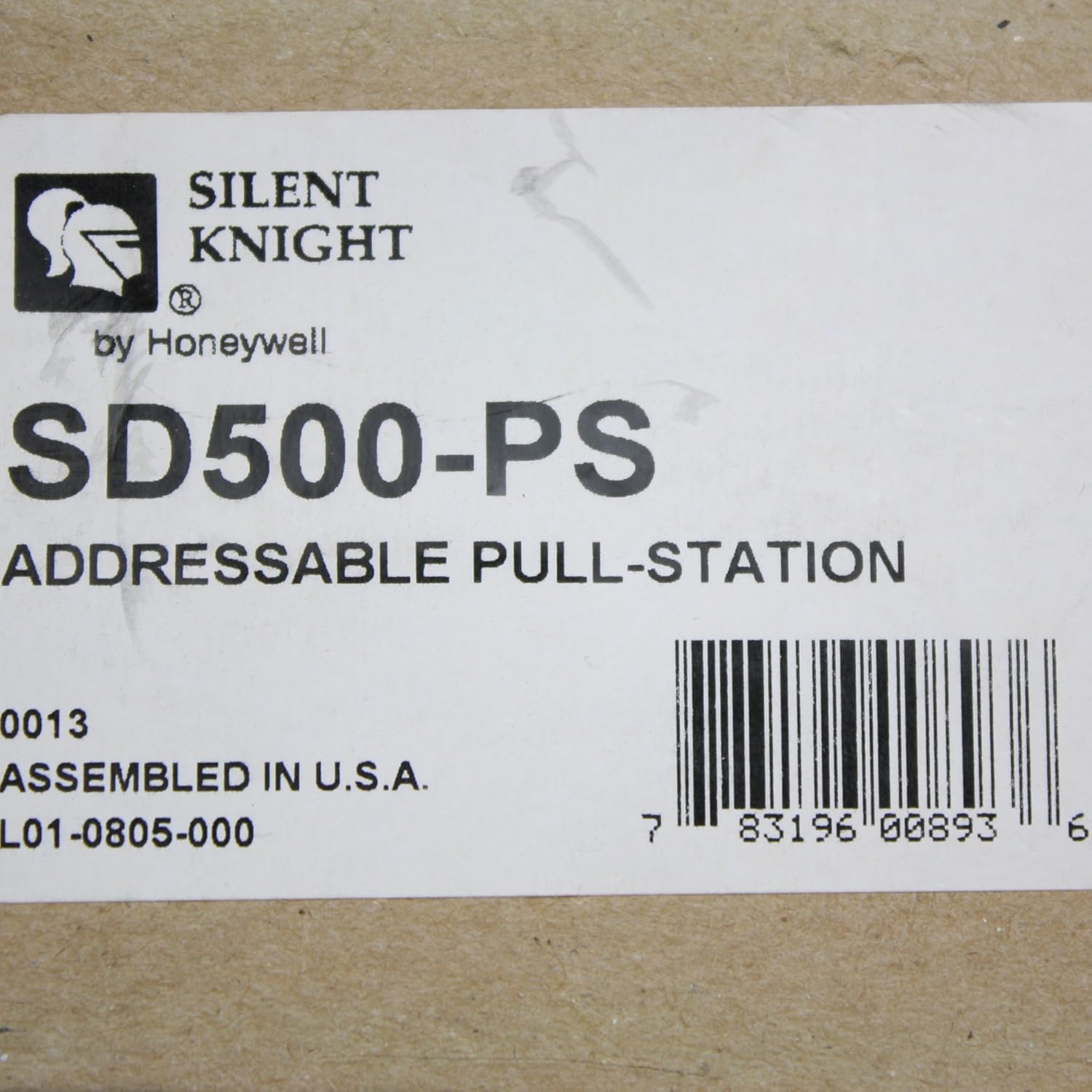
Image 4.1: Product label for the Silent Knight SD500-PS, showing the model number, brand, and UPC (0783196008936).
5. Operation
5.1 Activating the Alarm
In the event of a fire or emergency, firmly pull down the handle of the SD500-PS pull station. This action will immediately send an alarm signal to the Fire Alarm Control Panel (FACP), initiating the building's alarm sequence.
5.2 Resetting the Pull Station
After an alarm has been activated and the emergency resolved, the pull station must be reset. To reset, insert the provided key into the keyhole on the front of the pull station and turn it according to the instructions on the device. This will return the handle to its normal, non-alarm position. The FACP must also be reset to clear the system alarm.
5.3 LED Indicator
The on-board LED indicator provides visual confirmation of the pull station's status:
- Normal Operation: The LED flashes approximately every 30 seconds, indicating that the pull station is communicating normally with the FACP.
- Alarm Condition: The LED will illuminate steadily or flash rapidly (depending on FACP programming) when the pull station is in an alarm state.
6. Maintenance
Regular maintenance ensures the reliable operation of your SD500-PS pull station.
- Visual Inspection: Periodically inspect the pull station for any physical damage, obstructions, or signs of tampering. Ensure the handle moves freely.
- Cleaning: Clean the exterior of the pull station with a soft, dry cloth. Do not use abrasive cleaners or solvents, as these can damage the finish or internal components.
- Functional Testing: Test the pull station annually, or more frequently as required by local fire codes and your fire safety plan. To test, activate the pull station and verify that an alarm is received at the FACP. Reset the pull station and FACP after testing. Always notify relevant personnel before conducting tests to avoid unnecessary alarm responses.
- LED Check: Confirm that the status LED is flashing during normal operation, indicating proper communication.
7. Troubleshooting
If you encounter issues with your SD500-PS pull station, consider the following:
- No LED Activity: If the status LED is not flashing, check the wiring connections to the FACP. Ensure the FACP is powered on and communicating with the device. This could indicate a wiring fault or a communication issue with the control panel.
- Alarm Not Activating: If the pull station is activated but no alarm is registered at the FACP, verify wiring integrity and the device's address setting. Consult the FACP manual for system-specific troubleshooting.
- False Alarms: Ensure the pull station is not physically obstructed or damaged, which could cause inadvertent activation. Check for environmental factors that might affect the device.
- Difficulty Resetting: Ensure you are using the correct reset key and that it is fully inserted and turned. Do not force the mechanism.
For persistent issues, contact a qualified fire alarm technician or Silent Knight technical support.
8. Specifications
| Brand | SILENT KNIGHT |
| Model Number | SD500PS |
| Power Source | Manual |
| Item Weight | 16 ounces (0.45 kg) |
| Alarm Type | Audible (via FACP) |
| Compatibility | Silent Knight Addressable Control Panels |
| UPC | 783196008936, 798527541204 |
| ASIN | B001ULNSYS |
9. Warranty and Support
For warranty information, please refer to the documentation provided with your purchase or contact your authorized Silent Knight dealer. Technical support can be obtained through your installer or by contacting Silent Knight directly via their official website or customer service channels.