
Introduction
The Optex DX-40 is a high-performance Passive Infrared (PIR) sensor designed for reliable motion detection. This sensor is engineered to provide accurate detection within a 40-foot range, making it suitable for various security and automation applications. Its robust design ensures consistent operation in diverse environments. This manual provides essential information for the proper setup, operation, and maintenance of your DX-40 sensor.
Product Overview
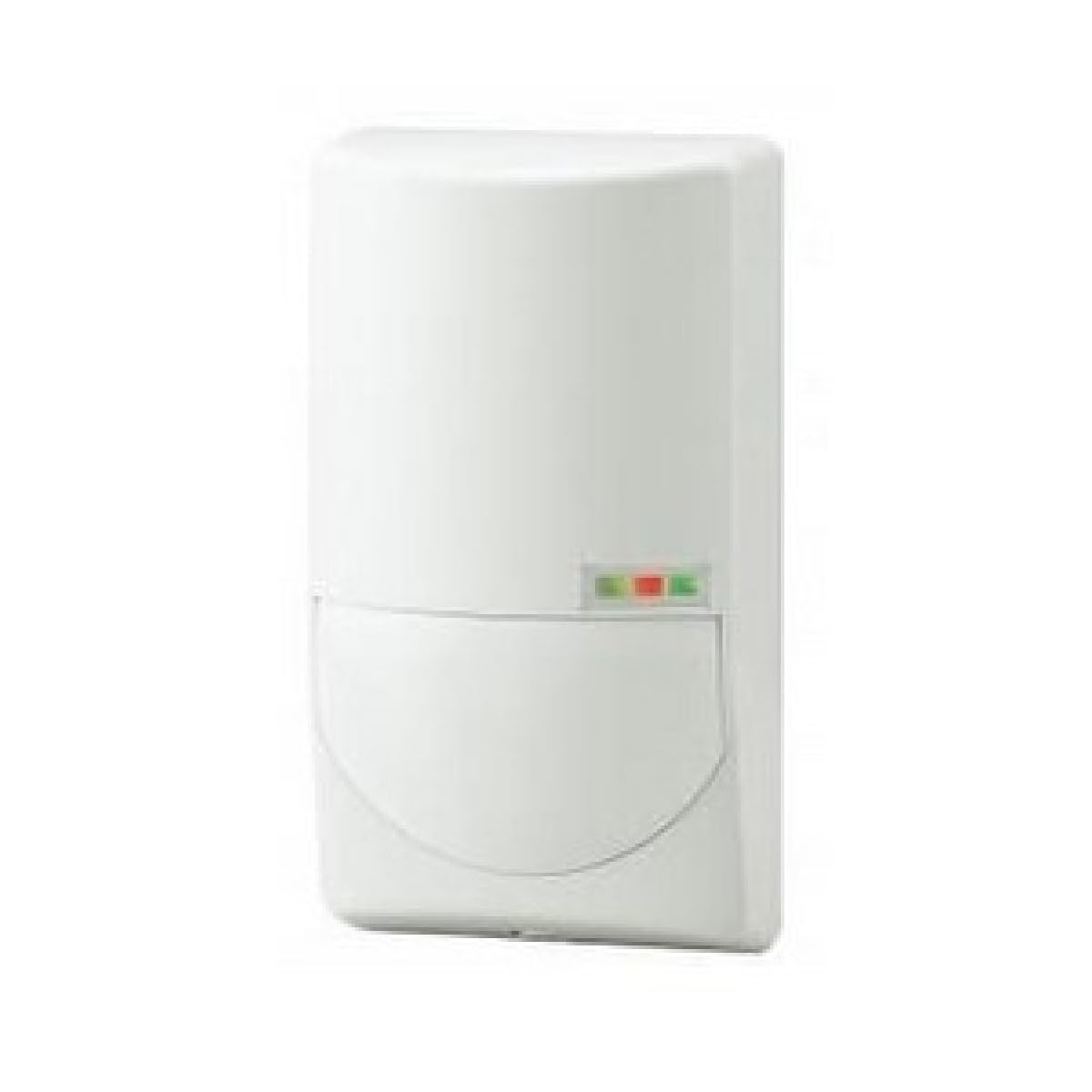
Figure 1: Front view of the Optex DX-40 Standard PIR Sensor. The sensor is white with a distinct lower section and three small indicator lights (green, red, green) visible on the upper right side of the lower section.
The DX-40 sensor utilizes advanced PIR technology to detect changes in infrared radiation caused by moving objects. It features a compact design for discreet installation and is equipped with indicator lights to provide visual feedback on its operational status. The sensor is designed for wall mounting and requires a corded electric power source for operation.
Setup
1. Mounting Location
Select a suitable wall-mount location that provides an unobstructed view of the area to be monitored. Avoid mounting the sensor directly facing heat sources, air vents, or direct sunlight, as these can cause false alarms. Ensure the mounting height allows for optimal detection coverage within the 40-foot range.
2. Installation Steps
- Prepare the Mounting Surface: Mark the desired mounting points on the wall using the sensor's base as a template.
- Secure the Base: Drill pilot holes if necessary and secure the sensor's mounting base to the wall using appropriate screws and anchors.
- Wire the Sensor: Connect the power supply (corded electric) to the designated terminals inside the sensor. Refer to the wiring diagram provided with the physical product for specific terminal assignments. Ensure all connections are secure and insulated.
- Attach the Sensor Body: Carefully attach the main body of the sensor to the secured mounting base. Ensure it clicks into place or is fastened according to the product's specific design.
- Power On: Once installed, apply power to the sensor. Allow a few moments for the sensor to stabilize.
Operating
The Optex DX-40 operates by detecting changes in infrared energy within its detection zone. When a moving object, such as a person, enters the zone, the sensor detects the change in heat signature and triggers an output. The sensor is designed for continuous operation once powered.
Indicator Lights
- Green Light: Typically indicates power on and normal operation.
- Red Light: Illuminates when motion is detected.
- Other Lights (if present): May indicate specific statuses like trouble, masking, or walk test mode. Refer to the physical product's detailed manual for exact light indications.
Walk Test
After installation, perform a walk test to confirm the detection area and sensitivity. Walk through the intended detection zone and observe the red indicator light. Adjust the sensor's position or angle if the coverage is not optimal.
Maintenance
Regular maintenance ensures the longevity and optimal performance of your Optex DX-40 sensor.
- Cleaning: Periodically clean the sensor lens and housing with a soft, dry cloth. Do not use abrasive cleaners or solvents, as these can damage the plastic.
- Inspection: Annually inspect the wiring and mounting for any signs of wear, damage, or loosening.
- Functionality Test: Perform a walk test periodically (e.g., every 6 months) to ensure the sensor is still detecting motion effectively within its specified range.
Troubleshooting
| Problem | Possible Cause | Solution |
|---|---|---|
| Sensor not detecting motion. | No power; obstructed view; incorrect sensitivity setting (if adjustable); sensor malfunction. | Check power connection. Remove obstructions. Perform a walk test. Contact support if problem persists. |
| False alarms. | Heat sources (HVAC vents, direct sunlight); pets; vibrations; incorrect mounting. | Relocate sensor away from heat sources. Ensure pets cannot enter detection zone. Secure mounting. |
| Indicator lights not working. | No power; internal fault. | Verify power supply. Contact support. |
Specifications
| Feature | Detail |
|---|---|
| Brand | Optex |
| Model Number | DX-40 |
| Power Source | Corded Electric |
| Maximum Range | 40 Feet |
| Mounting Type | Wall Mount |
| Package Dimensions | 4 x 4 x 2 inches |
| Item Weight | 1 pounds |
| UPC | 788924081663 |
Warranty and Support
For warranty information, technical support, or service inquiries regarding your Optex DX-40 sensor, please refer to the official Optex website or contact their customer service directly. Keep your purchase receipt as proof of purchase for warranty claims.
Note: Specific warranty terms and conditions may vary by region and retailer.


