Introduction
This manual provides detailed instructions for the safe and effective use of your Rollei XS-8 Digital Camera. Please read this manual thoroughly before operating the camera and keep it for future reference. The Rollei XS-8 features an 8.0-megapixel sensor, 3x optical zoom, and a 3.0-inch TFT LCD display.
Setup
1. Battery Installation and Charging
The Rollei XS-8 uses two lithium-ion batteries. Ensure the batteries are fully charged before first use. Insert the batteries into the charging cradle provided, then connect the charging cradle to the power adapter. The indicator light on the charger will show the charging status. Once fully charged, insert the batteries into the camera's battery compartment, ensuring correct polarity.
2. Memory Card Insertion
Locate the memory card slot, typically on the side or bottom of the camera. Insert a compatible SD card into the slot until it clicks into place. Ensure the card is inserted in the correct orientation. Do not force the card.
3. Attaching the Carrying Strap
Attach the provided carrying strap to the designated strap eyelet on the camera body. This helps prevent accidental drops.
Operating the Camera
1. Powering On/Off
Press and hold the power button (usually located on the top or back of the camera) to turn the camera on or off. The 3.0-inch TFT LCD display will illuminate.
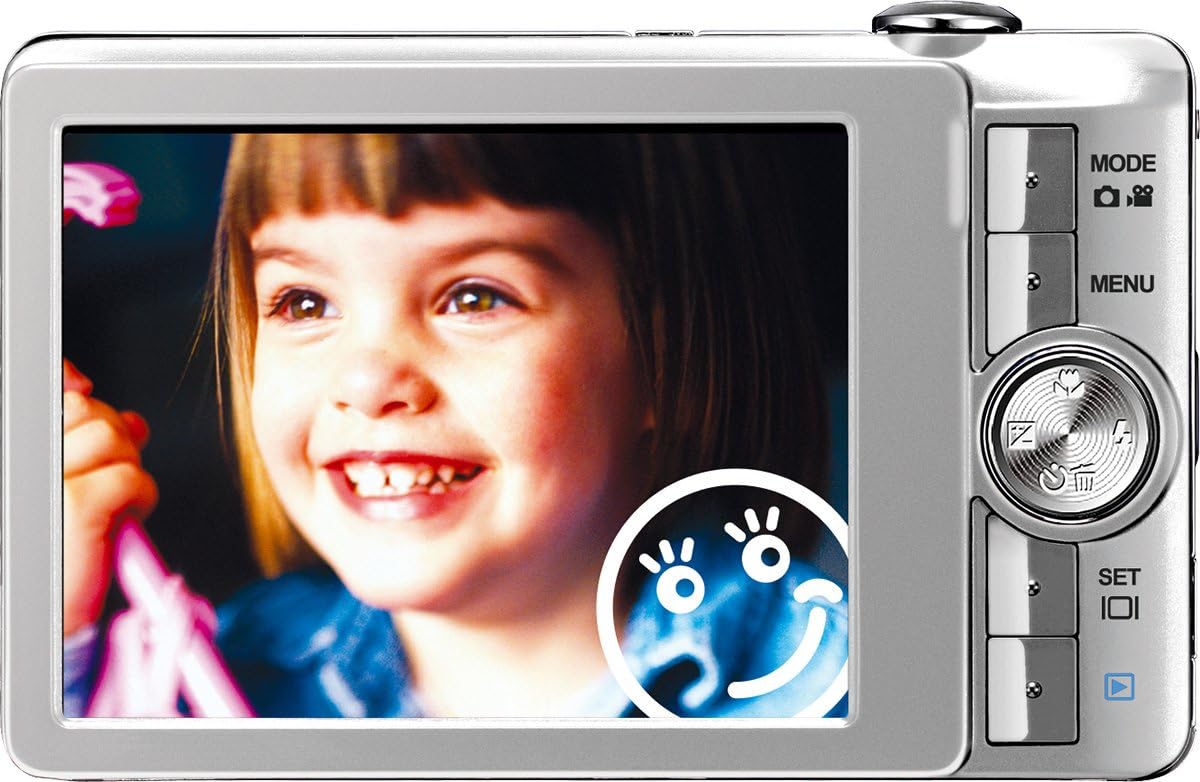
Image: Rear view of the Rollei XS-8 Digital Camera, showing the 3.0-inch TFT LCD display and control buttons on the right side. The screen displays a smiling child's face, with a face detection icon visible.
2. Basic Controls
- MODE Button: Press to switch between different shooting modes (e.g., still image, video).
- MENU Button: Accesses the camera's settings menu. Use the navigation buttons to scroll and SET to confirm.
- Navigation Buttons (Up/Down/Left/Right): Used for menu navigation, zoom control, and accessing quick settings.
- SET Button: Confirms selections in menus.
- Shutter Button: Press halfway to focus, press fully to take a picture.
3. Taking Photos
Point the camera at your subject. Use the zoom controls to adjust the 3x optical zoom. The camera features Face Detection for optimizing focus and exposure on faces, and Image Stabilizer to reduce blur from camera shake. For group shots, Coupling Shot may assist in capturing multiple subjects effectively. Press the shutter button halfway to focus, then fully to capture the image.
4. Viewing Photos
Switch to playback mode (usually via the MODE button or a dedicated playback button). Use the navigation buttons to scroll through your captured images and videos on the 3.0-inch TFT LCD.
5. Connecting to a Computer
Connect the camera to your computer using the provided USB cable. The camera will appear as a removable disk. You can transfer photos and videos directly. The camera also includes "Zoner Photo-Studio 9 Express" software for image processing and management. Install this software on your computer for enhanced editing capabilities.
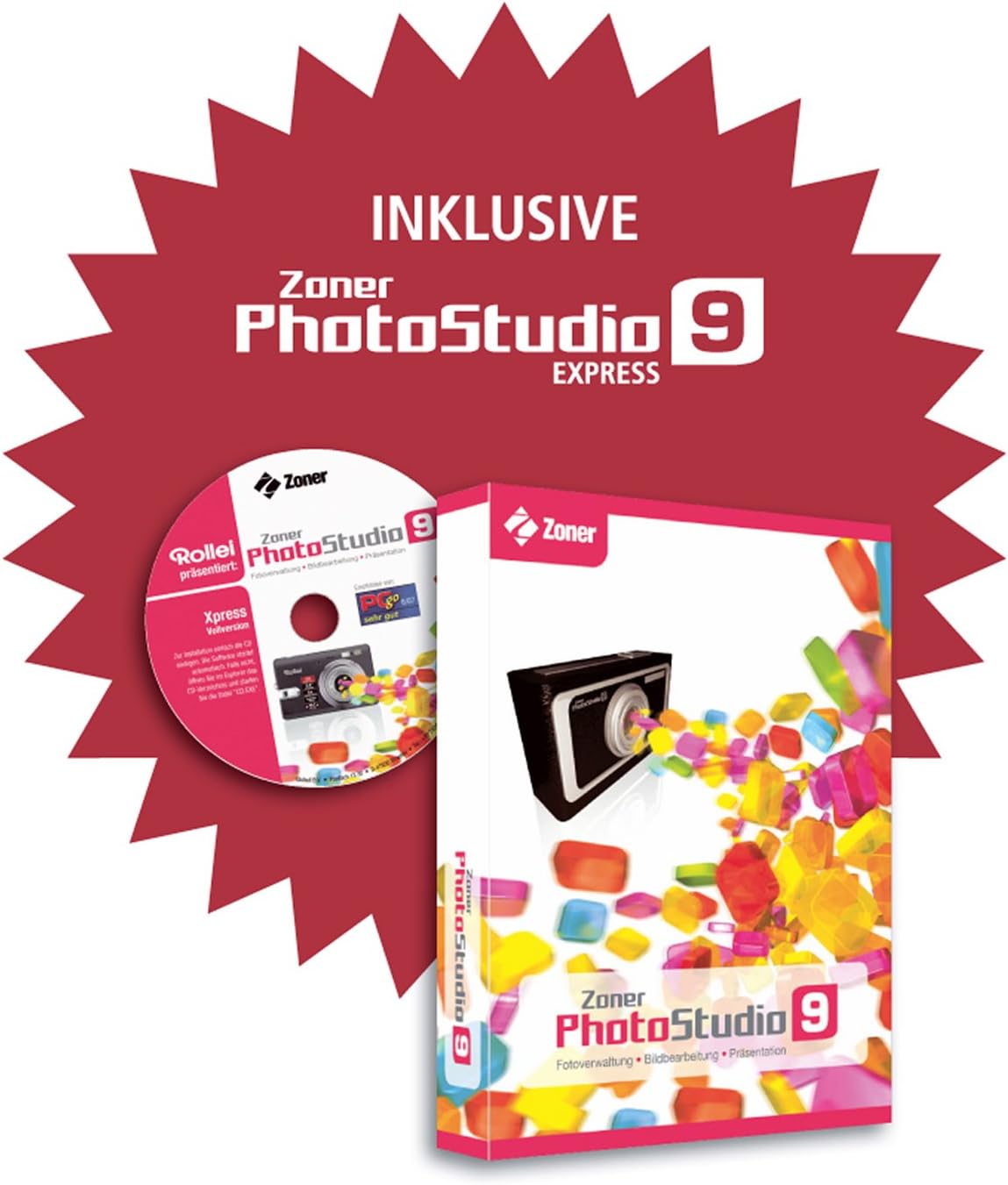
Image: Packaging and CD for Zoner PhotoStudio 9 Express software, included with the Rollei XS-8 camera for image processing.
Maintenance
1. Cleaning the Camera
- Use a soft, dry cloth to clean the camera body.
- For the lens, use a specialized lens cleaning cloth and solution. Avoid touching the lens with your fingers.
- Do not use harsh chemicals or abrasive cleaners.
2. Battery Care
- Store batteries in a cool, dry place when not in use.
- Avoid fully discharging batteries frequently to prolong their lifespan.
- Do not expose batteries to extreme temperatures.
3. Storage
When storing the camera for extended periods, remove the batteries. Store the camera in a dry, dust-free environment, preferably in a camera bag or case.
Troubleshooting
| Problem | Solution |
|---|---|
| Camera does not power on. | Ensure batteries are fully charged and inserted correctly. Try using a different set of charged batteries. |
| Photos are blurry. | Check if the lens is clean. Ensure the camera is held steady or use the Image Stabilizer feature. Allow the camera to focus before fully pressing the shutter button. |
| Memory card error. | Reinsert the memory card. Ensure the card is compatible and not full. Try formatting the card (this will erase all data). |
| Cannot connect to computer. | Ensure the USB cable is securely connected to both the camera and the computer. Try a different USB port or cable. Restart both devices. |
Specifications
- Brand: Rollei
- Model Name: Rollei XS 8
- Effective Resolution: 8.0 Megapixels
- Optical Zoom: 3x
- Maximum Focal Length: 102 Millimeters
- Display Size: 3.0 Inches (TFT LCD)
- Connectivity Technology: USB
- Housing Type: Compact Camera
- Color: Silver
- Viewfinder Type: None
Warranty and Support
Your Rollei XS-8 Digital Camera comes with a 24-month Rollei replacement service. For warranty claims or technical support, please refer to the contact information provided with your purchase documentation or visit the official Rollei website. Keep your proof of purchase for warranty validation.


