Introduction
The Polaroid Supercolor 670 AF is a classic instant film camera designed for ease of use and instant photographic results. This model features an advanced Sonar Autofocus system, ensuring clear and sharp images. It utilizes 600 series film, providing vibrant, vintage-style prints. This manual provides essential information for setting up, operating, maintaining, and troubleshooting your camera.

Image: The Polaroid Supercolor 670 AF camera, shown with its original packaging.
Setup
1. Unboxing and Initial Inspection
Carefully remove the camera from its packaging. Inspect the camera for any visible damage. Ensure all components, including the camera strap, are present.

Image: Hands carefully removing the Polaroid Supercolor 670 AF camera from its cardboard box.
2. Unfolding the Camera
To prepare the camera for use, gently lift the viewfinder assembly until it locks into place. The flash unit will also extend upwards. To fold the camera for storage, press the red button on the side and carefully push the viewfinder assembly down until it clicks into its compact position.
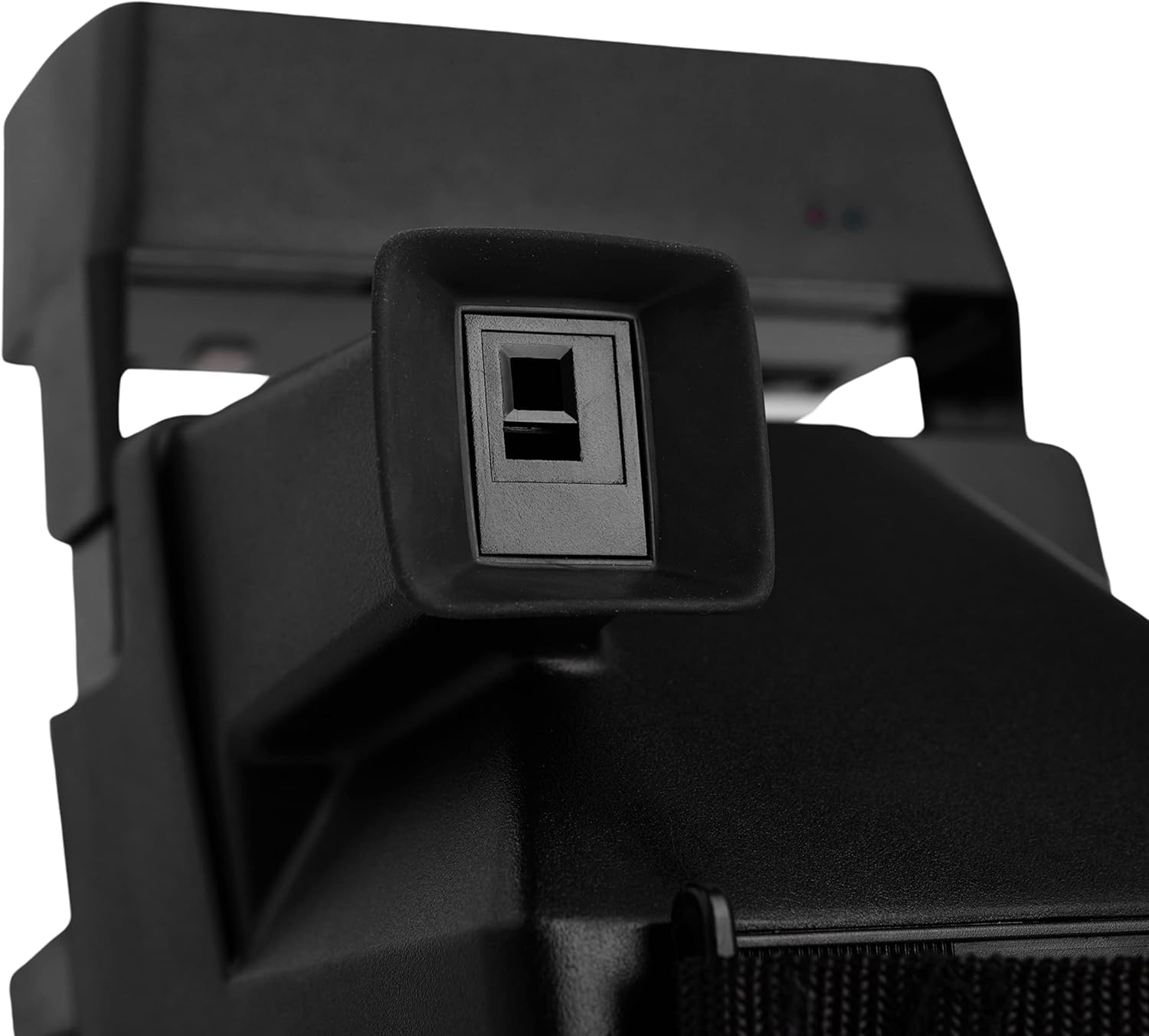

Image: The Polaroid Supercolor 670 AF camera shown in both its folded and unfolded states.
3. Loading Film
The Supercolor 670 AF uses Polaroid 600 series instant film. To load film:
- Open the film door located at the bottom front of the camera by pressing the latch.
- Insert a new film pack into the compartment, ensuring the darkslide faces upwards.
- Close the film door firmly until it clicks. The darkslide will automatically eject.
- The film counter will display the number of remaining exposures.
Operating the Camera
1. Taking a Photo
The Supercolor 670 AF is a point-and-shoot camera. Once the camera is unfolded and film is loaded:
- Look through the viewfinder to compose your shot.
- Hold the camera steady and press the red shutter button located on the side.
- The camera's Sonar Autofocus system will automatically adjust the focus for optimal clarity.
- The photo will eject from the front slot.

Image: Front view of the Polaroid Supercolor 670 AF, highlighting the lens and viewfinder.
2. Flash Operation
The built-in flash will automatically activate in low-light conditions to ensure proper exposure. There is no manual control for the flash on this model.

Image: Close-up of the camera's flash unit and exposure adjustment slider.
3. Exposure Adjustment
An exposure compensation slider is located near the lens. This allows you to manually adjust the brightness of your photos. Slide it towards the lighter setting for brighter images or towards the darker setting for darker images. For standard conditions, keep it in the middle position.
4. Film Development
After a photo is ejected, keep it shielded from light for the first few minutes as it develops. Do not shake or bend the film. Development time typically ranges from 10-15 minutes, depending on the film type and ambient temperature.
Maintenance
1. Cleaning the Camera
- Use a soft, dry, lint-free cloth to clean the camera's exterior.
- For the lens and viewfinder, use a lens cleaning cloth and a specialized lens cleaning solution. Avoid abrasive materials.
- Keep the film rollers clean to prevent streaks on your photos. Gently wipe them with a damp cloth if visible residue is present.
2. Storage
Store the camera in a cool, dry place away from direct sunlight and extreme temperatures. When not in use, fold the camera to protect the lens and flash unit.

Image: Rear view of the Polaroid Supercolor 670 AF camera in its compact, folded state for storage.
Troubleshooting
- Film Not Ejecting: Ensure the film pack is correctly inserted and the film door is fully closed. Check if the film pack is empty.
- Photos Too Dark/Light: Adjust the exposure compensation slider. Ensure the flash is not covered in low-light situations.
- Blurry Photos: The Sonar Autofocus system requires a clear path to the subject. Ensure no obstructions are between the camera and the subject. Hold the camera steady when taking a picture.
- Streaks on Photos: Clean the film rollers as described in the Maintenance section.
Specifications
| Brand | Polaroid |
| Model Name | Supercolor 670 AF |
| Item Model Number | 4332059165 |
| Film Format Type | Instant (600 series) |
| Special Feature | Auto Exposure, Built-In Flash, Sonar Autofocus |
| Max Shutter Speed | 1 second |
| Item Weight | 1.65 pounds (0.75 Kilograms) |
| Package Dimensions | 6.4 x 5.5 x 4.9 inches |
| Included Components | Camera, 2 films (may vary by package) |
Warranty and Support
For detailed warranty information, please refer to the documentation included with your purchase or visit the official Polaroid website. For technical support, product registration, or service inquiries, please contact Polaroid customer service through their official channels.
You can find more information and support resources on the Polaroid Store on Amazon.


