
Introduction
This manual provides instructions for the proper use and care of your OPPO Gel Toe and Finger Cap, Model 6704-2. Designed for comfort and protection, this gel cap helps alleviate discomfort associated with various foot and hand conditions.
Product Overview
The OPPO Gel Toe and Finger Cap is a soft, flexible gel sleeve designed to cushion and protect toes or fingers. It is specifically engineered to reduce pain caused by conditions such as calluses, soft corns, and hammer toes by providing a protective barrier and reducing friction.
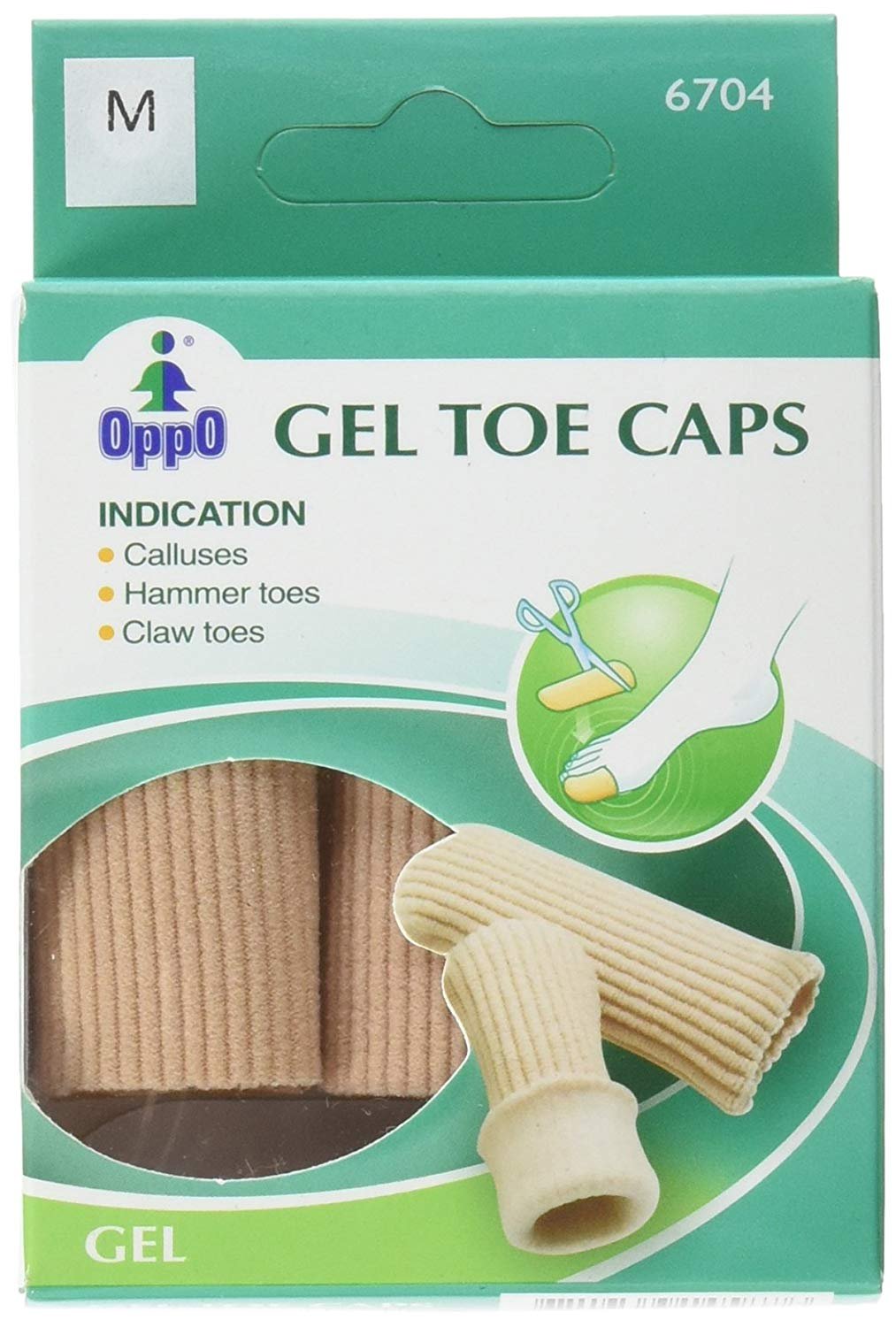
Image: OPPO Gel Toe and Finger Cap (Model 6704-2). This image displays the small-sized gel cap, illustrating its flexible material and design for application on a digit.
Setup and Preparation
- Inspect the Cap: Before first use, carefully inspect the gel cap for any tears or damage. Do not use if damaged.
- Clean the Area: Ensure the toe or finger where the cap will be applied is clean and dry.
- Optional: Apply Powder: For easier application and to prevent tackiness, a small amount of talcum powder or cornstarch can be applied to the inside of the cap or the digit.
Operating and Application
To apply the OPPO Gel Toe and Finger Cap:
- Gently Stretch: Hold the cap at its open end and gently stretch it slightly to widen the opening.
- Slide On: Carefully slide the cap over the affected toe or finger. Ensure it covers the area requiring protection without being too tight or causing discomfort.
- Adjust Position: Adjust the cap so it sits comfortably and securely. It should not restrict circulation.
- Wear with Footwear/Gloves: The cap can be worn inside socks, shoes, or gloves. Ensure there is adequate space to prevent compression.
Note: If the cap feels too long, it can be carefully trimmed with scissors to achieve a custom fit. Ensure edges are smooth after trimming.
Maintenance and Care
Proper care extends the life of your gel cap and maintains hygiene:
- Cleaning: Wash the gel cap regularly with mild soap and lukewarm water.
- Rinsing: Rinse thoroughly to remove all soap residue.
- Drying: Air dry completely before re-applying. Avoid direct sunlight or high heat, which can degrade the gel material.
- Storage: Store in a cool, dry place when not in use.
- Powdering: After drying, a light dusting of talcum powder can help prevent the gel from becoming sticky.
Troubleshooting
| Problem | Possible Cause | Solution |
|---|---|---|
| Cap feels too tight or restricts circulation. | Incorrect size or improper application. | Ensure the correct size is used. Re-adjust the cap. If discomfort persists, discontinue use. |
| Cap slips off easily. | Cap is too loose or not fully dry after washing. | Ensure the cap is completely dry. Consider if a smaller size might be more appropriate. |
| Skin irritation develops. | Allergic reaction, improper hygiene, or prolonged use without breaks. | Discontinue use immediately. Clean the skin and the cap thoroughly. Consult a healthcare professional if irritation persists. |
Specifications
- Model Number: 6704-2
- Size: Small
- Material: Gel (specific composition not provided)
- Package Dimensions: Approximately 3 x 2 x 1 inches
- Weight: Approximately 4.8 ounces (per pack)
Important Information and Legal Disclaimer
Statements regarding dietary supplements have not been evaluated by the FDA and are not intended to diagnose, treat, cure, or prevent any disease or health condition. This product is intended for general comfort and protection. If you have a medical condition or experience persistent pain, consult a healthcare professional.
Always follow the advice of your doctor or healthcare provider. Discontinue use if any adverse reactions occur.