
1. Introduction
This manual contains important information regarding the operation, maintenance, and safety of your 2009 Ford Expedition. Familiarize yourself with its contents to ensure safe and efficient use of your vehicle. Keep this manual in your vehicle for quick reference.
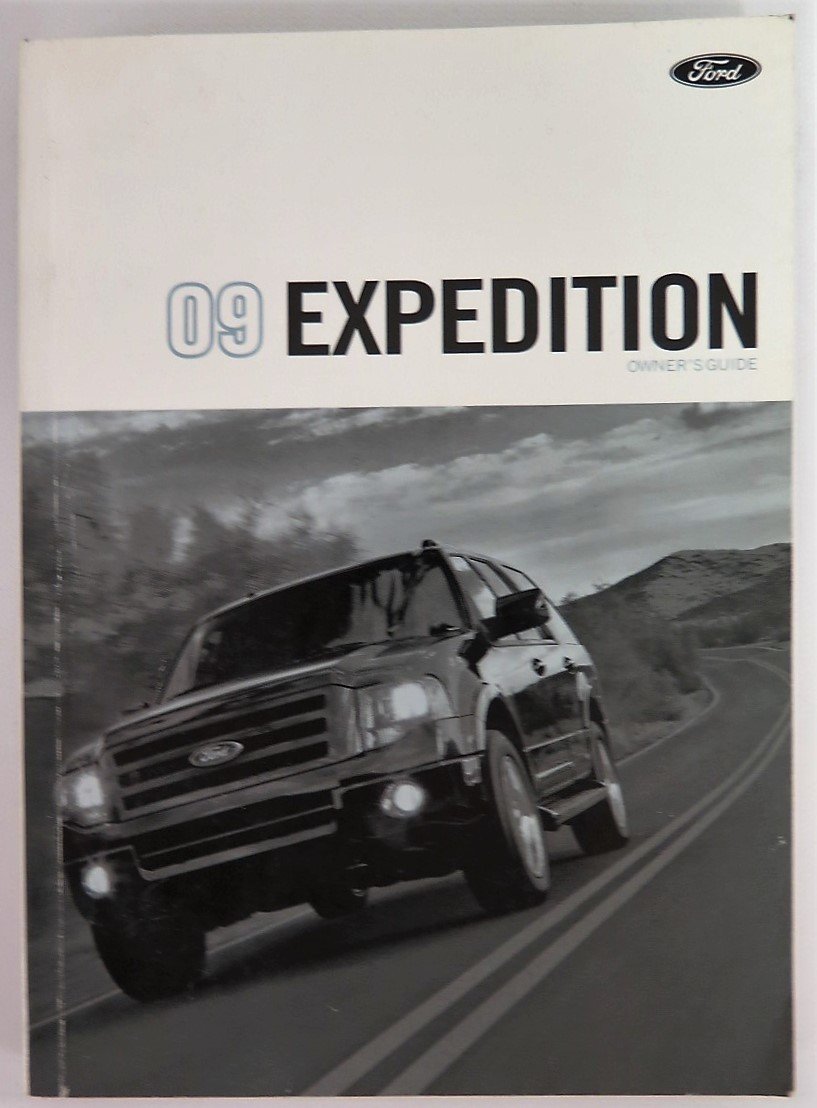
Image 1.1: Front cover of the 2009 Ford Expedition Owner's Manual. This manual serves as the primary resource for vehicle information.

Image 1.2: A collection of manuals for the 2009 Ford Expedition, including the main owner's manual and a branded storage case.
The complete set of documents for your vehicle may include the Owner's Manual, a SYNC Manual, a Quick Reference Guide, a Scheduled Maintenance Guide, a Warranty Guide, a Tire Warranty Guide, and a 'Driving Your SUV or Truck' guide, often provided in a Ford-branded case.

Image 1.3: A view of several supplementary manuals for the 2009 Ford Expedition, such as the Navigation System SYNC manual and the Scheduled Maintenance Guide.
2. Setup and Initial Familiarization
Upon acquiring your 2009 Ford Expedition, it is recommended to familiarize yourself with the vehicle's primary controls and features before driving. This includes understanding the dashboard layout, adjusting seats and mirrors, and locating essential safety equipment.
2.1 Key Features and Controls
- Ignition System: Insert the key and turn to start the engine. Refer to the manual for specific starting procedures.
- Lighting Controls: Locate the headlamp and interior light controls, typically on the dashboard or steering column.
- Wiper Controls: Understand the operation of front and rear windshield wipers and washer fluid.
- Climate Control: Learn to adjust temperature, fan speed, and air distribution for optimal comfort.

Image 2.1: The main 2009 Ford Expedition Owner's Manual alongside the Quick Reference Guide, which provides concise information for immediate use.
3. Operating Your Vehicle
This section covers the fundamental aspects of driving your Ford Expedition, including starting and stopping the engine, using the transmission, and operating various driver assistance features.
3.1 Driving Procedures
- Ensure all occupants are wearing seatbelts.
- Adjust mirrors for optimal visibility.
- Start the engine according to the instructions in the manual.
- Select the appropriate gear (Drive, Reverse, etc.).
- Release the parking brake.
- Accelerate smoothly and observe traffic laws.
3.2 SYNC System Operation
Your 2009 Ford Expedition may be equipped with the Microsoft SYNC system, which allows for voice-activated control of communication and entertainment features. Refer to the dedicated SYNC manual for detailed instructions on pairing devices, making calls, and playing media.
Image 3.1: The Navigation System SYNC manual, providing specific instructions for operating the vehicle's infotainment and communication system.
3.3 Driving Your SUV or Truck
A separate guide, 'Driving Your SUV or Truck', provides additional tips and considerations for operating a larger vehicle, including advice on towing, off-road driving (if applicable), and managing cargo. This guide complements the main owner's manual.

Image 3.2: The 'Driving Your SUV or Truck' manual, offering specialized guidance for operating larger vehicles like the Expedition.
4. Maintenance
Regular maintenance is crucial for the longevity and performance of your 2009 Ford Expedition. Adhere to the recommended service intervals and procedures outlined in the Scheduled Maintenance Guide.
4.1 Scheduled Maintenance
The Scheduled Maintenance Guide details the recommended service schedule, including oil changes, tire rotations, fluid checks, and inspections. Following this schedule helps prevent major issues and maintains your vehicle's warranty.
Image 4.1: The 2009 model year Scheduled Maintenance Guide, outlining routine service requirements for the Ford Expedition.
4.2 Tire Care
Proper tire inflation, rotation, and inspection are vital for safety and fuel efficiency. Consult the Tire Warranty Guide for specific information on tire maintenance and warranty coverage.
- Check tire pressure regularly.
- Rotate tires at recommended intervals.
- Inspect tires for wear and damage.
5. Troubleshooting
This section provides guidance on identifying and resolving common issues you might encounter with your 2009 Ford Expedition. For complex problems, it is recommended to consult a certified Ford service technician.
5.1 Warning Lights and Indicators
The instrument cluster displays various warning lights and indicators to alert you to potential problems. Refer to your owner's manual for a detailed explanation of each light and the recommended action.
- Check Engine Light: Indicates an issue with the engine or emissions system.
- Oil Pressure Warning: Signals low engine oil pressure. Stop the vehicle safely and check oil level.
- Battery Light: Suggests a problem with the charging system.
5.2 Common Issues
- Engine Cranks but Won't Start: Check fuel level, battery connections, and ignition system.
- Overheating: Check coolant level, radiator, and fan operation.
- Brake Noise: Inspect brake pads and rotors for wear.
6. Specifications
This section provides general specifications for the 2009 Ford Expedition. For precise details regarding your specific vehicle configuration, refer to the detailed specifications within your owner's manual or contact a Ford dealership.
| Category | Detail |
|---|---|
| Model Year | 2009 |
| Make | Ford |
| Model | Expedition |
| Part Number (Example) | 9L1J 19A321 AA |
| Language | English |
| Weight (Manual) | 658 g |

Image 6.1: Back cover of the 2009 Expedition Owner's Guide, showing the Ford logo, publication details, and the part number 9L1J 19A321 AA.
7. Warranty and Support
Your 2009 Ford Expedition is covered by a limited warranty. Details regarding coverage, duration, and exclusions are provided in the Warranty Guide. It is important to understand your warranty terms to ensure proper vehicle care and service.
7.1 Warranty Information
- New Vehicle Limited Warranty: Covers defects in material or workmanship.
- Powertrain Warranty: Specific coverage for engine, transmission, and drivetrain components.
- Corrosion Warranty: Protection against rust-through.
Always refer to your specific Warranty Guide for the most accurate and up-to-date information.
7.2 Customer Support
For further assistance, technical support, or to schedule service, please contact your authorized Ford dealership. You can also find contact information for Ford Customer Service in your Warranty Guide or on the official Ford website.
Roadside assistance contact information may also be provided in a separate document or within the owner's manual for emergency situations.


