
1. Introduction and Product Overview
This manual provides comprehensive instructions for the installation, operation, and maintenance of your Grothe ETA 2122 surface-mounted doorbell button. This product is designed for reliable use in various environments.
The Grothe ETA 2122 is a single-compartment doorbell button featuring a durable plastic construction, suitable for surface mounting. It includes a clear cover for a nameplate and operates without internal illumination. It is designed to withstand various weather conditions.
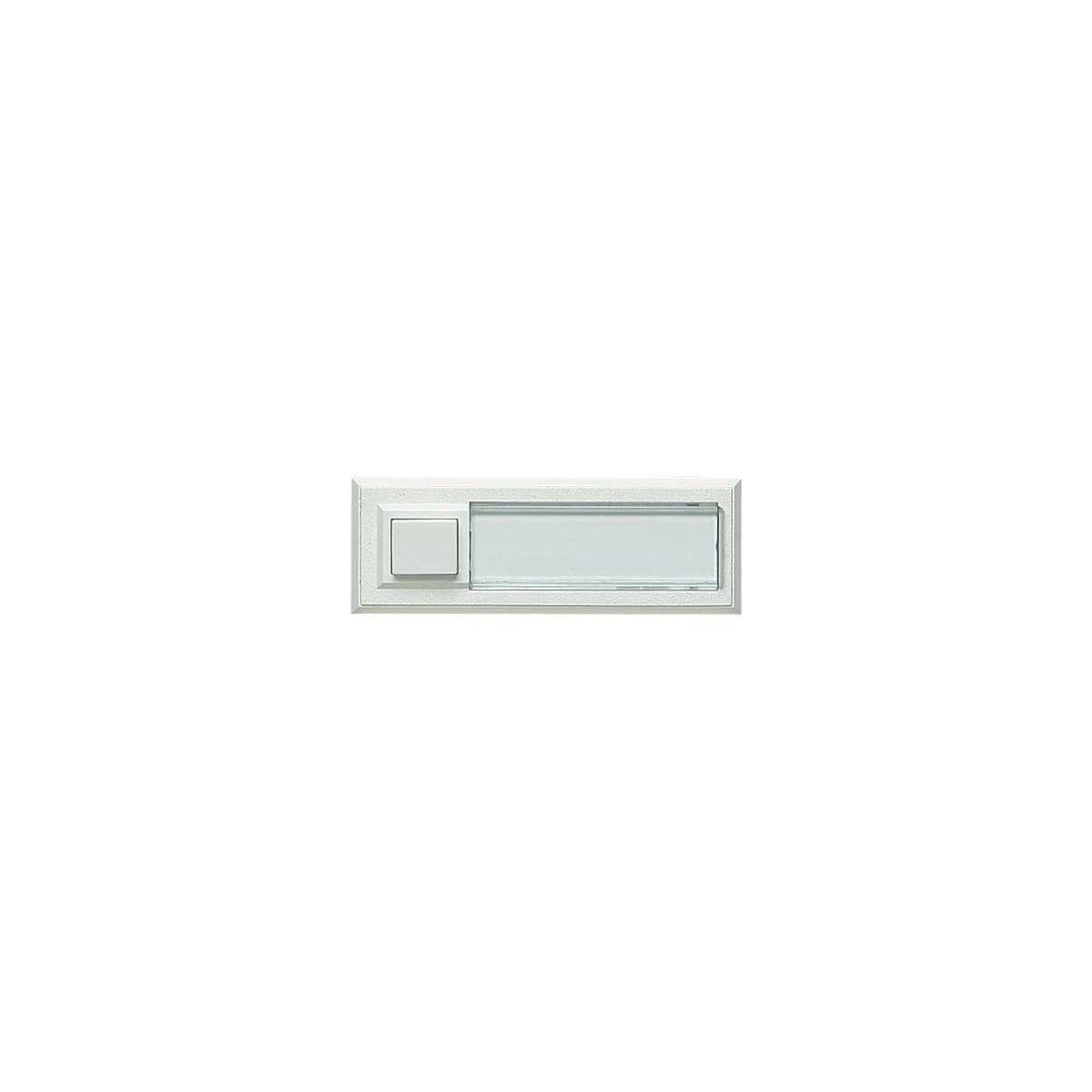
Figure 1: Front view of the Grothe ETA 2122 Surface-Mounted Doorbell Button. The image displays the white plastic housing with a square push button on the left and a rectangular clear cover for a nameplate on the right.
2. Important Safety Instructions
WARNING: Electrical work must be performed exclusively by qualified electricians or under their direct supervision and guidance. Failure to comply may result in electric shock, injury, or damage to the product or property.
- Always disconnect power at the main circuit breaker before performing any electrical installation or maintenance.
- Ensure all wiring connections are secure and comply with local electrical codes.
- Do not exceed the maximum specified voltage and current ratings for the device.
- Keep the device away from excessive moisture or direct water exposure unless specifically rated for such conditions.
3. Package Contents
- 1 x Grothe ETA 2122 Surface-Mounted Doorbell Button
4. Setup and Installation
The Grothe ETA 2122 doorbell button is designed for surface mounting on a wall.
4.1 Opening the Device
- Carefully pry off the clear nameplate cover (viewing glass) using a small flat-head screwdriver.
- Locate and remove the two Phillips head screws underneath the cover.
- Gently lift the top part of the housing to access the internal components.
4.2 Wiring
The doorbell button operates by creating a short circuit when pressed. For non-illuminated operation, connect your doorbell wires to the two contacts located to the right and left of the opening inside the unit. Ensure a proper opening is made for the cables to pass through the mounting surface.
- The device supports a maximum of 12 V AC/DC (alternating current or direct current) and 1.5 A.
- Ensure the power supply to your doorbell system matches these specifications.
4.3 Mounting
- Once wired, secure the base of the doorbell button to the desired surface using appropriate screws (not included).
- Reattach the top part of the housing and secure it with the two Phillips head screws.
- Insert your custom nameplate into the designated slot.
- Snap the clear nameplate cover back into place until it clicks securely.
5. Operating Instructions
To operate the doorbell, simply press the square button located on the left side of the unit. This action will complete the electrical circuit, activating your doorbell chime.
6. Maintenance
The Grothe ETA 2122 doorbell button requires minimal maintenance.
- Cleaning: Use a soft, damp cloth to wipe the exterior of the unit. Avoid abrasive cleaners or solvents that could damage the plastic material.
- Weather Resistance: The unit is designed to be weather-resistant. However, regular inspection for any signs of wear or damage, especially to the seals, is recommended to ensure continued protection.
7. Troubleshooting
7.1 Doorbell Does Not Ring When Button is Pressed
- Check Power Supply: Ensure that the main power supply to your doorbell system is active.
- Inspect Wiring: Verify that all electrical connections inside the doorbell button and at the chime unit are secure and correctly wired. Loose connections are a common cause of malfunction.
- Test Chime Unit: If possible, test your doorbell chime unit independently to rule out a fault with the chime itself.
- Button Mechanism: Ensure the button mechanism moves freely and returns to its original position after being pressed.
If the issue persists after performing these checks, it is recommended to consult a qualified electrician.
8. Specifications
| Brand | Grothe |
| Model Number | 51014 (ETA 2122) |
| Material | Plastic |
| Installation Type | Surface Mounting |
| Dimensions (L x W x H) | 32 mm x 90 mm x 18 mm |
| Max. Voltage / Current | 12 V AC/DC, 1.5 A |
| Illumination | No |
| Nameplate | Yes (with clear cover) |
| Weight | 32 Grams |
| ASIN | B001BC4FMK |
9. Warranty and Support
Specific warranty information for the Grothe ETA 2122 doorbell button is not provided in the product details. For warranty claims or technical support, please contact your retailer or the manufacturer directly. Keep your proof of purchase for any warranty-related inquiries.


