
Introduction
The KWB 49818708 1/2 Orbital Sanding Sheets are designed for efficient material removal and surface finishing. These punched sanding sheets, measuring 115 mm x 280 mm with an 80 grit rating, are made from durable Aluminium-Oxide. They are suitable for a wide range of materials including wood, metal, paint, varnish, and fillers. This pack contains 10 sheets, providing a reliable supply for your sanding tasks.
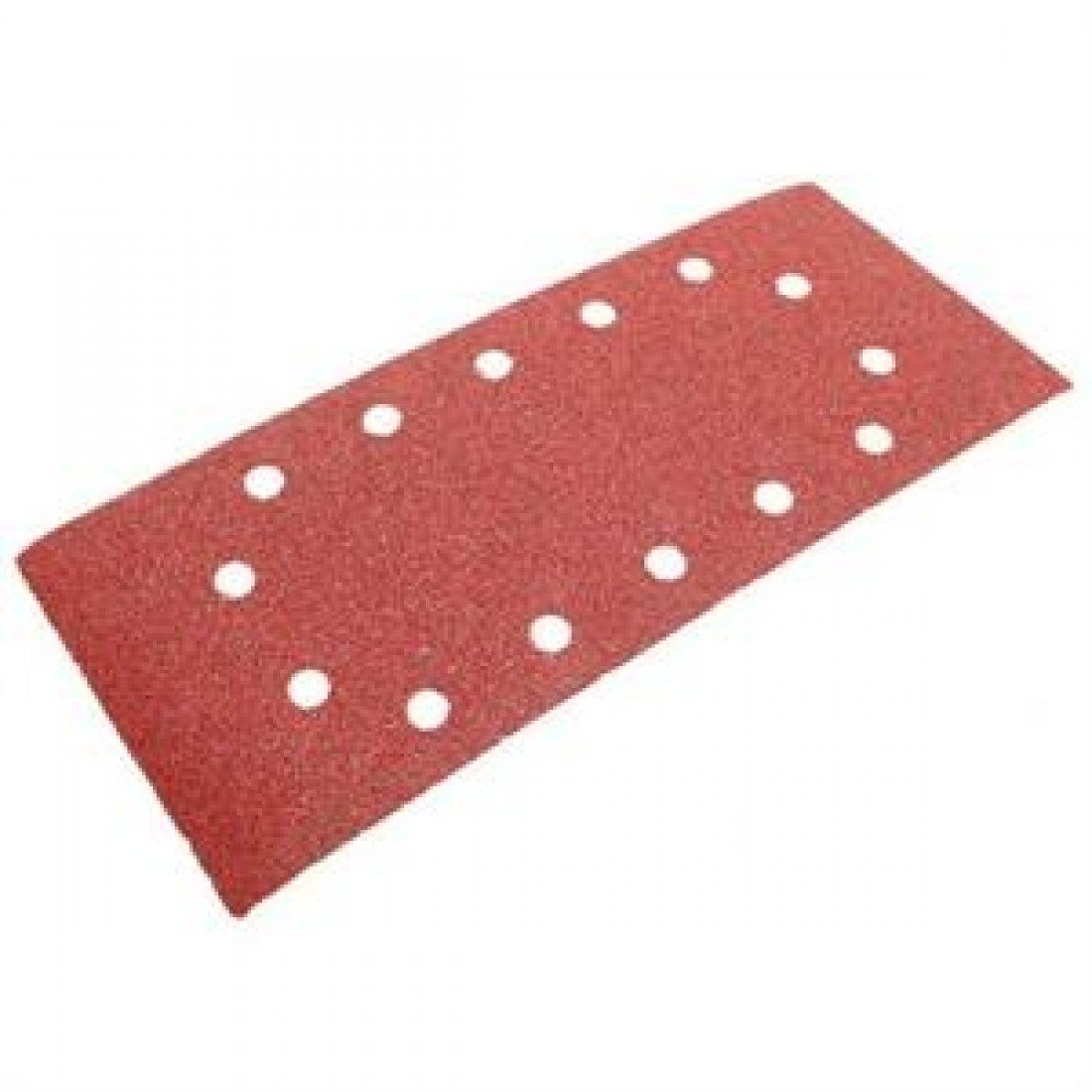
Image: KWB 49818708 1/2 Orbital Sanding Sheets. This image displays a pack of ten 80-grit sanding sheets, highlighting their punched design and standard dimensions for orbital sanders.
Setup
Proper installation of the sanding sheet is crucial for optimal performance and safety. Follow these steps to prepare your orbital sander:
- Ensure Power Disconnection: Before attaching or removing any sanding sheet, always ensure your orbital sander is unplugged from the power source to prevent accidental startup.
- Prepare the Sander Base: Clean the base plate of your orbital sander to remove any dust or debris that could interfere with the sheet's adhesion or cause uneven sanding.
- Align the Sheet: Position the KWB sanding sheet onto the sander's base plate. Ensure the punched holes on the sanding sheet align perfectly with the dust extraction holes on your sander's base. This alignment is essential for effective dust collection.
- Secure Attachment: Depending on your sander model, secure the sheet using the clamping mechanism or hook-and-loop system. Ensure the sheet is taut and flat against the base plate, with no wrinkles or loose edges. A securely attached sheet prevents slippage and ensures consistent sanding.
- Compatibility Check: These sheets are compatible with various orbital sander models, including but not limited to:
- AEG: VS 14, VS 20, VSE 20, VSS (E) 20, VS 250, VSE 250, VSS (E) 280
- Atlas Copco: VS 280 E, VS 280 SE, VSE230, VSS 20 E
- Bosch: GSS 28 A, PSS-28 AE, PSS-280 A, PSS-280 AE
- DeWalt: D26420, D26421
- Einhell: RT-OS 30, BT-OS 280 E
- Makita: B0 9046, B0 4901, B0 4900 V
Operating Instructions
Follow these guidelines for effective and safe sanding:
- Safety First: Always wear appropriate personal protective equipment (PPE), including safety glasses, dust mask, and hearing protection, before operating any power tool.
- Surface Preparation: Ensure the workpiece is clean and securely clamped to prevent movement during sanding.
- Start the Sander: Turn on the orbital sander before making contact with the workpiece.
- Apply Even Pressure: Guide the sander over the surface with light, even pressure. Avoid pressing down too hard, as this can reduce sanding effectiveness, wear out the sheet prematurely, and potentially damage the workpiece or sander.
- Consistent Movement: Move the sander in smooth, overlapping passes. For wood, sand along the grain to achieve the best finish and prevent cross-grain scratches.
- Monitor Sheet Condition: Regularly check the sanding sheet for wear. A worn sheet will become less effective and can generate excessive heat. Replace the sheet when it becomes dull or clogged.
- Dust Collection: Utilize your sander's dust collection system or connect it to a shop vacuum to minimize airborne dust and maintain a clear view of your work.
- Finish: Turn off the sander and lift it from the workpiece only after the sanding pad has stopped rotating.
Maintenance
While sanding sheets are consumable items, proper handling and storage can maximize their utility:
- Sheet Replacement: Replace sanding sheets as soon as they show signs of wear, such as reduced cutting ability, clogging, or tearing. Continuing to use a worn sheet can lead to poor results and potential damage to the workpiece.
- Storage: Store unused sanding sheets in a dry, cool place, away from direct sunlight and humidity. Keep them flat to prevent warping or creasing, which can affect their performance.
- Disposal: Dispose of used sanding sheets responsibly according to local regulations.
Troubleshooting
If you encounter issues during sanding, consider the following common problems and solutions:
| Problem | Possible Cause | Solution |
|---|---|---|
| Poor sanding results / Slow material removal |
|
|
| Sanding sheet tears prematurely |
|
|
| Uneven sanding pattern / Swirl marks |
|
|
Specifications
- Model Number: 49818708
- Brand: kwb
- Sheet Dimensions: 115 mm x 280 mm (4.53" x 11.02")
- Grit: 80 (Fine)
- Grit Material: Aluminium-Oxide
- Backing Type: Paper
- Punched: Yes, for dust extraction
- Compatible Devices: Orbital Sanders
- Compatible Materials: Wood, Metal, Paint, Varnish, Fillers
- Pack Quantity: 10 sheets
- Item Weight: 0.1 Kilograms
Warranty and Support
KWB sanding sheets are manufactured to high-quality standards. As consumable items, specific warranties typically cover manufacturing defects rather than wear and tear from normal use.
For any questions regarding product quality, compatibility, or to report a manufacturing defect, please contact your retailer or the official KWB customer support. Refer to the packaging or the KWB official website for contact information.