
GeneralAire GA900
GeneralAire GA900 Humidifier Water Filter (GA19) Instruction Manual
Model: GA900 (GA19) | For GeneralAire Humidifier Models 900 & 1000
1. Introduction
This manual provides essential information for the proper installation, operation, and maintenance of your GeneralAire GA900 Humidifier Water Filter, also known as GA19. This filter is designed to ensure optimal performance and moisture output for compatible GeneralAire humidifiers.
2. Product Overview
The GeneralAire GA900 (GA19) is a genuine OEM replacement water filter designed for GeneralAire 900 and 1000 series humidifiers. It is a wick-type filter constructed from aluminum, measuring approximately 1.5"D x 9.75"W x 11.65"H. This filter is crucial for maintaining the efficiency and output of your humidifier by absorbing water and allowing it to evaporate into the air stream.

Image 1: The GeneralAire GA900 (GA19) Humidifier Water Filter.
3. Compatibility
This water filter is compatible with the following GeneralAire humidifier models:
- GeneralAire Elite 900 Humidifiers
- GeneralAire 1000 Humidifiers
4. Key Features
- OEM Replacement: Ensures a perfect fit and reliable performance, designed specifically for GeneralAire humidifiers.
- Optimal Moisture Output: Engineered to provide maximum surface area for efficient water absorption and evaporation.
- Easy Installation: Designed for straightforward replacement, making maintenance simple.
- Annual Replacement Recommended: For best results and to maintain air quality, replace the filter once per year.
- Durable Construction: Made with aluminum material for longevity and effective wicking.
5. Installation and Replacement
Regular replacement of your humidifier water filter is essential for maintaining air quality and humidifier efficiency. It is recommended to replace the filter once per year, or more frequently depending on water quality and usage.
Step-by-Step Replacement Guide:
- Power Off: Before beginning, ensure your humidifier and the HVAC system are powered off to prevent accidental operation.
- Access Filter Compartment: Locate and open the access panel or cover on your GeneralAire 900 or 1000 humidifier that houses the water filter. Refer to your humidifier's specific manual for exact instructions on accessing the filter.
- Remove Old Filter: Carefully remove the old, used water filter. It may be damp or have mineral deposits. Dispose of the old filter responsibly.
- Inspect and Clean: While the filter is out, inspect the humidifier's water pan and surrounding areas for any mineral buildup or debris. Clean as necessary according to your humidifier's maintenance guidelines.
- Install New Filter: Insert the new GeneralAire GA900 (GA19) water filter into the compartment. Ensure it is seated correctly and securely. The filter is designed to fit snugly.
- Close Compartment: Close and secure the access panel or cover.
- Restore Power: Turn the power back on to your humidifier and HVAC system.
Video 1: This video demonstrates how to perform maintenance on a GeneralAire 900 humidifier, including filter replacement. (Source: Wholesale HVAC Supply)
6. Operation
The GA900 (GA19) water filter functions as a wick, absorbing water from the humidifier's reservoir. As dry air from your HVAC system passes through the moistened filter, it picks up water vapor, which is then distributed into your home's air. This process helps to maintain desired humidity levels, improving comfort and protecting your home's furnishings. The filter's design ensures a large surface area for efficient evaporation, contributing to the humidifier's overall performance.
7. Maintenance
To ensure optimal performance, prevent mineral buildup, and maintain healthy indoor air quality, replace the GeneralAire GA900 (GA19) water filter annually. In areas with hard water or during periods of heavy humidifier use, more frequent replacement may be necessary. Regular cleaning of the humidifier's water pan and other components, as outlined in your humidifier's main instruction manual, is also recommended to prevent scale and microbial growth.
8. Troubleshooting
Reduced Humidifier Output:
If your humidifier is producing less moisture than usual, the water filter may be clogged with mineral deposits. This reduces its wicking capability. Replace the filter as per the "Installation and Replacement" section.
Unpleasant Odors:
Odors emanating from the humidifier can sometimes indicate bacterial growth or mold on an old, saturated filter. Replace the filter immediately and thoroughly clean the humidifier's water pan and other components with an appropriate cleaning solution.
Water Leaks:
While not directly caused by the filter itself, an improperly seated filter or an unsecured access panel after replacement can contribute to leaks. Ensure the filter is correctly positioned and the humidifier's access panel is securely closed. Refer to your humidifier's main manual for comprehensive leak troubleshooting.
9. Specifications
| Feature | Detail |
|---|---|
| Brand | GeneralAire |
| Model Name | GA900 |
| Model Number / Part Number | GA19 (Previously known as GA19) |
| UPC | 683786079196 |
| Filter Type | Wick |
| Material | Aluminum |
| Dimensions (D x W x H) | 1.5" x 9.75" x 11.65" |
| Recommended Replacement | Annually |
| Compatible Humidifiers | GeneralAire 900 & 1000 Series |
| Included Components | 1 Water Filter |

Image 2: Close-up view of the GA900 (GA19) filter, showing its honeycomb structure.
10. Support
For further assistance, technical support, or inquiries regarding your GeneralAire GA900 Humidifier Water Filter, please refer to the official GeneralAire website or contact their customer support directly. Always provide your product model number (GA900 or GA19) when seeking support.
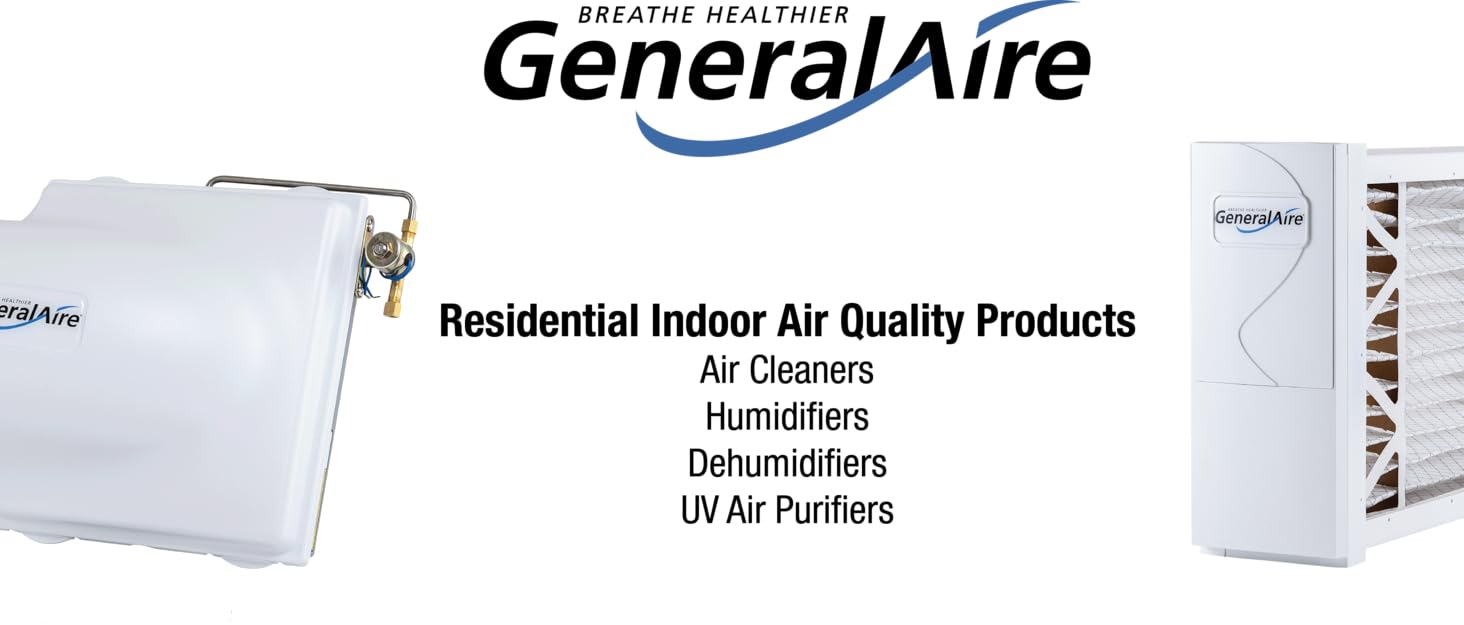
Image 3: GeneralAire brand overview, showcasing their commitment to indoor air quality products.
Ask a question about this manual
Ask about setup, troubleshooting, compatibility, parts, safety, or missing instructions. Manuals+ will review the question and use this page’s manual context to help answer it.