
1. Introduction
The Steinel IS 130-2 Infrared Motion Detector is designed for reliable and targeted surveillance of areas around your home or property. This versatile sensor is suitable for both indoor and outdoor applications, providing enhanced security and convenience by automatically switching lights or other connected devices.
Key features include a 130° detection angle, a maximum range of 12 meters, and a robust IP54 rating for weather resistance. It supports a maximum switching power of 600W (up to 250W for LED lighting).
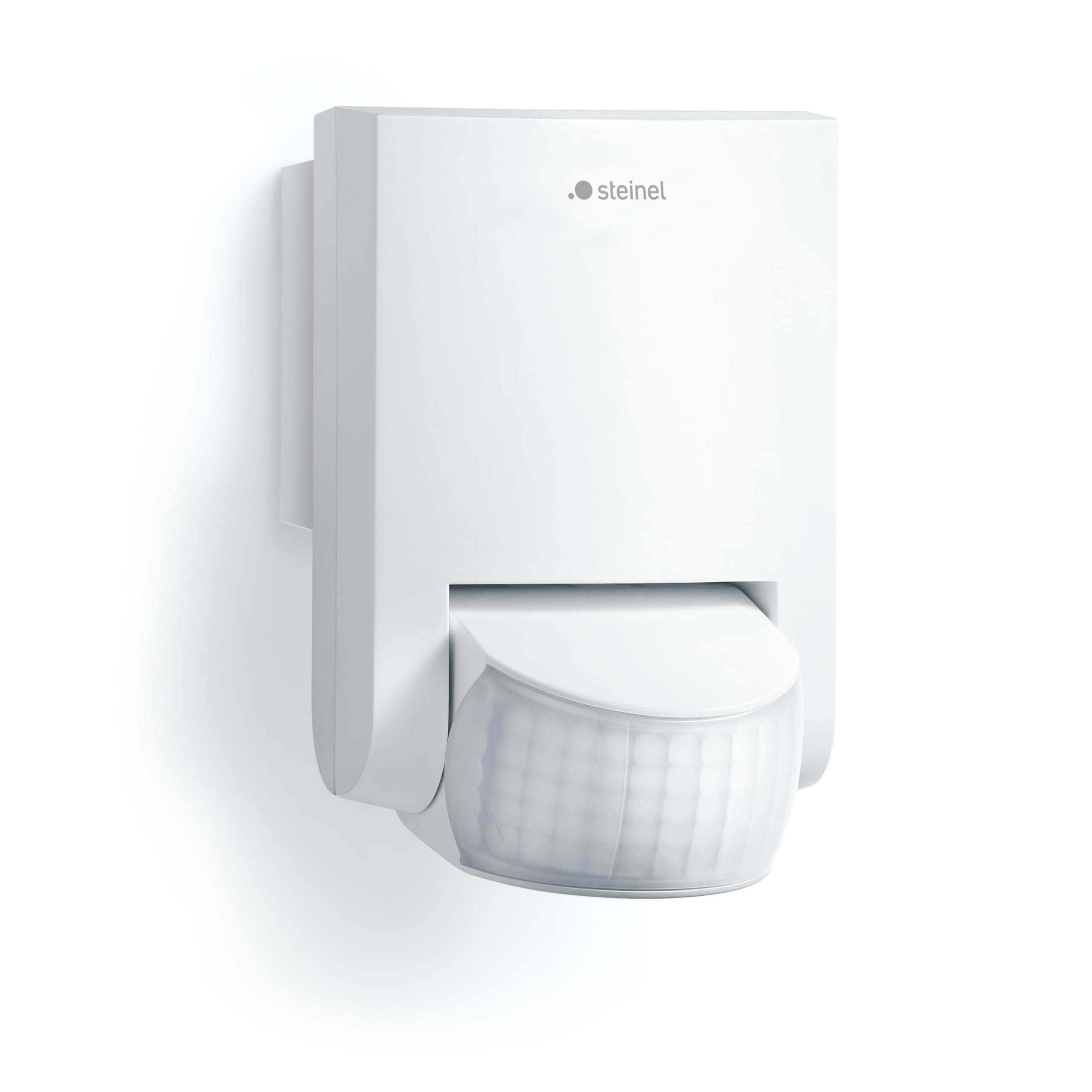
Image 1: Steinel IS 130-2 Motion Detector in white, mounted on a wall.
2. Safety Instructions
Please read these safety instructions carefully before installation and operation. Failure to observe these instructions may result in electric shock, fire, or other hazards.
- Qualified Electrician: Installation must be carried out by a qualified electrician in accordance with national wiring regulations and installation conditions.
- Power Disconnection: Always disconnect the power supply to the circuit before commencing any installation, maintenance, or repair work.
- Voltage Check: Ensure the supply voltage matches the specifications of the device (220-240V, 50/60Hz).
- Do Not Open: Do not open or modify the device. There are no user-serviceable parts inside.
- Proper Grounding: Ensure proper grounding is established during installation.
- Environmental Conditions: Do not install the device in areas with excessive vibration, extreme temperatures, or corrosive atmospheres.
3. Package Contents
Please check that all components are present and undamaged:
- 1x Steinel IS 130-2 Infrared Motion Detector
- Mounting screws and wall plugs
- Detection zone covers (for masking specific areas)
- Instruction Manual
4. Setup and Installation
Follow these steps for proper installation of your Steinel IS 130-2 Motion Detector:
- Choose Mounting Location: Select a suitable wall location. The ideal mounting height for optimal detection is approximately 2 meters. Avoid mounting near heat sources or objects that might cause false triggers (e.g., moving branches, direct sunlight).
- Disconnect Power: Before drilling or wiring, ensure the main power supply to the installation area is switched off at the circuit breaker.
- Mark Drilling Points: Use the mounting plate of the detector to mark the drilling points on the wall.
- Drill Holes: Drill holes at the marked points (typically Ø 6mm) and insert the supplied wall plugs.

Image 2: Diagram illustrating the drilling process for mounting the motion detector.
- Wiring: Open the clear connection compartment. Connect the power cables (Live, Neutral, Switched Live) according to the wiring diagram provided inside the device. The power cable can be surface-mounted or concealed within the wall.
- Mount the Detector: Secure the detector to the wall using the supplied screws. Ensure it is firmly attached.
- Restore Power: Once installation is complete and all connections are secure, restore power to the circuit.
5. Operating Instructions and Adjustments
The Steinel IS 130-2 offers flexible adjustment options to suit your specific needs. The adjustment controls are located under the sensor head.
5.1. Detection Area and Range
The detector features a 130° detection angle and a maximum range of 12 meters. The multi-lens system can be swiveled 50° horizontally and 90° vertically to precisely adapt the detection zone.

Image 3: Illustration of the 130° detection area and 12m range of the IS 130-2.
To limit the detection zone and prevent unwanted triggers (e.g., from public pathways or neighboring properties), use the supplied detection zone covers. These can be placed over specific segments of the lens.
5.2. Time Setting (Delay Time)
The delay time determines how long the connected light or device remains switched on after the last detected movement. This can be continuously adjusted from 8 seconds to 35 minutes using the rotary knob marked with a clock symbol.
5.3. Twilight Setting (Light Threshold)
The twilight setting determines the ambient light level at which the detector becomes active. This can be continuously adjusted from 2 to 2000 lux using the rotary knob marked with a sun/moon symbol. At a lower lux setting, the detector will only activate in darker conditions. At a higher lux setting, it will activate even in brighter conditions.

Image 4: Close-up view of the time and twilight adjustment knobs located on the sensor head.
6. Maintenance
The Steinel IS 130-2 Motion Detector requires minimal maintenance to ensure optimal performance.
- Cleaning: Regularly clean the sensor lens with a soft, dry cloth to remove dust, dirt, or cobwebs. Do not use abrasive cleaners or solvents, as these can damage the lens surface.
- Inspection: Periodically check the device for any signs of damage or loose connections.
- No User-Serviceable Parts: The internal components of the detector are not user-serviceable. If the device malfunctions, contact customer support.
7. Troubleshooting
If your Steinel IS 130-2 Motion Detector is not functioning as expected, refer to the following common issues and solutions:
| Problem | Possible Cause | Solution |
|---|---|---|
| Light does not switch on. | No power supply; Bulb faulty; Twilight setting too high (daylight); Time setting too short; No movement detected. | Check power connection and circuit breaker; Replace bulb; Adjust twilight setting to a lower lux value; Increase time setting; Ensure movement occurs within the detection zone. |
| Light switches on too often. | Detection range too wide; Sensitivity too high; Movement outside desired area (e.g., pets, traffic, wind-blown objects). | Reduce detection range; Adjust sensor head angle; Use detection zone covers to mask unwanted areas; Lower sensitivity if adjustable. |
| Light stays on continuously. | Continuous movement in detection zone; Time setting too long; Device malfunction. | Ensure no constant movement; Reduce time setting; If problem persists, contact customer support. |
| Poor detection. | Sensor lens dirty; Obstruction in detection path; Incorrect mounting height; Temperature difference between ambient and moving object is too small. | Clean sensor lens; Remove obstructions; Verify mounting height (ideal 2m); Consider environmental factors. |
8. Technical Specifications
| Feature | Specification |
|---|---|
| Model Number | IS130-2 |
| Dimensions (L x W x H) | 13 x 7.8 x 8.4 cm |
| Weight | 160 grams |
| Detection Angle | 130° |
| Max. Range | 12 meters |
| Recommended Mounting Height | 2 meters |
| Max. Switching Power | 600 W (max. 250 W LED) |
| Time Setting | 8 seconds - 35 minutes (continuously adjustable) |
| Twilight Setting | 2 - 2000 lux (continuously adjustable) |
| IP Rating | IP54 (splash-proof) |
| Power Source | AC (220-240V, 50/60Hz) |
| Operating Temperature | Up to 50°C |
| Application | Indoor and Outdoor |
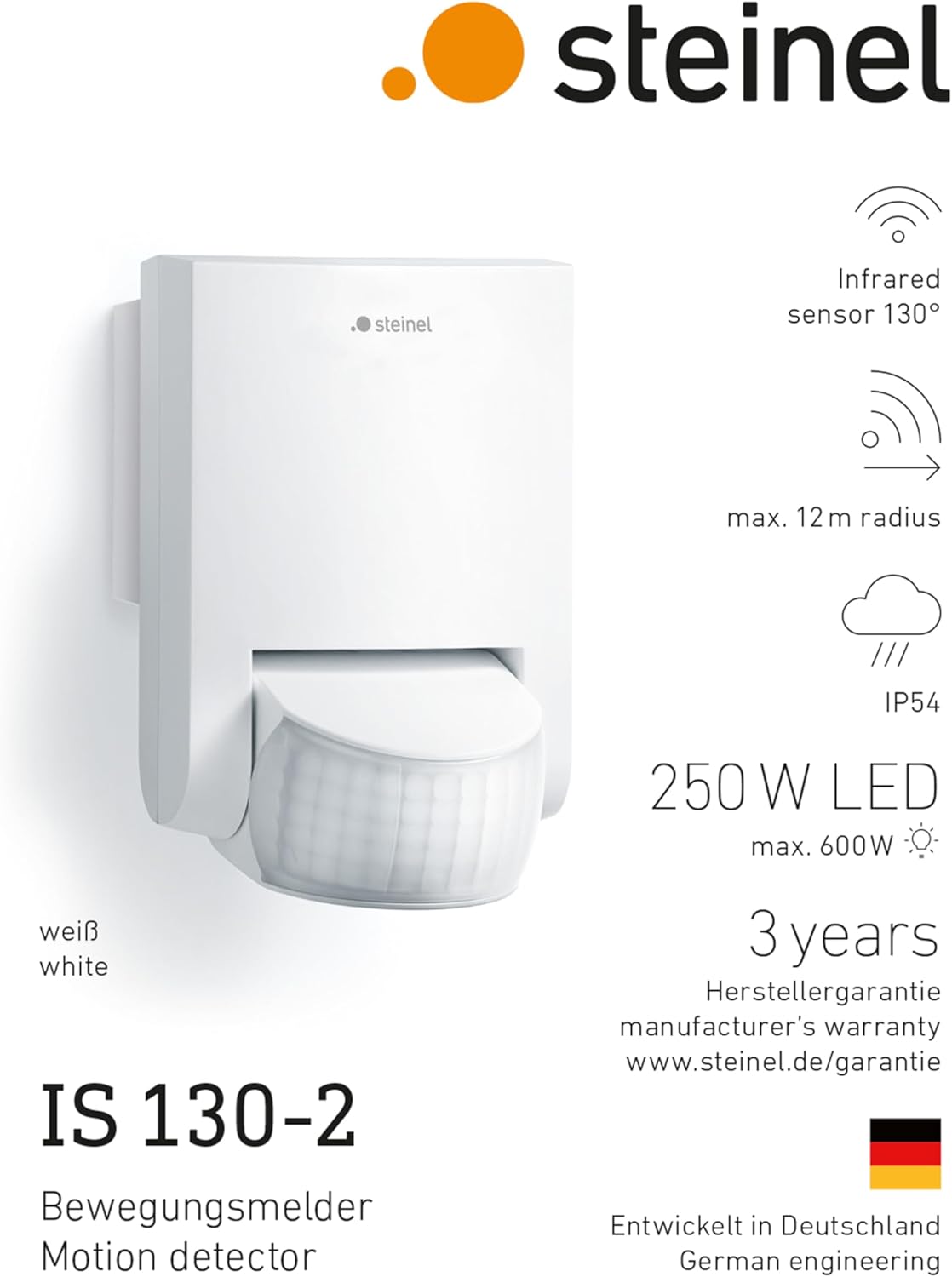
Image 5: Product image of the Steinel IS 130-2 with an overview of its technical specifications.
9. Warranty
Steinel provides a manufacturer's warranty for this product. The specific warranty period is 3 years from the date of purchase. Spare parts are available for a period of 1 year.
For detailed warranty conditions and to register your product, please visit the official Steinel warranty page: www.steinel.de/garantie
Please retain your proof of purchase for any warranty claims.
10. Customer Support
If you encounter any issues that cannot be resolved using the troubleshooting guide, or if you require further assistance, please contact your retailer or Steinel customer service.
When contacting support, please have the following information ready:
- Product Model: IS 130-2
- Date of Purchase
- Detailed description of the issue


