
1. Introduction
Thank you for choosing the Swiffer Max Sweeper. This manual provides essential information for the proper assembly, operation, and maintenance of your new cleaning tool. Please read these instructions carefully before use and retain them for future reference.
The Swiffer Max Sweeper is designed for dry dusting and cleaning various hard surfaces, effectively capturing dirt, dust, and hair without leaving residue.
2. Package Contents
Ensure all items are present in the package:
- Swiffer Max Sweeper Handle (multi-piece assembly)
- Swiffer Max Sweeper Head (17-inch width)
- Initial supply of Swiffer Dry Sweeping Cloths
3. Setup and Assembly
Follow these steps to assemble your Swiffer Max Sweeper:
- Assemble the Handle: Connect the handle sections by pushing them firmly together until they click into place. Ensure all sections are securely joined to form a rigid handle.
- Attach the Sweeper Head: Insert the assembled handle into the designated opening on the Swiffer Max Sweeper head. Push until it locks securely.
- Prepare a Dry Sweeping Cloth: Lay a Swiffer Dry Sweeping Cloth flat on the floor.
- Attach the Cloth: Place the sweeper head onto the center of the dry cloth. Fold the edges of the cloth over the sides of the sweeper head and push them into the grippers located on the top surface of the head. Ensure the cloth is taut and securely attached.
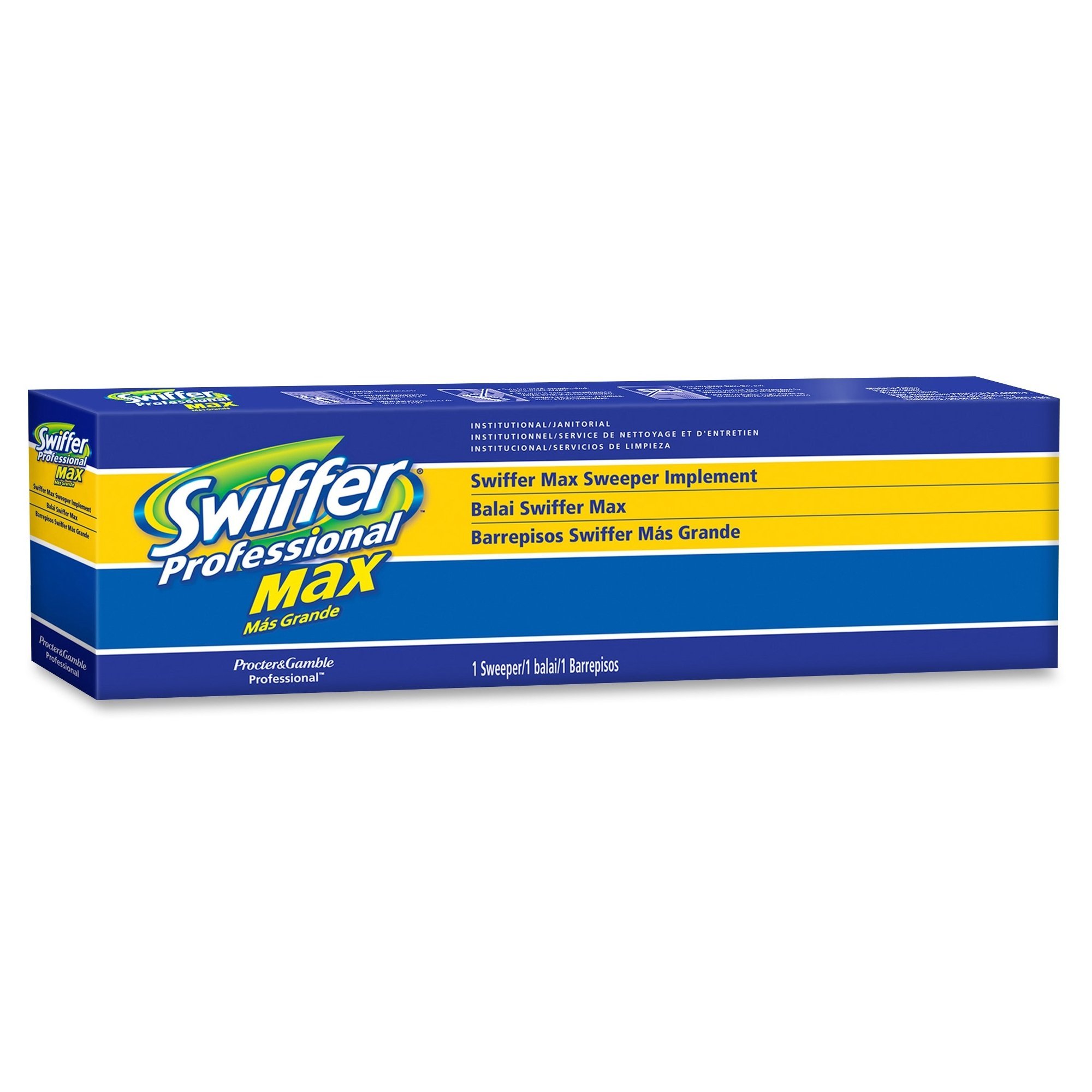
Figure 1: Fully assembled Swiffer Max Sweeper with a dry cloth attached to the 17-inch wide head.
4. Operating Instructions
The Swiffer Max Sweeper is designed for dry cleaning. No spray or liquid is needed for its operation.
- Surface Compatibility: This sweeper is ideal for use on various hard surfaces including wood, ceramic, vinyl, tile, and electronics.
- Sweeping Technique: Gently push the sweeper across the desired surface. The dry cloth will attract and trap dirt, dust, and hair.
- Corner and Edge Cleaning: The swivel head allows for easy maneuverability around furniture and into corners.
- Disposal: Once the dry cloth is visibly soiled, remove it from the sweeper head and dispose of it in a waste bin.
5. Maintenance
- Changing Dry Cloths: Always use a fresh dry cloth when the current one is full of dirt and dust.
- Cleaning the Sweeper Head: Periodically wipe down the plastic sweeper head with a damp cloth to remove any accumulated dust or debris. Ensure it is dry before attaching a new sweeping cloth.
- Storage: Store the Swiffer Max Sweeper in a dry place, away from direct sunlight and extreme temperatures.
6. Troubleshooting
| Problem | Solution |
|---|---|
| Dry cloth does not stay attached. | Ensure the cloth edges are fully tucked into all four grippers on the sweeper head. Make sure the cloth is spread evenly. |
| Sweeper is not picking up dirt effectively. | Replace the dry cloth with a fresh one. Heavily soiled cloths lose their ability to trap dust. Ensure you are using genuine Swiffer Dry Sweeping Cloths. |
| Handle feels loose during use. | Check that all handle sections are securely clicked into place. Reassemble if necessary. |
7. Specifications
- Model Number: PAG37108
- Brand: Swiffer
- Head Width: 17 inches
- Product Dimensions: 5.25 x 17 x 2 inches (Head); 1 Pound (Total Weight)
- Manufacturer: Swiffer
- ASIN: B00120ZMM8
- First Available: December 28, 2007
8. Safety Information
- Keep out of reach of children and pets.
- Do not use the dry cloths wet or with any liquid cleaners unless specifically designed for wet use. This product is intended for dry sweeping only.
- Avoid using on rough or abrasive surfaces that may damage the sweeping cloths or the sweeper head.
- Do not use near open flames or high heat sources.
9. Warranty and Support
For warranty information, product support, or to purchase replacement parts and sweeping cloths, please refer to the official Swiffer website or contact Swiffer customer service. Contact details are typically available on the product packaging or the brand's official website.
Please have your model number (PAG37108) available when contacting support.