
Introduction
Thank you for choosing the RadioShack Touch-Screen Talking Picture Frame. This device allows you to display two 5x7 inch photographs and record up to two 5-second audio messages for each picture, totaling four messages. The touch-screen technology enables easy recording and playback, adding a personal touch to your cherished memories. This manual provides essential instructions for setting up, operating, and maintaining your picture frame.
Setup
1. Unpacking
Carefully remove all components from the packaging. Ensure you have the picture frame and this instruction manual. Inspect the frame for any signs of damage. If any damage is found, do not proceed with setup and contact customer support.
2. Battery Installation
- Locate the battery compartment on the back of the frame.
- Open the battery compartment cover.
- Insert four (4) new "AAA" batteries (not included), ensuring correct polarity (+/-) as indicated inside the compartment.
- Close the battery compartment cover securely.
Note: Always use fresh batteries and replace all four batteries at the same time. Do not mix old and new batteries or different types of batteries.
3. Photo Insertion
The frame is designed to hold two 5x7 inch photographs.
- Gently remove the backing from the frame.
- Place your two 5x7 inch photos into the designated slots.
- Carefully replace the backing, ensuring the photos are flat and secure.
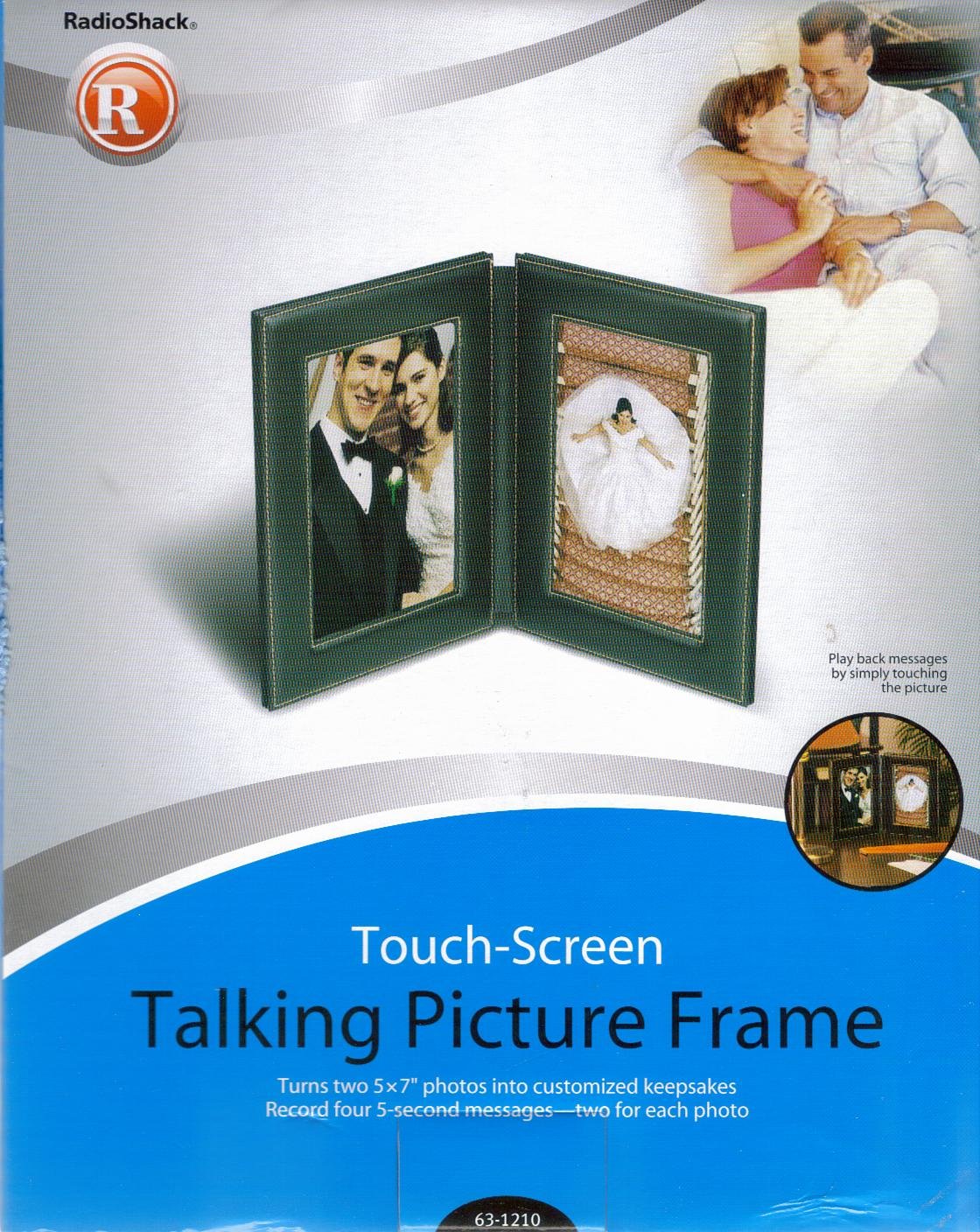
This image displays the RadioShack Touch-Screen Talking Picture Frame, highlighting its design for holding two 5x7 inch photographs. The frame features a sleek black finish and a visible touch-sensitive area, indicating where users can interact to record and play audio messages.
Operating Instructions
1. Recording Messages
The frame allows you to record two 5-second messages for each photo, for a total of four messages. The touch-screen technology enables specific areas on the picture to trigger recording and playback.
- Identify the touch-sensitive areas on the frame corresponding to each photo. These are typically marked or indicated in the frame's design.
- To record a message, press and hold one of the designated touch-sensitive areas. You will hear a beep or indicator sound.
- Speak clearly into the microphone (usually located on the side or top of the frame) for up to 5 seconds.
- Release the touch-sensitive area to stop recording. A confirmation sound may play.
- Repeat this process for the other three message slots.
Tip: Experiment with different touch points on the picture to find the most responsive areas for recording and playback.
2. Playing Messages
To play a recorded message:
- Lightly tap the touch-sensitive area associated with the message you wish to hear.
- The recorded message will play through the frame's speaker.
3. Deleting Messages
To delete a recorded message, you typically need to re-record over it. Some frames may have a specific erase function or require a prolonged press on the touch-sensitive area. If re-recording does not clear the message, try pressing and holding the specific touch point for an extended period (e.g., 5-10 seconds) until a clear tone indicates the message has been erased. Users have noted that deleting specific messages may require precise interaction with the touch-sensitive areas.
Maintenance
1. Cleaning the Frame
To keep your picture frame looking its best:
- Use a soft, dry, lint-free cloth to wipe the frame's surface.
- For stubborn smudges, lightly dampen the cloth with water. Avoid using harsh chemicals, abrasive cleaners, or excessive moisture, as these can damage the frame's finish or electronic components.
- Do not spray cleaners directly onto the frame.
2. Battery Replacement
When the audio quality degrades or the frame stops responding, it is likely time to replace the batteries. Follow the battery installation steps outlined in the Setup section. Always dispose of used batteries responsibly according to local regulations.
Troubleshooting
- No Power/Frame Not Responding: Ensure batteries are correctly installed with proper polarity. Replace with fresh "AAA" batteries.
- No Sound During Playback: Check battery level. Ensure the recording process was completed successfully. Re-record the message if necessary.
- Recording Issues: Make sure you are pressing and holding the touch-sensitive area for the entire 5-second recording duration. Speak clearly and close to the microphone.
- Difficulty Deleting Messages: As noted, precise interaction with the touch-sensitive area may be required. Try pressing and holding the specific touch point for an extended period to clear the message.
If you continue to experience issues, please refer to the support information provided.
Specifications
| Brand | RadioShack |
| Model Number | 63-1210 |
| Frame Type | Single Picture Frame |
| Photo Capacity | Two 5x7 inch photos |
| Message Capacity | Four 5-second messages (two per photo) |
| Special Feature | Touchscreen for recording and playback |
| Power Source | 4 x "AAA" batteries (not included) |
| Frame Material | Plastic |
| Mounting Type | Tabletop |
| Color | Black |
Warranty Information
Specific warranty details for the RadioShack Touch-Screen Talking Picture Frame Model 63-1210 are not provided in this manual. Please refer to the product packaging or the original purchase documentation for warranty terms and conditions. Keep your proof of purchase for any warranty claims.
Customer Support
For technical assistance, troubleshooting beyond this manual, or inquiries regarding your RadioShack Touch-Screen Talking Picture Frame, please refer to the contact information provided with your product at the time of purchase or visit the official RadioShack support website. Please have your model number (63-1210) and proof of purchase ready when contacting support.