
1. Product Overview
The SentrySafe X075 Security Safe provides a secure storage solution for your valuables. This steel safe features a digital keypad lock, two live-locking bolts, and a carpeted interior to protect contents from damage. It is designed for home use as a theft deterrent and is California DOJ Certified for firearm storage. The safe is large enough to accommodate most laptops and includes a bolt-down kit for enhanced security.

Figure 1: SentrySafe X075 Digital Keypad Shelf Safe.
2. Included Components
- SentrySafe X075 Security Safe
- Two Override Keys
- Owner's Manual
- Bolt-Down Hardware Kit
3. Setup
3.1 Battery Installation
The digital keypad requires four high-quality, name-brand alkaline AA batteries for optimal performance. Generic and rechargeable batteries may not provide sufficient lifespan. To install batteries:
- Open the safe using the override key (refer to Section 4.2 if needed).
- Locate the battery compartment on the inside of the safe door.
- Insert four AA alkaline batteries, ensuring correct polarity (+/-).
- Close the battery compartment cover.
3.2 Setting Your Personal Combination
It is crucial to change the factory-set combination immediately after battery installation to ensure security. The combination can be 2 to 8 digits long.
- With the safe door open, press the red program button located on the inside of the safe door.
- Enter your desired new combination (2-8 digits) on the digital keypad.
- Press the '#' button to confirm your new combination.
- Test the new combination with the door open to ensure it works correctly before closing the safe.
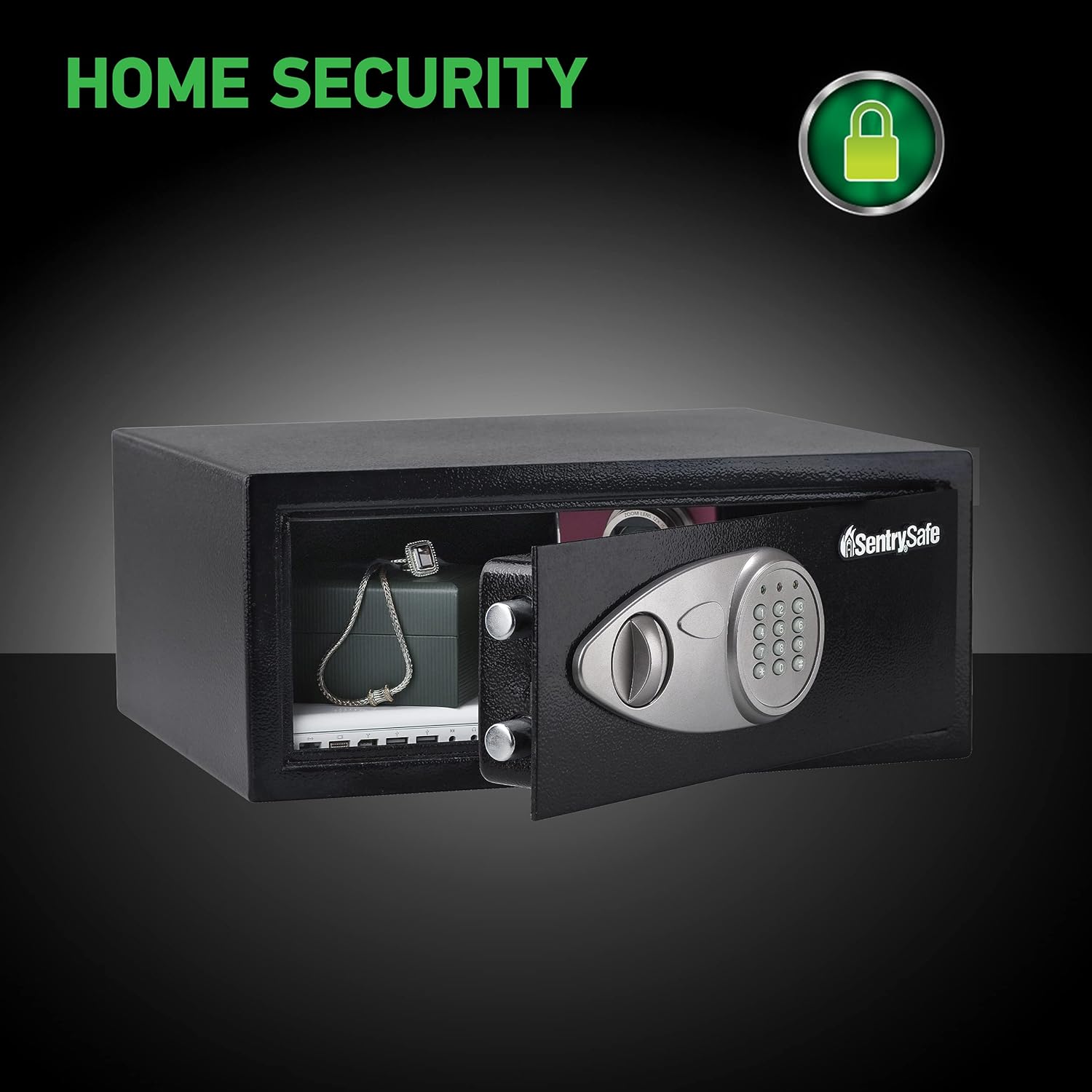
Figure 2: Close-up of the digital keypad for combination entry.
3.3 Bolt-Down Installation
For added security, the safe can be bolted to a floor or shelf using the included hardware. This prevents unauthorized removal of the safe.
- Choose a suitable location for the safe.
- Open the safe door and locate the pre-drilled holes in the bottom of the safe.
- Mark the drilling points on the floor or shelf through these holes.
- Drill pilot holes at the marked locations.
- Secure the safe using the provided bolts and washers.
4. Operating Instructions
4.1 Opening the Safe with Digital Keypad
- Enter your personal combination on the digital keypad.
- Press the '#' button. The green light will illuminate.
- Within 5 seconds, turn the handle clockwise to open the safe door.
4.2 Opening the Safe with Override Key
In case of forgotten combination or dead batteries, the override key provides emergency access.
- Locate the keyhole cover on the digital keypad panel.
- Gently remove the cover to expose the keyhole.
- Insert one of the override keys into the keyhole and turn it clockwise.
- Turn the handle clockwise to open the safe door.
4.3 Closing and Locking the Safe
- Close the safe door firmly.
- Turn the handle counter-clockwise until it locks into place. The safe is now secured.
5. Maintenance
5.1 Battery Replacement
Replace batteries annually or when the low battery indicator light appears. Always use four new, high-quality alkaline AA batteries.
5.2 General Care
Wipe the exterior of the safe with a soft, damp cloth. Avoid abrasive cleaners. The carpeted interior helps protect delicate items.
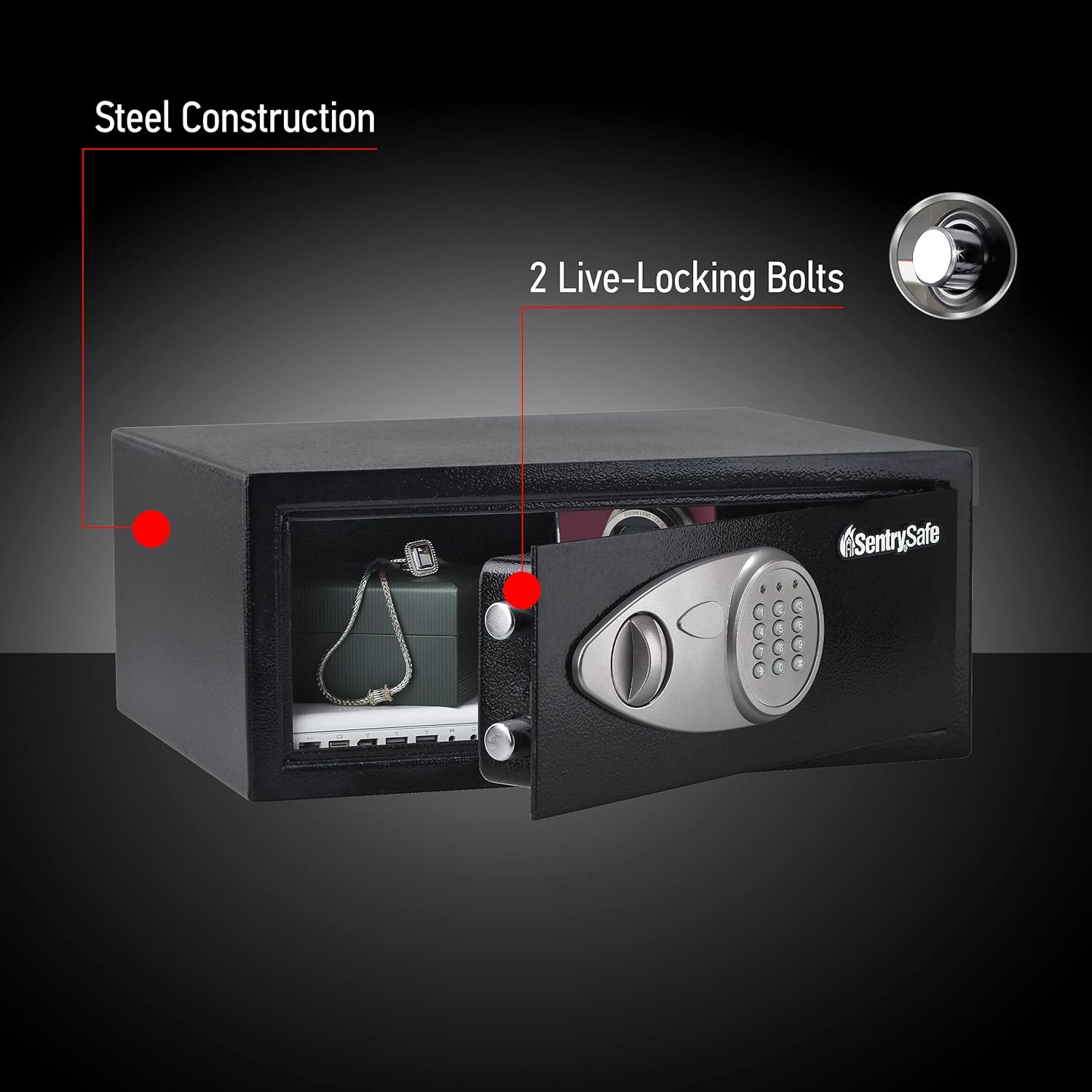
Figure 3: The safe features concealed hinges and a protective carpeted interior.
6. Troubleshooting
6.1 Safe Will Not Open with Combination
- Check Batteries: Ensure batteries are new and correctly installed. Replace if necessary.
- Re-enter Combination: Double-check that you are entering the correct combination.
- Use Override Key: If the digital keypad fails, use the override key for access.
6.2 Digital Keypad Not Responding
- Replace Batteries: Dead or low batteries are the most common cause.
- Check Battery Contacts: Ensure battery contacts are clean and making good connection.
7. Specifications
| Feature | Detail |
|---|---|
| Brand | SentrySafe |
| Model Number | X075 |
| Exterior Dimensions (H x W x D) | 7.1" x 16.9" x 14.6" |
| Interior Dimensions (H x W x D) | 6.9" x 16.8" x 11.6" |
| Capacity | 0.78 Cubic Feet |
| Item Weight | 17.2 Pounds |
| Lock Type | Digital Keypad, Cylinder Key |
| Material | Alloy Steel |
| Special Features | DOJ-Certified, Numeric Keypad, Carpeted Interior, Bolt-Down Kit |
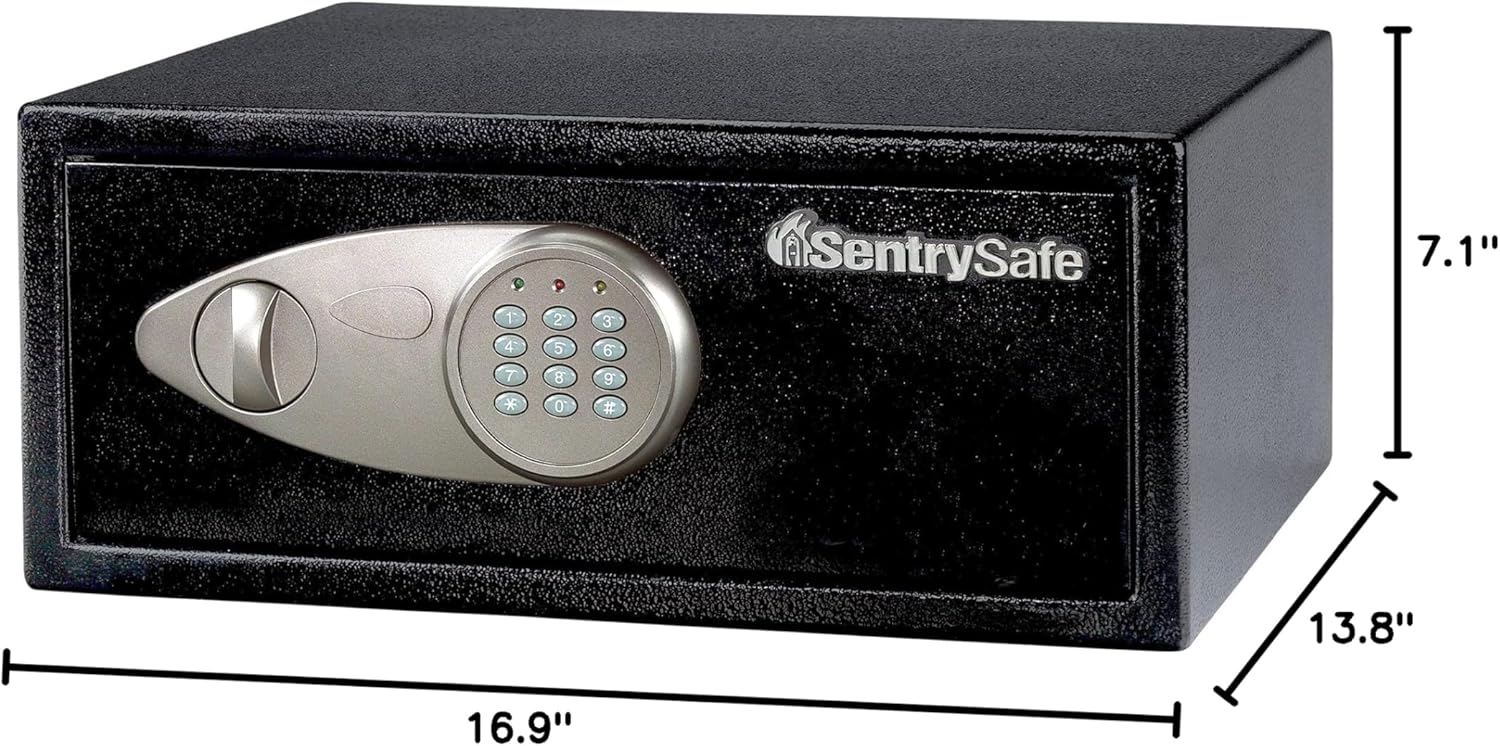
Figure 4: Visual representation of the SentrySafe X075 dimensions.
8. Warranty & Support
8.1 Warranty Information
The SentrySafe X075 Security Safe comes with a Limited One Year Warranty. Please refer to the warranty documentation included with your product for full terms and conditions.
8.2 Customer Support
For further assistance, technical support, or to inquire about replacement parts, please visit the official SentrySafe website or contact their customer service department. Contact information can typically be found on the SentrySafe website or in the product packaging.


