
Minolta Maxxum Zoom Lens
Contents
Minolta Maxxum AF 70-210mm F/4 Telephoto Zoom Lens User Manual
Introduction
This manual provides detailed instructions for the proper use, care, and maintenance of your Minolta Maxxum AF 70-210mm F/4 Telephoto Zoom Lens. Designed for compatibility with Sony Alpha mount cameras, this lens offers a versatile 3x zoom range and a constant f/4 maximum aperture, making it suitable for a variety of photographic applications. Please read this manual thoroughly to ensure optimal performance and longevity of your lens.
Setup
Attaching the Lens
To attach the lens to your camera body:
- Ensure both the camera and lens are clean and free of dust.
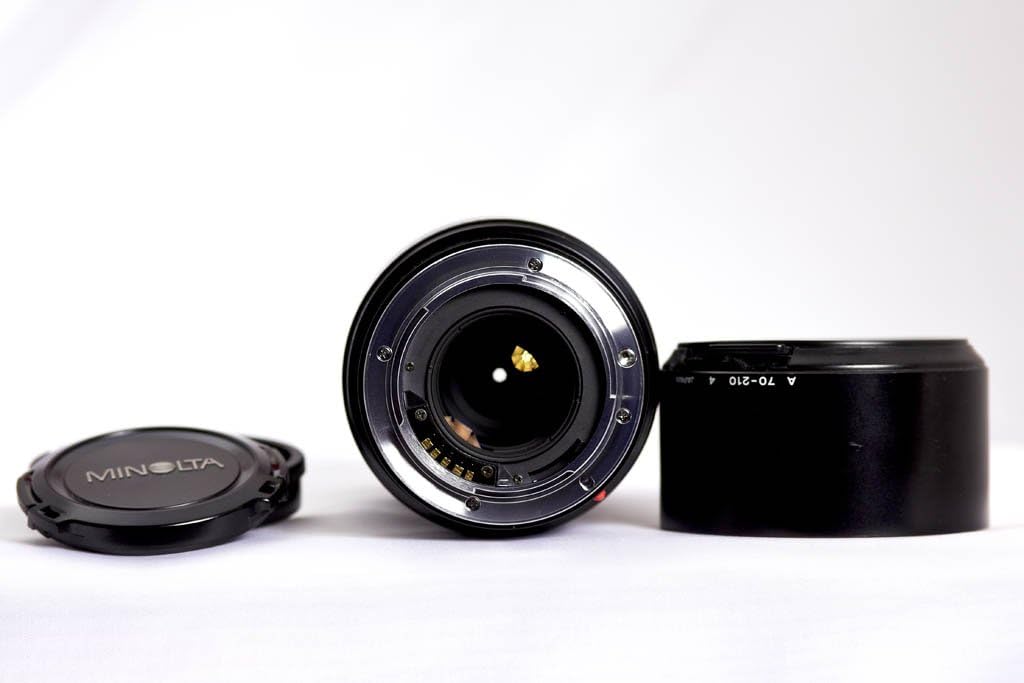
- Align the red dot on the lens barrel with the corresponding red dot on your camera's lens mount.
- Gently insert the lens into the camera mount.
- Rotate the lens clockwise until it clicks securely into place. Do not force the lens.
Operating the Lens
Zoom Function
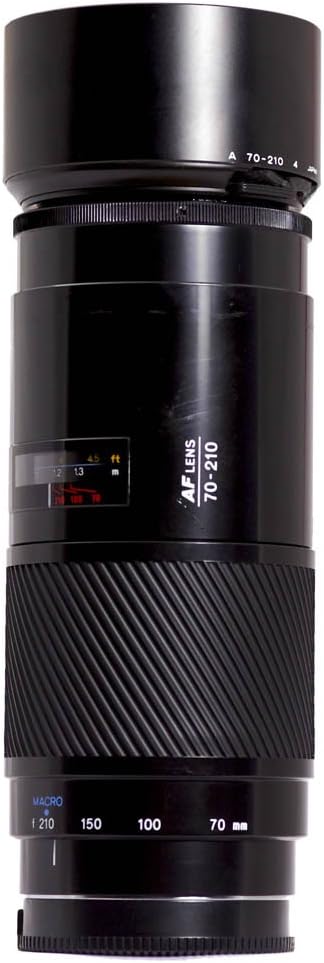
The Minolta Maxxum AF 70-210mm F/4 lens features a 3x zoom range, allowing you to adjust your focal length from 70mm (wide-angle telephoto) to 210mm (long telephoto). To zoom, rotate the zoom ring located on the lens barrel. The focal length markings (70, 100, 150, 210) indicate the current setting.
Aperture Control
This lens maintains a constant maximum aperture of f/4 across its entire zoom range. Aperture control is managed through your camera body. Refer to your camera's instruction manual for details on setting the aperture (f-stop) to control depth of field and exposure.
Focusing
The lens supports autofocus (AF) when used with compatible Sony Alpha cameras. For manual focusing, switch your camera to MF (Manual Focus) mode and rotate the focusing ring on the lens until your subject appears sharp in the viewfinder or on the LCD screen. The lens also features a focus distance scale.
Maintenance and Care
Proper maintenance ensures the longevity and performance of your lens.
- Cleaning the Lens: Use a soft, lint-free cloth or a lens brush to remove dust from the lens surfaces. For smudges or fingerprints, use a specialized lens cleaning solution applied to a microfiber cloth, never directly to the lens.
- Storage: When not in use, store the lens with both front and rear caps attached in a dry, cool place away from direct sunlight and extreme temperatures. Consider using a desiccant packet in humid environments.
- Handling: Avoid dropping or subjecting the lens to strong impacts. Do not touch the glass elements with your fingers.
- Environmental Protection: Protect the lens from rain, moisture, and excessive dust.
Troubleshooting
This section addresses common issues you might encounter.
| Problem | Possible Cause | Solution |
|---|---|---|
| Lens not attaching securely | Misalignment of mounting marks; obstruction on mount. | Ensure red dots are aligned. Check for debris on lens or camera mount. |
| Autofocus not working | Camera set to manual focus; dirty electrical contacts; lens not fully attached. | Switch camera to AF mode. Clean lens and camera contacts with a dry cloth. Re-attach lens. |
| Images are blurry | Incorrect focus; camera shake; dirty lens elements. | Check focus mode and adjust. Use a faster shutter speed or tripod. Clean lens surfaces. |
| Purple fringing or chromatic aberration | Inherent optical characteristic, especially wide open. | Stop down the aperture (e.g., to f/5.6 or f/6.3). Post-process images to reduce fringing. |
Technical Specifications
| Feature | Detail |
|---|---|
| Brand | Minolta |
| Model Number | Maxxum Zoom Lens |
| Focal Length | 70-210 millimeters |
| Maximum Aperture | f/4 (constant) |
| Lens Type | Telephoto Zoom |
| Compatible Mountings | Sony A |
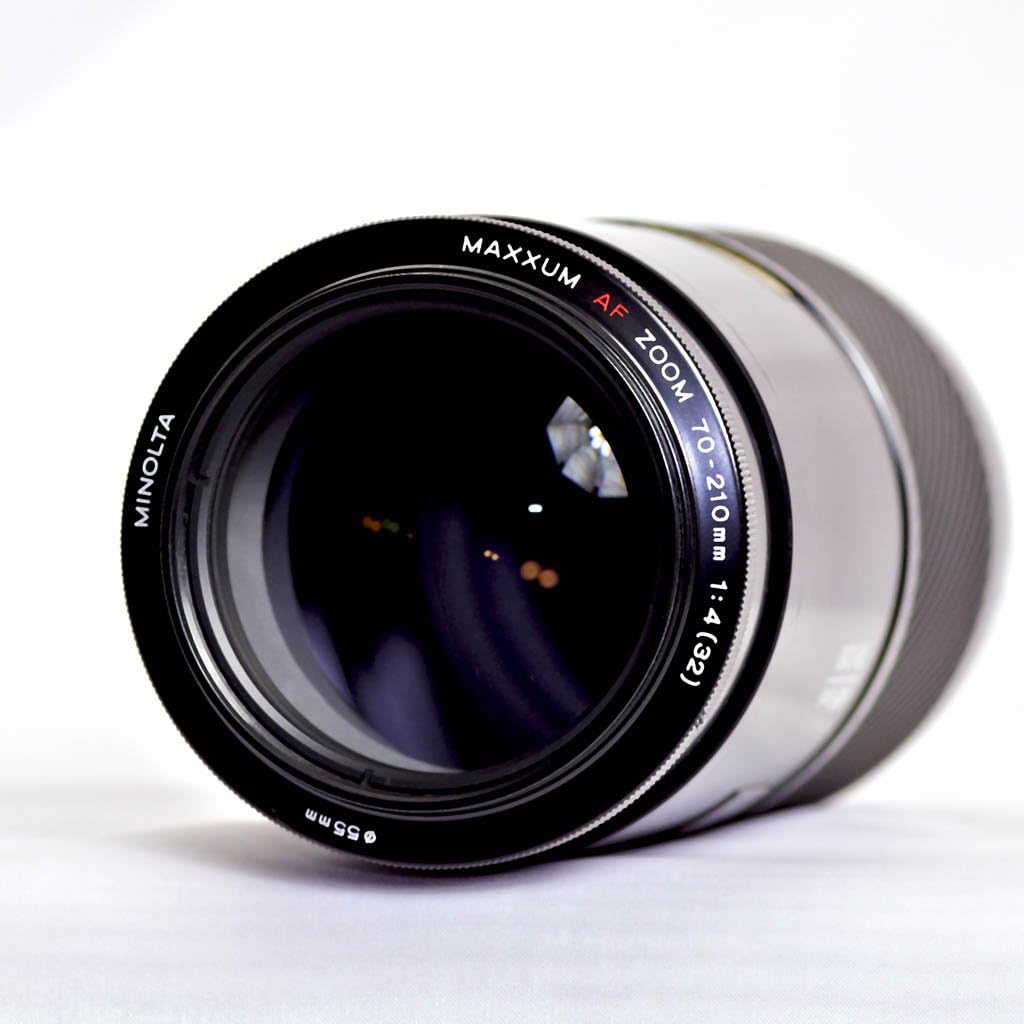
| Filter Size | 55mm |
| Item Weight | 1.05 pounds |
| Package Dimensions | 6.7 x 5.4 x 4.4 inches |
| Date First Available | October 28, 2007 |
Warranty and Support
For information regarding warranty coverage, service, or technical support for your Minolta Maxxum AF 70-210mm F/4 Telephoto Zoom Lens, please refer to the original purchase documentation or contact Minolta customer service. Keep your proof of purchase for any warranty claims.
Documents and downloads
Ask a question about this manual
Ask about setup, troubleshooting, compatibility, parts, safety, or missing instructions. Manuals+ will review the question and use this page’s manual context to help answer it.