
1. Product Overview
The Ultimate Matrix Collection is a comprehensive Blu-ray set featuring the complete Matrix trilogy along with extensive bonus content. This collection provides an immersive experience into the world of The Matrix, including the original film, its two sequels, and the animated anthology, The Animatrix, alongside various documentaries and special features.
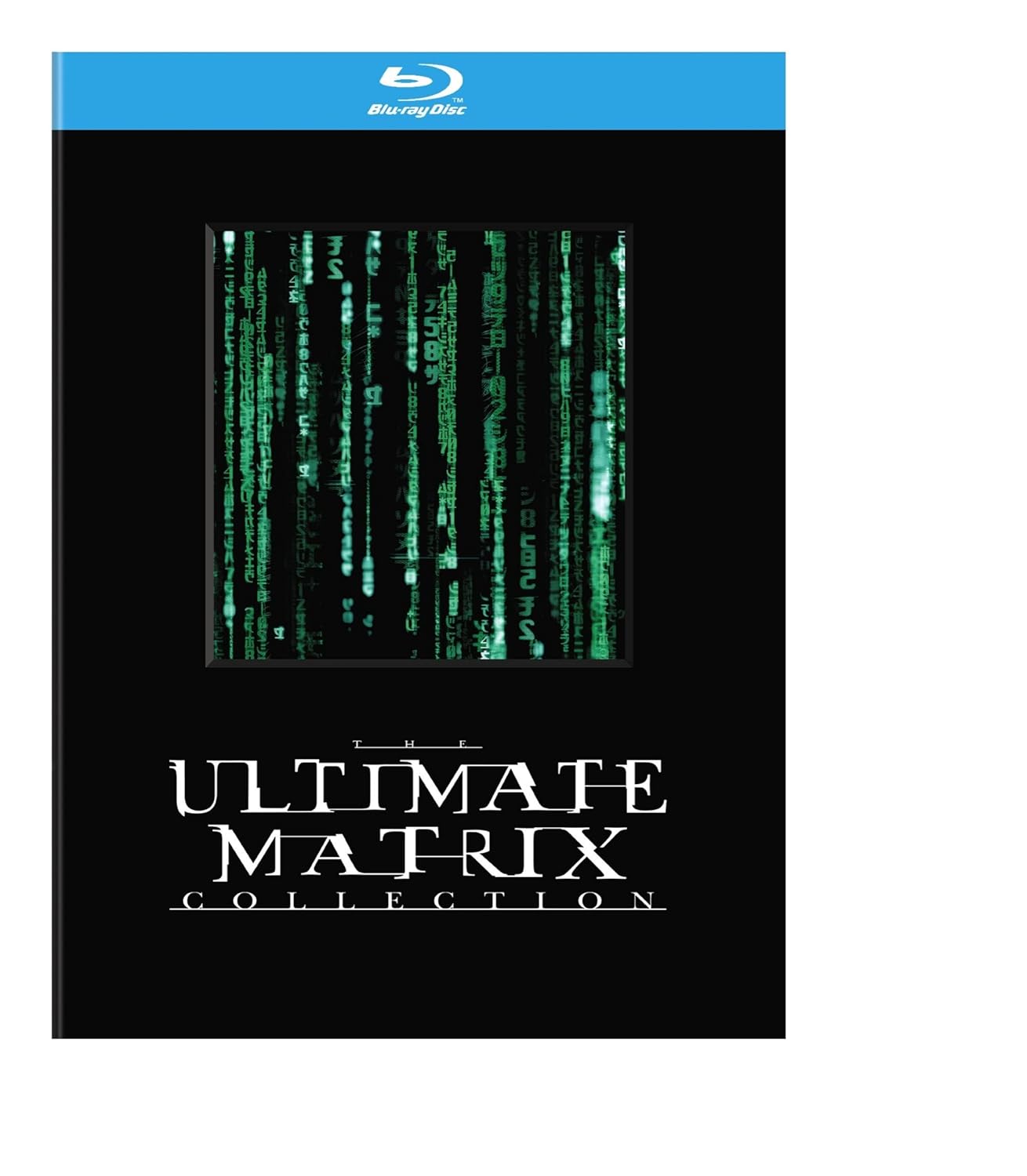
Image 1.1: Front cover of The Ultimate Matrix Collection Blu-ray set, featuring the iconic green digital rain effect and the collection title.
2. Contents of the Collection
This 6-disc Blu-ray set includes the following:
- The Matrix: The groundbreaking original film.
- The Matrix Reloaded: The first sequel to the original film.
- The Matrix Revolutions: The concluding film of the trilogy.
- The Animatrix: A collection of animated short films set in the Matrix universe.
- Bonus Features Discs: Multiple discs containing documentaries, behind-the-scenes footage, commentaries, and other supplemental materials related to the films.
3. Setup
To enjoy The Ultimate Matrix Collection, ensure you have the following:
- Compatible Blu-ray Player: A Blu-ray disc player is required. Standard DVD players are not compatible with Blu-ray discs.
- High-Definition Television (HDTV): For optimal visual quality, connect your Blu-ray player to an HDTV using an HDMI cable.
- Audio System (Optional): For an enhanced audio experience, connect your Blu-ray player to a compatible home theater audio system. The discs support English Dolby TrueHD 5.1 and other Dolby Digital 5.1/2.0 Stereo options.
Connection Steps:
- Connect the Blu-ray player to your HDTV using an HDMI cable.
- Connect the Blu-ray player to your audio system (if applicable) using appropriate audio cables (e.g., HDMI, optical, coaxial).
- Plug the Blu-ray player into a power outlet and turn it on.
- Select the correct input source on your HDTV.
4. Operating Instructions
Follow these steps for disc playback:
- Insert Disc: Gently insert the desired Blu-ray disc into the disc tray of your Blu-ray player.
- Automatic Playback: Most players will automatically begin playback or display the main menu.
- Main Menu Navigation: Use your player's remote control to navigate the on-screen menu. Options typically include:
- Play Movie: Starts the main feature.
- Scene Selection: Allows you to jump to specific scenes.
- Audio Options: Select preferred audio language (e.g., English Dolby TrueHD 5.1, French Dolby Digital 5.1, Spanish Dolby Digital 5.1, Italian Dolby Digital 5.1, Portuguese Dolby Digital 5.1).
- Subtitles: Enable or disable subtitles and select language (e.g., English (SDH), French, Spanish, Dutch, Italian, Portuguese).
- Special Features: Access bonus content, documentaries, and commentaries.
- Playback Controls: Use the standard playback controls on your remote (Play, Pause, Stop, Fast Forward, Rewind, Skip).
5. Maintenance
Proper care will ensure the longevity of your Blu-ray discs:
- Handling: Always hold discs by their edges or the center hole to avoid touching the playing surface.
- Cleaning: If a disc becomes dirty, gently wipe it with a soft, lint-free cloth from the center outwards. Do not use abrasive materials or harsh chemicals.
- Storage: Store discs in their original cases, away from direct sunlight, extreme temperatures, and high humidity.
- Avoid Scratches: Do not bend discs or place heavy objects on them.
6. Troubleshooting
If you encounter issues, consider the following common solutions:
- Disc Not Playing:
- Ensure the disc is clean and free of scratches.
- Verify you are using a Blu-ray compatible player.
- Check if the disc is inserted correctly (label side up).
- Try playing another Blu-ray disc to confirm player functionality.
- No Picture/Sound:
- Check all cable connections (HDMI, audio cables) between the player, TV, and audio system.
- Ensure the correct input source is selected on your TV and audio system.
- Verify audio and subtitle settings in the disc's menu.
- Skipping/Freezing:
- Clean the disc thoroughly.
- Ensure your Blu-ray player's firmware is up to date. Consult your player's manual for update instructions.
7. Specifications
| Feature | Detail |
|---|---|
| Item Model Number | 085391167921 |
| Format | Blu-ray, Color, Dolby, Dual Disc, Multiple Formats |
| Number of Discs | 6 |
| Run Time | 8 hours and 25 minutes (total for main features) |
| Aspect Ratio | 2.40:1 |
| MPAA Rating | R (Restricted) |
| Audio Languages | English (Dolby Digital 5.1, Dolby TrueHD 5.1), French (Dolby Digital 5.1), Italian (Dolby Digital 5.1), Portuguese (Dolby Digital 2.0 Stereo), Spanish (Dolby Digital 2.0 Stereo) |
| Subtitles | Dutch, English, French, Italian, Portuguese, Spanish |
| Release Date | October 14, 2008 |
| Product Dimensions | 7 x 5.5 x 1.75 inches; 4.94 ounces |
8. Warranty and Support
For information regarding product warranty or technical support, please refer to the documentation included with your purchase or contact Warner Home Video customer service directly. Specific warranty terms and support options may vary.
For general inquiries, you may visit the official website for The Matrix franchise: www.thematrix.com