
1. Introduction
This manual provides instructions for the installation, operation, and maintenance of the Lutron Attache LC-300NLH-WH 300-watt Single Pole On-Cord Lamp Dimmer. This device is designed to control the light output of incandescent and halogen lamps connected to a standard lamp cord. It features a slider for dimming and a red LED locator light for visibility in low-light conditions.
2. Safety Information
WARNING: To avoid fire, shock, or death; turn off power at circuit breaker or fuse and test that power is off before wiring!
- For use with incandescent and halogen lamps only. Do not use with LED, CFL, or fluorescent lamps unless specifically rated for such use.
- Maximum load: 300 watts. Do not exceed this rating.
- For indoor use only.
- Ensure the lamp cord is SPT-2 type for proper connection.
- Do not install if the product is damaged.
- Consult a qualified electrician if you are unsure about any part of the installation.
3. Setup and Installation
3.1 Tools Required
- Wire strippers
- Small flat-head screwdriver
3.2 Installation Steps
- Disconnect Power: Unplug the lamp from the wall outlet before beginning installation.
- Prepare Lamp Cord: Select a suitable location on the lamp cord, typically between the lamp base and the wall plug. Carefully cut the lamp cord at this point.
- Open Dimmer Housing: Use a small flat-head screwdriver to gently pry open the dimmer housing. It usually consists of two halves that snap together.
- Strip Wires: For each cut end of the lamp cord, carefully strip approximately 1/2 inch (12 mm) of insulation from both wires. Ensure the copper strands are not damaged.
- Connect Wires: Insert one stripped wire from each cut end into the designated terminals within the dimmer housing. The terminals are typically marked or have spring-loaded clamps. Ensure wires are fully inserted and securely held.
- Close Dimmer Housing: Carefully align the two halves of the dimmer housing and snap them back together, ensuring no wires are pinched.
- Test: Plug the lamp back into the wall outlet. The red LED locator light should glow softly. Operate the slider to test the dimming function.
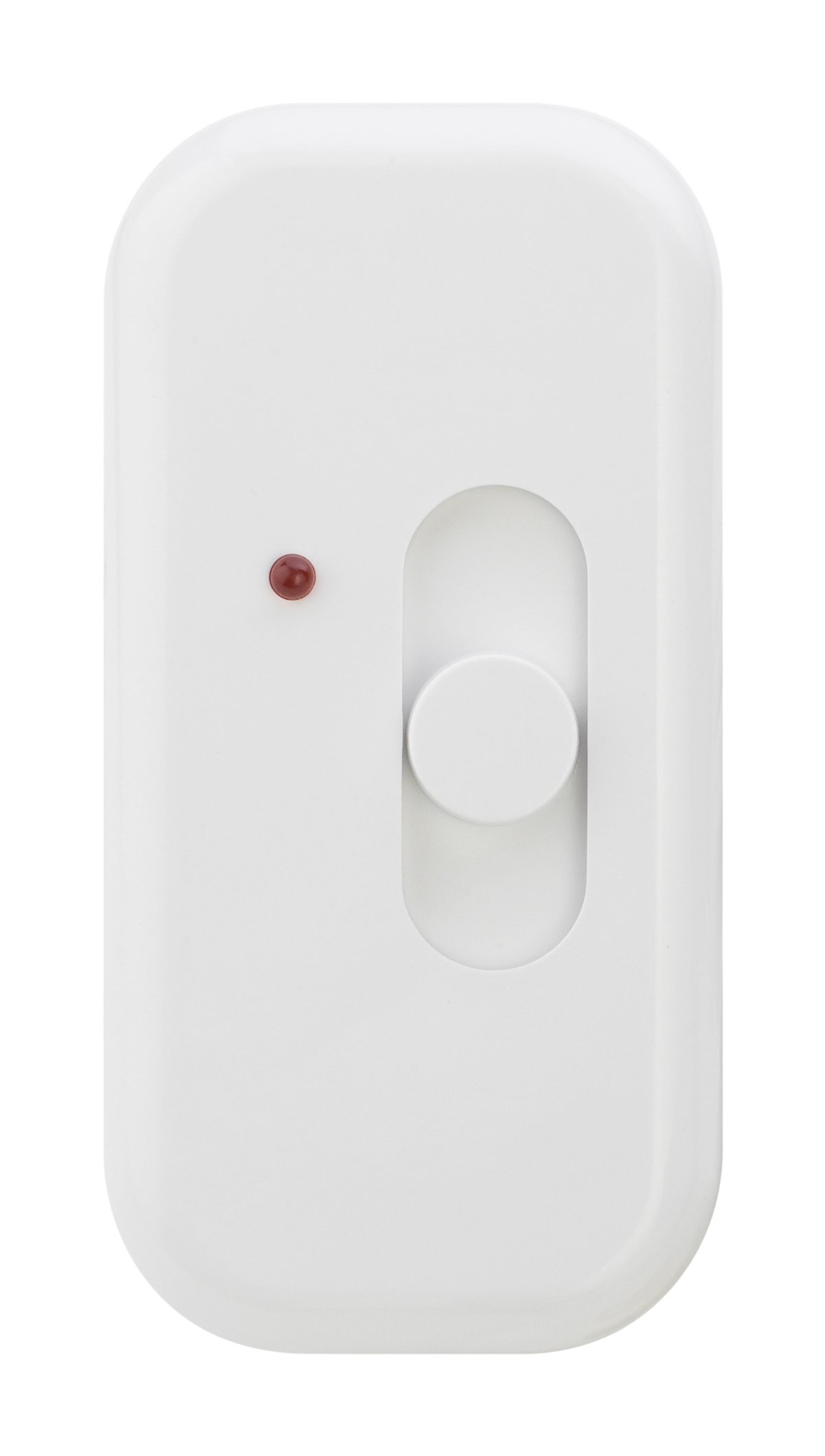
Image: Lutron Attache LC-300NLH-WH On-Cord Lamp Dimmer. This image shows the compact design of the dimmer, which attaches directly to the lamp cord.
4. Operating Instructions
4.1 Power On/Off and Dimming
- To turn the lamp ON and brighten, slide the control lever upwards.
- To DIM the lamp, slide the control lever downwards.
- To turn the lamp OFF, slide the control lever all the way down until it clicks.
4.2 Locator Light
The integrated red LED locator light glows softly when the dimmer is plugged in, making it easy to locate the dimmer in a dark room.
5. Maintenance
The Lutron Attache dimmer requires minimal maintenance. Keep the dimmer clean by wiping it with a soft, damp cloth. Do not use abrasive cleaners or solvents. Ensure the dimmer is unplugged from the wall outlet before cleaning.
6. Troubleshooting
| Problem | Possible Cause | Solution |
|---|---|---|
| Lamp does not turn on or dim. | No power to the dimmer. Incorrect wiring. Burnt-out bulb. | Check if the lamp is plugged in and the wall outlet has power. Verify wiring connections inside the dimmer housing. Replace the light bulb. |
| Dimmer does not dim properly or flickers. | Incompatible bulb type. Load exceeds maximum wattage. Loose wiring connection. | Ensure you are using incandescent or halogen bulbs. Verify total wattage of bulbs does not exceed 300W. Check wiring connections for tightness. |
| Red LED locator light is off. | No power to the dimmer. | Check if the lamp is plugged in and the wall outlet has power. |
7. Specifications
| Feature | Detail |
|---|---|
| Model Number | LC-300NLH-WH |
| Wattage | 300 Watts (Maximum) |
| Voltage | 120 Volts |
| Operation Mode | Manual |
| Actuator Type | Slider |
| Circuit Type | Single Pole |
| Compatible Bulb Types | Incandescent, Halogen |
| Dimensions (L x W x H) | 3 x 1.5 x 1 inches (approximate) |
| Color | White |
8. Warranty and Support
Lutron products are designed for quality and reliability. For specific warranty information, please refer to the documentation included with your purchase or visit the official Lutron website. For technical support or further assistance, please contact Lutron customer service through their official channels.
