1. Introduction
The Sonnet SONNET-T-4678 Twin Bell Alarm Clock is designed to provide accurate timekeeping and a powerful alarm function. Featuring a classic vintage design, this clock is ideal for various room settings. Its silent operation ensures a peaceful environment, while the loud twin bell alarm and blue backlight cater to heavy sleepers and those with hearing impairments.

Figure 1: The Sonnet Twin Bell Alarm Clock in a bedroom setting.
2. Setup
2.1 Battery Installation
The clock operates on two 'AA' batteries (not included). To install the batteries:
- Locate the battery compartment on the back of the clock.
- Open the battery compartment cover.
- Insert two 'AA' batteries, ensuring correct polarity (+/-).
- Close the battery compartment cover securely.
2.2 Automatic Time Setting (Radio Controlled)
This clock is radio-controlled and automatically synchronizes with the atomic clock signal (WWVB) for precise timekeeping. Upon battery installation, the clock hands will typically move to 12:00 and then begin searching for the signal. This process can take 5 to 20 minutes. For optimal signal reception, place the clock near a window and away from electronic devices that may cause interference. Allow the clock to adjust to the correct time before hanging it.
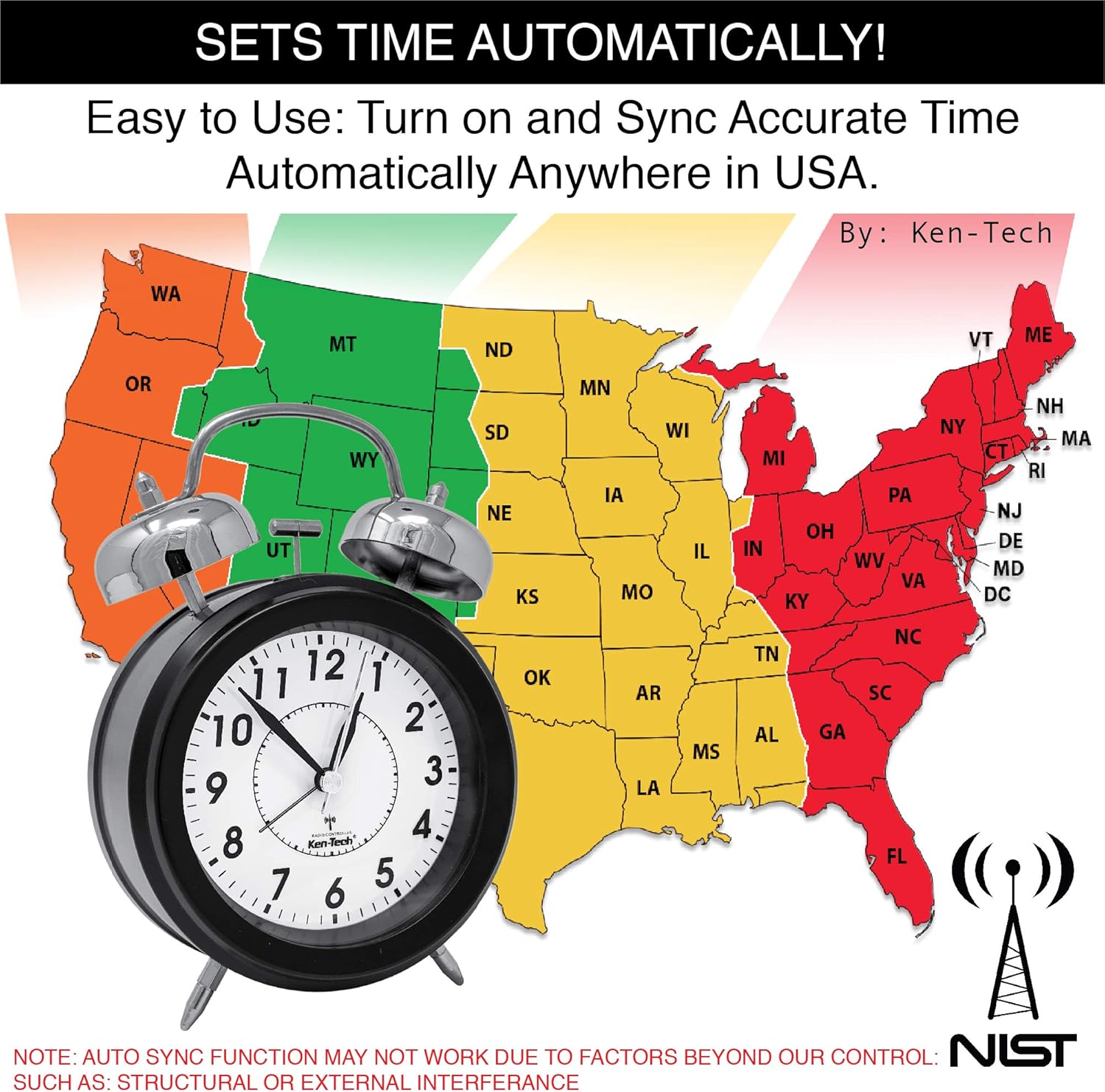
Figure 2: Automatic time synchronization across the USA.
2.3 Time Zone and Daylight Saving Time (DST) Settings
On the back of the clock, you will find controls for setting your time zone and enabling/disabling Daylight Saving Time. Ensure these are correctly configured for your region.
- Time Zone Select: Use the slider to select your appropriate time zone (e.g., Pacific, Mountain, Central, Eastern).
- DST (Daylight Saving Time) On/Off: If your area observes Daylight Saving Time, set this switch to 'ON'. If not, set it to 'OFF'.

Figure 3: Rear view of the clock with control labels.
Video 1: Demonstration of the Sonnet Vintage Atomic Clock's automatic time setting and loud alarm function.
3. Operating Instructions
3.1 Setting the Alarm
To set the alarm time:
- Locate the 'ALARM SET DIAL' on the back of the clock (refer to Figure 3).
- Rotate the dial to set the desired alarm time.
- To activate the alarm, ensure the 'ALARM (ON/OFF)' switch on the back is set to 'ON'.
3.2 Alarm Functionality
The Sonnet Twin Bell Alarm Clock features a very loud twin bell alarm, reaching up to 100dB, making it suitable for heavy sleepers and the hearing impaired. The alarm is accompanied by a flashing blue light for added effectiveness.
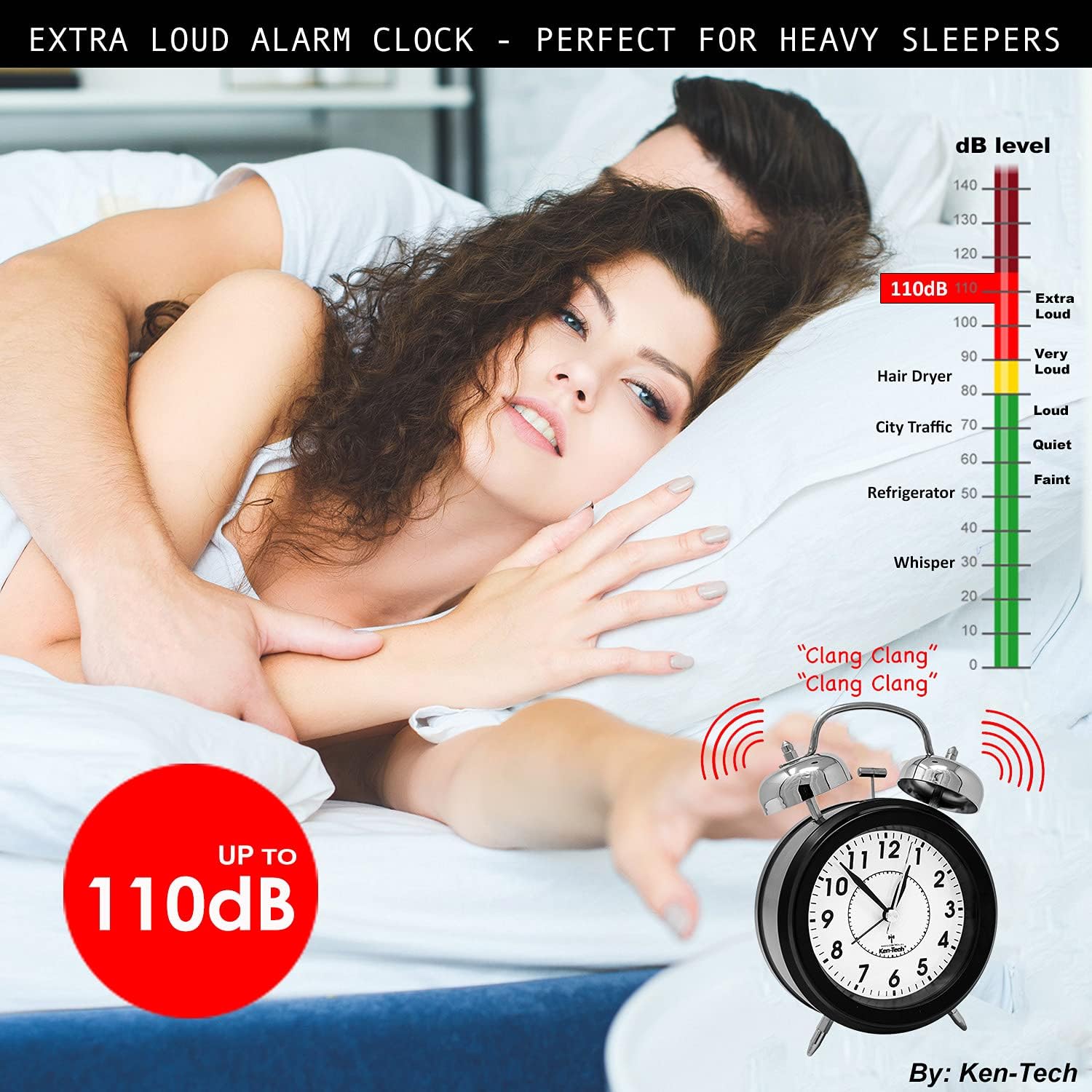
Figure 4: The clock's loud alarm feature for heavy sleepers.

Figure 5: The clock's loud alarm and flashing blue light for the hearing impaired.
3.3 Activating the Backlight
The clock features a blue backlight for easy reading in low-light conditions. To activate the backlight:
- Press the 'NIGHT LIGHT BUTTON' located on the top of the clock (refer to Figure 3).
- The backlight will illuminate for approximately 8 seconds.
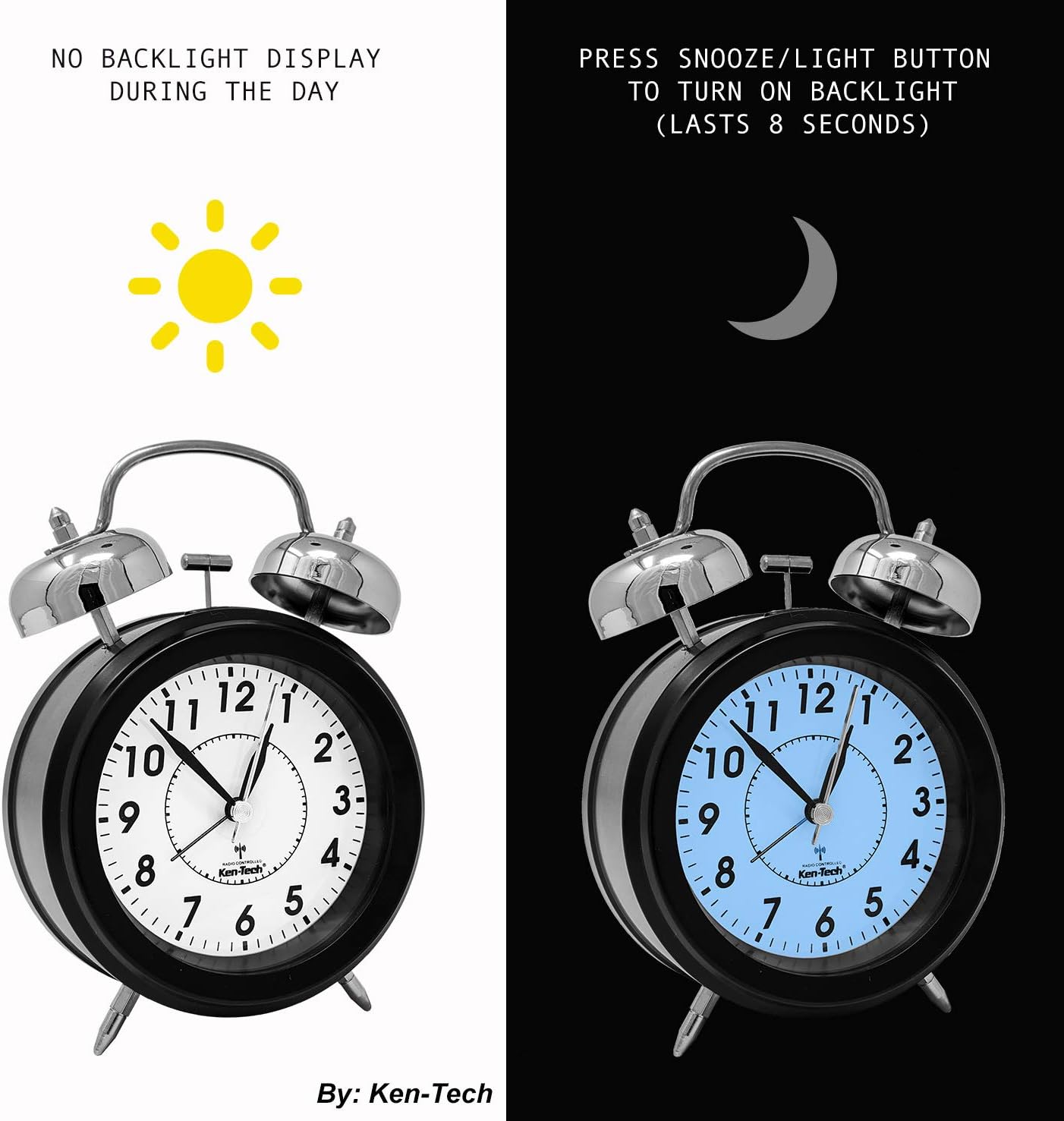
Figure 6: Backlight functionality for night viewing.
3.4 Silent Operation
The clock is designed with a super silent analog mechanism, ensuring no ticking sounds. This promotes a quiet environment suitable for bedrooms and workspaces.
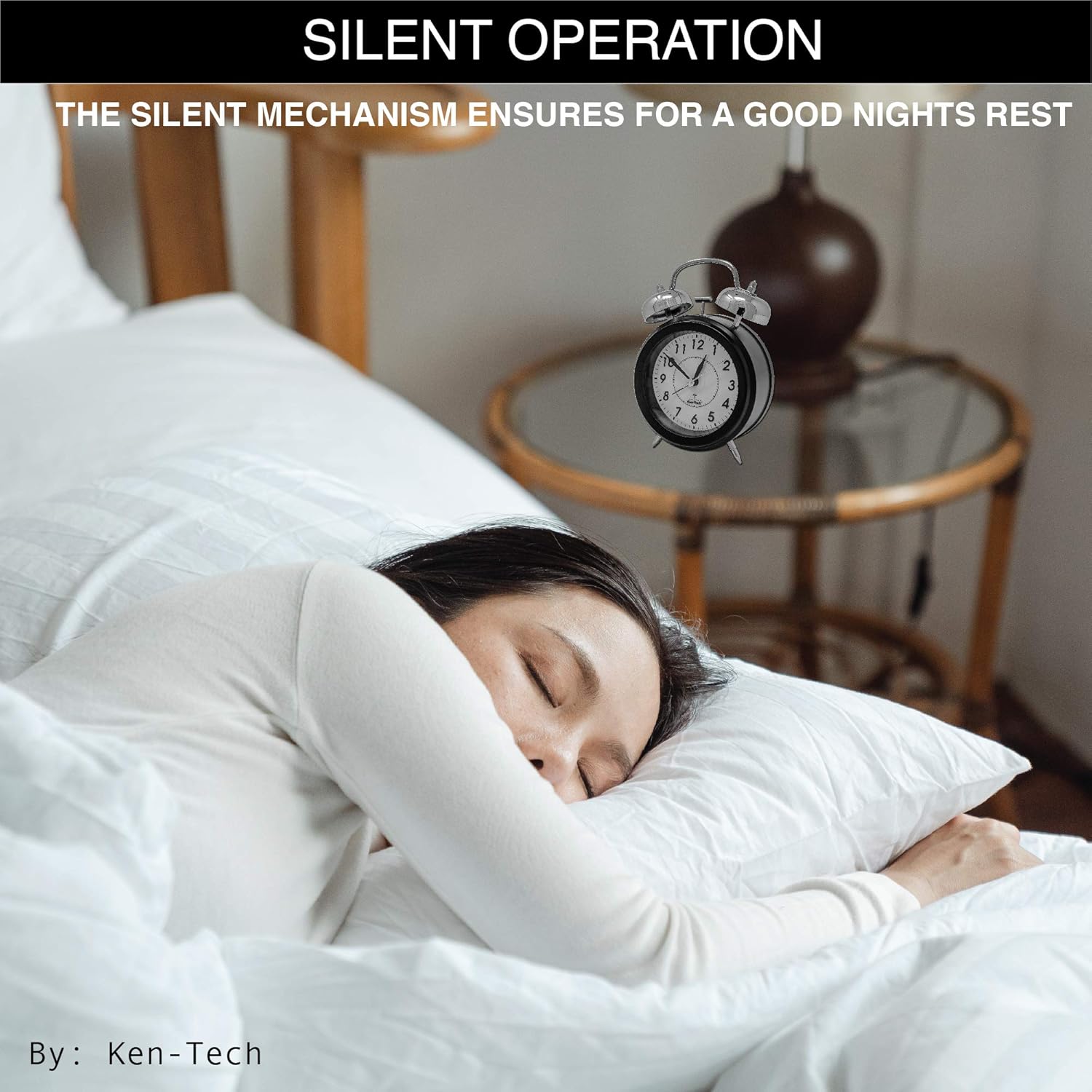
Figure 7: Silent operation for undisturbed sleep.
4. Maintenance
4.1 Battery Replacement
When the clock hands stop moving or the time becomes inaccurate, it is time to replace the batteries. Follow the battery installation steps in Section 2.1.
4.2 Cleaning
To clean the clock, use a soft, dry cloth. Avoid using abrasive cleaners or solvents, as these may damage the clock's finish or internal components.
5. Troubleshooting
- Clock not setting time automatically:
Ensure the clock is placed in an area with good signal reception, away from electronic interference. Verify that the time zone and DST settings on the back of the clock are correct. The initial synchronization can take up to 20 minutes. If issues persist, try resetting the clock by removing and reinserting the batteries. - Alarm not sounding:
Check if the 'ALARM (ON/OFF)' switch on the back of the clock is set to 'ON'. Ensure the alarm time is correctly set using the 'ALARM SET DIAL'. Verify that the batteries have sufficient power. - Backlight not working:
Ensure the batteries are fresh and correctly installed. The backlight is designed to illuminate for a short duration (approx. 8 seconds) after pressing the button.
6. Specifications
| Feature | Detail |
|---|---|
| Brand | Sonnet |
| Model Number | SONNET-T-4678 |
| Color | Black |
| Display Type | Analog |
| Style | Classic |
| Special Feature | Alarm, Radio Controlled, Backlight |
| Product Dimensions | 5"W x 7"H |
| Power Source | Battery Powered (2 AA batteries required, not included) |
| Mounting Type | Tabletop |
| Item Weight | 12.8 ounces |
| Clock Form | Twin Bell |
| Digit Size | 3/8” |
7. Warranty and Support
For warranty information or technical support, please refer to the product packaging or contact Sonnet customer service. Keep your purchase receipt for warranty claims.


