
1. Introduction
The Leviton Type 625A2 Surface Mount Jack is designed for telephone line connections, providing a convenient 6P4C screw terminal interface. This jack can be easily mounted on various surfaces including walls, floors, and office furniture. It is UL Listed and CSA Certified, ensuring compliance with safety standards.
2. Safety Information
WARNING: To avoid fire, shock, or death, always turn off power at the circuit breaker or fuse box and test that power is off before performing any wiring. This device should be installed by a qualified electrician or in accordance with local electrical codes. Do not use this device with power circuits.
3. Package Contents
- 1 x Leviton Type 625A2 Surface Mount Jack
- Mounting Screws
- Double-sided Adhesive Tape
- Basic Wiring Layouts
4. Setup and Installation
The Leviton Type 625A2 Surface Mount Jack offers flexible installation options. It can be secured using the included mounting screws or the provided double-sided adhesive tape. Optional magnets (not included) can also be used for mounting.
4.1. Mounting with Screws
- Position the jack on the desired surface.
- Mark the screw hole locations.
- Drill pilot holes if necessary.
- Secure the jack with the provided screws.
4.2. Mounting with Double-Sided Tape
- Ensure the mounting surface is clean and dry.
- Apply the double-sided tape to the back of the jack.
- Press the jack firmly onto the desired surface for at least 30 seconds.
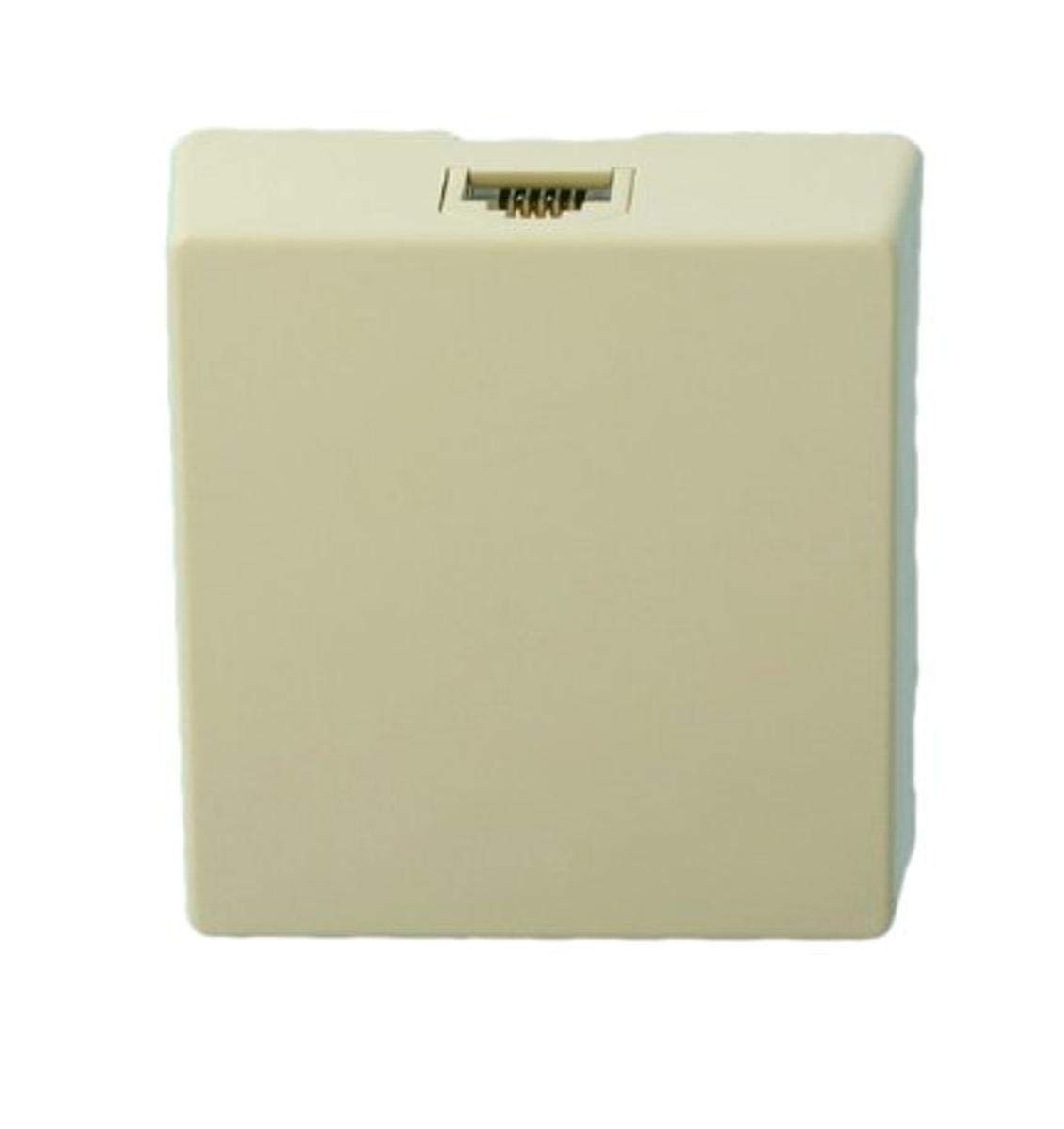
Figure 1: Front view of the Leviton Type 625A2 Surface Mount Jack, displaying the RJ11 port for telephone connection.

Figure 2: Top-down view of the surface mount jack, illustrating its dimensions with a measuring tape for scale.
5. Wiring Instructions
The 6P4C (6 Position, 4 Conductor) screw terminal jack is designed for standard telephone line connections. Refer to the included basic wiring layouts for common configurations.
5.1. Standard 6P4C Wiring (RJ11/RJ14)
Typically, the two inner terminals (pins 2 and 3) are used for a single telephone line (Line 1). The outer two terminals (pins 1 and 4) can be used for a second line (Line 2) if applicable.
- Carefully strip approximately 1/4 inch of insulation from each telephone wire.
- Loosen the screw terminals on the jack.
- Insert the exposed copper wire into the appropriate terminal slot.
- Tighten the screw securely to ensure a firm connection. Do not overtighten.
- Verify that no stray wire strands are touching other terminals, which could cause a short circuit.
Note: Color codes for telephone wiring can vary. Consult local wiring standards or the wiring diagram provided by your service provider if unsure.
6. Operating Instructions
Once installed and wired, connect your telephone or other compatible device to the RJ11 port on the front of the surface mount jack.
7. Maintenance
The Leviton Type 625A2 Surface Mount Jack requires minimal maintenance. Keep the jack clean and free from dust. Do not use abrasive cleaners or solvents.
8. Troubleshooting
8.1. No Dial Tone or Intermittent Connection
- Verify all wire connections are secure at the screw terminals.
- Ensure the telephone line is active and functioning correctly from the source.
- Check for any damage to the telephone cable or the jack itself.
- If using double-sided tape, ensure the jack is firmly attached to the surface.
9. Specifications
| Model Number | 4625A-24I |
| Type | 6P4C Surface Mount Jack |
| Connection Type | Screw Terminal |
| Dimensions | Approximately 4 x 6 x 1 inches |
| Weight | Approximately 1.6 ounces |
| Certifications | UL Listed, CSA Certified |
| Manufacturer | Leviton |
10. Warranty and Support
For warranty information or technical support, please contact Leviton customer service or visit the official Leviton website. Keep your purchase receipt for warranty claims.

