
Product Overview
The Opteka High Definition 2X Telephoto Converter is designed to double the focal length of compatible T-mount lenses. This accessory allows for increased magnification, bringing distant subjects closer for photography.
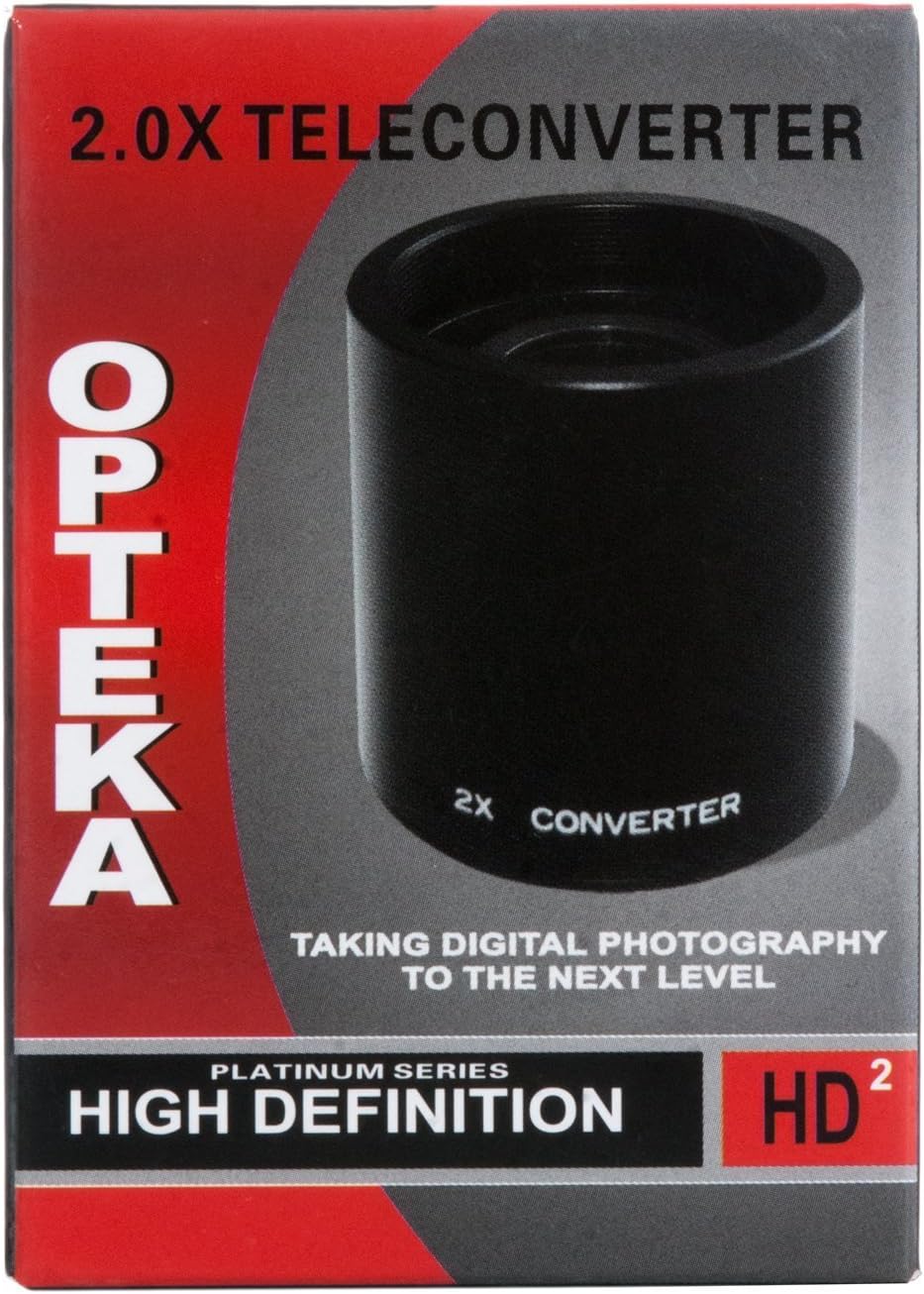
Image: The Opteka 2X Telephoto Converter, a compact black cylinder with "2X CONVERTER" printed on its side.
Key Features
- Doubles the focal length of compatible T-mount lenses.
- High Definition glass construction.
- Designed for use with Opteka 650-1300mm, 500mm Preset, 500mm Mirror, and 420-800mm T-Mount Lenses.
Compatibility
This 2X Telephoto Converter is specifically designed to work with T-mount lenses. It is compatible with the following Opteka lenses:
- Opteka 650-1300mm T-Mount Lenses
- Opteka 420-800mm T-Mount Lenses
- Opteka 500mm Preset T-Mount Lenses
- Opteka 500mm Mirror T-Mount Lenses
Note: This converter works ONLY with compatible T-mount lenses. Ensure your lens has a T-mount thread for proper attachment.
Setup and Installation
Follow these steps to correctly attach the 2X Telephoto Converter to your lens and camera:
Prepare the Telephoto Converter:
Ensure both the telephoto converter and your T-mount lens are clean and free of dust or debris. Remove any protective caps.
Attach to T-Mount Lens:
Carefully screw the Opteka 2X Telephoto Converter onto the rear thread of your compatible T-mount lens. Turn clockwise until it is securely fastened. Do not overtighten.

Image: The 2X Telephoto Converter is shown securely attached to the rear of an Opteka lens, ready to be mounted onto a camera body.
Attach Lens Assembly to Camera:
With the teleconverter now attached to your lens, mount the entire assembly onto your camera body's T-mount adapter (if not already integrated). Align the mounting marks on the lens assembly with those on your camera body, then twist the lens assembly clockwise until it locks into place.

Image: An exploded diagram illustrating the connection sequence: camera body, T-mount adapter, 2X Telephoto Converter, and the main telephoto lens.
Verify Secure Connection:
Gently attempt to rotate the lens assembly without pressing the release button to ensure it is firmly attached to the camera body.
Operating Instructions
When using the 2X Telephoto Converter, remember that it doubles the focal length of your primary lens. This also means it will reduce the effective aperture by two stops (e.g., an f/8 lens becomes f/16). This reduction in light may require adjustments to your camera settings.
Focusing
- Manual Focus: Most T-mount lenses and teleconverters are manual focus. You will need to manually adjust the focus ring on your lens to achieve sharp images.
- Live View: For precise focusing, especially at longer focal lengths, utilize your camera's Live View mode and zoom in on your subject.
- Tripod Recommended: Due to the increased focal length and potential for camera shake, using a sturdy tripod is highly recommended for optimal image sharpness.
Exposure
- Adjust ISO: In lower light conditions, you may need to increase your camera's ISO sensitivity to compensate for the reduced aperture.
- Shutter Speed: Be mindful of your shutter speed to prevent motion blur. A general rule of thumb is to use a shutter speed equal to or faster than 1 divided by your effective focal length (e.g., for a 1000mm effective focal length, use 1/1000s or faster).
Maintenance and Care
Proper care will ensure the longevity and performance of your Opteka 2X Telephoto Converter.
- Cleaning: Use a soft, lint-free cloth and a lens cleaning solution specifically designed for optical elements. Avoid touching the glass surfaces directly with your fingers.
- Storage: When not in use, store the teleconverter with its front and rear caps attached in a dry, dust-free environment.
- Avoid Extreme Conditions: Protect the converter from extreme temperatures, humidity, and direct impact.
Troubleshooting
Poor Image Sharpness
- Manual Focus: Ensure that the lens is precisely focused. Manual focusing at extreme telephoto lengths requires careful adjustment.
- Camera Shake: Use a sturdy tripod and a remote shutter release or your camera's self-timer to minimize camera shake.
- Atmospheric Conditions: Heat haze or atmospheric distortion can significantly impact image sharpness at long distances.
- Aperture: While the converter reduces effective aperture, shooting at slightly stopped-down apertures (e.g., f/11 or f/16) on the primary lens might improve sharpness compared to wide-open settings.
Dark Images
- Exposure Compensation: The 2X converter reduces light transmission by two stops. Adjust your camera's ISO, shutter speed, or aperture (if applicable) to compensate for the reduced light.
- Lighting Conditions: Ensure adequate lighting for your subject.
Specifications
| Feature | Detail |
|---|---|
| Model Number | OPT T-Mount Extender |
| Magnification | 2X |
| Product Dimensions | 3.6 x 2.7 x 2.6 inches |
| Item Weight | 3.99 ounces |
| Compatibility | Opteka 650-1300mm, 420-800mm, 500mm T-Mount Lenses |
| Glass Type | High Definition |


