
1. Introduction
The Nikon BM-7 LCD Monitor Cover is designed to provide essential protection for the LCD screen of your Nikon D80 Digital SLR Camera. This optically clear cover shields the screen from scratches, dirt, dust, and accidental impacts, helping to maintain the clarity and longevity of your camera's display.
2. Setup and Installation
Follow these steps to properly install the BM-7 LCD Monitor Cover onto your Nikon D80 camera:
- Prepare the LCD Screen: Ensure the LCD screen of your Nikon D80 camera is clean and free of dust, smudges, or fingerprints. Use a soft, lint-free cloth specifically designed for optical surfaces.
- Align the Cover: Carefully align the BM-7 LCD Monitor Cover with the camera's LCD screen. The cover is designed to snap precisely into place over the screen.
- Attach the Cover: Gently press the cover onto the camera's LCD frame until it clicks securely into position. Do not force the cover if it does not align easily. Ensure all edges are flush with the camera body.
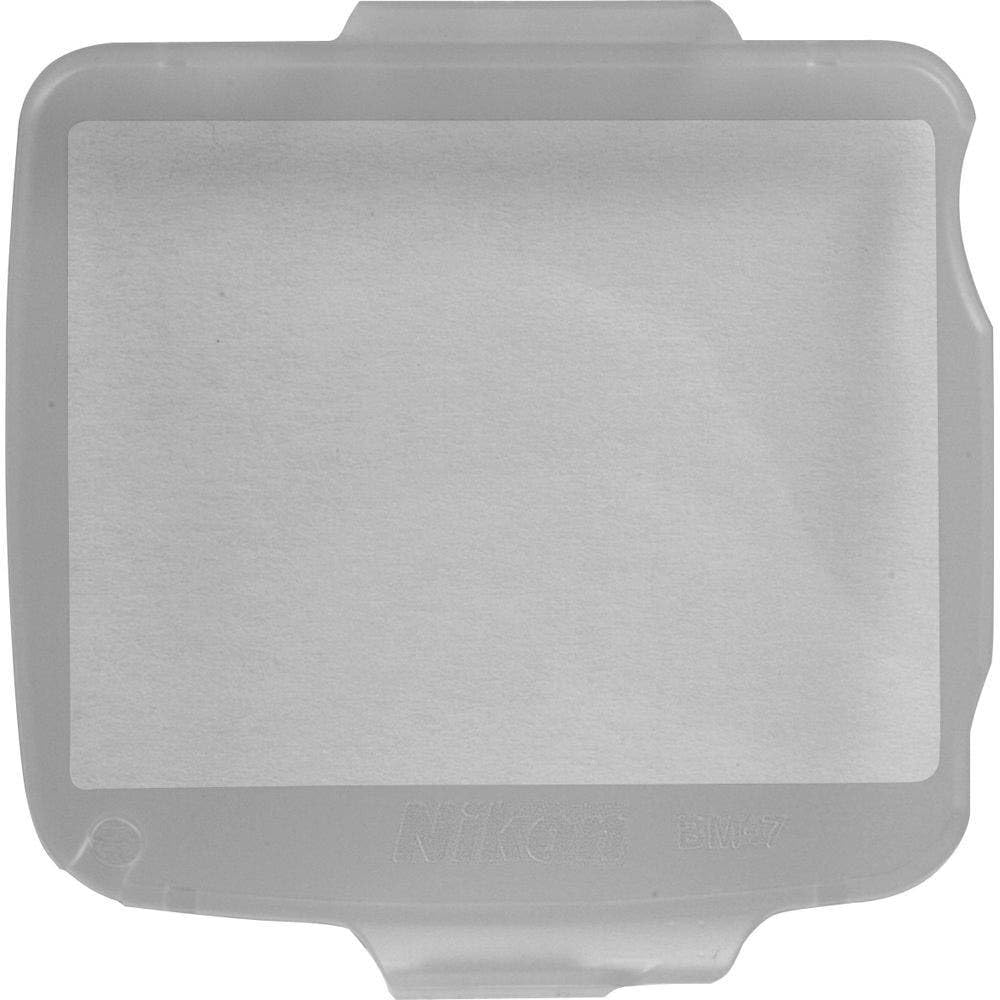
Image 1: The Nikon BM-7 LCD Monitor Cover shown attached to a Nikon D80 Digital SLR Camera, protecting the LCD screen.
3. Operating and Usage
Once installed, the BM-7 LCD Monitor Cover is intended for continuous use to protect your camera's LCD. It is optically clear and should not impede your view of the screen.
- Continuous Protection: Keep the cover attached to the camera at all times to ensure ongoing protection against scratches and minor impacts.
- Viewing: The cover is designed to be transparent and should not significantly affect the visibility or color accuracy of the LCD display.
- Removal: To remove the cover, gently pry it off from one corner, taking care not to scratch the camera body or the LCD screen.
4. Maintenance
Proper maintenance will extend the life of your LCD monitor cover and ensure clear viewing.
- Cleaning the Cover: If the cover becomes dirty or smudged, gently wipe it with a clean, soft, lint-free cloth. For stubborn marks, a small amount of lens cleaning solution applied to the cloth (not directly to the cover) can be used.
- Avoid Abrasives: Do not use abrasive cleaners, solvents, or harsh chemicals, as these can damage the cover's surface.
- Inspect for Damage: Periodically inspect the cover for deep scratches or cracks. While the cover is designed to be durable, significant damage may warrant replacement to ensure optimal protection for your camera's LCD.
5. Troubleshooting
- Cover Does Not Fit: Ensure you have the correct model (BM-7) for your Nikon D80 camera. The cover is specifically designed for this model and may not fit others.
- Reduced Clarity: If the cover appears cloudy or reduces screen clarity, ensure it is clean. If cleaning does not resolve the issue, the cover may be scratched or damaged and require replacement.
- Cover Falls Off: Ensure the cover is securely snapped into place. If it repeatedly detaches, inspect the clips on the cover and the camera's LCD frame for any damage.
6. Specifications
| Feature | Detail |
|---|---|
| Model Number | BM-7 |
| Compatibility | Nikon D80 Digital SLR Camera |
| Material | Plastic |
| Item Hardness | 3H |
| Special Feature | Scratch Resistant |
| Finish Type | Glossy |
| Product Dimensions | 2.44"L x 2.4"W |
7. Support
For further assistance or inquiries regarding your Nikon BM-7 LCD Monitor Cover, please visit the official Nikon support website or contact Nikon customer service.
Note: This product is designed as a protective accessory and does not include an explicit warranty beyond standard consumer rights for defects.
