
1. Introduction
Welcome to the world of Rayman Raving Rabbids for the Nintendo Wii. This game marks the return of the iconic video-game hero, Rayman, in an adventure where his world is threatened by a devastating invasion of crazed, out-of-control bunnies. Rayman must rise up against these furry foes to foil their wicked plans, utilizing an array of new abilities and with the help of magical creatures.
This manual provides essential information for setting up, operating, and maintaining your game, ensuring an optimal gaming experience as you help Rayman win his freedom by entertaining and outwitting these delirious bunnies.
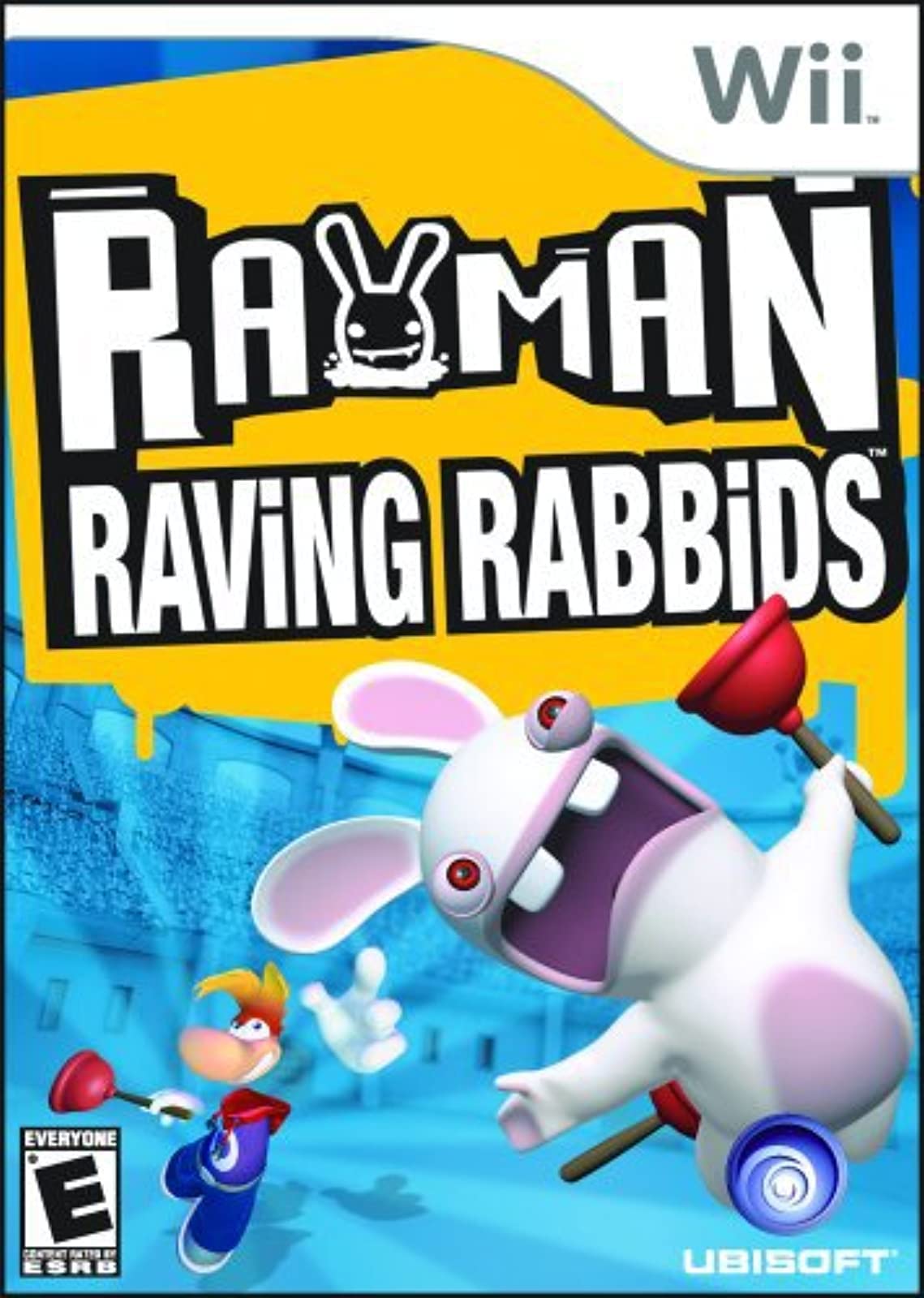
This image displays the official game cover for Rayman Raving Rabbids on the Nintendo Wii. It features the game's title prominently, along with the main character Rayman and one of the chaotic Rabbids, armed with plungers, against a vibrant blue and yellow background. The Wii logo and ESRB 'Everyone' rating are also visible.
2. Setup
Follow these steps to set up your Rayman Raving Rabbids game on your Nintendo Wii console:
- Insert Game Disc: Gently insert the Rayman Raving Rabbids game disc into the disc slot of your Nintendo Wii console with the label facing up.
- Connect Controllers: Ensure your Wii Remote(s) and Nunchuk(s) are properly connected and synced with your Wii console. Refer to your Wii console's manual for detailed instructions on syncing controllers if needed.
- Power On: Turn on your television and your Nintendo Wii console.
- Select Game: From the Wii Menu, navigate to and select the Rayman Raving Rabbids channel to start the game.
3. Operating Instructions
3.1 Game Overview
Rayman Raving Rabbids is a unique collection of minigames centered around Rayman's struggle against the invading Rabbids. The game features a Story Mode where players progress through a series of challenges to unlock new content, and a Challenge Mode for replaying unlocked minigames and competing for high scores.
3.2 Controls
The game extensively utilizes the motion-sensing capabilities of the Wii Remote and Nunchuk. Specific controls vary per minigame, but general interactions include:
- Wii Remote: Used for pointing, swinging, shaking, and button presses. Examples include twirling the remote like a lasso to launch objects or aiming it as a light gun.
- Nunchuk: Used for character movement, specific actions, and often in conjunction with the Wii Remote for combined gestures. Examples include swinging it like a jump rope or shaking it for rhythm-based actions.
In-game tutorials will guide you through the specific controls for each minigame.
3.3 Game Modes
- Story Mode: Progress through a series of days, each consisting of four minigame challenges and one 'boss battle'. You must complete at least three of the four minigames to unlock the boss battle and advance to the next day.
- Challenge Mode: Once a minigame is played in Story Mode, it becomes unlocked in Challenge Mode. Here, you can replay any unlocked minigame to improve your score or compete against friends.
- Multiplayer: Many minigames support multiplayer, allowing up to four players to compete. Multiplayer options become available as minigames are unlocked in Story Mode.
3.4 Gameplay Mechanics
The game features a wide variety of minigame types, including:
- Rhythm Games: Shake the Nunchuk or Wii Remote in time with music as Rabbids approach specific marks on screen.
- Rail Shooters: Use the Wii Remote to aim and fire plungers at hordes of oncoming Rabbids. Shake the Nunchuk to reload your plunger supply.
- Physical Challenges: Engage in various activities requiring rapid motion, precise timing, or specific gestures with the Wii Remote and Nunchuk.
4. Maintenance
Proper care of your game disc and console will ensure longevity and optimal performance:
- Disc Care: Always handle the game disc by its edges. Keep the disc clean and free from dust, fingerprints, and scratches. Use a soft, lint-free cloth to wipe the disc from the center outwards if cleaning is necessary. Store the disc in its original case when not in use.
- Console and Controller Care: Keep your Nintendo Wii console and controllers clean and free of dust. Avoid exposing them to extreme temperatures or humidity.
5. Troubleshooting
If you encounter any issues while playing Rayman Raving Rabbids, refer to the table below for common problems and their solutions:
| Problem | Solution |
|---|---|
| Game disc not reading or loading. | Ensure the disc is clean and free of scratches. Wipe gently with a soft cloth. Verify the disc is inserted correctly into the Wii console. |
| Wii Remote or Nunchuk not responding. | Check the battery levels in your Wii Remote. Re-sync the controller(s) with your Wii console by pressing the SYNC buttons on both the console and the controller. Ensure no obstructions are between the controller and the sensor bar. |
| Difficulty completing certain minigames. | Practice the specific minigame in Challenge Mode. Pay close attention to the in-game instructions and tutorials for precise control movements. Some minigames require specific timing or rapid movements. |
| Game freezes or crashes. | Remove the game disc and check for damage. Restart the Wii console. Ensure your console's system software is up to date. |
6. Specifications
| Feature | Detail |
|---|---|
| Platform | Nintendo Wii |
| Release Date | November 17, 2006 |
| Item Model Number | 17319 |
| Product Dimensions | 7 x 5.5 x 0.75 inches |
| Item Weight | 4 ounces |
| ESRB Rating | Everyone |
| Manufacturer | Ubisoft |
7. Warranty and Support
For technical assistance, warranty information, or further support regarding Rayman Raving Rabbids, please contact Ubisoft customer service. Contact details and support resources can typically be found on the game packaging, the official Ubisoft website, or through their online support portals. Please have your game's model number (17319) and ASIN (B000GEDN5E) ready when contacting support.