
Nikon L3
Nikon Coolpix L3 Digital Camera User Manual
Model: L3 (Model Number: 25544)
Introduction
This manual provides instructions for the safe and effective use of your Nikon Coolpix L3 digital camera. The Coolpix L3 is a compact 5.1-megapixel digital camera featuring a 3x optical Zoom-Nikkor lens, a 2.0-inch LCD screen, and various in-camera image enhancement functions. It is designed for ease of use, making it suitable for capturing everyday moments with clarity.
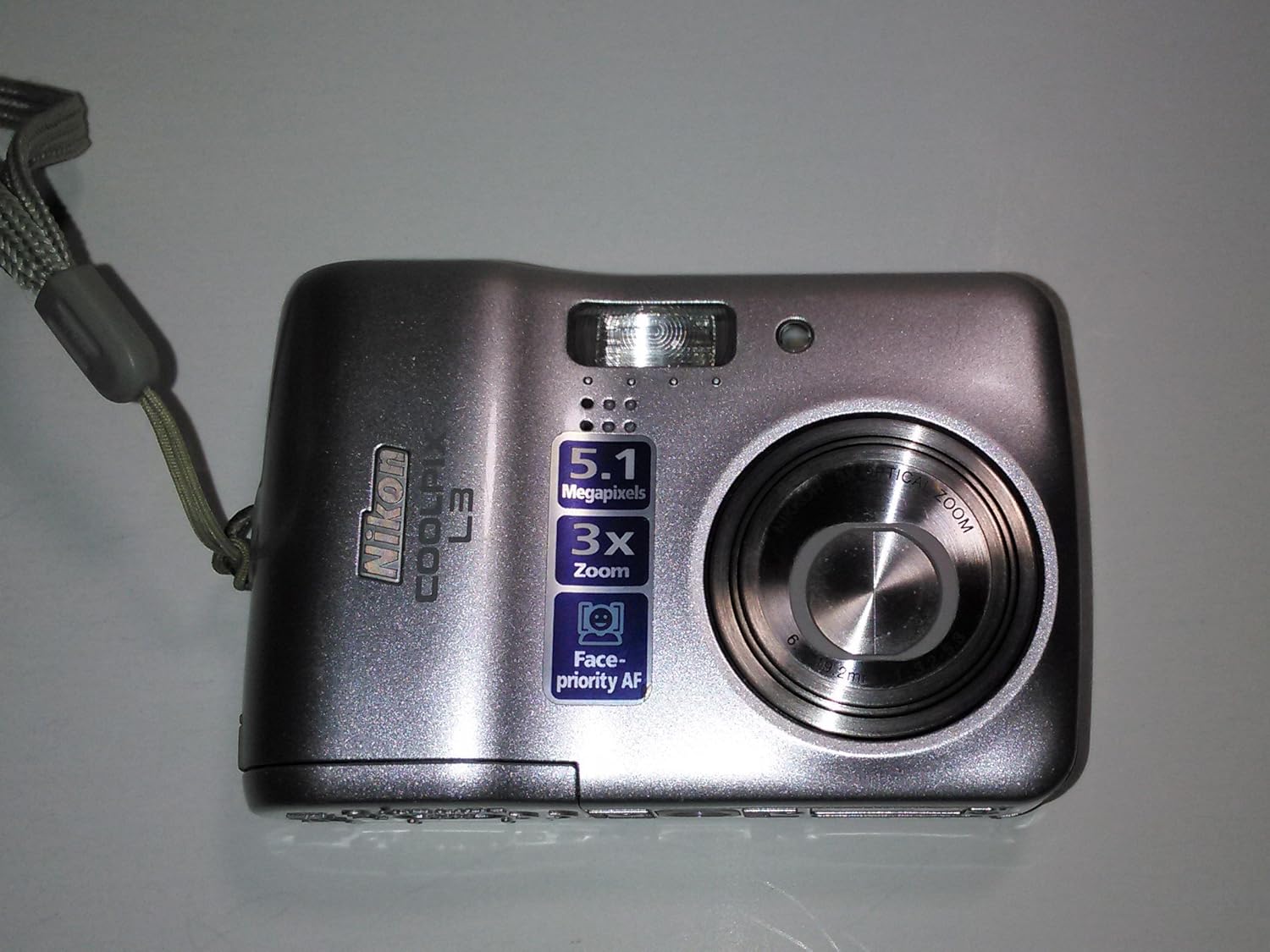
Image: Front view of the Nikon Coolpix L3 digital camera, showcasing its lens, flash, and compact design.
What's in the Box
Verify that all the following items are included with your Nikon Coolpix L3 digital camera:
- Nikon Coolpix L3 Digital Camera
- Instruction Manual
- AA Batteries (initial set, type may vary)
- USB Cable
- Audio/Video Cable
- Software CD (PictureProject)
- Camera Strap
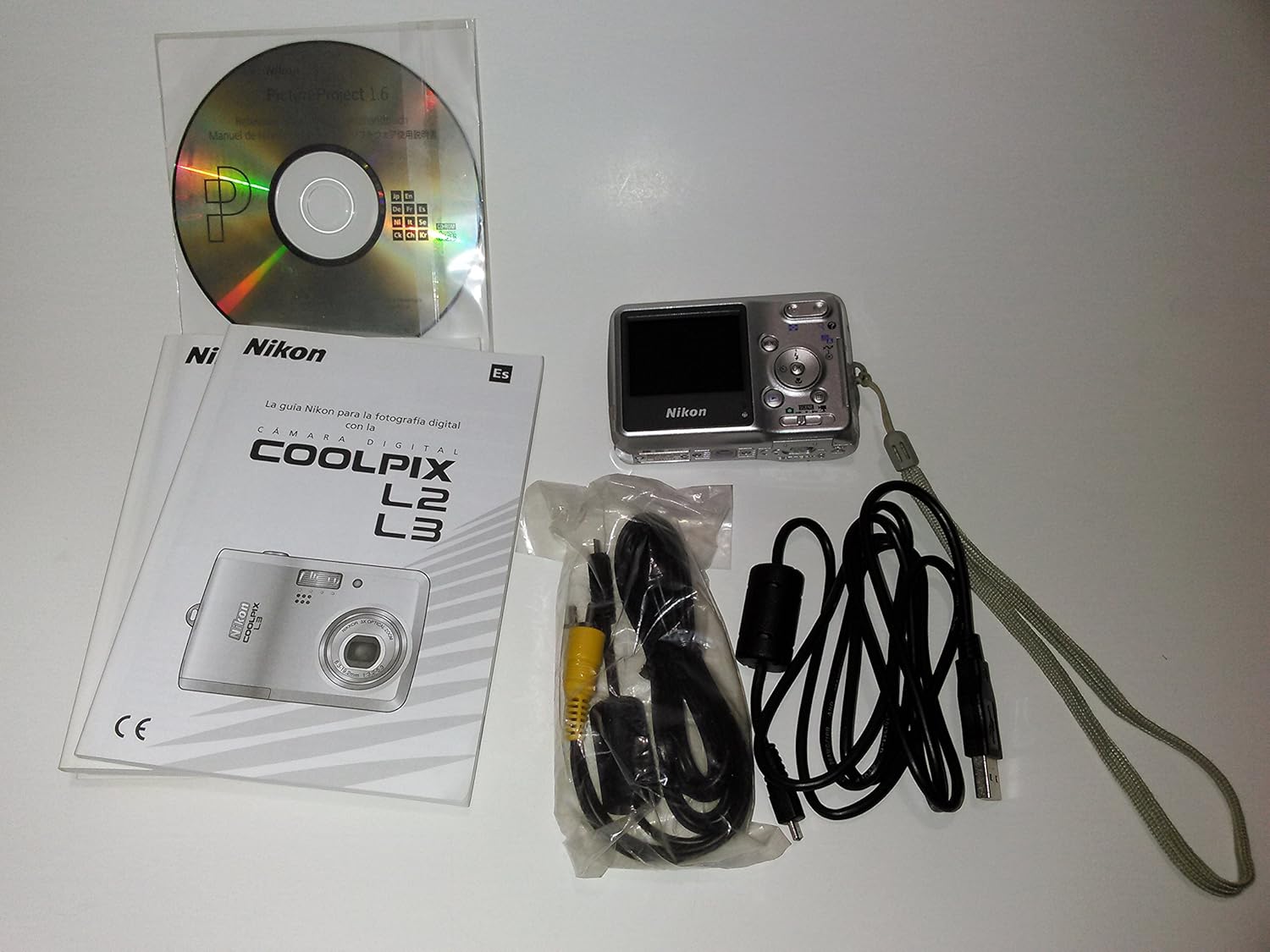
Image: Contents of the Nikon Coolpix L3 package, including the camera, manual, software CD, and cables.
Setup
1. Battery Installation
The Coolpix L3 operates on two AA-size batteries. These can be alkaline, lithium, or rechargeable NiMH batteries. Ensure correct polarity when inserting.
- Open the battery chamber cover located on the bottom of the camera.
- Insert two AA batteries according to the polarity indicators (+/-) inside the compartment.
- Close the battery chamber cover securely.
2. Memory Card Installation
The camera uses SD memory cards for image storage. It also has 23 MB of internal memory for temporary storage or when an SD card is not present.
- Open the memory card slot cover, usually located on the side or bottom of the camera.
- Insert the SD card with the label facing the correct direction (refer to the diagram near the slot) until it clicks into place.
- Close the memory card slot cover securely.
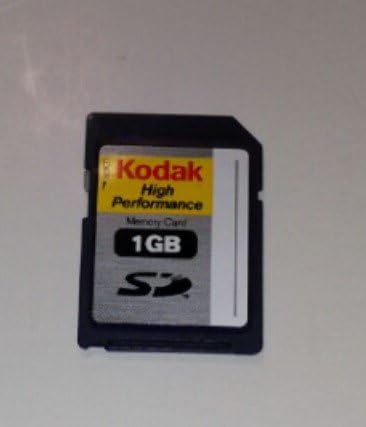
Image: A standard SD memory card, compatible with the Nikon Coolpix L3.
3. Initial Power On and Settings
After installing batteries and a memory card, power on the camera and set basic preferences.
- Press the power button to turn on the camera.
- Follow the on-screen prompts to set the date, time, and time zone.
- The camera is now ready for use.
Operating the Camera
1. Basic Photography
To take a picture, simply point the camera at your subject and press the shutter button. The camera will automatically adjust settings for optimal exposure.
- Shutter Button: Press halfway to focus, then fully to capture the image.
- LCD Monitor: Use the 2.0-inch LCD to frame your shots and review captured images.

Image: Rear view of the Nikon Coolpix L3, showing the LCD screen and control buttons.
2. Zoom Function
The camera features a 3x optical zoom and up to 4x digital zoom.
- Use the zoom lever (often integrated with the shutter button or a separate rocker switch) to zoom in (telephoto) or out (wide-angle).
- Optical zoom provides higher quality magnification. Digital zoom crops and enlarges the image, which may reduce image quality.
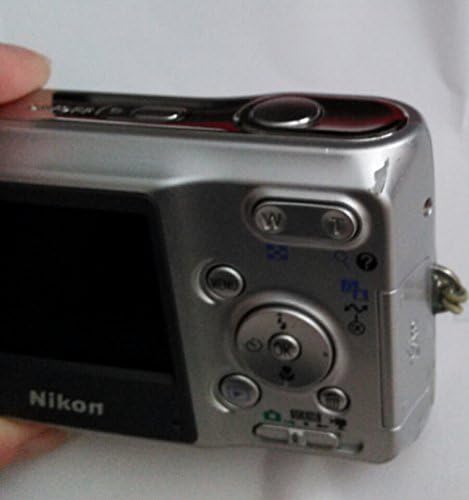
Image: Close-up of the Nikon Coolpix L3's top and rear controls, including the zoom lever.
3. Shooting Modes
The Coolpix L3 offers 15 Scene modes, including four with Scene Assist, to optimize settings for various situations.
- Auto Mode: The camera automatically selects optimal settings.
- Scene Modes: Select a scene mode (e.g., Portrait, Landscape, Night Portrait) from the menu to match your shooting conditions. Scene Assist provides framing guides for some modes.
- BSS (Best Shot Selector): In continuous shooting, the camera automatically saves the sharpest image from a series.
4. Flash Modes
The built-in flash has several modes to suit different lighting conditions:
- Auto: Flash fires automatically when needed.
- Auto with Red-Eye Reduction: Reduces red-eye effect in portraits.
- Off: Flash does not fire.
- Fill Flash: Flash fires with every shot, useful for brightening shadows.
- Slow Sync: Combines flash with slow shutter speeds for balanced exposure in low light.
5. In-Camera Image Enhancement
The Coolpix L3 includes features to improve images directly in the camera:
- D-Lighting: In playback mode, this function creates a copy of images with excessive backlight or insufficient flash, adding light and detail where needed.
- Face-priority AF: Automatically detects and focuses on human faces in the frame.
- In-Camera Red-Eye Fix: Automatically corrects red-eye in flash photography.
6. Video Recording
The camera can record movies with sound.
- Select movie mode from the camera's menu or mode dial.
- Press the shutter button to start and stop recording.
- Available video sizes include TV movie size (640x480), Small size (320x240), and Smaller size (160x120).
Image Management
1. Transferring Images to a Computer
You can transfer images from your camera to a computer using the supplied USB cable.
- Ensure the camera is turned off.
- Connect the camera to your computer using the USB cable.
- Turn on the camera. Your computer should detect the camera as a removable disk or prompt you to use image transfer software.
- Use the included PictureProject software or your computer's operating system features to import images.
2. Direct Printing (PictBridge)
The Coolpix L3 supports PictBridge, allowing direct printing to compatible printers without a computer.
- Connect the camera directly to a PictBridge-compatible printer using the USB cable.
- Follow the on-screen instructions on the camera's LCD to select images and print settings.
Maintenance
1. Cleaning the Camera
- Camera Body: Wipe with a soft, dry cloth. For stubborn dirt, use a cloth lightly dampened with water. Avoid harsh chemicals.
- Lens: Use a lens brush to remove dust, then gently wipe with a lens cleaning cloth. Do not touch the lens surface with your fingers.
- LCD Monitor: Gently wipe with a soft, dry cloth.
2. Storage
- When not in use for extended periods, remove the batteries to prevent leakage.
- Store the camera in a cool, dry place, away from direct sunlight and extreme temperatures.
- Use a camera case to protect it from dust and scratches.
Troubleshooting
This section addresses common issues you might encounter with your Nikon Coolpix L3.
Camera Does Not Turn On
- Check if the batteries are inserted correctly with the correct polarity.
- Replace with fresh batteries or fully charged rechargeable batteries.
- Ensure the battery compartment cover is securely closed.
Images Are Blurred
- Hold the camera steady when shooting. Use both hands or brace yourself.
- Ensure the camera has focused correctly before fully pressing the shutter button (press halfway first).
- In low light, use the flash or select a scene mode designed for low light.
- Check for the "Blur Warning" indicator after shooting.
Flash Does Not Fire
- Check the flash mode setting. Ensure it is not set to "Off".
- The flash may not fire if the ambient light is sufficient in Auto mode.
Cannot Transfer Images to Computer
- Ensure the USB cable is securely connected to both the camera and the computer.
- Verify the camera is turned on after connecting.
- Try a different USB port on your computer.
- Ensure necessary drivers or software (like PictureProject) are installed on your computer.
Specifications
Key technical specifications for the Nikon Coolpix L3 digital camera:
| Feature | Detail |
|---|---|
| Model Name | Nikon Coolpix L3 |
| Effective Pixels | 5.1 Megapixels |
| Image Sensor | 1/2.5-inch CCD |
| Lens | 3x Optical Zoom-Nikkor Lens (38-116mm equivalent in 35mm format) |
| Digital Zoom | Up to 4x |
| LCD Monitor | 2.0-inch TFT LCD, approx. 86,000 dots |
| Storage Media | SD Memory Card, 23 MB internal memory |
| File Format | Still images: JPEG; Movies: AVI (Motion JPEG) |
| Video Resolution | 640x480, 320x240, 160x120 (30/15 fps) |
| ISO Sensitivity | Auto (ISO 50-200) |
| Shutter Speed | 4 to 1/2000 sec. |
| Power Source | Two AA-size batteries (Alkaline, NiMH, Lithium) |
| Dimensions (W x H x D) | Approx. 91 x 60.5 x 26 mm (3.6 x 2.4 x 1.0 inches) |
| Weight | Approx. 120 g (4.2 oz) without batteries and SD card |
| Interface | USB, Audio/Video output |
Warranty and Support
For information regarding warranty coverage, service, or technical support for your Nikon Coolpix L3 digital camera, please refer to the warranty card included with your product or visit the official Nikon support website. Contact details for customer service are typically available on the manufacturer's website.
Always retain your proof of purchase for warranty claims.
Related documentsL3


Ask a question about this manual
Ask about setup, troubleshooting, compatibility, parts, safety, or missing instructions. Manuals+ will review the question and use this page’s manual context to help answer it.