1. Introduction
This manual provides essential information for the safe and effective use of your Belkin Power Strip Surge Protector, model F9D1000-15. This device is designed to protect your electronic equipment from power surges and electrical imbalances, ensuring clean and safe power delivery.
The Belkin Power Strip Surge Protector features 10 AC outlets and a 15-foot heavy-duty metal extension cord, making it suitable for various environments such as home offices, workshops, and entertainment centers.
2. Important Safety Information
- Indoor Use Only: This surge protector is intended for indoor use in dry locations. Do not expose to moisture or extreme temperatures.
- Grounding: Ensure the surge protector is plugged into a properly grounded 3-prong outlet. Do not remove the grounding prong.
- Overload Protection: Do not exceed the electrical rating of the surge protector (15A/125V/1875W). Overloading can cause fire or electrical shock.
- Surge Protector Lifespan: The protective components inside surge protectors absorb over-voltage spikes and will eventually wear out. Replace the unit at least every 3 years or immediately after any significant over-voltage spike event (e.g., lightning strike, major power outage). Periodically check the surge protector enclosure and cable for signs of wear or heat distress.
- Cord Management: Do not bundle the power cord tightly while in use, as this can lead to overheating.
- Children and Pets: Keep the surge protector and connected cords out of reach of children and pets.
- Proposition 65 Warning: This product may contain chemicals known to the State of California to cause cancer and birth defects or other reproductive harm. Wash hands after handling.
3. Package Contents
Your package should contain the following item:
- 1 x Belkin Power Strip Surge Protector (Model F9D1000-15)
4. Product Features

Image 1: Top view of the Belkin Power Strip Surge Protector showing all 10 AC outlets, the power switch, and the coiled 15-foot power cord.
- 10 AC Outlets: Provides ample power connections for multiple electronic devices.
- 885-Joule Surge Protection: Safeguards connected equipment from power surges, spikes, and lightning strikes.
- Heavy-Duty Metal Case: Durable construction designed for demanding environments like workshops and offices.
- 15-Foot Power Cord: Offers extended reach for flexible placement.
- Wall Mount Holes: Integrated mounting holes allow for secure installation on walls or workbenches.
- Illuminated Power Switch: Large, easy-to-locate switch to control power to all outlets.
- "Protected" Indicator Light: Confirms that surge protection is active and functioning.

Image 2: Side view of the surge protector, highlighting the robust metal casing and the design of the outlets.

Image 3: Angled view of the surge protector, providing a clearer look at the spacing of the 10 AC outlets and the red power switch.
5. Setup Instructions
- Unpack the Surge Protector: Carefully remove the surge protector from its packaging.
- Choose a Location: Select a dry, indoor location away from heat sources and moisture. Ensure the 15-foot cord can reach your desired outlet without being stretched or creating a tripping hazard.
- Wall Mounting (Optional):
The surge protector features four cross-hatched holes on the back for wall mounting. To mount:
- Measure the distance between the mounting holes on the back of the unit.
- Mark the corresponding locations on your wall or workbench.
- Install appropriate screws (not included) into the marked locations, leaving a small portion of the screw head exposed.
- Align the mounting holes on the surge protector with the screw heads and slide the unit down to secure it.

Image 4: Rear view of the surge protector, illustrating the four wall-mount keyhole slots and the product information label.
- Plug into a Wall Outlet: Insert the surge protector's 3-prong plug firmly into a standard, grounded 120V AC wall outlet.
- Verify Protection: Once plugged in, the "Protected" indicator light (usually a small red LED next to the power switch) should illuminate, confirming that the surge protection is active.
6. Operating Instructions
- Powering On/Off:
The large red switch on the surge protector controls power to all 10 outlets. Press the switch to the "ON" position to supply power, and to the "OFF" position to cut power.

Image 5: Close-up of the red power switch and the "Protected" indicator light, which glows when surge protection is active.
- Connecting Devices:
Plug your electronic devices into any of the 10 AC outlets. The widely spaced outlets are designed to accommodate larger power adapters without blocking adjacent outlets.
- Monitoring Protection:
The "Protected" indicator light should remain illuminated during normal operation. If this light goes out, it indicates that the surge protection components have been compromised and the unit should be replaced.
7. Maintenance
- Regular Inspection: Periodically inspect the surge protector, its cord, and the connected plugs for any signs of damage, fraying, or overheating.
- Replacement Schedule: Surge protectors have a finite lifespan. For optimal protection, it is recommended to replace your Belkin Power Strip Surge Protector at least every 3 years.
- Post-Surge Replacement: If the surge protector experiences a significant power surge (e.g., a lightning strike or major power fluctuation) and the "Protected" indicator light goes out, the internal surge protection components have likely absorbed the surge and are no longer functional. In this event, immediately replace the unit to ensure continued protection for your devices.
- Cleaning: Disconnect the surge protector from the wall outlet before cleaning. Use a dry, soft cloth to wipe the exterior. Do not use liquid cleaners or solvents.
8. Troubleshooting
| Problem | Possible Cause | Solution |
|---|---|---|
| No power to connected devices. |
|
|
| "Protected" indicator light is off. |
|
|
| Devices are still damaged after a power event. |
|
|
9. Specifications
| Feature | Detail |
|---|---|
| Model Number | F9D1000-15 |
| Total Power Outlets | 10 AC Outlets |
| Surge Energy Rating | 885 Joules |
| Cord Length | 15 feet (4.5 meters) |
| Voltage | 330 Volts (Clamping Voltage) |
| Product Dimensions | 15 x 8 x 3 inches |
| Item Weight | 3.2 pounds |
| Case Material | Metal |
| Manufacturer | Belkin Inc. |
10. Warranty and Support
Connected Equipment Coverage
This Belkin product includes standard coverage for connected equipment. In the event that your electronic devices are damaged by a power surge while properly connected to this surge protector, Belkin may provide coverage up to a specified amount. Please refer to the official Belkin website for detailed terms, conditions, and claim procedures for the Connected Equipment Warranty.
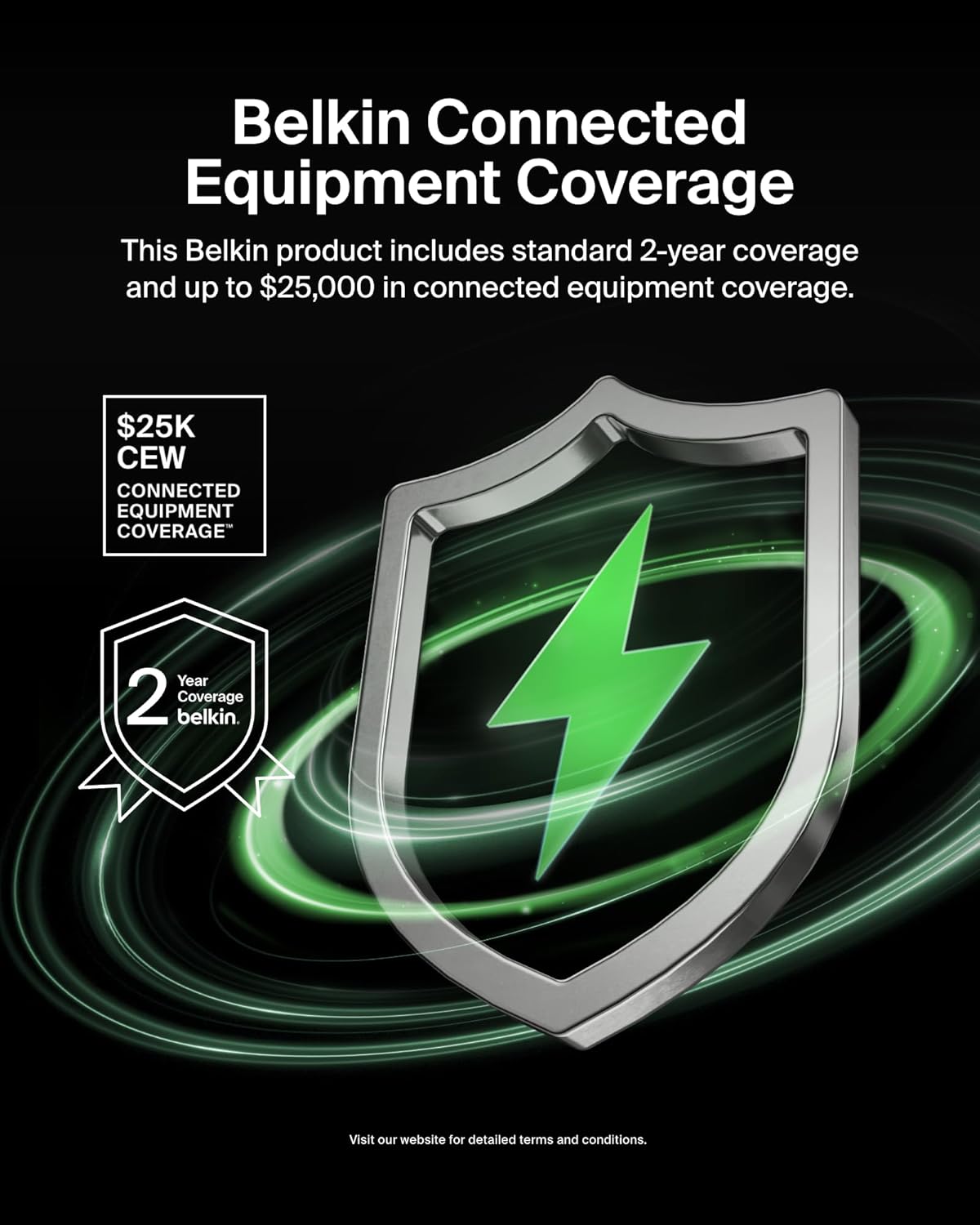
Image 6: Illustration of Belkin's Connected Equipment Coverage, indicating potential financial protection for devices connected to the surge protector.
Product Support
For further assistance, technical support, or warranty claims, please visit the official Belkin support website or contact their customer service.
- Belkin Official Website: www.belkin.com
- Support Page: Refer to the support section on the Belkin website for FAQs, troubleshooting guides, and contact information.


