
Introduction
This manual provides instructions for the Master Lock 647D Black Combination Padlock. This durable, compact lock offers keyless convenience with a customizable 3-digit code, suitable for securing luggage, backpacks, gym lockers, and cabinets.

Image: Front view of the Master Lock 647D Black Combination Padlock.
Setup: Setting Your Own Combination
The lock is preset to open at 0-0-0. To set your personal combination, follow these steps:
- With the dials set to 0-0-0, pull out the shackle.
- Turn the shackle counter-clockwise 90° (1/4 turn) and press it down into the lock body.
- While holding the shackle down, turn it another 90° (1/4 turn) so it is now pointing away from the numbers.
- Set the dials to your desired 3-digit combination.
- Turn the shackle clockwise back to the original 90° position (where it was pressed down). Lift the shackle to return it to the closed position. Your new combination is now set.
Video: Demonstrates how to set and reset the 3-digit combination on a Master Lock padlock.
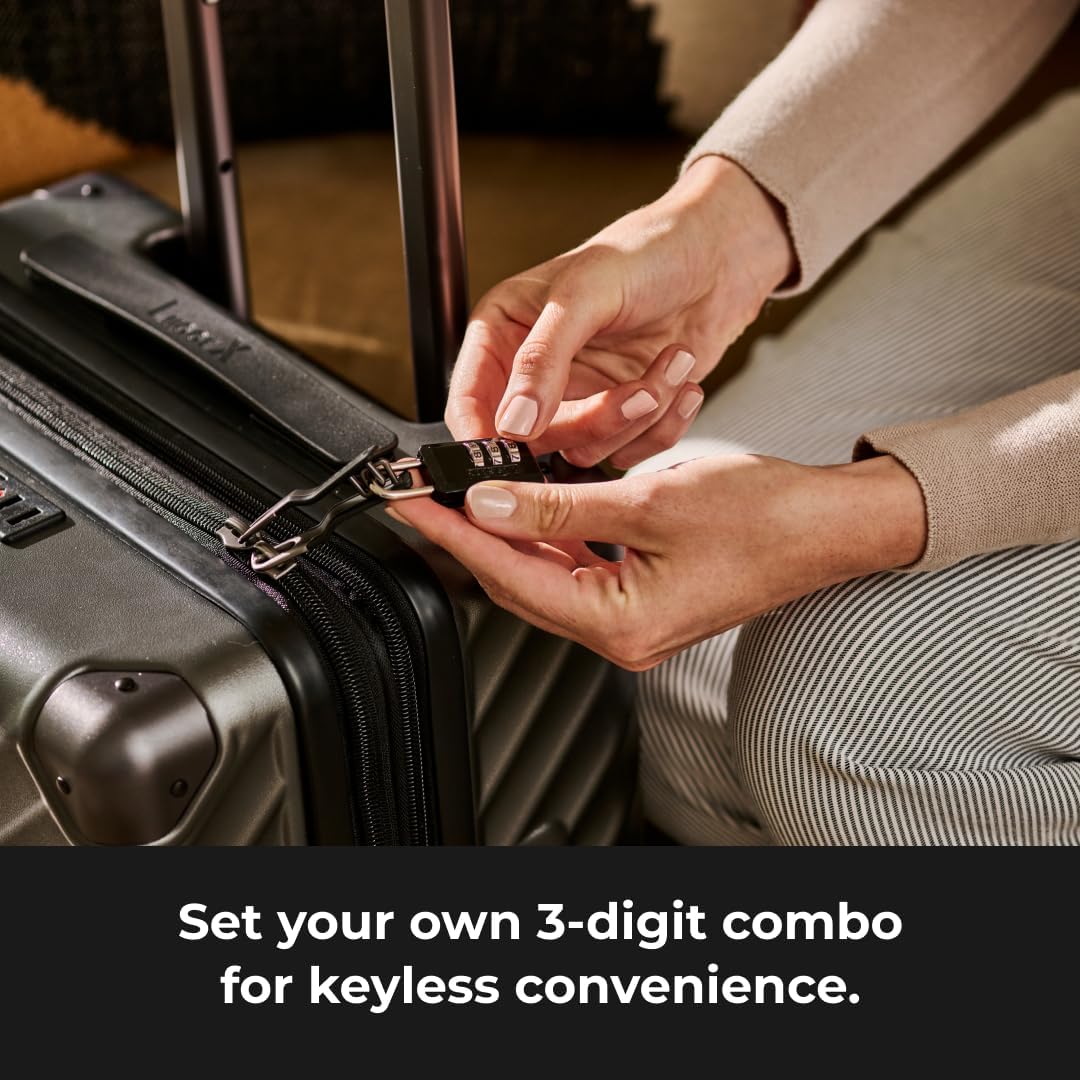
Image: A person's hands setting the 3-digit combination on the Master Lock 647D while it is attached to luggage.
Operating Instructions
To Unlock:
- Align the dials to your personal 3-digit combination.
- Pull the shackle upwards to open the lock.
To Lock:
- Close the shackle by pushing it down into the lock body.
- Scramble the dials to a random set of numbers to secure the lock.
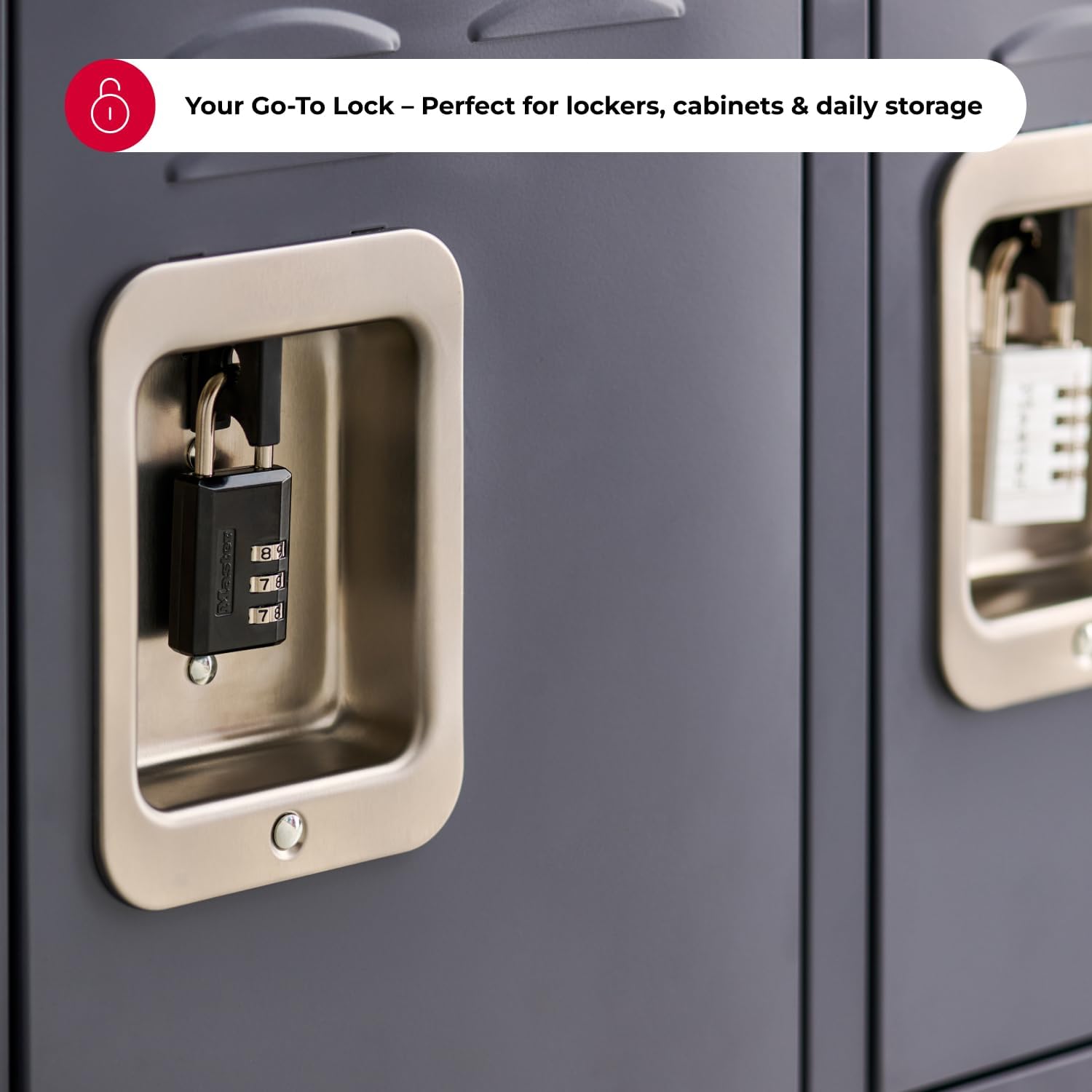
Image: The Master Lock 647D padlock in use, securing a locker door.
Product Features
- Durable Construction: Metal body measures 1-3/16 in (30 mm) wide for strength and reliability.
- Steel Shackle: 3/16 in (5 mm) diameter and 7/8 in (22 mm) length resists cutting and sawing.
- Combination Lock: Three-dial design allows you to set and reset your own code for keyless convenience.
- Compact Size: Ideal for securing lockers, luggage, backpacks, and personal items.
- Cut Resistant: Designed to offer resistance against cutting attempts.
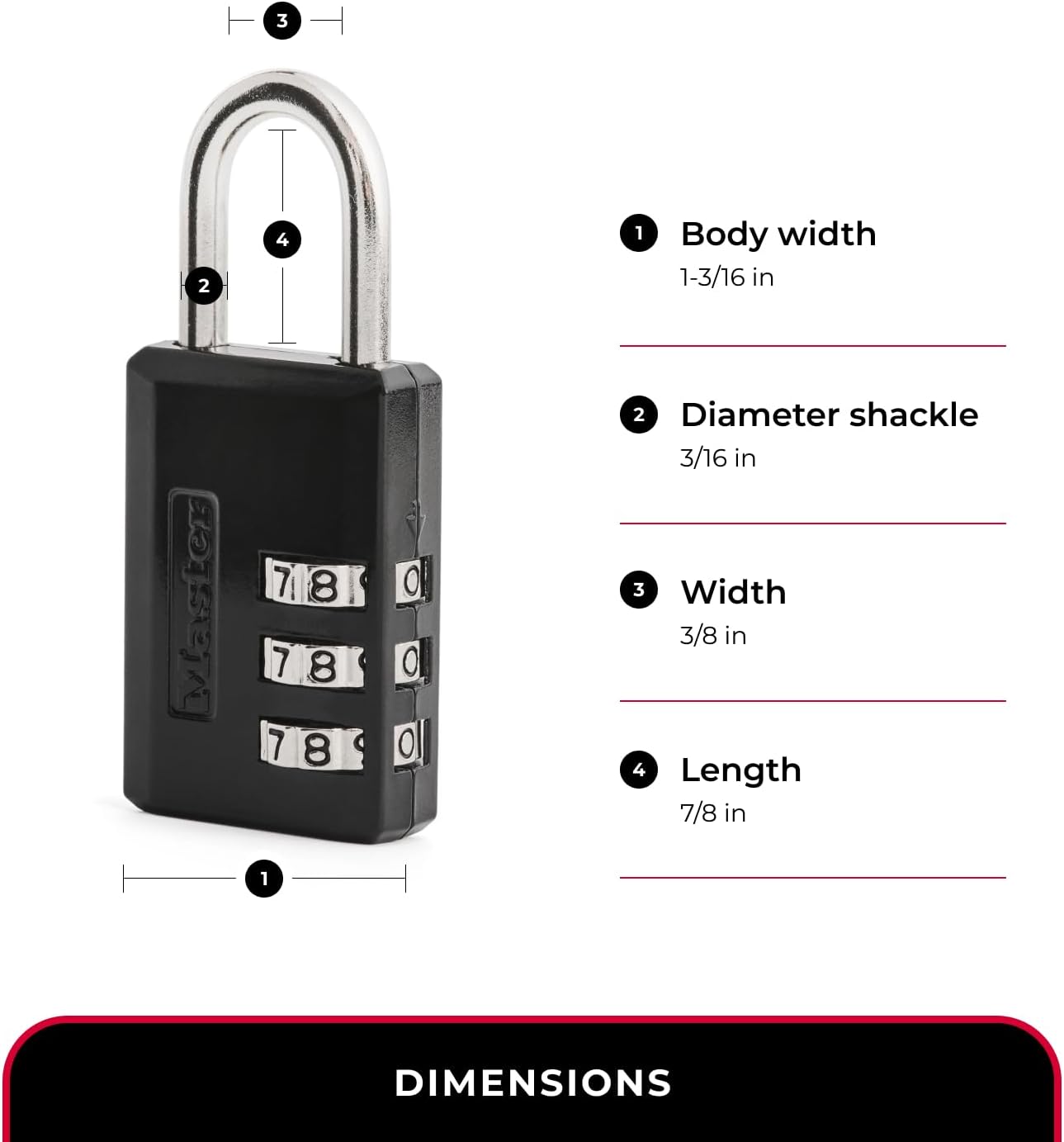
Image: Detailed dimensions of the Master Lock 647D padlock.
Specifications
| Brand | Master Lock |
| Model Number | 647D |
| Lock Type | Combination Lock |
| Material | Alloy Steel, Metal |
| Color | Black |
| Item Dimensions (L x W x H) | 0.56 x 1.2 x 2.86 inches |
| Item Weight | 0.08 Kilograms |
| Special Feature | Cut Resistant |
Usage Scenarios
The Master Lock 647D is designed for various indoor and travel security needs:
- Gym Lockers: Secure your personal belongings during workouts.
- School Lockers: Keep school supplies and valuables safe.
- Luggage & Backpacks: Add an extra layer of security during travel.
- Cabinets: Protect contents of cabinets at home or office.
Note: This lock is not recommended for outdoor use.
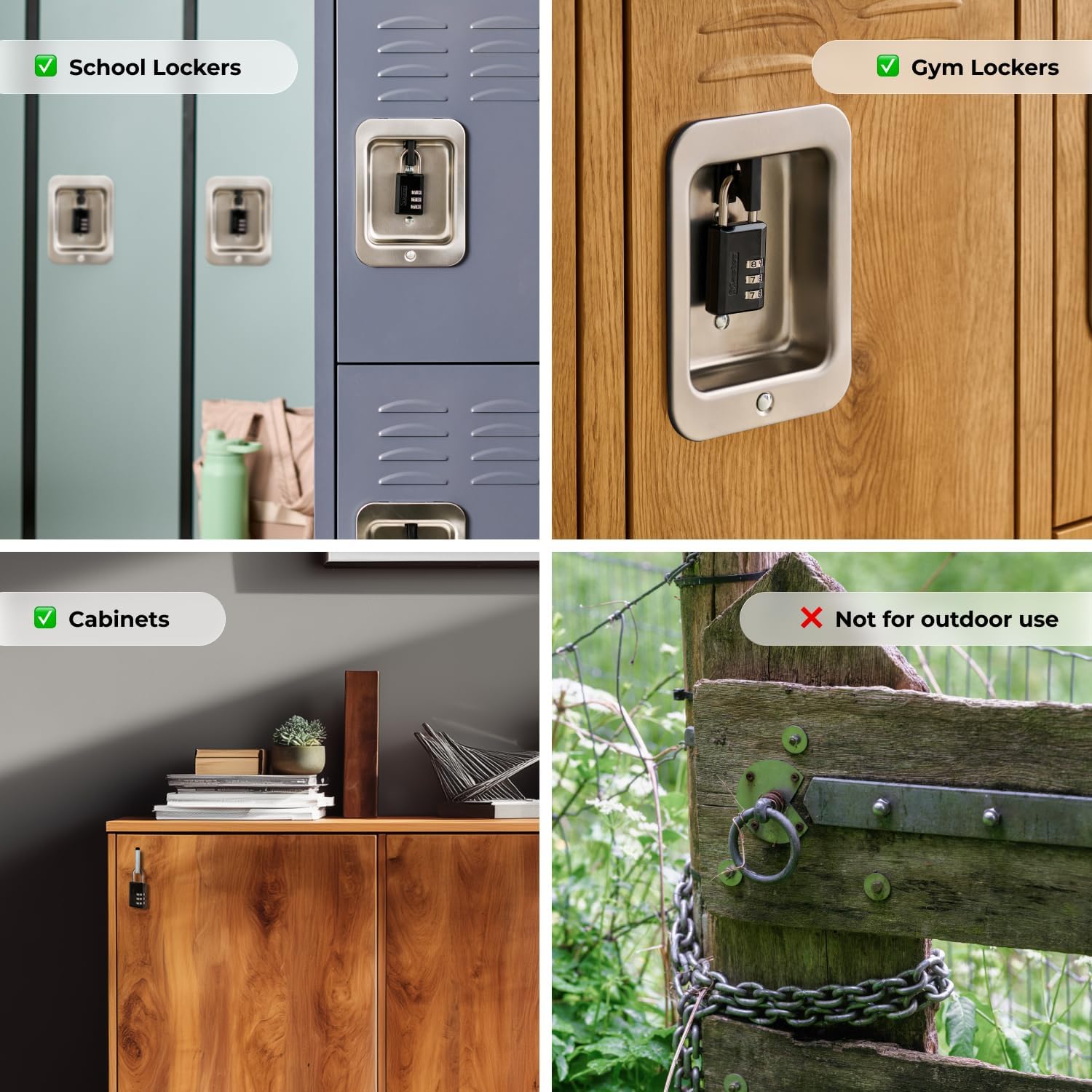
Image: Visual examples of appropriate and inappropriate usage environments for the padlock.
Maintenance
To ensure optimal performance and longevity of your Master Lock 647D:
- Keep the lock clean and free from dirt or debris.
- Periodically apply a small amount of lubricant to the shackle mechanism and dials to maintain smooth operation.
- Avoid exposing the lock to extreme weather conditions for extended periods, as it is not designed for outdoor use.
Troubleshooting
Difficulty Setting Combination:
Ensure the shackle is fully pressed down and turned 90° twice as per the setup instructions. If it's not fully engaged in the correct position, the dials may not set properly.
Lock Not Opening:
Verify that the dials are precisely aligned with your set combination. If the combination is correct and the lock still doesn't open, try wiggling the shackle slightly while pulling it up. If the issue persists, re-check the combination setting process.
Warranty and Support
The Master Lock 647D Combination Padlock is backed by a Limited Lifetime Warranty. This warranty provides peace of mind and covers defects in material and workmanship. For warranty claims or technical support, please refer to the official Master Lock website or contact their customer service.
For more information, visit the Master Lock official website.
Important Safety Information
WARNING: This product contains chemicals known to the State of California to cause cancer and birth defects or other reproductive harm.
Always use the product as intended and follow all safety guidelines. Keep out of reach of small children.


