
1. Introduction
This manual provides essential instructions for the safe and effective use, installation, and maintenance of your Weller ST2 Soldering Tip. The Weller ST2 is a high-quality screwdriver-shaped soldering tip designed for precision soldering tasks. Please read this manual thoroughly before using the product.
2. Product Overview
The Weller ST2 Soldering Tip is a durable, lead-free alloy tip featuring a screwdriver shape, measuring 2.38mm (3/32 inches) wide. It is specifically designed for use with Weller WLC100 soldering stations and WP25, WP30, and WP35 soldering irons, providing excellent heat transfer and longevity for various soldering applications.
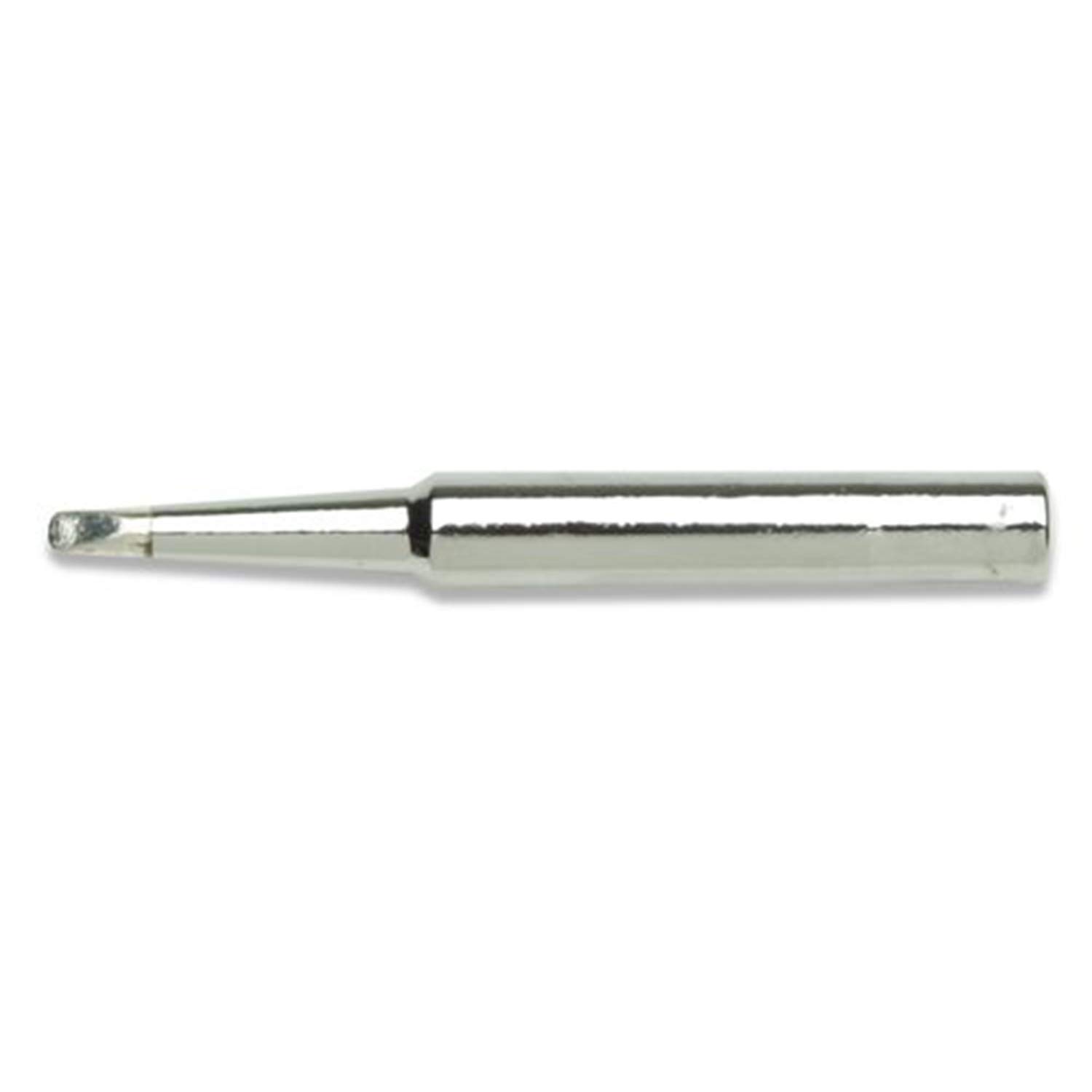
Figure 1: Weller ST2 Screwdriver Soldering Tip. This image shows the metallic, silver-colored soldering tip with a flat, screwdriver-like end, designed for precise soldering work.
3. Setup and Installation
Before installing or replacing the soldering tip, ensure your soldering iron or station is turned off and completely cooled to prevent burns. Always handle hot tips with appropriate heat-resistant tools.
- Power Off and Cool Down: Disconnect the soldering iron from its power source and allow it to cool down completely.
- Remove Old Tip (if applicable): If replacing an existing tip, carefully unscrew or pull out the old tip using pliers or a heat-resistant pad. Dispose of the old tip responsibly.
- Insert New Tip: Gently slide the Weller ST2 tip into the heating element of your compatible soldering iron (WLC100, WP25, WP30, or WP35). Ensure it is fully seated.
- Secure Tip: If your iron has a retaining screw or mechanism, tighten it to secure the tip in place. Do not overtighten.
- Initial Tinning: Once installed, power on the soldering iron. As soon as the tip reaches soldering temperature, apply a small amount of solder to the tip. This "tinning" process protects the tip from oxidation and ensures efficient heat transfer.
4. Operating Instructions
Proper operation of your soldering iron with the Weller ST2 tip ensures optimal performance and extends tip life.
- Temperature Setting: Set your soldering station to the appropriate temperature for the solder and components you are working with. Refer to your solder's specifications for recommended temperatures.
- Clean Tip Regularly: Before and after each use, and periodically during soldering, wipe the tip on a damp sponge or brass wool cleaner to remove excess solder and flux residue.
- Apply Solder Correctly: Heat the joint (component lead and pad) with the flat side of the screwdriver tip, then apply solder to the heated joint, not directly to the tip. Allow the solder to flow evenly.
- Avoid Excessive Pressure: Do not apply excessive pressure to the tip, as this can damage the tip and the components.
- Re-tinning: If the tip becomes discolored or solder no longer adheres well, re-tin the tip by applying fresh solder.
5. Maintenance
Regular maintenance is crucial for the longevity and performance of your Weller ST2 soldering tip.
- Tip Cleaning: Always clean the tip thoroughly after each soldering session. Use a damp cellulose sponge or brass wool. Never file or sand the tip, as this will remove the protective plating.
- Tinning for Storage: Before storing the soldering iron, apply a generous amount of fresh solder to the tip. This protective layer prevents oxidation during storage.
- Inspection: Periodically inspect the tip for signs of wear, pitting, or excessive oxidation. A severely pitted or corroded tip should be replaced.
- Storage: Store the soldering iron and tips in a dry, clean environment.
6. Troubleshooting
If you encounter issues with your Weller ST2 soldering tip, consider the following common problems and solutions:
- Solder Not Sticking to Tip:
- Ensure the tip is properly tinned.
- Clean the tip thoroughly with a damp sponge or brass wool.
- Check if the tip is excessively oxidized; if so, re-tin or replace.
- Verify the soldering iron is reaching the correct temperature.
- Poor Heat Transfer:
- Ensure the tip is fully seated in the heating element.
- Check for loose connections in the soldering iron or station.
- The tip may be worn out and require replacement.
- Tip Discoloration:
- Normal oxidation can cause discoloration. Regular cleaning and tinning will mitigate this.
- Ensure you are not operating the iron at excessively high temperatures for prolonged periods.
7. Specifications
| Feature | Detail |
|---|---|
| Model Number | ST2 (128220) |
| Tip Type | Screwdriver |
| Tip Width | 2.38 mm (3/32 inches) |
| Material | Lead-Free Alloy |
| Finish Type | Zinc |
| Compatible Irons | Weller WLC100, WP25, WP30, WP35 |
| Product Dimensions | 3.75 x 3.75 x 3.75 inches; 0.01 ounces |
| UPC | 037103472434 |
8. Warranty and Support
For information regarding warranty coverage, technical support, or replacement parts for your Weller ST2 Soldering Tip, please refer to the documentation included with your original soldering iron or visit the official Weller website. You can also visit the Weller Store on Amazon for additional product information and support resources.


