
Introduction
The Tetra Whisper Air Pump is designed to provide essential oxygenation and water movement for your aquarium. Its patented dome shape, suspended motor, and sound-dampening chambers contribute to quiet operation. This manual provides instructions for the proper setup, operation, and maintenance of your air pump to ensure reliable performance.
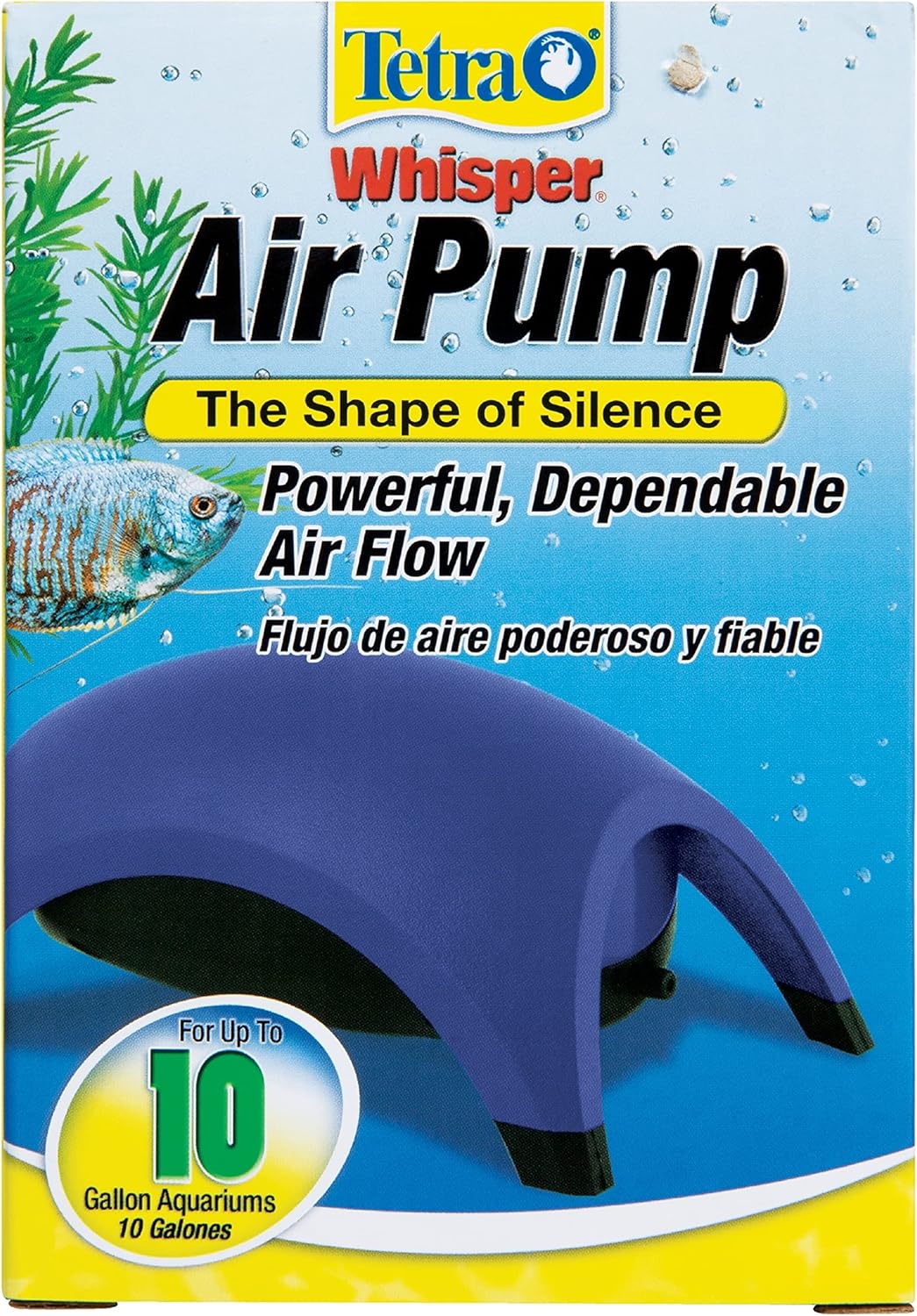
The Tetra Whisper Air Pump in its retail packaging, highlighting its quiet operation and powerful airflow for aquariums up to 10 gallons.
Important Safety Instructions
- Always ensure the air pump is placed above the water level of your aquarium to prevent water from siphoning back into the pump.
- Create a 'drip loop' with the power cord to prevent water from running down the cord and into the electrical outlet.
- This product is designed for 110-120V, 60Hz electrical systems. Verify your local voltage compatibility before use.
- Do not operate the pump if the cord or plug is damaged.
- Keep the pump away from direct sunlight or extreme temperatures.
Package Contents
Your Tetra Whisper Air Pump package includes:
- 1 x Tetra Whisper Air Pump (Non-UL), up to 10-gallons
Setup Guide
Follow these steps to set up your Tetra Whisper Air Pump:
- Connect Air Tubing: Attach one end of standard aquarium air tubing (not included) to the air outlet nozzle on the pump.
- Install Check Valve: For safety, install a check valve (not included) in the air tubing between the pump and the aquarium. This prevents water from flowing back into the pump during a power outage.
- Attach Air Stone/Accessory: Connect the other end of the air tubing to an air stone, bubble wand, or other air-driven aquarium accessory (not included) and place it in your aquarium.
- Position the Pump: Place the air pump on a flat, stable surface. For optimal quiet operation, avoid placing it directly on resonant surfaces. Some users find placing it on a soft mat or inside a cabinet can further reduce audible hum. Ensure it is always positioned above the aquarium's water level.
- Connect Power: Plug the pump's power cord into a suitable electrical outlet.

The Tetra Whisper Air Pump with its attached power cord, ready for connection to an electrical outlet.
Operation
Once properly set up and plugged in, the Tetra Whisper Air Pump will begin to operate, providing a steady stream of air to your aquarium. This airflow serves several important functions:
- Oxygenation: The bubbles created by the air stone or accessory facilitate gas exchange at the water surface, increasing dissolved oxygen levels vital for fish and other aquatic life.
- Water Movement: The rising bubbles create gentle water circulation, helping to distribute heat and nutrients throughout the aquarium.
This model features a single air outlet, suitable for aquariums up to 10 gallons. If you require adjustable flow, an inline air control valve (not included) can be added to the air tubing.

A close-up view of the Tetra Whisper Air Pump, showcasing its compact, dome-shaped design in blue and black.
Maintenance
Regular maintenance helps ensure the longevity and efficient operation of your air pump:
- Exterior Cleaning: Periodically wipe the exterior of the pump with a dry cloth to remove dust and debris. Do not use harsh chemicals or immerse the pump in water.
- Air Filter (if applicable): Some air pumps include an air filter. Refer to the product packaging or manufacturer's website for specific instructions on checking and replacing the air filter if your model has one.
- Tubing and Air Stone: Inspect air tubing and air stones regularly for blockages or wear. Replace them as needed to maintain optimal airflow.
Troubleshooting
If you encounter issues with your Tetra Whisper Air Pump, consider the following:
- No Air Flow:
- Ensure the pump is securely plugged into a working electrical outlet.
- Check for kinks or blockages in the air tubing.
- Verify that the air stone or accessory is not clogged. Clean or replace if necessary.
- Confirm the check valve is installed correctly and not impeding airflow.
- Excessive Noise/Vibration:
- Ensure the pump is on a stable, level surface.
- Try placing the pump on a soft pad or cloth to absorb vibrations.
- Ensure the pump is not touching other objects that could amplify vibrations.
- Internal components may be worn. If the pump is old, replacement might be necessary.
- Pump Not Turning On:
- Check the power connection and the electrical outlet with another device.
- Ensure the correct voltage (110-120V) is being supplied to the pump.

An internal view of the Tetra Whisper Air Pump, illustrating its sound-dampening chambers and suspended motor designed for quiet operation.
Specifications
| Feature | Specification |
|---|---|
| Brand | Tetra |
| Model Name | Tetra Whisper Easy to Use Air Pump for Aquariums (Non-UL) |
| Part Number | 75077851 |
| Material | Plastic |
| Item Weight | 12 ounces |
| Product Dimensions (LxWxH) | 3.9"L x 2.8"W x 5.5"H |
| Power Source | Corded Electric |
| Air Flow Capacity | 10 Gallons Per Minute (rated for up to 10-gallon aquariums) |
| Operation Mode | Automatic |
| Country of Origin | China |
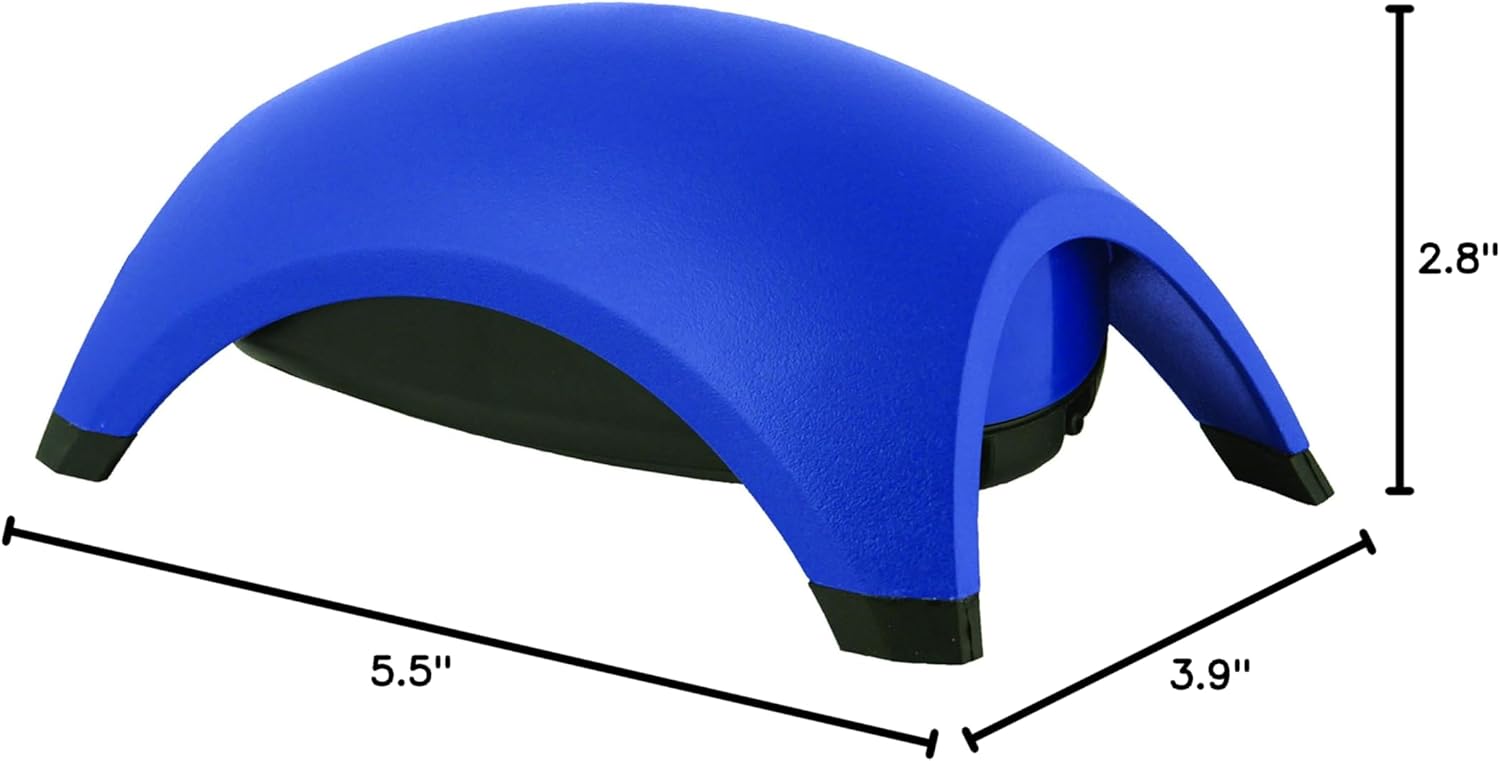
Diagram showing the dimensions of the Tetra Whisper Air Pump: 5.5 inches long, 3.9 inches wide, and 2.8 inches high.
Warranty and Support
The Tetra Whisper Air Pump comes with a warranty as labeled on the product packaging. For specific warranty details, claims, or technical support, please refer to the information provided with your product or visit the official Tetra website.
For further assistance, you may contact Tetra customer service through their official channels.