1. Introduction
This manual provides comprehensive instructions for the proper setup, operation, and maintenance of your Sennheiser MD 46 cardioid interview microphone. Please read this manual thoroughly before using the product to ensure optimal performance and longevity.
2. Product Overview
The Sennheiser MD 46 is a high-quality dynamic microphone specifically designed for interview and reporting applications. Its cardioid pickup pattern effectively focuses on the subject's voice while minimizing background noise, making it suitable for challenging environments. The microphone features a robust construction to withstand the rigors of field use.
Key Features:
- Cardioid Dynamic Capsule: Provides focused sound capture and excellent speech intelligibility.
- Double Layer Grille Basket: Offers increased protection against wind and plosive noises.
- Low Handling Noise: Engineered to reduce unwanted noise from physical contact during use.
- Long Handle with Excellent Balance: Designed for comfortable and stable handling during extended interviews.
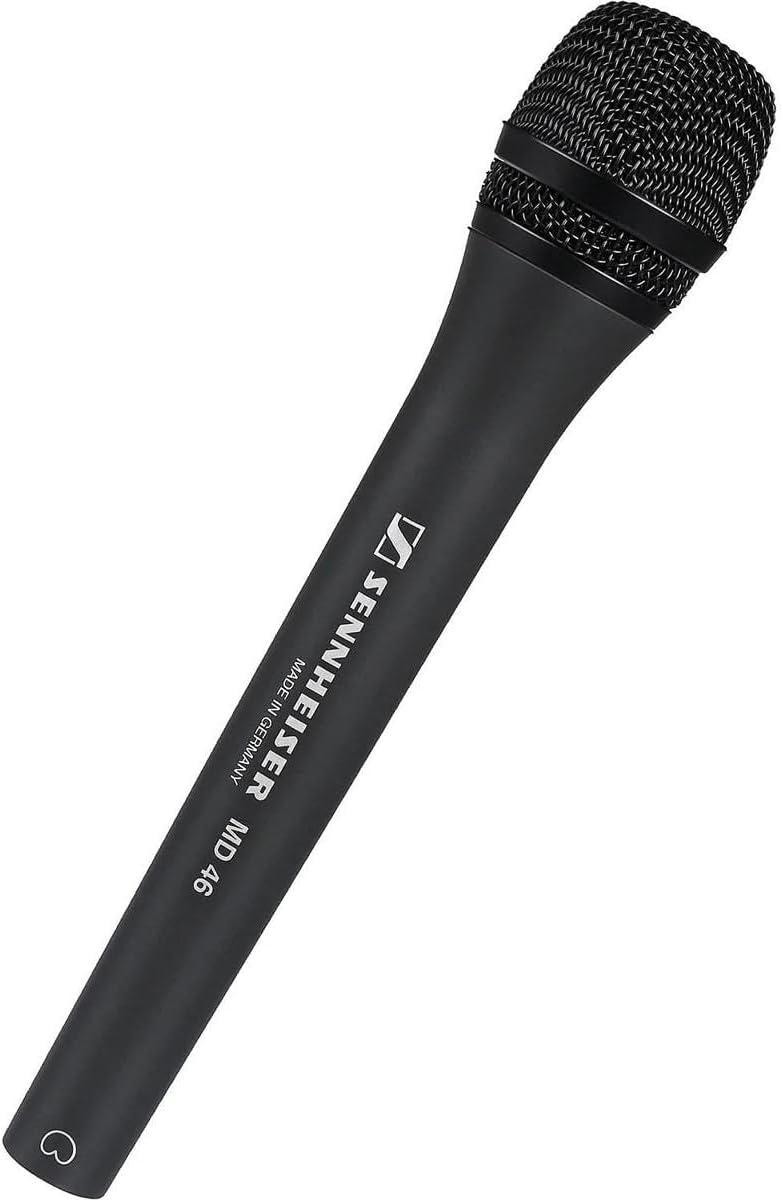
Figure 1: Sennheiser MD 46 Cardioid Interview Microphone. This image shows the full microphone with its black grille and dark gray body.
3. Setup
3.1 Unpacking
Carefully unpack the contents of the box. The package should contain:
- 1 x Sennheiser MD 46 Microphone
3.2 Connecting the Microphone
The MD 46 microphone uses an XLR connector for audio output. To connect the microphone:
- Ensure your audio recording device, mixing console, or audio interface is powered off.
- Connect a standard XLR cable (not included) to the XLR output port at the base of the MD 46 microphone.
- Connect the other end of the XLR cable to an available XLR input on your recording device.
- Power on your recording device and adjust input gain levels as necessary.
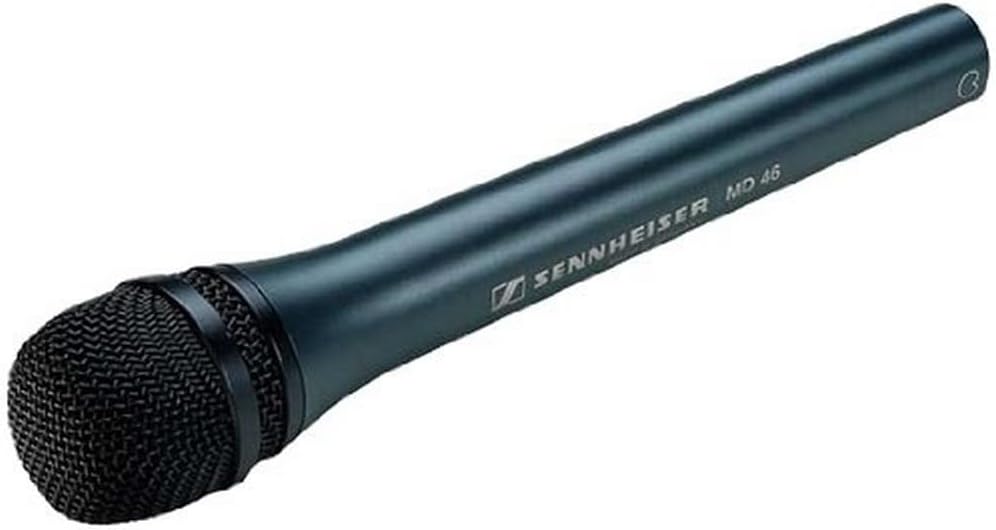
Figure 2: Close-up of the MD 46 microphone grille. This image highlights the robust double-layer grille designed to protect against wind and plosive sounds.
4. Operating Instructions
4.1 Microphone Placement
The MD 46 is a cardioid microphone, meaning it is most sensitive to sounds coming from the front and rejects sounds from the sides and rear. For optimal performance during interviews:
- Position the microphone directly in front of the speaker's mouth, typically 4-8 inches away.
- Ensure the microphone grille is pointed towards the sound source.
- In noisy environments, maintaining closer proximity to the speaker will enhance voice clarity and further reduce background noise.
4.2 Handling Noise Reduction
The MD 46 is designed with low handling noise characteristics. To further minimize any unwanted noise from handling:
- Hold the microphone firmly but gently by the handle.
- Avoid rubbing or tapping the microphone body during recording.
- If using a microphone stand, ensure it is stable and isolated from vibrations.
4.3 Wind and Pop Noise
The integrated double-layer grille helps to reduce wind and plosive (P, B sounds) noise. For outdoor use or in situations with strong air movement, consider using an additional foam windscreen (not included) for maximum protection.
5. Maintenance
5.1 Cleaning
To maintain the appearance and performance of your microphone:
- Wipe the microphone body with a soft, dry cloth.
- For stubborn dirt, a slightly damp cloth can be used, followed by immediate drying.
- Do not use harsh chemicals, solvents, or abrasive cleaners, as these can damage the finish or internal components.
- Avoid getting moisture into the microphone grille or connector.
5.2 Storage
When not in use, store the microphone in a clean, dry place, away from extreme temperatures and humidity. Using a protective pouch or case (not included) is recommended to prevent dust accumulation and physical damage.
6. Troubleshooting
If you encounter issues with your MD 46 microphone, refer to the following common problems and solutions:
| Problem | Possible Cause | Solution |
|---|---|---|
| No sound or low output |
|
|
| Excessive background noise |
|
|
| Popping sounds (plosives) |
|
|
If the problem persists after attempting these solutions, please contact Sennheiser customer support.
7. Specifications
The following table lists the technical specifications for the Sennheiser MD 46 microphone:
| Feature | Detail |
|---|---|
| Model Name | MD 46 |
| Item Model Number | 005172 |
| Brand | Sennheiser |
| Polar Pattern | Cardioid (Unidirectional) |
| Frequency Response | 40 - 18,000 Hz |
| Sensitivity (free field, no load, 1kHz) | 2.0 mV/Pa |
| Nominal Impedance | 350 Ohm |
| Min. Terminating Impedance | 1000 Ohm |
| Connector Type | XLR |
| Connectivity Technology | Wired |
| Microphone Form Factor | Handheld |
| Material | Alloy Steel |
| Color | Black |
| Item Dimensions (L x W x H) | 5.31 x 2.6 x 13.78 inches |
| Item Weight | 1.9 pounds (360 g) |
| Recommended Uses | Speech |
| Included Components | 1 MD 46 Microphone |
8. Warranty Information
Sennheiser products are covered by a manufacturer's warranty. Specific warranty terms and conditions, including duration and coverage, may vary by region and purchase date. Please refer to the warranty card included with your product or visit the official Sennheiser website for detailed information.
9. Support
For further assistance, technical support, or to access additional resources such as FAQs and firmware updates, please visit the official Sennheiser support website:
You can also find more information about Sennheiser products on their Amazon store page: Sennheiser Amazon Store