Introduction
This manual provides essential instructions for the safe and effective use of your Polaroid One 600 Ultra Instant Film Camera. Please read this manual thoroughly before operating the camera and retain it for future reference.
Setup
Unfolding the Camera
To prepare your camera for use, gently unfold the camera body. The lens and viewfinder will become accessible. Ensure the camera is fully extended before proceeding.
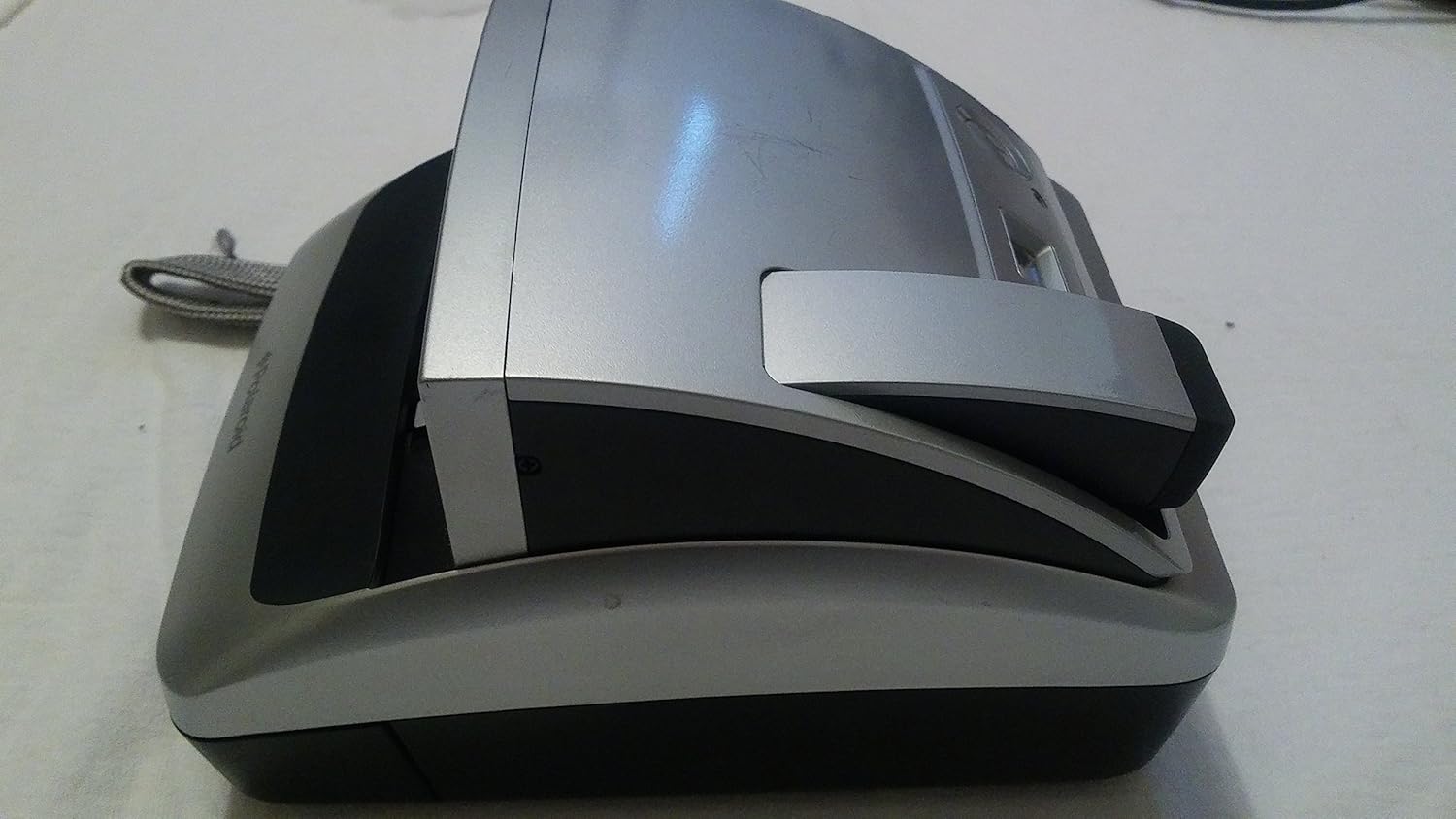
Image: The Polaroid One 600 Ultra camera in its compact, folded state.

Image: The camera partially unfolded, showing the mechanism for extending the lens and viewfinder.
Loading Film
The Polaroid One 600 Ultra uses 600 Film. Each film pack contains a built-in battery that powers the camera. To load film:
- Open the film door located on the bottom front of the camera.
- Insert a new film pack, ensuring the darkslide faces upwards and the pack is oriented correctly.
- Close the film door firmly. The camera will automatically eject the darkslide.
- The digital LCD counter will display the number of available exposures (typically 8).
Video: This video demonstrates the process of unfolding the Polaroid One 600 Ultra camera and loading a film pack, including the automatic ejection of the darkslide.
Operating the Camera
Taking a Picture
Once film is loaded and the camera is unfolded, you are ready to take a picture:
- Look through the viewfinder to compose your shot.
- Press the shutter button located on the top of the camera. The camera's autoflash will activate if needed.
- The picture will automatically eject from the front slot.

Image: Top view of the Polaroid One 600 Ultra, highlighting the LCD display, shutter button, and other controls.
Flash and Red-Eye Reduction
The camera features an autoflash that illuminates subjects in low-light conditions. It also includes a red-eye reduction mode to minimize red-eye in portraits. Consult the camera's LCD display and buttons for flash mode selection.
Self-Timer Function
To use the self-timer, activate it via the camera's controls (refer to the LCD display for options). Once activated, pressing the shutter button will initiate a delay before the picture is taken, allowing the photographer to be included in the shot.
Close-Up Photography
The camera is equipped with a built-in close-up lens, enabling you to take clear photos of subjects as close as two feet (24 inches) away. This feature is ideal for detailed shots.
Film Development
After a picture is ejected, it will begin to develop. For optimal results, place the developing picture on a flat surface immediately after it exits the camera. Do not shake or wave the picture, as this can damage the image and cause imperfections. Development typically takes approximately three minutes at room temperature.
Maintenance
- Cleaning: Use a soft, dry cloth to clean the camera's exterior. Avoid abrasive cleaners or solvents. Keep the lens and film ejection slot free of dust and debris.
- Storage: Store the camera in a cool, dry place away from direct sunlight and extreme temperatures. When not in use, fold the camera to protect the lens and viewfinder.
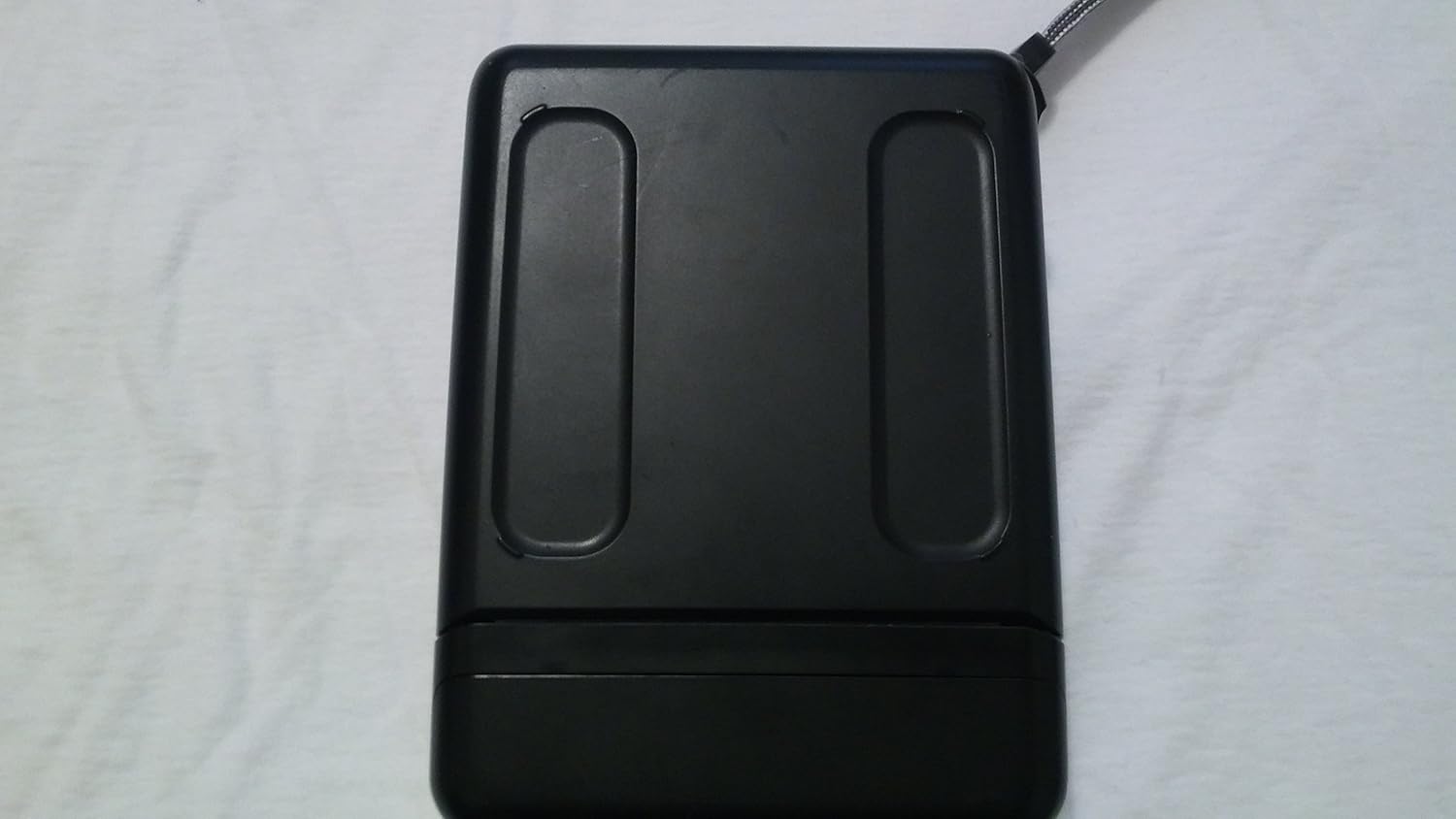
Image: Bottom view of the Polaroid One 600 Ultra camera, showing its base and structural design.
Troubleshooting
| Problem | Possible Cause | Solution |
|---|---|---|
| Camera does not power on. | Film pack battery is depleted or film pack is not inserted correctly. | Ensure film pack is correctly seated. Replace with a new film pack, as the battery is integrated. |
| Picture does not eject. | Film jam or empty film pack. | Open film door and check for obstructions. If film pack is empty, replace it. |
| Pictures are overexposed or underexposed. | Incorrect lighting conditions or film handling. | Ensure adequate lighting. Avoid direct sunlight on ejected photos during development. Do not shake photos. |
| Red-eye in photos. | Flash used in low light without red-eye reduction. | Activate red-eye reduction mode when taking photos of people in low light. |
Specifications
- Model Name: Polaroid One 600
- Item Model Number: 642953
- Brand: Polaroid
- Film Format Type: Instant (600 Film)
- Special Feature: Self-Timer, Built-in Close-up Lens, Autoflash with Red-Eye Reduction
- Max Shutter Speed: 1/2000s
- Product Dimensions: 7.8 x 5.9 x 2.6 inches
- Item Weight: 1 pound (16 ounces)
- Date First Available: October 2, 2001
Warranty and Support
This Polaroid One 600 Ultra Instant Film Camera comes with a one-year limited warranty. For warranty claims or technical support, please contact Polaroid customer service. Keep your proof of purchase for warranty validation.
For additional information and support, you may visit the official Polaroid Store on Amazon.