1. General Information
The Pelican 1400 Protector Case is engineered for robust protection of sensitive equipment. Constructed from Copolymer Polypropylene with an open cell core and solid wall design, it offers superior strength and reduced weight. This case features a distinctive twin-ribbed top surface, stainless steel hardware, and advanced sealing mechanisms to ensure the integrity of its contents.

Figure 1: Pelican 1400 Protector Case, open to show the foam interior.
Key Features:
- Watertight Seal: Achieved through a tongue and groove fit combined with a polymer O-ring.
- Automatic Pressure Equalization Valve: Releases built-up air pressure while preventing water ingress, facilitating easier opening after changes in altitude or temperature.
- Pick N' Pluck Foam: Customizable foam interior allows for precise fitting and cushioning of equipment.
- Reinforced Padlock Protectors: Stainless steel reinforced areas provide enhanced security against cutting and theft.
- Durable Construction: Made with proprietary homo co-polymers for strength and lightness.
- Double-Throw Latches: Designed for easy and secure opening and closing.

Figure 2: Visual representation of the case's core attributes: waterproof capability, protective design, indestructibility, and professional trust.
2. Setup and Customization
The Pelican 1400 case includes Pick N' Pluck foam, allowing you to create a custom-fit interior for your specific items. This process ensures maximum protection by cradling your equipment securely.
Customizing the Foam Interior:
- Plan Your Layout: Arrange your equipment on top of the foam to determine the optimal placement. Consider the shape and size of each item, ensuring adequate spacing between them and the case walls.
- Outline Items: Use a marker or chalk to lightly trace the outline of each item onto the foam.
- Pluck the Foam: The Pick N' Pluck foam is pre-scored into small cubes. Carefully pluck out the foam cubes within your outlined areas. Start with smaller sections and gradually remove more if needed. It is easier to remove foam than to reinsert it.
- Test Fit: Place your equipment into the customized foam. Ensure a snug fit without excessive pressure. The foam should support the items from all sides.
- Layering (Optional): If your case includes multiple foam layers, repeat the process for each layer as necessary to accommodate varying item heights.
The lid also contains convoluted foam (egg-crate foam) to provide additional cushioning and secure items when the case is closed.

Figure 3: Illustration highlighting the Pick N' Pluck foam for customization and the automatic pressure equalization valve.
3. Operating the Case
Opening and Closing Latches:
The Pelican 1400 case features Double-Throw latches designed for secure closure and easy opening. To open, lift the lower part of the latch outwards, then pull the upper part upwards to release the seal. To close, align the lid and press the latches down until they click securely into place.
Automatic Pressure Equalization Valve:
This valve is located on the front of the case and automatically adjusts internal air pressure. It allows air to pass through while preventing water from entering, ensuring the case can be opened easily after changes in altitude (e.g., air travel) or temperature, without compromising its watertight integrity. No manual operation is required for this valve.
Securing the Case:
For added security, the case includes stainless steel reinforced padlock protectors. Insert a padlock (not included) through the holes on the latches to prevent unauthorized access.
4. Maintenance
Proper maintenance ensures the longevity and performance of your Pelican 1400 Protector Case.
Cleaning:
- Wipe the exterior of the case with a damp cloth and mild soap as needed. Avoid harsh chemicals or abrasive cleaners.
- Inspect the O-ring seal periodically for dirt, debris, or damage. Clean the O-ring and its groove with a soft cloth. A thin coat of silicone grease (available separately) can be applied to the O-ring to maintain its flexibility and sealing properties.
- The foam inserts can be spot cleaned with a mild detergent and air-dried.
Storage:
Store the case in a cool, dry place away from direct sunlight when not in use. Ensure the O-ring is clean and properly seated before long-term storage.
5. Troubleshooting
This section addresses common issues you might encounter with your Pelican 1400 Protector Case.
Difficulty Opening the Case:
- Pressure Build-up: If the case has been subjected to significant changes in altitude or temperature, the automatic pressure equalization valve should manage internal pressure. However, if difficulty persists, ensure the valve is clear of obstructions.
- Stiff Latches: New latches may be stiff. Apply gentle, firm pressure as described in the "Operating the Case" section. Over time, they will become easier to operate.
Water or Moisture Inside the Case:
- O-ring Inspection: Open the case and carefully inspect the O-ring seal around the perimeter of the lid. Ensure it is clean, free of debris, cracks, or tears, and properly seated in its groove.
- Lid Alignment: Verify that the lid is correctly aligned with the base before closing the latches. Improper alignment can compromise the seal.
- Latch Closure: Ensure all latches are fully closed and securely clicked into place.
- Pressure Valve: Check the automatic pressure equalization valve for any visible damage or obstruction.
6. Specifications
Detailed specifications for the Pelican 1400 Protector Case.

Figure 4: Exterior dimensions of the Pelican 1400 Protector Case.
| Feature | Detail |
|---|---|
| Model Number | 1400-000-110 |
| Exterior Dimensions (L x W x D) | 13.37 x 11.62 x 6.00 inches (33.96 x 29.51 x 15.24 cm) |
| Interior Dimensions (L x W x D) | 11.81 x 8.87 x 5.18 inches (29.99 x 22.53 x 13.16 cm) |
| Interior Volume | 0.31 cubic feet (0.0088 cubic meters) |
| Weight (with foam) | 1.52 pounds (0.69 kg) |
| Material | Copolymer Polypropylene |
| Watertight | Yes, with O-ring seal |
| Pressure Equalization | Automatic Valve |
| Foam Included | Yes, Pick N' Pluck foam and convoluted lid foam |
7. Warranty Information
Pelican Products, Inc. guarantees its Protector Cases for life against breakage or defects in workmanship. This guarantee covers the case itself, ensuring it will perform as intended under normal use. For specific details regarding the lifetime guarantee and any limitations, please refer to the official Pelican Products website or contact their customer service.
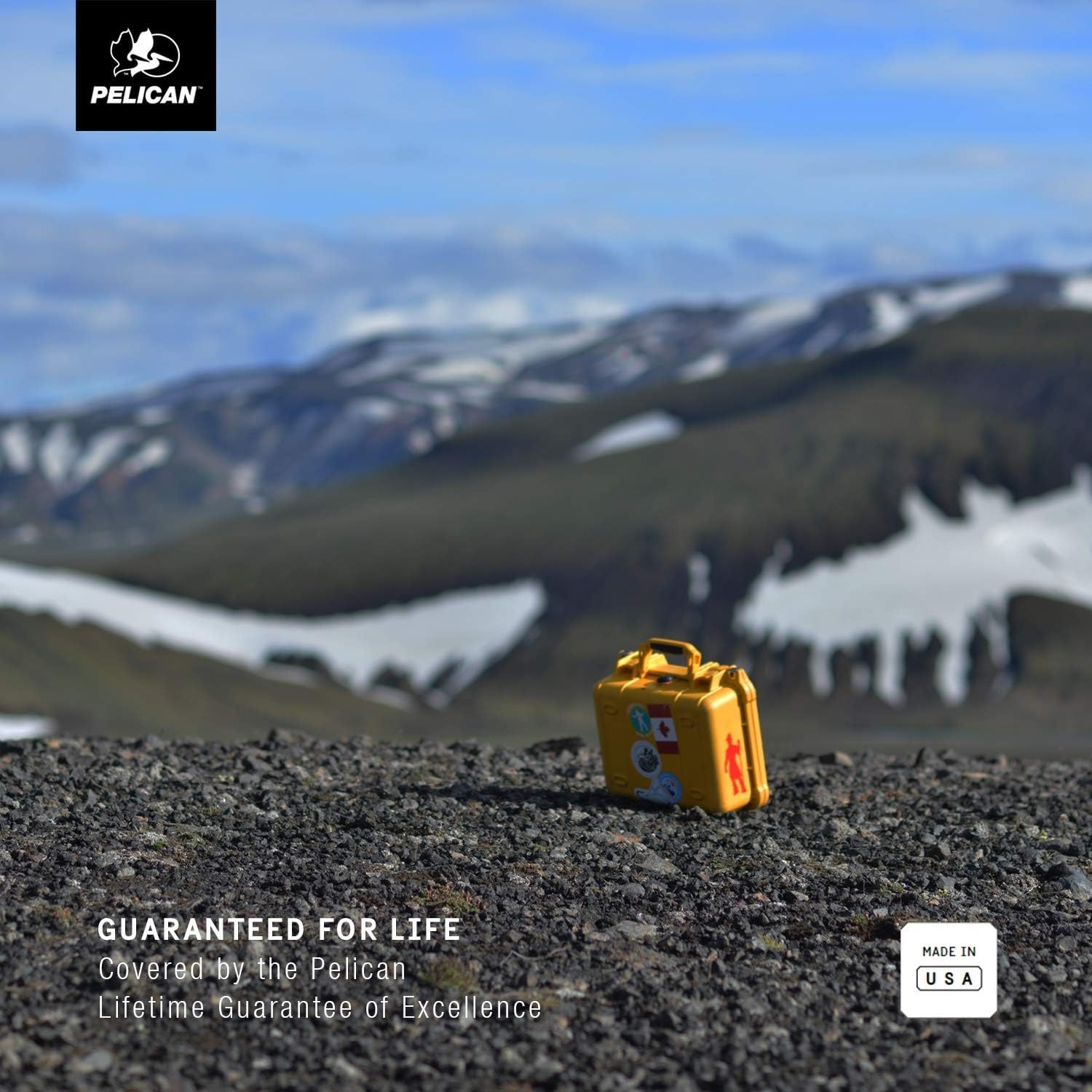
Figure 5: Pelican cases are backed by a lifetime guarantee.
8. Support
For further assistance, product registration, or to view additional accessories, please visit the official Pelican Products website:
You may also contact Pelican customer service for inquiries not covered in this manual.


