1. Introduction
This manual provides comprehensive instructions for the safe and effective use of your Kodak EasyShare CX6330 Digital Camera. Please read this manual thoroughly before operating the camera to ensure optimal performance and longevity of your device. The Kodak EasyShare CX6330 is designed for ease of use, allowing you to capture high-quality digital images and videos.
2. Safety Information
Always observe the following safety precautions to prevent injury or damage to the camera:
- Do not expose the camera to water or excessive moisture.
- Avoid dropping the camera or subjecting it to strong impacts.
- Do not attempt to disassemble or modify the camera. Refer all servicing to qualified personnel.
- Use only recommended batteries (AA alkalines or rechargeable NiMH) and accessories.
- Keep the camera away from direct sunlight and high temperatures.
- Store the camera in a cool, dry place when not in use.
3. Package Contents
Verify that all items are present in your camera package:
- Kodak EasyShare CX6330 Digital Camera
- Wrist Strap
- USB Cable
- AV Cable
- Kodak EasyShare Software CD
- Welcome Kit and User's Guide (this manual)
- Custom insert for optional Kodak EasyShare 6000 series docks
- AA Alkaline Batteries (for initial use)
4. Product Overview
Familiarize yourself with the components of your Kodak EasyShare CX6330 camera.
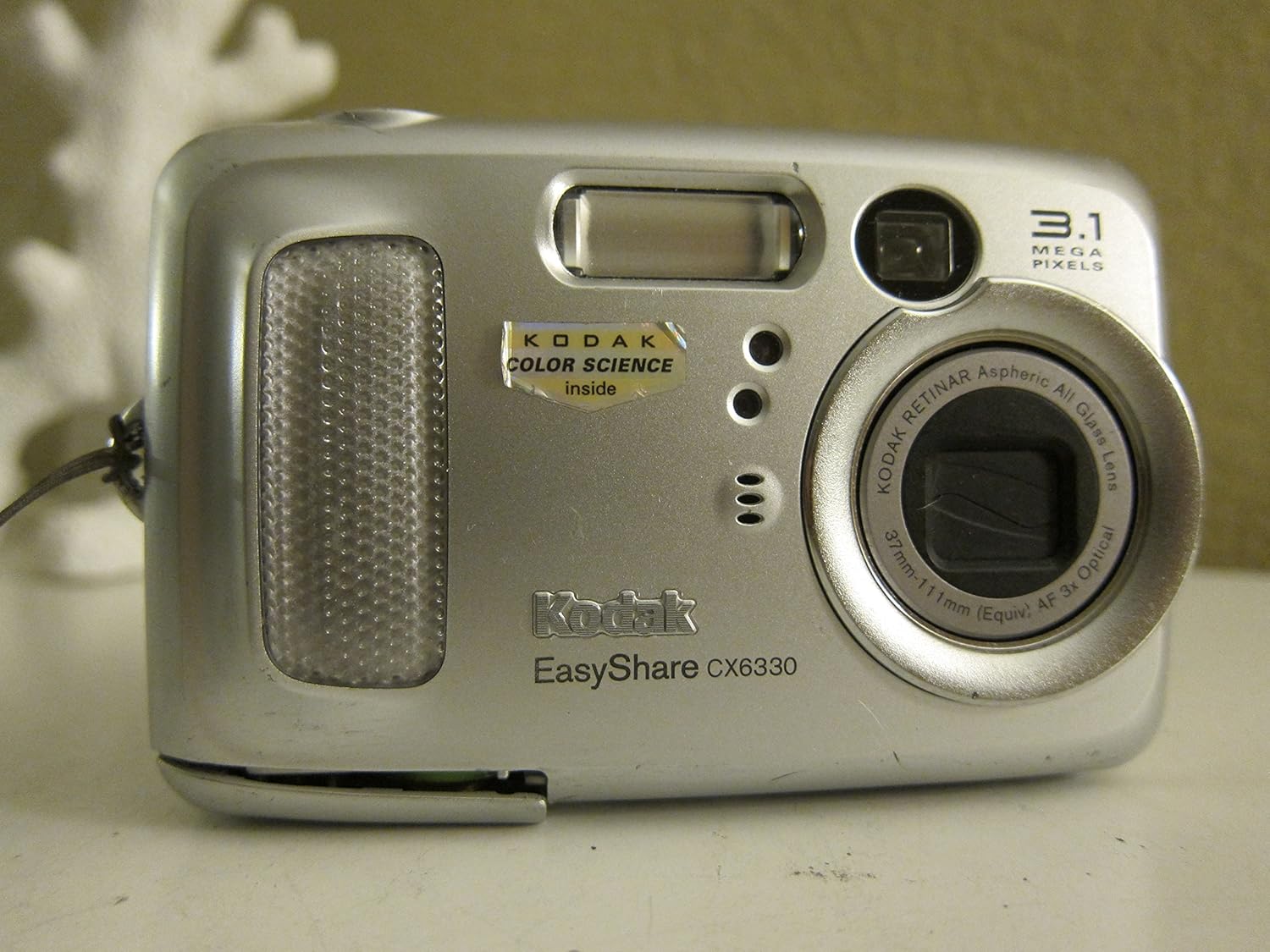
Figure 4.1: Front View. This image shows the front of the Kodak EasyShare CX6330 digital camera, highlighting the lens, flash, and viewfinder. The camera is silver with the Kodak EasyShare CX6330 branding clearly visible.

Figure 4.2: Angled Front View. A slightly angled view of the camera's front, providing a better perspective of the lens and the "KODAK COLOR SCIENCE inside" sticker.
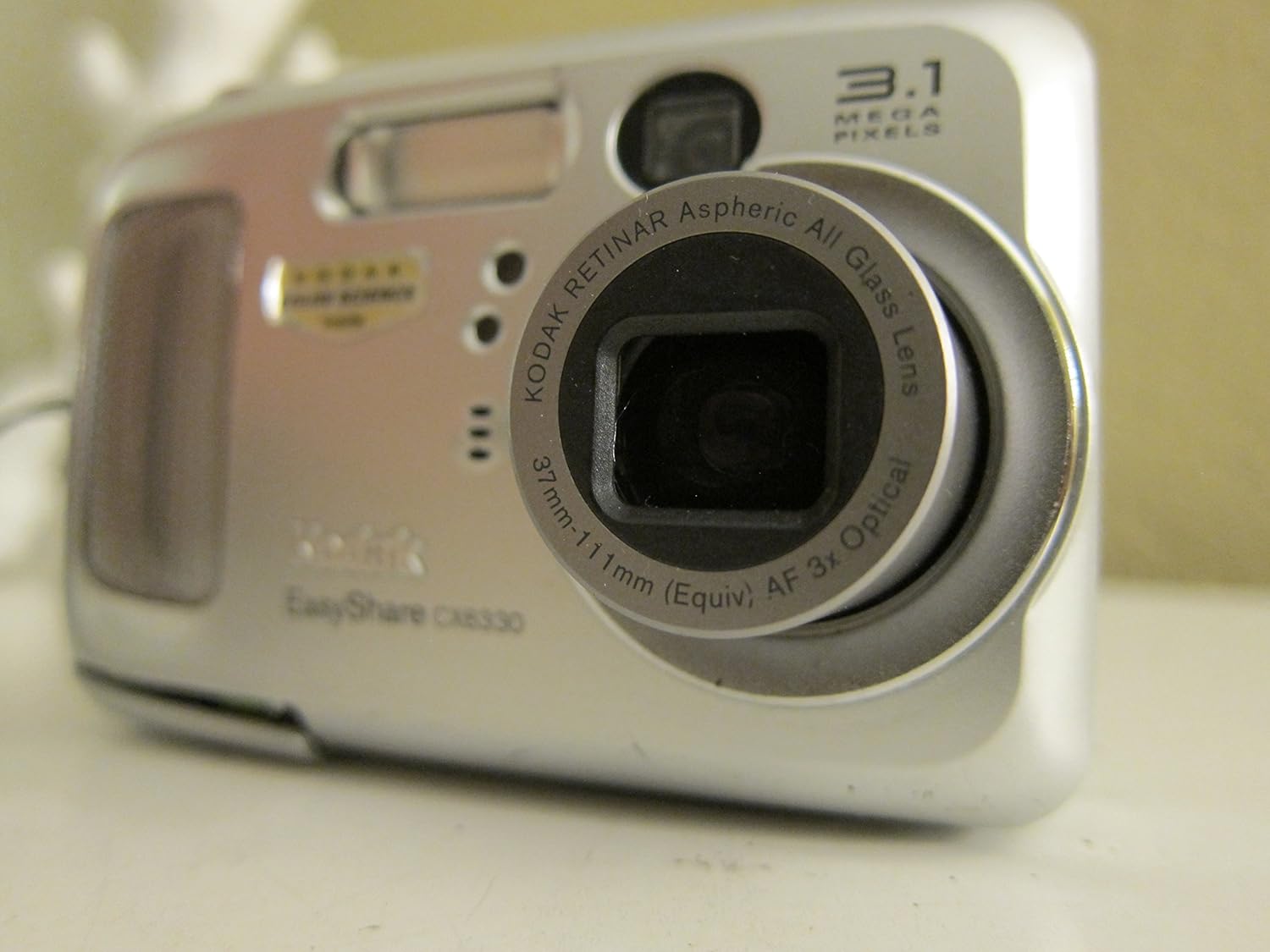
Figure 4.3: Lens Extended. This image shows the Kodak EasyShare CX6330 with its optical zoom lens extended, ready for capturing images.

Figure 4.4: Rear View with LCD. The back of the camera, displaying the 1.6-inch LCD screen, navigation buttons, 'delete', 'share', 'menu', and 'review' buttons. The screen shows a live preview.

Figure 4.5: Top View. This view highlights the camera's top panel, including the mode dial with settings like Auto, Off, and various scene modes, along with the shutter button and zoom controls.
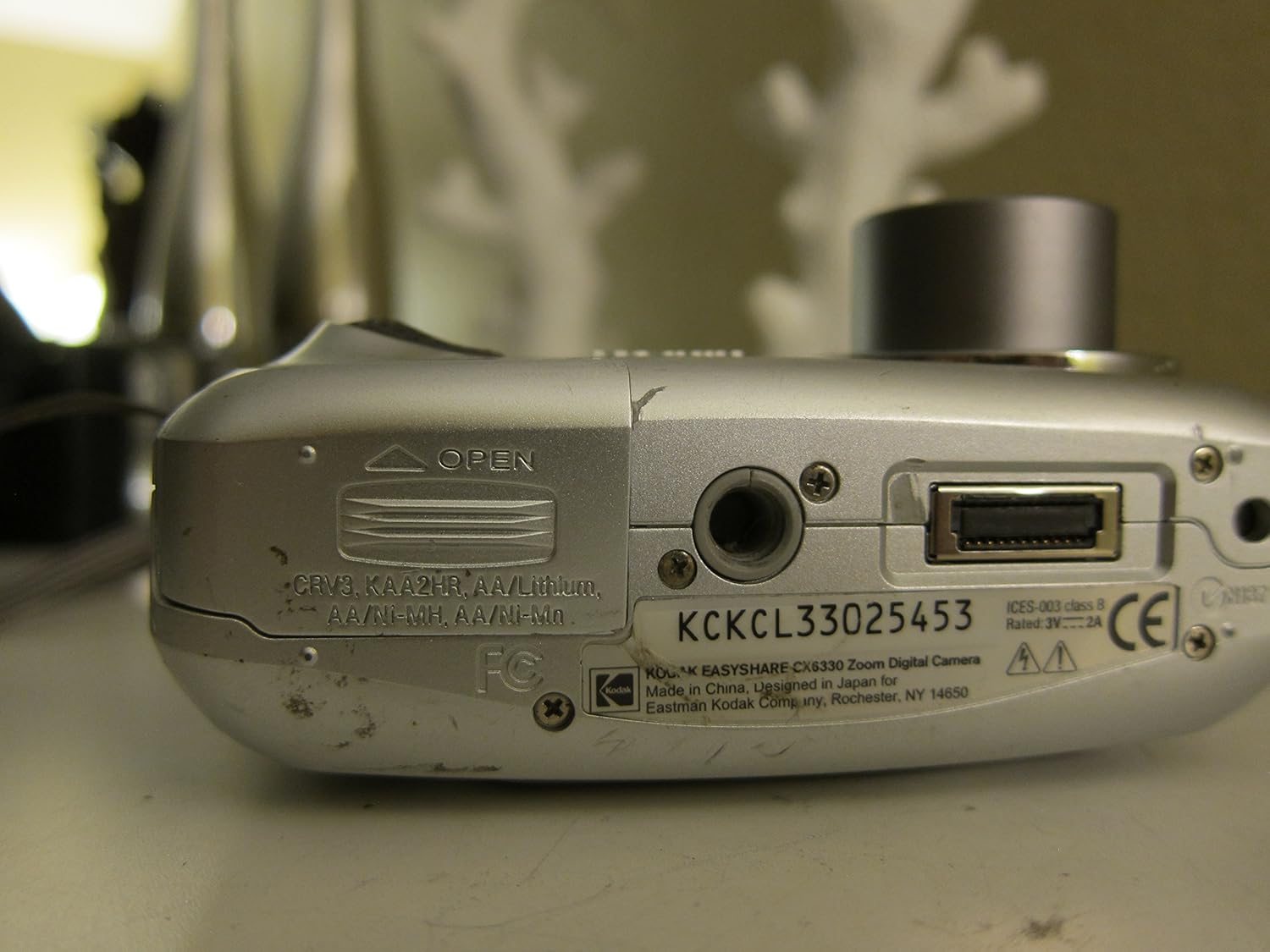
Figure 4.6: Bottom View. The underside of the camera, showing the battery/memory card compartment door, tripod mount, and USB port.
5. Setup
5.1. Installing Batteries
- Open the battery compartment door located on the bottom of the camera (refer to Figure 4.6).
- Insert two AA batteries, ensuring correct polarity (+/-) as indicated inside the compartment.
- Close the battery compartment door securely until it clicks into place.
Note: For best performance and longer battery life, rechargeable NiMH batteries are recommended.
5.2. Inserting a Memory Card (Optional)
The camera has 16 MB of internal memory. For extended storage, an SD or MMC memory card can be used.
- Open the battery compartment door. The memory card slot is usually adjacent to the battery slots.
- Insert the SD or MMC card into the slot with the metal contacts facing down, until it clicks into place.
- Close the battery compartment door.
Note: Ensure the camera is powered off before inserting or removing a memory card.
5.3. Attaching the Wrist Strap
Thread the wrist strap through the strap eyelet located on the side of the camera (refer to Figure 4.2) and secure it firmly. This helps prevent accidental drops.
6. Operating Instructions
6.1. Powering On/Off
Rotate the mode dial (refer to Figure 4.5) from "OFF" to any shooting mode (e.g., "AUTO") to power on the camera. To power off, rotate the dial back to "OFF".
6.2. Taking Pictures
- Turn the mode dial to your desired shooting mode (e.g., AUTO for general photography).
- Frame your shot using the LCD screen or viewfinder.
- Press the shutter button halfway down to allow the camera to focus. The focus indicator will illuminate.
- Press the shutter button all the way down to capture the image.
6.3. Using the Zoom
Use the "W" (Wide) and "T" (Telephoto) buttons located near the shutter button (refer to Figure 4.5) to adjust the optical and digital zoom. "T" zooms in, "W" zooms out.
6.4. Reviewing Pictures and Videos
Press the "review" button (refer to Figure 4.4) to enter playback mode. Use the navigation buttons to scroll through your captured images and videos. Press the "delete" button to remove unwanted files.
6.5. Recording Videos
The CX6330 can capture continuous video with audio in QuickTime format at a resolution of 320x340 pixels.
- Rotate the mode dial to the video camera icon.
- Press the shutter button to start recording.
- Press the shutter button again to stop recording.
6.6. Transferring Images to a Computer
Connect the camera to your computer using the supplied USB cable (refer to Figure 4.6 for USB port location). The camera is USB 2.0 compatible for fast transfer rates. Use the Kodak EasyShare software for organizing, editing, and sharing your pictures.
7. Maintenance
7.1. Cleaning the Camera
- Use a soft, lint-free cloth to clean the camera body.
- For the lens, use a lens brush or a specialized lens cleaning cloth. Do not use abrasive materials or solvents.
- Gently wipe the LCD screen with a soft, dry cloth.
7.2. Battery Care
- Remove batteries if the camera will not be used for an extended period.
- Store batteries in a cool, dry place.
- Dispose of used batteries according to local regulations.
8. Troubleshooting
| Problem | Possible Cause | Solution |
|---|---|---|
| Camera does not power on. | Batteries are dead or incorrectly inserted. | Replace batteries or ensure correct polarity. |
| Pictures are blurry. | Camera shake, subject too close, or incorrect focus. | Hold camera steady, use macro mode for close-ups, ensure focus indicator is solid. |
| "Memory Full" error. | Internal memory or memory card is full. | Transfer images to computer and delete from camera, or insert a new memory card. |
| Flash does not fire. | Flash is disabled or battery is low. | Check flash settings in menu, replace batteries. |
9. Specifications
| Feature | Detail |
|---|---|
| Model Name | Kodak EasyShare CX6330 |
| Sensor Resolution | 3.1 Megapixels |
| Optical Zoom | 3x (Kodak Retinar aspheric all-glass lens) |
| Digital Zoom | 3.3x Advanced Digital Zoom |
| Focal Length (35mm equiv.) | 37mm-111mm |
| Aperture | f/2.7-5.2 (wide), f/4.6-8.7 (tele) |
| Internal Memory | 16 MB |
| Memory Card Support | SD/MMC |
| LCD Screen | 1.6 inch color display |
| Video Recording | 320x340 pixels, QuickTime format with audio |
| Interface | USB 2.0 |
| Power Source | 2 x AA batteries (Alkaline or NiMH) |
| Dimensions (L x W x H) | 4.06 x 1.5 x 2.56 inches (10.3 x 3.8 x 6.5 cm) |
| Weight (without batteries) | 6.2 ounces (176 grams) |
| Special Features | Multi-zone auto-focus, multiple scene modes, color modes, auto picture rotation, continuous video with audio, on-camera share button. |
10. Warranty and Support
10.1. Warranty Information
Your Kodak EasyShare CX6330 Digital Camera is covered by a limited warranty. Please refer to the warranty card included in your original packaging for specific terms and conditions, including warranty period and coverage details. Retain your proof of purchase for warranty claims.
10.2. Customer Support
For technical assistance, troubleshooting not covered in this manual, or service inquiries, please visit the official Kodak support website or contact their customer service. Contact information can typically be found on the Kodak website or in the welcome kit.
For additional resources, you may refer to the official user manual PDF available online: Kodak EasyShare CX6330 User Manual (PDF)


