
Introduction
This manual provides essential information for playing Tom Clancy's Splinter Cell on the Xbox console. Players assume the role of Sam Fisher, a highly trained special operative of the National Security Agency's Third Echelon. The primary objective is to infiltrate high-security locations, gather critical intelligence, neutralize threats, and complete missions without detection. Success relies on stealth, tactical planning, and efficient use of specialized equipment.
Game Setup
- Prepare Your Xbox Console: Ensure your Xbox console is properly connected to a power source and a television or display unit.
- Insert the Game Disc: Gently insert the Tom Clancy's Splinter Cell game disc into the Xbox console's disc drive with the label side facing up.
- Power On: Turn on your Xbox console. The game should automatically start or appear as an option on the console's dashboard.
- Initial Configuration: Follow any on-screen prompts for initial game setup, such as language selection or display calibration.
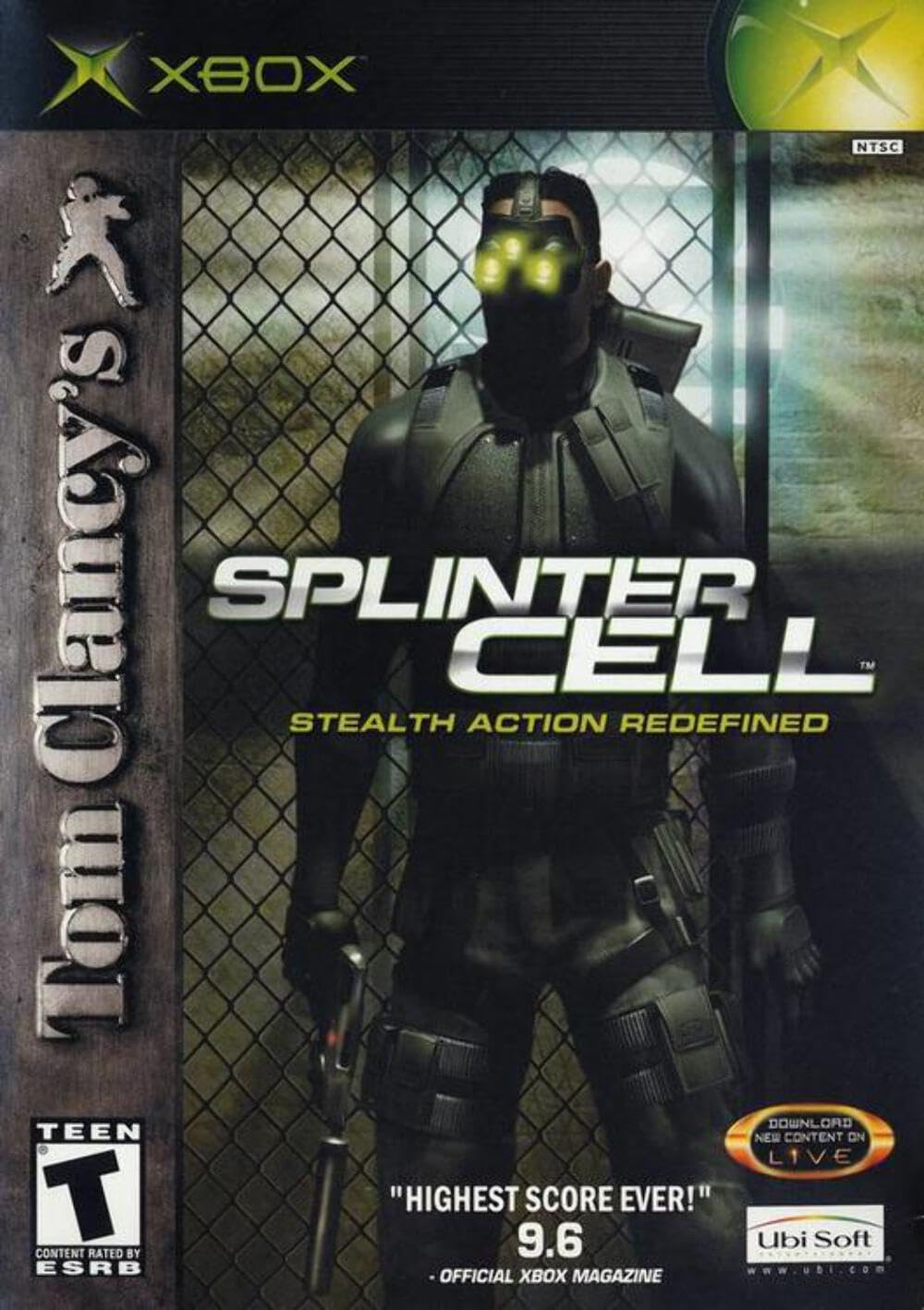
Image: Front cover of the Tom Clancy's Splinter Cell game for Xbox. The cover features the protagonist, Sam Fisher, in tactical gear with glowing green night vision goggles, holding a weapon. The game title 'SPLINTER CELL' is prominently displayed.
Operating Instructions
Gameplay Overview
Tom Clancy's Splinter Cell is a stealth action-adventure game. Players must utilize shadows, gadgets, and close-quarters combat to complete objectives without being detected. Direct confrontation is often discouraged and can lead to mission failure.
Controls
Detailed control schemes for movement, actions, weapon usage, and gadget deployment are provided within the game's tutorial sections and the original printed game manual. Familiarize yourself with these controls before beginning missions to ensure effective gameplay.
Saving Progress
Game progress can be saved at designated checkpoints throughout missions or manually via the in-game pause menu. It is recommended to save frequently to avoid losing progress.

Image: Back cover of the Tom Clancy's Splinter Cell game for Xbox. It displays various in-game screenshots and highlights key features such as stealth gameplay and advanced equipment.
Maintenance
- Disc Care: Handle the game disc by its edges. Avoid touching the reflective surface. Keep the disc clean and free from dust, fingerprints, and scratches. Use a soft, lint-free cloth to wipe the disc from the center outwards if cleaning is necessary.
- Storage: Store the game disc in its original case when not in use to protect it from damage. Keep the case in a cool, dry place away from direct sunlight and extreme temperatures.
- Console Maintenance: Ensure your Xbox console's disc drive is clean and free of obstructions. Refer to your Xbox console's manual for specific cleaning instructions.
Troubleshooting
- Game Not Loading/Disc Read Error:
- Ensure the disc is clean and free of scratches. Clean if necessary.
- Restart the Xbox console.
- Try another game disc to determine if the issue is with the console or the game disc.
- Game Freezing/Crashing:
- Restart the Xbox console.
- Ensure the console has adequate ventilation to prevent overheating.
- Check for any available system updates for your Xbox console.
- Audio/Video Issues:
- Verify all audio and video cables are securely connected to both the console and the display/audio system.
- Check your television or display settings.
If issues persist after attempting these steps, consult the official Ubisoft support resources or your Xbox console's support documentation.
Specifications
| Feature | Detail |
|---|---|
| Product Title | Tom Clancy's Splinter Cell |
| Platform | Xbox |
| Manufacturer | Ubisoft |
| Model Number | XBUBI 008888510130 |
| Release Date | November 19, 2002 |
| ESRB Rating | Teen |
| Language | English |
| Item Weight | 3.2 ounces |
| Product Dimensions | 7.25 x 5.25 x 0.5 inches |
| GTIN / UPC | 008888510130, 827307939600 |
Warranty and Support
Specific warranty information for Tom Clancy's Splinter Cell is typically provided with the original game packaging or within the game's legal documentation. Please refer to those resources for details regarding product warranty.
For technical support, gameplay assistance, or further inquiries, please visit the official Ubisoft support website or contact their customer service department. Contact information can usually be found on the game's packaging or on the Ubisoft website.


