
SEGA GS-9002
Contents
Sega International Victory Goal Instruction Manual
Brand: SEGA | Model: GS-9002
1. Introduction
This manual provides essential information for the setup, operation, and maintenance of your Sega International Victory Goal video game for the Sega Saturn console. Please read this manual thoroughly before playing to ensure optimal performance and enjoyment.
2. Setup
2.1 System Requirements
- Sega Saturn Console (Japanese model recommended for optimal compatibility)
- Sega Saturn Controller
- Television or Monitor with AV input
- Power Supply for Sega Saturn Console
2.2 Installation
- Ensure your Sega Saturn console is powered off and disconnected from the power outlet.
- Gently insert the Sega International Victory Goal game disc into the disc tray of your Sega Saturn console. Ensure the disc is placed correctly with the label facing upwards.
- Close the disc tray.
- Connect your Sega Saturn console to your television or monitor using the appropriate AV cables.
- Connect the Sega Saturn controller to Controller Port 1 on the console.
- Connect the console's power supply and turn on the console. The game should load automatically.
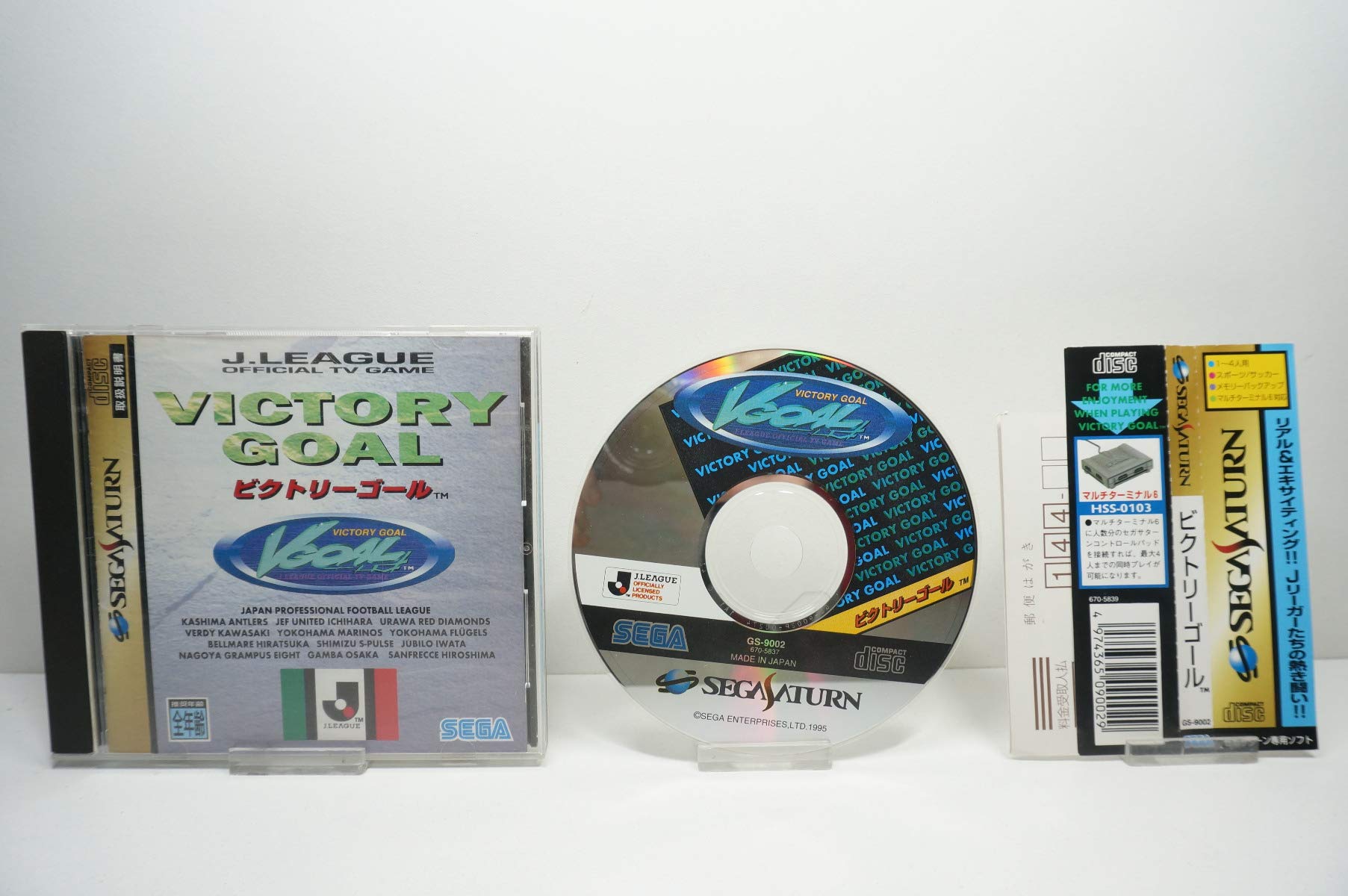
Image: Front view of the Sega International Victory Goal game, showing the game case, the compact disc, and the spine of the case. The disc clearly displays the game title and the model number GS-9002. The UPC 4974365090029 is visible on the spine.
3. Operating Instructions
3.1 Basic Controls
| Button | Action (Offense) | Action (Defense) |
|---|---|---|
| Directional Pad | Move Player | Move Player |
| A Button | Pass / Short Shot | Tackle / Clear |
| B Button | Long Pass / Lob Shot | Slide Tackle |
| C Button | Shoot / Header | Pressure / Foul |
| X/Y/Z Buttons | Special Moves / Dribbling | Change Player |
| L/R Triggers | Dash / Sprint | Dash / Sprint |
| Start Button | Pause Game / Menu | Pause Game / Menu |
3.2 Game Modes
- Exhibition Match: Play a single match against the CPU or another player.
- Tournament Mode: Compete in a league or cup competition to win the championship.
- Training Mode: Practice your skills and learn advanced techniques.
- Options: Adjust game settings such as difficulty, match length, and sound.
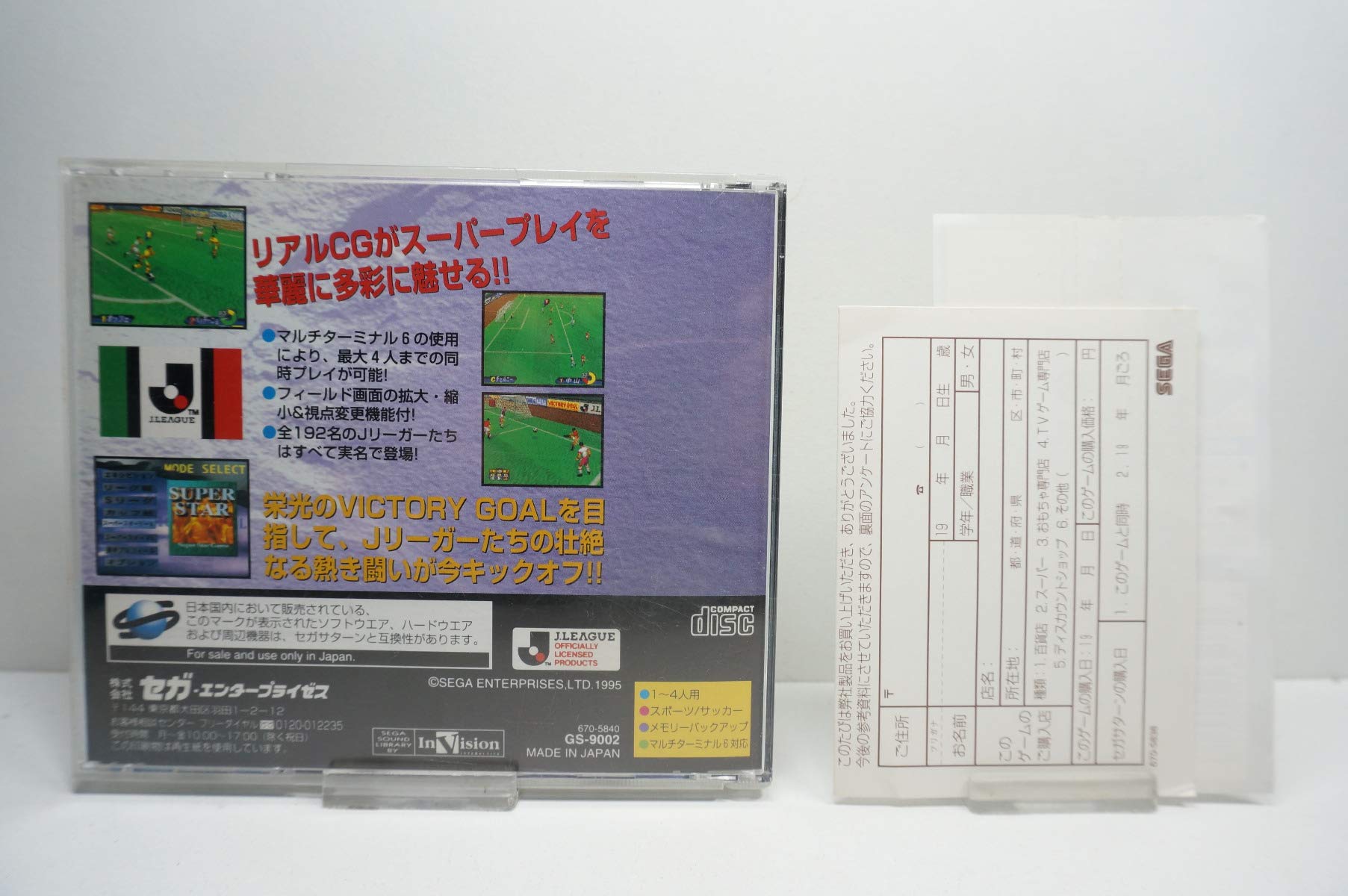
Image: Back view of the Sega International Victory Goal game case. It features several small screenshots depicting in-game action, highlighting the graphics and gameplay. Japanese text describes game features such as multi-player support and the number of teams.
4. Maintenance
- Keep the game disc clean and free from dust, fingerprints, and scratches. Use a soft, lint-free cloth to wipe the disc from the center outwards.
- Store the game disc in its original case when not in use to protect it from damage.
- Avoid exposing the disc to extreme temperatures, direct sunlight, or high humidity.
- Do not apply adhesive labels or write on the disc surface.
5. Troubleshooting
- Game does not load: Ensure the disc is clean and properly inserted. Check that the console is powered on and connected correctly to the TV. Try restarting the console.
- Graphics or sound issues: Verify all AV cables are securely connected. Clean the disc surface.
- Controller not responding: Ensure the controller is firmly plugged into the correct port (Port 1). Test with another controller if available.
- Game freezes during play: This may indicate a dirty or scratched disc. Clean the disc carefully. If the issue persists, the disc may be damaged.
6. Specifications
- Product Name: Sega International Victory Goal
- Platform: Sega Saturn
- Model Number: GS-9002
- ASIN: B000069T70
- UPC: 4974365090029
- Item Weight: 4 ounces
- Package Dimensions: 5.75 x 5.12 x 0.47 inches
- Date First Available: December 26, 2011
7. Warranty and Support
This product is a vintage video game. Specific warranty information may no longer be applicable. For general inquiries regarding SEGA products or legacy systems, please refer to official SEGA support channels or community forums.
For further assistance, please visit the official SEGA website or contact their customer support. Information can often be found on the official SEGA store page: SEGA Store on Amazon.
Documents and downloads
Ask a question about this manual
Ask about setup, troubleshooting, compatibility, parts, safety, or missing instructions. Manuals+ will review the question and use this page’s manual context to help answer it.