
1. Product Overview
This manual provides instructions for the Memorex 700MB/80-Minute 12X CD-RW Media, supplied in a 10-pack with slim jewel cases. CD-RW (Compact Disc-ReWritable) discs allow for data to be written, erased, and rewritten multiple times, making them suitable for temporary data storage, backups, and frequently updated content. Each disc offers 700 megabytes (MB) of storage capacity or 80 minutes of audio recording time, with a maximum write speed of 12X.
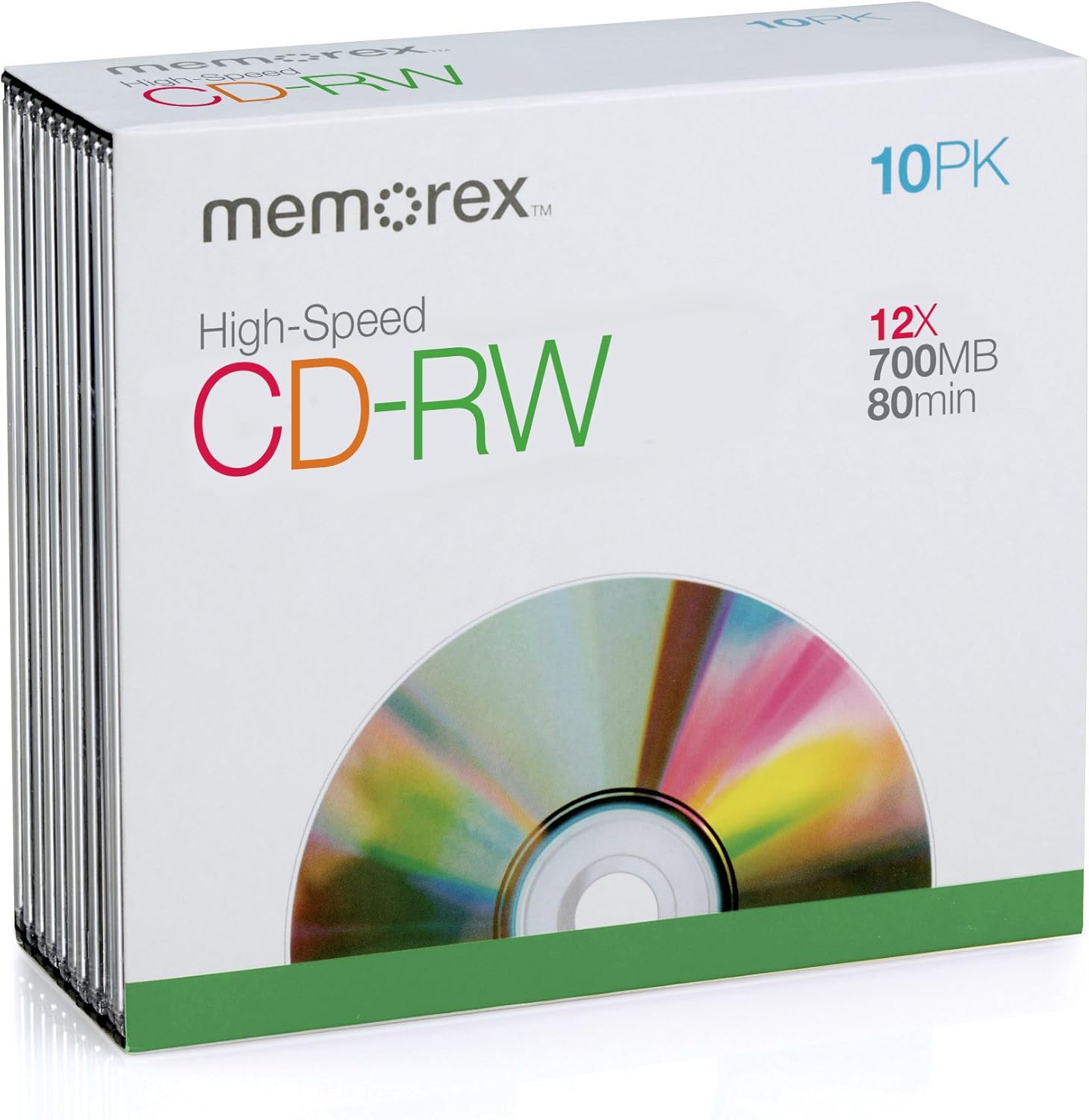
Figure 1.1: Retail packaging for Memorex High-Speed CD-RW discs. The white box displays the Memorex logo, 'High-Speed CD-RW', '10PK', '12X', '700MB', and '80min' specifications. A stack of slim jewel cases containing the discs is visible on the left side of the box. The bottom of the box features a green band and a partial view of a colorful CD-RW disc.
2. Setup
Before using your Memorex CD-RW media, ensure you have a compatible CD-RW drive and appropriate burning software installed on your computer.
- Unpacking: Carefully remove the CD-RW discs from their slim jewel cases. Handle discs by the edges or the center hole to avoid touching the recording surface.
- Drive Compatibility: Insert the CD-RW disc into a CD-RW compatible drive. Standard CD-ROM drives can read CD-RW discs, but only CD-RW drives can write or erase data.
- Software Installation: Ensure your operating system or third-party burning software (e.g., Nero, Roxio, Windows Media Player) is correctly installed and updated.
- Initial Formatting (if required): Some burning software or operating systems may require initial formatting of a new CD-RW disc before its first use. Follow the on-screen prompts if this is the case. This process prepares the disc for data storage.
3. Operation
Memorex CD-RW discs support multiple write and erase cycles. The process for writing and erasing typically involves your computer's operating system or dedicated burning software.
3.1 Writing Data to a CD-RW Disc
- Insert Disc: Place the CD-RW disc into your computer's CD-RW drive.
- Open Burning Software: Launch your preferred CD burning software.
- Select Project Type: Choose the type of project you wish to create (e.g., Data Disc, Audio CD, MP3 Disc).
- Add Files: Drag and drop the files or folders you want to write onto the disc into the software's project window. Ensure the total size does not exceed 700MB.
- Start Burning: Initiate the burning process. The software will display progress and notify you upon completion.
- Eject Disc: Once burning is complete, safely eject the disc.
3.2 Erasing Data from a CD-RW Disc
Erasing a CD-RW disc prepares it for new data. There are typically two types of erase operations:
- Quick Erase: This method quickly clears the disc's table of contents, making the disc appear empty. The data is still physically present but marked as overwritten.
- Full Erase: This method completely overwrites the entire disc surface with blank data, ensuring previous data is unrecoverable. This process takes longer.
To erase:
- Insert Disc: Place the CD-RW disc into your computer's CD-RW drive.
- Open Burning Software: Launch your CD burning software.
- Select Erase Function: Locate the


