
1. Product Overview
This section provides a general overview of the Willy Wonka and the Chocolate Factory DVD.
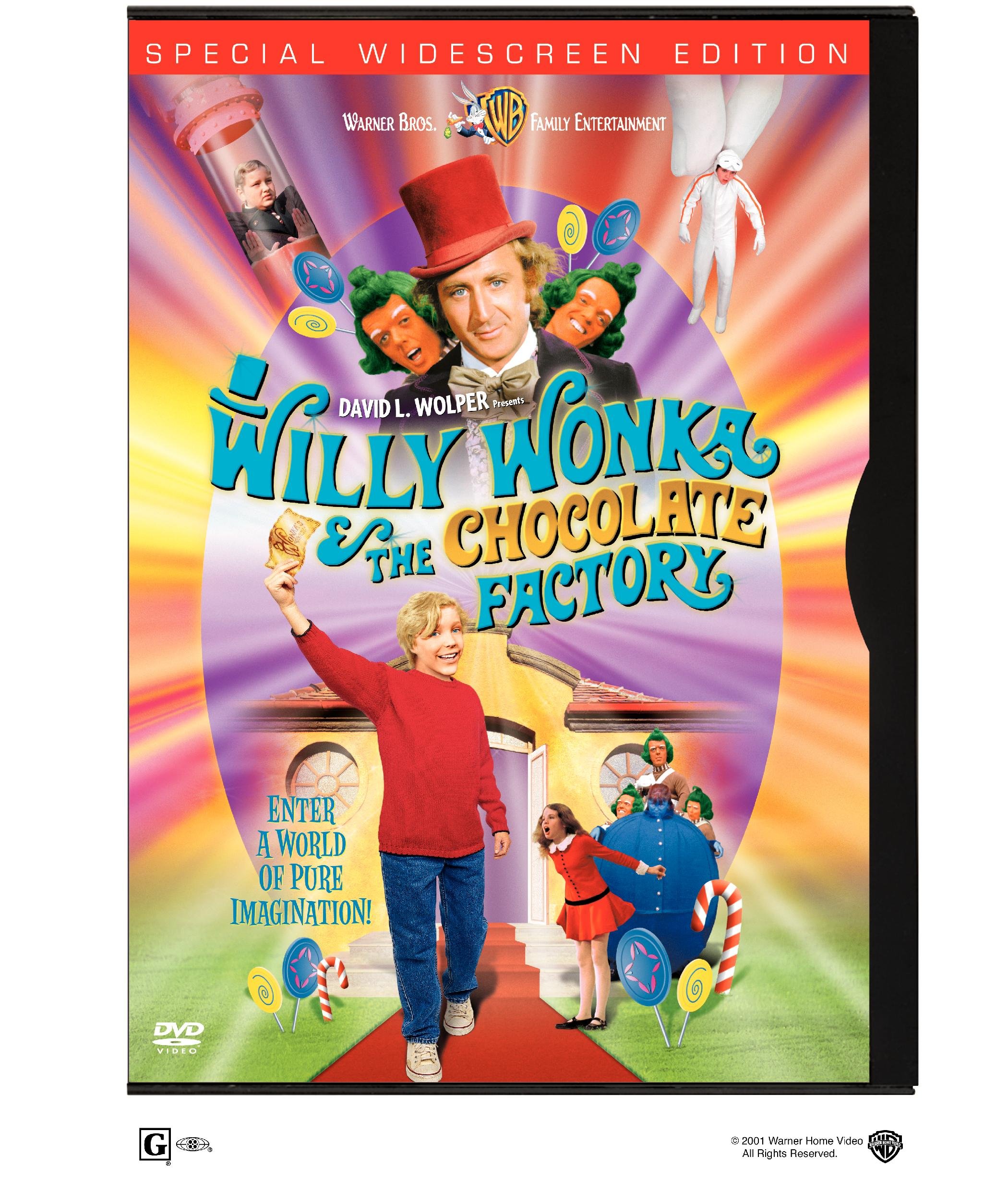
Image of the Willy Wonka and the Chocolate Factory DVD cover, featuring Gene Wilder as Willy Wonka and various scenes from the film. This is the front cover of the DVD packaging.
The Willy Wonka and the Chocolate Factory DVD (Model B00005QJEF) contains the classic film directed by Mel Stuart, starring Gene Wilder. This DVD is designed for playback on standard DVD players and compatible devices.
2. Setup Instructions
Follow these steps to set up your DVD for playback:
- Connect your DVD Player: Ensure your DVD player is correctly connected to your television or display device. Refer to your DVD player's manual for specific connection instructions (e.g., HDMI, RCA cables).
- Power On: Turn on your television and DVD player. Select the correct input source on your television for the DVD player.
- Insert the DVD: Gently remove the Willy Wonka and the Chocolate Factory DVD from its case. Hold the disc by its edges to avoid touching the playback surface. Insert the disc into the DVD player's disc tray or slot with the label side facing up.
- Close Tray: If your player has a disc tray, press the "Eject/Close" button to close it.
- Automatic Playback: The DVD should begin playing automatically or display the main menu.
3. Operating Instructions
Navigate and enjoy the DVD content using your DVD player's remote control.
3.1 Main Menu Navigation
- Use the arrow keys on your remote to highlight menu options.
- Press the "Enter" or "OK" button to select an option.
- Common menu options include "Play Movie," "Scene Selections," "Languages," and "Special Features."
3.2 Playback Controls
- Play/Pause: Starts or pauses the movie.
- Stop: Stops playback and usually returns to the main menu.
- Fast Forward/Rewind: Skips through the movie quickly.
- Skip/Chapter Next/Previous: Jumps to the next or previous chapter.
3.3 Language and Subtitle Selection
From the main menu or during playback (using your remote's "Audio" or "Subtitle" button), you can select:
- Audio Languages: English (Dolby Digital 5.1), French, Portuguese, Spanish.
- Subtitles: English, French, Portuguese, Spanish.
3.4 Special Features
Access the "Special Features" section from the main menu to explore additional content, which may include:
- "Pure Imagination: The Making of Willy Wonka & The Chocolate Factory" documentary.
- Feature-length audio commentary with the Wonka Kids.
- 4 Sing-Along Songs.
- Behind-the-Scenes 1971 Featurette.
- Photo Gallery.
- Interactive Menus.
- Theatrical Trailer.
- Scene Access.
4. Maintenance
Proper care of your DVD will ensure its longevity and optimal playback performance.
- Handling: Always hold the DVD by its outer edges or by placing a finger through the center hole. Avoid touching the shiny playback surface.
- Storage: Store the DVD in its original case when not in use to protect it from dust, scratches, and direct sunlight.
- Cleaning: If the disc becomes dirty or smudged, gently wipe the playback surface with a soft, lint-free cloth. Wipe from the center of the disc outwards in a straight line, not in a circular motion. Do not use abrasive cleaners or solvents.
- Avoid Extreme Conditions: Do not expose the DVD to extreme temperatures or high humidity.
5. Troubleshooting
If you encounter issues during playback, refer to the following common solutions:
| Problem | Solution |
|---|---|
| Disc does not play or loads slowly. |
|
| No picture or sound. |
|
| Disc freezes or skips during playback. |
|
6. Specifications
Key technical specifications for the Willy Wonka and the Chocolate Factory DVD (Model B00005QJEF):
- ASIN: B00005QJEF
- Director: Mel Stuart
- Actors: Gene Wilder, Jack Albertson, Julie Dawn Cole, Peter Ostrum, Roy Kinnear
- Run time: 1 hour and 40 minutes
- Release date: November 13, 2001
- Media Format: Anamorphic, Closed-captioned, Color, DVD, NTSC, Widescreen
- Aspect Ratio: 2.35:1
- MPAA rating: G (General Audience)
- Language: English (Dolby Digital 5.1), French, Portuguese, Spanish
- Subtitles: English, French, Portuguese, Spanish
- Number of discs: 1
- Studio: Warner Home Video
- Product Dimensions: 9 x 5.5 x 0.53 inches; 0.01 ounces
7. Support Information
For further assistance or inquiries regarding this product, please contact Warner Home Video customer support. Specific warranty details are typically provided with the product packaging.
Please refer to the official Warner Home Video website or the contact information provided on the DVD packaging for the most current support options.