
Introduction
This manual provides essential information for setting up, operating, and maintaining your THQ Tetris Worlds game for the Game Boy Advance. Tetris Worlds offers a classic puzzle experience with new gameplay variations across six distinct worlds and multiple game modes. This guide will help you understand the game's features and ensure optimal enjoyment.
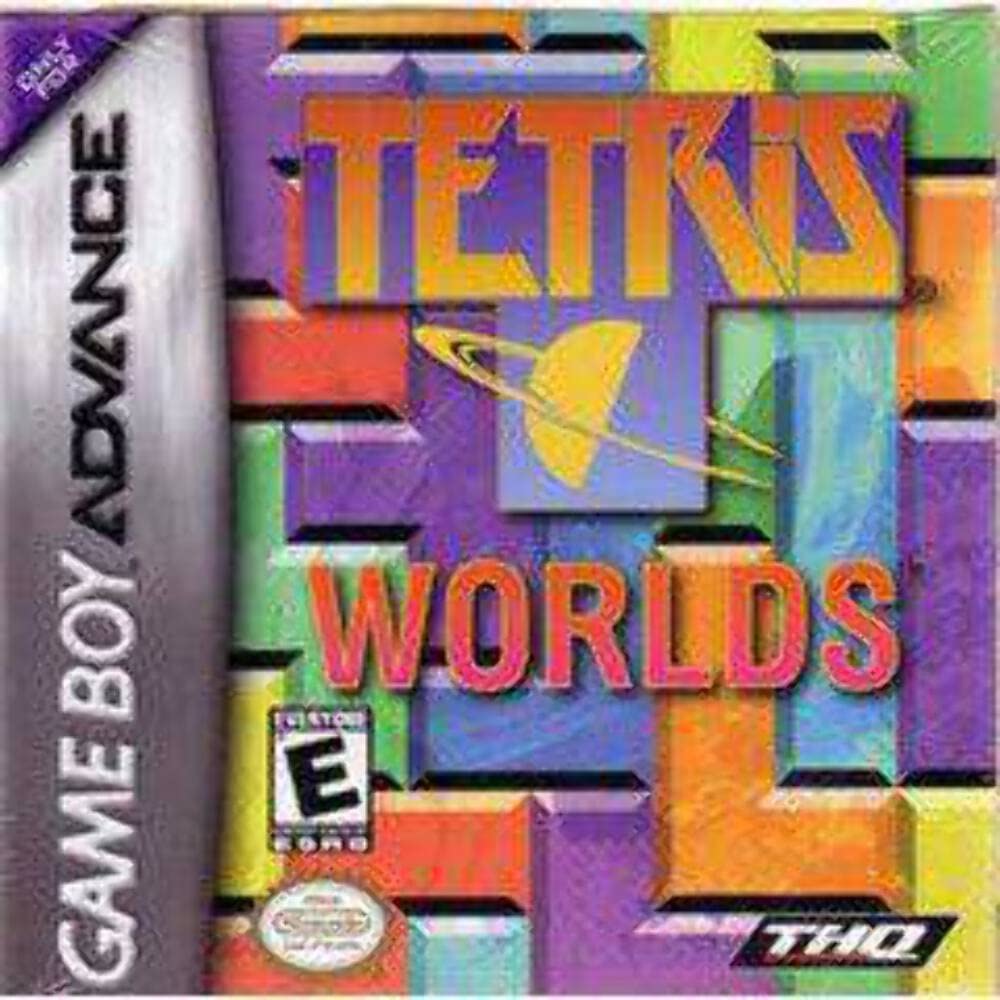
Image: The Tetris Worlds game cartridge for Game Boy Advance, typically shown with its original packaging, featuring the game's logo and vibrant artwork.
Setup
- Insert the Game Cartridge: Ensure your Game Boy Advance (GBA) or compatible system (e.g., Nintendo DS Lite) is powered off. Carefully insert the Tetris Worlds game cartridge into the cartridge slot until it clicks into place.
- Power On: Turn on your GBA system. The THQ logo and game title screen should appear.
- Initial Settings: If prompted, adjust any initial language or display settings.
Operating Instructions
Basic Gameplay
The objective of Tetris Worlds is to manipulate falling blocks (Tetriminos) to create complete horizontal lines without any gaps. When a line is completed, it disappears, and the blocks above it fall down. The game ends when the stack of blocks reaches the top of the playing field.
- Movement: Use the directional pad (D-pad) to move falling Tetriminos left or right.
- Rotation: Use the A or B buttons to rotate the Tetrimino clockwise or counter-clockwise.
- Soft Drop: Press down on the D-pad to make the Tetrimino fall faster.
- Hard Drop: Press the Up button on the D-pad to instantly drop the Tetrimino to the bottom.
Game Modes
Tetris Worlds features six distinct game modes, each with unique rules and objectives:
- Classic Tetris: The traditional Tetris experience.
- Square Tetris: Clear lines by forming 2x2 squares.
- Cascade Tetris: Blocks fall into empty spaces after lines are cleared, potentially creating chain reactions.
- Hot-Line Tetris: Clear specific "hot lines" to advance.
- Fusion Tetris: Attach "fusion blocks" to a central "atom" block.
- Sticky Tetris: Blocks of the same color stick together, and clearing lines requires clearing all blocks of a certain color.
Worlds
Explore six different worlds, each evolving in complexity and difficulty as you progress through levels.
Multiplayer
Connect up to four Game Boy Advance systems using a Game Boy Advance Link Cable for competitive multiplayer action. Each player requires their own Tetris Worlds game cartridge.
To initiate multiplayer:
- Ensure all GBA systems are powered off.
- Connect the GBA Link Cable to the EXT. port on each system.
- Insert a Tetris Worlds cartridge into each GBA system.
- Power on all systems and select the multiplayer option from the main menu.
Maintenance
- Cartridge Care: Keep the game cartridge clean and free from dust and debris. Store it in its original case or a protective container when not in use.
- Cleaning Contacts: If the game does not start, gently clean the gold contacts on the back of the cartridge with a cotton swab lightly dampened with isopropyl alcohol. Allow to dry completely before reinserting.
- Storage: Avoid exposing the cartridge to extreme temperatures, direct sunlight, or high humidity.
Troubleshooting
- Game Does Not Start:
- Ensure the cartridge is fully inserted into the Game Boy Advance slot.
- Clean the cartridge contacts as described in the Maintenance section.
- Verify that the Game Boy Advance system has sufficient battery power.
- Try the cartridge in another compatible GBA system if available to rule out a system issue.
- Controls Are Unresponsive:
- Check if the Game Boy Advance system's buttons are functioning correctly with other games.
- Ensure the game cartridge is securely seated.
- Restart the game and the system.
- Graphics or Sound Glitches:
- Clean the cartridge contacts.
- Restart the game and the system.
- Ensure the GBA screen and speakers are clean and undamaged.
Specifications
| Product Title | Tetris Worlds |
| Brand | THQ |
| Model Number | 785138320762 |
| ASIN | B00005NECC |
| UPC | 492070402745, 785138320762 |
| Compatible Console | Nintendo Game Boy Advance SP (and other GBA compatible systems) |
| Release Date | June 15, 2006 |
| Language | English |
| Item Weight | 0.317 ounces |
| Product Dimensions | 5 x 5.25 x 1 inches |
Warranty Information
This product is subject to the standard warranty terms provided by the original manufacturer, THQ, at the time of purchase. Please refer to any documentation included with your original game purchase for specific warranty details. For products purchased used, warranty coverage may vary or be void.
Customer Support
For further assistance or inquiries regarding Tetris Worlds, please refer to the official THQ support channels available at the time of the game's release. As this is an older title, direct manufacturer support may be limited. Online communities and fan wikis may also provide helpful resources for gameplay tips and technical assistance.

